SVG Network Clock Start Local Time Favicon Tutorial

SVG Network Clock Start Local Time Favicon Tutorial

SVG Network Clock Start Local Time Favicon Tutorial

Today we’re revisiting the SVG Network Clock we last talked about with SVG Network Clock Minimize Tutorial. Why?

Well, we were re-researching the topic of Favicon (those images on the tabs of your web browser tabs) that we talked about when we presented Gimp Favicon via Logo Primer Tutorial, but we realize now, things have moved on with the web browsers supporting SVG svg+xml “favicons” so much better these days, that we’d better “get with the plan”, so to speak (though it might be better if I give that a rest for a minute).


Okay, minutes up!

With increased usage of SVG svg+xml text element solutions for things around here lately, we wondered whether there was a dynamic way to start using these SVG favicons, in some way. Then we thought of our SVG Clock work. At first we thought a favicon that is a relevant timestamp, but realized the impost on the web server is too big for that, and so we set out to present a local start time of the SVG Clock for a user of this web application. The SVG favicon basis is so simple …


<?xml version="1.0" standalone="no"?>
<!DOCTYPE svg PUBLIC "-//W3C//DTD SVG 1.1//EN"
"http://www.w3.org/Graphics/SVG/1.1/DTD/svg11.dtd">
<svg width="32" height="32" version="1.1" xmlns="http://www.w3.org/2000/svg" style="background-color:white; letter-spacing:-1px; transform:scale(1,1.6);>
<text x="0%" y="65%" stroke="black" stroke-width="1" fill="red" font-size="16px">11:54</text>
</svg>

Stick the SVG file in Document Root folder, and replace “11:54” with the relevant timestamp and we’re away, right? Yes, sort of, but there is the little matter of the relevant favicon link statement existing as a non-dynamic call to that SVG in the head section of the webpage.

Bit onerous, huh? But, what did work for us was to have a static starting wrong favicon SVG link (in head) statement that now goes in the parental svg_clock.html SVG Network Clock

<head>


<link id='mylink' rel='icon' href='/faviJUNKcon.svg' sizes='any' type='image/svg+xml'>

</head>

… and set up the changed cldate.php PHP now called …

<body>

<script type='text/javascript'>
var pwo=null;
var analoguesuffix='';
var bothsuffix='';
if (document.URL.indexOf('analogue=') != -1) { analoguesuffix=' selected'; }
if (document.URL.indexOf('both=') != -1) { bothsuffix=' selected'; }
var pretzlist='';
var tzlist="<option value='Africa/Abidjan' data-geo='5.31666,-4.03334,GMT,CI,+0'>Africa/Abidjan</option><option value='Africa/Accra' data-geo='5.55,-0.21667,GMT,GH,+0'>Africa/Accra</option>"; // etcetera etcetera etcetera

if (tz != "") {
document.write("<h1 title='Clock clicks popup Colour Wheel, Separator click for Timezone Info, Separator right click for Google Geo Chart Map, Flag text click for Google Maps and right click for concatenated Google Map Chart' id=myh1>SVG Network Clock</h1><h3>RJM Programming <button title='- for here and toggle to + for to right' id=lhmode onclick='this.innerHTML=this.innerHTML.replace(String.fromCharCode(45),String.fromCharCode(93)).replace(String.fromCharCode(43),String.fromCharCode(45)).replace(String.fromCharCode(93),String.fromCharCode(43));'>-</button> January, 2020</h3><h4 onclick='woit(this.title);' id=myh4 title='" + sih + "'>Enter toggles fullscreen mode and thanks to The PHP Anthology Volume II: Applications by Harry Fuecks</h4><p>The <select id=mysel onchange=gonext(this.value);>" + ("<option value='GMT'>GMT</option><option value='localtime'>Localtime</option>" + setpretz() + tzlist).replace('>' + tz.substring(0,1).toUpperCase() + tz.substring(1) + '<',' selected>' + tz.substring(0,1).toUpperCase() + tz.substring(1) + '<') + "</select> <select style='display:inline-block;' onchange=\"locationhref=(document.URL.replace('analogue=','x=').replace('both=','y=') + ('&' + this.value + '=y').replace('&=y','')).replace('.html&','.html?').replace('.htm&','.htm?') + lh; lhit(prevmysel,this);\"><option value=''>digital clock</option><option value=analogue" + analoguesuffix + ">analogue clock</option><option value=both" + bothsuffix + ">digital and analogue clock</option></select> sponsored by SVG is<br><hr id=myhr style='height:3px;' title='Click here for any Daylight Saving Time information' onclick=\"window.open('http://www.timezoneconverter.com/cgi-bin/zoneinfo?tz=" + encodeURIComponent(tz) + "','_blank','top=50,left=50,width=500,height=500');\"><br><object id=myclock data='svg_clock.php?timezone=" + encodeURIComponent(tz + loct) + uprefix + "' width='" + nh + "' height='530' type='image/svg+xml' /></p>" + es);
} else {
document.write("<h1 title='Clock clicks popup Colour Wheel, Separator click for Timezone Info, Separator right click for Google Geo Chart Map, Flag text click for Google Maps and right click for concatenated Google Map Chart' id=myh1>SVG Network Clock</h1><h3>RJM Programming <button title='- for here and toggle to + for to right' id=lhmode onclick='this.innerHTML=this.innerHTML.replace(String.fromCharCode(45),String.fromCharCode(93)).replace(String.fromCharCode(43),String.fromCharCode(45)).replace(String.fromCharCode(93),String.fromCharCode(43));'>-</button> January, 2020</h3><h4 onclick='woit(this.title);' id=myh4 title='" + sih + "'>Enter toggles fullscreen mode and thanks to The PHP Anthology Volume II: Applications by Harry Fuecks</h4><p>The <select id=mysel onchange=gonext(this.value);>" + ("<option value='GMT'>GMT</option><option value='localtime'>Localtime</option>" + setpretz() + tzlist).replace('>' + tz.substring(0,1).toUpperCase() + tz.substring(1) + '<',' selected>' + tz.substring(0,1).toUpperCase() + tz.substring(1) + '<') + "</select> <select style='display:inline-block;' onchange=\"locationhref=(document.URL.replace('analogue=','x=').replace('both=','y=') + ('&' + this.value + '=y').replace('&=y','')).replace('.html&','.html?').replace('.htm&','.htm?') + lh; lhit(prevmysel,this);\"><option value=''>digital clock</option><option value=analogue" + analoguesuffix + ">analogue clock</option><option value=both" + bothsuffix + ">digital and analogue clock</option></select> sponsored by SVG is<br><br><br><object id=myclock data='svg_clock.php" + uprefix.replace('&','?') + "' width='" + nh + "' height='530' type='image/svg+xml' /></p>");
}
document.write("<iframe style=height:60vh; frameborder=0 id='loces' onload='getmelt(this);' src='cldate.php?localtime=y&firstcall=" + ('' + Intl.DateTimeFormat().resolvedOptions().timeZone) + '&nowis=' + ('0' + (new Date().getHours())).slice(-2) + ':' + ('0' + (new Date().getMinutes())).slice(-2) + "'></iframe>");
</script>
<!--iframe style=height:60vh; frameborder=0 id='loces' onload='getmelt(this);' src='cldate.php?localtime=y'></iframe-->

</body>

… “helper” code to create the amended favicon.svg and amend the parent to use the new favicon.svg as per …

<?php

$pdt="";

if (strpos(('' . $_SERVER['QUERY_STRING']), "localtime") !== false) {
if (strpos(('' . $_SERVER['QUERY_STRING']), "firstcall") !== false) {
if (strpos(('' . $_SERVER['QUERY_STRING']), "nowis=") !== false) {
if (file_exists($_SERVER['DOCUMENT_ROOT'] . DIRECTORY_SEPARATOR . 'favicon.svg')) {
$fsvg=file_get_contents($_SERVER['DOCUMENT_ROOT'] . DIRECTORY_SEPARATOR . 'favicon.svg');
if (strpos($fsvg, '</text>') !== false) {
$curts=explode('>', explode('</text>', $fsvg)[0])[-1 + sizeof(explode('>', explode('</text>', $fsvg)[0]))];
if (strpos($fsvg, '>' . $curts . '</text>')) {
$pdt=" parent.document.title+=' you started at " . str_replace('+',' ',urldecode($_GET['nowis'])) . " local time'; parent.document.getElementById('myh1').innerHTML+='<font size=1> ... you started at " . str_replace('+',' ',urldecode($_GET['nowis'])) . " local time</font>'; ";
file_put_contents($_SERVER['DOCUMENT_ROOT'] . DIRECTORY_SEPARATOR . 'favicon.svg', str_replace('>' . $curts . '</text>', '>' . str_replace('+',' ',urldecode($_GET['nowis'])) . '</text>', $fsvg));
}
}
}
} else {
$localtime = localtime();
if (file_exists($_SERVER['DOCUMENT_ROOT'] . DIRECTORY_SEPARATOR . 'favicon.svg')) {
$fsvg=file_get_contents($_SERVER['DOCUMENT_ROOT'] . DIRECTORY_SEPARATOR . 'favicon.svg');
if (strpos($fsvg, '</text>') !== false) {
$curts=explode('>', explode('</text>', $fsvg)[0])[-1 + sizeof(explode('>', explode('</text>', $fsvg)[0]))];
if (strpos($fsvg, '>' . $curts . '</text>')) {
$pdt=" parent.document.title+=' you started at " . substr(('0' . $localtime[2]),-2,2) . ':' . substr(('0' . $localtime[1]),-2,2) . " local time'; parent.document.getElementById('myh1').innerHTML+='<font size=1> ... you started at " . str_replace('+',' ',urldecode($_GET['nowis'])) . " local time</font>'; ";
file_put_contents($_SERVER['DOCUMENT_ROOT'] . DIRECTORY_SEPARATOR . 'favicon.svg', str_replace('>' . $curts . '</text>', '>' . substr(('0' . $localtime[2]),-2,2) . ':' . substr(('0' . $localtime[1]),-2,2) . '</text>', $fsvg));
}
}
}
}

}
echo "<html><head><script type='text/javascript'> var iwois=null; </script></head><body><div id=mydiv></div><script type='text/javascript'>
var asuff='" . $midbit . $csuff . "';
var adate = new Date();
var dow=['Sunday','Monday','Tuesday','Wednesday','Thursday','Friday','Saturday'];
var his=eval('' + adate.getHours());
var mis=eval('' + adate.getMinutes());
var sis=eval('' + adate.getSeconds());
var ssuff='';
if (('' + adate).indexOf(' GMT') != -1) { ssuff=' GMT' + ('' + adate).split(' GMT')[1]; }
if (1 == 1) {
document.getElementById('mydiv').innerHTML=dow[eval('' + adate.getDay())] + ' ' + ('0' + his).slice(-2) + ':' + ('0' + mis).slice(-2) + ':' + ('0' + sis).split('.')[0].slice(-2) + ' ' + ('0' + adate.getDate()).slice(-2) + ' ' + ('0' + eval(1 + eval('' + adate.getMonth()))).slice(-2).replace('01','Jan').replace('02','Feb').replace('03','Mar').replace('04','Apr').replace('05','May').replace('06','Jun').replace('07','Jul').replace('08','Aug').replace('09','Sep').replace('10','Oct').replace('11','Nov').replace('12','Dec') + ' ' + ('' + adate.getFullYear()) + ' ' + ssuff + asuff;
} else {
document.write(dow[eval('' + adate.getDay())] + ' ' + ('0' + his).slice(-2) + ':' + ('0' + mis).slice(-2) + ':' + ('0' + sis).split('.')[0].slice(-2) + ' ' + ('0' + adate.getDate()).slice(-2) + ' ' + ('0' + eval(1 + eval('' + adate.getMonth()))).slice(-2).replace('01','Jan').replace('02','Feb').replace('03','Mar').replace('04','Apr').replace('05','May').replace('06','Jun').replace('07','Jul').replace('08','Aug').replace('09','Sep').replace('10','Oct').replace('11','Nov').replace('12','Dec') + ' ' + ('' + adate.getFullYear()) + ' ' + ssuff + asuff);
}
var myl=parent.document.getElementById('mylink').href;
if (myl.indexOf('JUNK') != -1) { parent.document.getElementById('mylink').href='/favicon.svg?rand=" . rand(0, 4534567) . "'; " . $pdt . " }

</script></body></html>";
}

?>

Interesting, huh?!


Previous relevant SVG Network Clock Minimize Tutorial is shown below.

SVG Network Clock Minimize Tutorial

SVG Network Clock Minimize Tutorial

Today’s blog posting’s underlying SVG Network Clock web application (we last talked about with Colour Wheel Size and Spoke Colour Tutorial’>Colour Wheel Size and Spoke Colour Tutorial) shares a couple of commonalities with yesterday’s MAMP Timekeeping Web Application Visibility Tutorial, those being …

… those Page Visibility API ideas you might equate to “minimize” concepts, that originated when GUIs were left to deal with how to present the representation of an application when it is no longer front and center in front of the user as an opened up window. We’d “minimize” back down to the desktop icon or toolbar view of the application. Web browsers can have tabs for this equivalent purpose, and we can improve the usefulness of a web application that can still be useful when “minimized” out of the top viewing tab. Date and time themed web applications can be your more obvious candidate for usefulness here. Just present a form of “digital clock readout” and your web applications like our SVG Network Clock can still be a source of information, even when “minimized”. We think that is an improvement?!

As you might have noticed with the last application of Page Visibility API “smarts”, this API is not hard to use, but for the first time we can remember, making changes just to the changed HTML supervisor svg_clock.html SVG Network Clock supervisor HTML and Javascript, and only changed to see in a new external Javascript svg_clock.js helper, we saved coding time by being able to …

  • scrutinize the DOM …
  • within an “object” HTML element’s …
  • SVG … featuring in some new Javascript with its own Page Visibility API reference

    function huhcont() {
    var dtidea='';
    var dotwis=['Sunday','Monday','Tuesday','Wednesday','Thursday','Friday','Saturday'];
    if (document.title != origdtis || ishd == ishd.toUpperCase()) { setTimeout(huhcont, 1000); }
    ishd == ishd.toLowerCase();
    if (document.getElementById('myclock') && ('' + document.visibilityState) == 'hidden') {
    if (document.getElementById('myclock').contentDocument.documentElement.outerHTML.indexOf(' id="sclock"') != -1) {
    console.log('predtidea');
    dtidea=document.getElementById('myclock').contentDocument.documentElement.outerHTML.split(' id="sclock"')[1].split('<')[0].split('>')[1].trim();
    console.log('dtidea=' + dtidea + ' ... ' + document.URL);
    if (dtidea != '') {
    document.title=dtidea;
    } else if (document.URL.indexOf('timezone=') != -1) {
    document.title=('' + new Date().toLocaleString("en-US", {timeZone: (location.search.split('timezone=')[1] ? decodeURIComponent(location.search.split('timezone=')[1].split('&')[0]) : "")}) + ' ' + (location.search.split('timezone=')[1] ? decodeURIComponent(location.search.split('timezone=')[1].split('&')[0]) : "") + ' ' + (location.search.split('emflag=')[1] ? decodeURIComponent(location.search.split('emflag=')[1].split('&')[0]) : ""));
    } else {
    document.title=new Date().toLocaleString("en-US", {timeZone: "GMT"});
    }
    } else {
    console.log('Why?');
    }
    }
    }

    … where we’d like to thank this useful link, thanks, for the heads up

Interesting, huh?!


Previous relevant MAMP Timekeeping Web Application Desktop Application Tutorial is shown below.

MAMP Timekeeping Web Application Desktop Application Tutorial

MAMP Timekeeping Web Application Desktop Application Tutorial

We figured that an improvement on the progress with our Timekeeping web application of the recent MAMP Timekeeping Web Application Audio Broadcast Tutorial would be to mention what macOS or Mac OS X Desktop Application is topmost when the screenshot is taken. When thinking about solutions for this, there was not much time before thinking turned to …

  • Apple Script, which has its GUI Apple “look” … but also …
  • Apple Script PHP shell_exec and (macOS Terminal) command line accessible osascript command line “look” too

… and excellent resources such as this excellent one to read that made us realize a PHP codeline such as …

<?php

$tma="";
if (!file_exists($_SERVER['DOCUMENT_ROOT'] . DIRECTORY_SEPARATOR . 'script.jxa')) {
// Thanks to https://stackoverflow.com/questions/5292204/macosx-get-foremost-window-title
$scris="var seApp = Application(\"System Events\");
var oProcess = seApp.processes.whose({frontmost: true})[0];
var appName = oProcess.displayedName();

var url;
var title;

switch(appName) {
case \"Safari\":
url = Application(appName).documents[0].url();
title = Application(appName).documents[0].name();
break;
case \"Opera\":
url = Application(appName).windows[0].activeTab().url();
title = Application(appName).windows[0].activeTab().name();
break;
case \"Google Chrome\":
url = Application(appName).windows[0].activeTab().url();
title = Application(appName).windows[0].activeTab().name();
break;
case \"Google Chrome Canary\", \"Chromium\":
url = Application(appName).windows[0].activeTab().url();
title = Application(appName).windows[0].activeTab().name();
break;
default:
title = oProcess.
windows().
find(w => w.attributes.byName(\"AXMain\").value() === true).
attributes.
byName(\"AXTitle\").
value()
}

JSON.stringify({
appname: appName,
url: url,
title: title
});";
file_put_contents($_SERVER['DOCUMENT_ROOT'] . DIRECTORY_SEPARATOR . 'script.jxa', $scris);
}
$tma=shell_exec('osascript -l JavaScript ' . $_SERVER['DOCUMENT_ROOT'] . DIRECTORY_SEPARATOR . 'script.jxa');

?>

… can glean such useful JSON results such as …


{"appname":"Safari","url":"http://localhost:8888/HTMLCSS/quarter_hour_timer.php?tz=Australia%2FSydney&qs=e&audiosave=%20-v%20Victoria%20%20-o%20out.aiff%20%20Screenshot%20%20at%20Monday%20July%2025%202022%2021%2030%20AEST","title":"‎localhost:8888/HTMLCSS/quarter_hour_timer.php?tz=Australia%2FSydney&qs=e&audiosave=%20-v%20Victoria%20%20-o%20out.aiff%20%20Screenshot%20%20at%20Monday%20July%2025%202022%2021%2030%20AEST"}

… well, it almost makes us speechless!

This change affected …

… and we hope you try it for yourself!


Previous relevant MAMP Timekeeping Web Application Audio Broadcast Tutorial is shown below.

MAMP Timekeeping Web Application Audio Broadcast Tutorial

MAMP Timekeeping Web Application Audio Broadcast Tutorial

We thought what could be a benefit to the Timekeeping web application of the recent MAMP Timekeeping Web Application Web Share Personalization Tutorial would be to …

  • offer an optional audio broadcasting piece of functionality … presented via a new 📢 (&#128226;) emoji button, that might accompany …
  • notifications

… when a screenshot is taken. As good as notifications are, it could be that the user is beavering away with their head down at work as the screenshot is taken, but welcome the audio queue that a Timekeeping screenshot has been taken. As well as that, with this new audio broadcasting, the *.aiff audio files created are available to share via email or SMS using the Web Share API interfacing code. This involved changes to …


Previous relevant MAMP Timekeeping Web Application Web Share Personalization Tutorial is shown below.

MAMP Timekeeping Web Application Web Share Personalization Tutorial

MAMP Timekeeping Web Application Web Share Personalization Tutorial

Your words, helped out by some computer derived detail data, can help personalize your work using the Quarter Hour Timekeeping web application of yesterday’s MAMP Timekeeping Web Application Web Share API Tutorial which, at least with the Safari browser (and a whole lot of other macOS conditions), now integrates with the Web Share API to attach images to prepared emails with a “body blurb”. It is that prepared “body blurb” we are trying to refine, today, should the user attach any of those Timekeeper screenshot files created via macOS screencapture command.

This is because these screenshot file names, by our convention, are of the format …


screen-yyyymmdd-hhmi.jpg

… within the macOS MAMP‘s $_SERVER[‘DOCUMENT_ROOT’] folder (though the path to the file is unavailable to File API File object programmers).

That, teamed with the fact that individual user comments linked to any one quarter hour screenshot image has an ID attribute of the form …


tatd_yyyymmdd_hhmi

… and you have modified Javascript helping the user to tailor better personalized and detail email or SMS communications using the changed macos_say_record.js external Javascript via …


var wsadate=new Date();
var lfd=String.fromCharCode(10);

function getwsadate(dd, mm, yyyy, hh, mi) {
wsadate=new Date(yyyy, eval(-1 + eval('' + mm)), dd, hh, mi, 0, 0);
var outdstr=wsadate.toDateString() + ' ' + wsadate.toTimeString();
outdstr=outdstr.replace('Sun ', 'Sunday ').replace('Mon ', 'Monday ').replace('Tue ', 'Tuesday ').replace('Wed ', 'Wednesday ').replace('Thu ', 'Thursday ').replace('Fri ', 'Friday ').replace('Sat ', 'Saturday ');
outdstr=outdstr.replace(':00 ', ' ').replace(' Jan ', ' January ').replace(' Feb ', ' February ').replace(' Mar ', ' March ').replace(' Apr ', ' April ').replace(' Jun ', ' June ').replace(' Jul ', ' July ').replace(' Aug ', ' August ').replace(' Sep ', ' September ').replace(' Oct ', ' October ').replace(' Nov ', ' November ').replace(' Dec ', ' December ');
//console.log('tatd_' + yyyy + mm + dd + '_' + hh + mi);
if (document.getElementById('tatd_' + yyyy + mm + dd + '_' + hh + mi)) {
//console.log('yes tatd_' + yyyy + mm + dd + '_' + hh + mi);
if (document.getElementById('tatd_' + yyyy + mm + dd + '_' + hh + mi).value.trim() != '') {
outdstr+=' ' + String.fromCharCode(10) + '"' + document.getElementById('tatd_' + yyyy + mm + dd + '_' + hh + mi).value + '"';
} else if (document.getElementById('tatd_' + yyyy + mm + dd + '_' + hh + mi).innerHTML.trim() != '') {
outdstr+=' ' + String.fromCharCode(10) + '"' + document.getElementById('tatd_' + yyyy + mm + dd + '_' + hh + mi).innerHTML + '"';
}
}
lfd='';
return outdstr + String.fromCharCode(10);
}


async function atclick() {
const files = document.getElementById('files').files;
var moressi='', ifl=0, lessssi='';

if (files.length === 0) {
shareurl();
document.getElementById('output').textContent = 'No files selected.';
return;
} else {
for (ifl=0; ifl<files.length; ifl++) {
if (('' + files[ifl].name).indexOf('screen-') != -1) {
if (('' + files[ifl].name).split('screen-')[1].split('-')[0].length == 8) {
if (('' + files[ifl].name).split('screen-')[1].split('-')[1].split('.')[0].length == 4) {
moressi+=lfd + ' on ' + getwsadate(('' + files[ifl].name).split('screen-')[1].split('-')[0].slice(-2), ('' + files[ifl].name).split('screen-')[1].split('-')[0].slice(-4).substring(0,2), ('' + files[ifl].name).split('screen-')[1].split('-')[0].substring(0,4), ('' + files[ifl].name).split('screen-')[1].split('-')[1].split('.')[0].substring(0,2), ('' + files[ifl].name).split('screen-')[1].split('-')[1].split('.')[0].slice(-2));
}
}
}
}

}

lessssi=moressi;
while (lessssi.indexOf(String.fromCharCode(10)) != -1) {
lessssi=lessssi.replace(String.fromCharCode(10), ' ');
}


// feature detecting navigator.canShare() also implies
// the same for the navigator.share()
if (!navigator.canShare) {
//if (document.URL.indexOf('localhost') != -1) { alert('Can not share'); }
document.getElementById('output').textContent = `Your browser doesn't support the Web Share API.`;
return;
//} else {
//if (document.URL.indexOf('localhost') != -1) { alert('Can Share'); }
}

if (navigator.canShare({ files })) {
try {
console.log('Can share');
await navigator.share({
files,
title: 'Timekeeping screenshots' + lessssi + ' or media or documents',
text: 'Timekeeping screenshots' + moressi + ' perhaps?! Take a look at media or documents below' + String.fromCharCode(10) + String.fromCharCode(10)
});
document.getElementById('output').textContent = 'Shared!';
} catch (error) {
document.getElementById('output').textContent = `Error: ${error.message}`;
}
} else {
//if (document.URL.indexOf('localhost') != -1) { alert('Cannot share'); }
document.getElementById('output').textContent = `Your system doesn't support sharing these files.`;
}
lfd=String.fromCharCode(10);
}


Previous relevant MAMP Timekeeping Web Application Web Share API Tutorial is shown below.

MAMP Timekeeping Web Application Web Share API Tutorial

MAMP Timekeeping Web Application Web Share API Tutorial

Adding onto yesterday’s MAMP Timekeeping Web Application Audio Commentary Tutorial

  • Timekeeping Web Application newish Text to Audio (via macOS say via MAMP “Intranet feel”) … today, we have …
  • Timekeeping Web Application new Web Share API (public domain Document Root external Javascript Web Share API) Javascript logic

This got us decoupling what can become …

… but as we’ve warned before you may need all these for total success for the Timekeeping Quarter Hour Timer web application (that can screenshot, can create notification when screenshot taken, and have audio commentary, and share screenshot image(s) or Timekeeper URL) …


Previous relevant MAMP Timekeeping Web Application Audio Commentary Tutorial is shown below.

MAMP Timekeeping Web Application Audio Commentary Tutorial

MAMP Timekeeping Web Application Audio Commentary Tutorial

The recent MAMP Timekeeping Web Application PHP Notifications Tutorial‘s Timekeeping via Screenshots changed HTML and Javascript quarter_hour_timer.html (we ask you to download to MAMP‘s $_SERVER[‘DOCUMENT_ROOT’] “HTMLCSS” subfolder) Web Application supervisor is another very suitable candidate for interfacing to our recent Webpage Audio Commentary functionality. Both …

… share an …

  • underlying macOS or Mac OS X operating system dependence …
  • underlying local web server such as MAMP …
  • downloaded into that local web server Document Root folder PHP code

… set of interest points for full and useful functionality, because of two macOS or Mac OS X commands, respectively …

We add the changed macos_say_record.js external Javascript call into the supervisory HTML and Javascript <head></head> webpage section via …


<script type='text/javascript' src='//www.rjmprogramming.com.au/macos_say_record.js?ongoing=1721156687576' defer></script>

… sitting up at the Document Root of your public domain, that “?ongoing=” based $_GET[‘ongoing’] argument deliberate, effectively asking the code to look out for “on the fly” HTML elements created within an execution run of the webpage.

We add some “smarts” to those global data attribute usage we talked about at Webpage macOS Say Audio Commentary Access Count Tutorial, allowing some “date extraction” templating via the supervisory HTML and Javascript array declaration as per


<script type='text/javascript'>
var commentary_array=['textarea', 'You can enter comments about this screenshot here %value%outerHTML%@yyyymmdd%hhmm%.', 'img', 'Timekeeper screenshot here %id%@yyyymmdd%hhmm%.'];
</script>

… where the first field describes an HTML element attribute to first look at, the optional second is a stand by attribute, followed by “date extraction” fields to match with numerical data found so as to substitute the blue parts with a “date and timestamp” string.


Previous relevant MAMP Timekeeping Web Application PHP Notifications Tutorial is shown below.

MAMP Timekeeping Web Application PHP Notifications Tutorial

MAMP Timekeeping Web Application PHP Notifications Tutorial

Today we’re revisiting the macOS (or Mac OS X) or Windows timekeeping web application of 2016’s Mac OS MAMP Timekeeping Web Application PHP Calendar Aesthetics Tutorial. Why? Well, given our recent work with Notifications API based web applications you can read about at Notification API Hidden Popup Tutorial, the timekeeping one is a great candidate for functionality improvement here, it being a web application that …

  • can work behind the scenes …
  • not necessarily frontmost … but benefitting from any …
  • notification reminders separate from web activities and webpage focus issues can help tell the user when they might want to turn back attention to the timekeeping screenshot recording

This needs PHP to work and it needs real access via PHP exec function to underlying operating system commands. When this happens, we still try to offer a public RJM Programming interface but this interface is far less useful if you have not downloaded to your local Apache/PHP/MySql local web server (such as a MAMP one) as per …

  1. the changed quarter_hour_timer.php (we ask you to download to MAMP‘s $_SERVER[‘DOCUMENT_ROOT’] “HTMLCSS” subfolder) Timekeeping Web Application suited to macOS (or Mac OS X) “screencapture” command line usage
  2. the unchanged (from tutorial below, supervisory HTML and Javascript) quarter_hour_timer.html (we ask you to download to MAMP‘s $_SERVER[‘DOCUMENT_ROOT’] “HTMLCSS” subfolder) Timekeeping Web Application
  3. the “how we got there” PHP notifications_ideas.php (we ask you to download to MAMP‘s $_SERVER[‘DOCUMENT_ROOT’] subfolder) Notification API functionality PHP web application

… in what we like to call an “Intranet feeling” scenario.

Up at the public RJM Programming domain, as far as the Notification API functionality supervisor webpage goes, the changed HTML and Javascript notifications_ideas.html Notification API functionality HTML and Javascript web application is worth trying.


Previous relevant Mac OS MAMP Timekeeping Web Application PHP Calendar Aesthetics Tutorial is shown below.

Mac OS MAMP Timekeeping Web Application PHP Calendar Aesthetics Tutorial

Mac OS MAMP Timekeeping Web Application PHP Calendar Aesthetics Tutorial

To finish up our revisit to the Timekeeping web application of the recent Mac OS MAMP Timekeeping Web Application PHP Calendar Iframe Tutorial we …

  • make some styling calendar tweaks

    <style>
    td { vertical-align: top; }
    #divmc { background-color: #ffffff; }
    p:not(:empty) { border: 1px dotted red; }
    td { text-align: center; vertical-align: top; }
    th { background-color: cyan; }
    #thyear { background-color: pink; }
    div { word-wrap: break-word; }
    .adaNOte { border: 3px solid pink; border-radius: 7px; }
    a.adate { border:2px solid transparent; background-color:lightgreen; border-radius:50px; }

    </style>
  • settle for mobile platforms never being able to screenshot, on this round of looking, and redirecting to the “Monthly Chronicler” web application (of (the unchanged) monthly_chronicler.html we ask you to download to MAMP‘s $_SERVER[‘DOCUMENT_ROOT’] “HTMLCSS” subfolder)

    <script>
    if (navigator.userAgent.match(/Android|BlackBerry|iPhone|iPod|iPad|Opera Mini|IEMobile/i)) {
    document.write("<scri" + "pt> location.href='./monthly_chronicler.html'; </scr" + "ipt> <style> a.adate { border:1px solid green; background-color:#f0f0f0; border-radius:50px; } </style> <table id=mtable style=display:none;width:95%;><tr><th><input style=width:450px; placeholder='' id=iask type=text value=''></input><</th><th><input onclick=\" document.getElementById('mtable').style.display='none'; document.getElementById('mybod').style.opacity='1.0'; postask(document.getElementById('iask'));\" type=button value=OK></input></th><th><input onclick=\"document.getElementById('iask').value=''; document.getElementById('mtable').style.display='none'; document.getElementById('mybod').style.opacity='1.0'; \" type=button value=Cancel></input></th></tr></table>");
    }
    </script>

    … dumbing down, but working more reliably, using “Javascript writes Javascript” methodology

Again, feel free to try the changed quarter_hour_timer.html (we ask you to download to MAMP‘s $_SERVER[‘DOCUMENT_ROOT’] “HTMLCSS” subfolder) Timekeeping Web Application suited to macOS (or Mac OS X) “screencapture” command line usage, is helped out by a “mobile platform check” changed quarter_hour_timer.php PHP (we ask you to download to MAMP‘s $_SERVER[‘DOCUMENT_ROOT’] “HTMLCSS” subfolder) for you to try out on your MAMP macOS environment, or all showing up at an RJM Programming public domain webpage, in an iframe element, visible now.


Previous relevant Mac OS MAMP Timekeeping Web Application PHP Calendar Windows Tutorial is shown below.

Mac OS MAMP Timekeeping Web Application PHP Calendar Windows Tutorial

Mac OS MAMP Timekeeping Web Application PHP Calendar Windows Tutorial

Did you notice that the “Timekeeping” PHP did not have to change for yesterday’s Mac OS MAMP Timekeeping Web Application PHP Calendar iCal Integration Tutorial?

But the PHP is the change agent for Windows (client) integration called quarter_hour_timer.php today …

<?php

// blah top
$lportbit=":8888";

$user_agent = $_SERVER["HTTP_USER_AGENT"];
function getOS() { // thanks to https://www.daniweb.com/programming/web-development/threads/495588/getting-users-os-info-out-of-server-http-user-agent
global $user_agent, $lportbit;
$os_platform = "win Unknown OS Platform";
$os_array = array(
'/windows nt 10/i' => 'Windows 10',
'/windows nt 6.3/i' => 'Windows 8.1',
'/windows nt 6.2/i' => 'Windows 8',
'/windows nt 6.1/i' => 'Windows 7',
'/windows nt 6.0/i' => 'Windows Vista',
'/windows nt 5.2/i' => 'Windows Server 2003/XP x64',
'/windows nt 5.1/i' => 'Windows XP',
'/windows xp/i' => 'Windows XP',
'/windows nt 5.0/i' => 'Windows 2000',
'/windows me/i' => 'Windows ME',
'/win98/i' => 'Windows 98',
'/win95/i' => 'Windows 95',
'/win16/i' => 'Windows 3.11',
'/macintosh|mac os x/i' => 'Mac OS X',
'/mac_powerpc/i' => 'Mac OS 9',
'/linux/i' => 'Linux',
'/ubuntu/i' => 'Ubuntu',
'/iphone/i' => 'iPhone',
'/ipod/i' => 'iPod',
'/ipad/i' => 'iPad',
'/android/i' => 'Android',
'/blackberry/i' => 'BlackBerry',
'/webos/i' => 'Mobile'
);

foreach ($os_array as $regex => $value) {

if (preg_match($regex, $user_agent)) {
$os_platform = $value;
}

}

return $os_platform;
}

$callornot="call ";
$precmds="";
$impreexe="screenCapture"; //"import";
$switches=""; //" -window root ";
if (substr(strtoupper(getOS()),0,3) === 'WIN') {
$lportbit="";
if (file_exists($_SERVER['DOCUMENT_ROOT'] . "\\" . $impreexe . ".exe")) {
$precmds=$_SERVER['DOCUMENT_ROOT'] . "\\";
} else {
foreach (glob("C:\\Users\\*\\" . $impreexe . ".exe") as $infl) {
$precmds=explode($impreexe . ".exe", $infl)[0];
}
}
}

// blah blah some other PHP functions

if (isset($_GET['yourta'])) {
// calendar work
} else if (isset($_GET['myta'])) {
// embed image metadata
} else if (isset($_POST['myta'])) {
// parse image metadata
} else if ($lportbit != "") {
exec("/usr/sbin/screencapture -Cd -tjpg " . $_SERVER['DOCUMENT_ROOT'] . "/screen-`date +\"%Y%m%d-%H%M\"`.jpg");
} else {
if (isset($_GET['tz'])) {
$tzis=str_replace('+','_',urldecode($_GET['tz']));
if (strpos($tzis, "/") !== false) { date_default_timezone_set($tzis); }
}
$dateis = date('Ymd-Hi');
if (file_exists($_SERVER['DOCUMENT_ROOT'] . "\\screenCapture.jpg")) {
exec('copy ' . '"' . $_SERVER['DOCUMENT_ROOT'] . "\\screenCapture.jpg" . '" "' . $_SERVER['DOCUMENT_ROOT'] . "\\screen-" . $dateis . '.jpg"');
// exec('erase ' . '"' . $_SERVER['DOCUMENT_ROOT'] . "\\screenCapture.jpg" . '"');
} else {
exec($callornot . '"' . $precmds . $impreexe . '.exe" ' . $switches . ' "' . $_SERVER['DOCUMENT_ROOT'] . "\\screen-" . $dateis . '.jpg"');
}
}

exit;

?>

… which you may glean has a Windows “fallback” position (with that “copy” codeline). Why? Well, we found a .Net framework “exe creation via bat” using ScreenCapture.bat (thanks to this useful link) created black screen shots. Probably a privilege thing or PHP exec thing, but we’ve opted for the workaround, which is just “Windows talk” …

  • write Windows batch scapcontinuous.bat as a continuous fifteen minute user of the .Net Framework (ScreenCapture.exe) derived from above
  • set up a task via “Task Schedular” (please ignore the warts ‘n all “garden path” schtask ideas in the video below) that has an action “C:\MAMP\htdocs\scapcontinuous.bat” and starts when the Windows user logs in and takes (successful) screen shots at 14 and 29 and 44 and 59 minutes (in the hour) times

Take a more detailed look at “warts ‘n all” crab progression towards the Windows (client) solution, below …


Previous relevant Mac OS MAMP Timekeeping Web Application PHP Calendar iCal Integration Tutorial is shown below.

Mac OS MAMP Timekeeping Web Application PHP Calendar iCal Integration Tutorial

Mac OS MAMP Timekeeping Web Application PHP Calendar iCal Integration Tutorial

Yesterday’s Mac OS MAMP Timekeeping Web Application PHP Calendar Contenteditable Tutorial‘s “Calendar Past” improvements don’t have to be the end of the story regarding “calendar timings”. There is an Apple iCal standard interfacing format that can drive calendar integrations with many well known online Calendar applications.

You may recall us talking about this with Calendar Location Services Integration Tutorial and we tweak the changed ics_attachment.php (which we’d ask you to download to MAMP‘s $_SERVER[‘DOCUMENT_ROOT’] “PHP” subfolder) and its standalone ical creator to better integrate with the changed quarter_hour_timer.html (we ask you to download to MAMP‘s $_SERVER[‘DOCUMENT_ROOT’] “HTMLCSS” subfolder) Timekeeping Web Application suited to macOS (or Mac OS X) “screencapture” command line usage.

This bit of functionality works (interfacing) both with MAMP and with the public RJM Programming domain incarnation of the Timekeeping web application, so that could be interesting. It can interface via …

… modes of use. In action, should you create an iCal file this way, the web application will download the resultant .ics file into your Downloads folder and to interface into your default online Calendar application double click that Downloads folder file to complete the Calendar integration …


function icalpostit(tl, tg) {
var today = new Date();
var dd = today.getDate();
var mm = today.getMonth()+1; //January is 0!
var yyyy = today.getFullYear();
var hh = today.getHours();
var minm = today.getMinutes(); //January is 0!
//if (icalavailable) { alert('is ' + ('' + yyyy + ('00' + mm).slice(-2) + ('00' + dd).slice(-2) ) + ' >= ' + tl.substring(1)); }
if ((document.getElementById('yics').value.indexOf('all') != -1 || tl.substring(1) >= ('' + yyyy + ('00' + mm).slice(-2) + ('00' + dd).slice(-2) )) && icalavailable && document.getElementById('yics').value != '') {
if (document.getElementById('yics').value.indexOf('nw') != -1) {
icald=tl.substring(1) + ':' + ('00' + hh).slice(-2) + ('00' + minm).slice(-2) + '59';
icalg=tg;
if (icalwo != null) { icalwo.close(); icalwo=null; }
icalwo=window.open('../PHP/ics_attachment.php','_blank','top=100,left=100,width=740,height=800');
if (1 == 1) {
setTimeout(icalw, 3000);
} else {
icalwo.document.getElementById('datestart').value=icald;
icalwo.document.getElementById('dateend').value=icald;
icalwo.document.getElementById('eventwords').value=icalg.replace(/\<br\>/g, String.fromCharCode(10)).replace(/\<Br\>/g, String.fromCharCode(10)).replace(/\<BR\>/g, String.fromCharCode(10));
if (document.URL.indexOf('localhost') != -1) {
var jcald=icalg.replace(/\<br\>/g, String.fromCharCode(10)).replace(/\<Br\>/g, String.fromCharCode(10)).replace(/\<BR\>/g, String.fromCharCode(10)).replace(/\ \;>/g, ' ');
while (jcald.indexOf(String.fromCharCode(10)) != -1) { jcald=jcald.replace(String.fromCharCode(10),' '); }
icalwo.document.getElementById('title').value=jcald;
} else {
icalwo.document.getElementById('title').value='Calendar event at ' + icald;
}
icalwo.document.getElementById('description').value='Calendar event at ' + icald;
icalwo.document.getElementById('address').value=document.URL.split('?')[0].split('#')[0];
icalwo.document.getElementById('mmdatestart').value=icald.substring(4,6);
icalwo.document.getElementById('mmdateend').value=icald.substring(4,6);
icalwo.document.getElementById('dddatestart').value=icald.substring(6,8);
icalwo.document.getElementById('dddateend').value=icald.substring(6,8);
icalwo.document.getElementById('ssdatestart').value='59';
icalwo.document.getElementById('ssdateend').value='59';
icalwo.document.getElementById('yyyydatestart').value=icald.substring(0,4);
icalwo.document.getElementById('yyyydateend').value=icald.substring(0,4);
if ( ('' + today.getTimezoneOffset()).replace('null','').replace('undefined','') != '' ) {
//alert(('' + eval(eval('' + qd.getTimezoneOffset()) / 60.0)).replace('.00','').replace('.0',''));
icalwo.document.getElementById('tz').value=('' + eval(eval('' + today.getTimezoneOffset()) / 60.0)).replace('.00','').replace('.0','');
}
//icalwo.document.getElementById('pform').onsubmit=function() { window.opener.document.getElementById('icalstatus').innerHTML=' '; return true; };

}
} else if (document.getElementById('yics').value.indexOf('if') != -1) {
icald=tl.substring(1) + ':' + ('00' + hh).slice(-2) + ('00' + minm).slice(-2) + '59';
icalg=tg;
document.getElementById('divics').style.display='block';
document.getElementById('divics').style.width='100%';
document.getElementById('divics').style.height='800px';
document.getElementById('icslocit').style.display='block';
document.getElementById('icslocit').style.width='100%';
document.getElementById('icslocit').style.height='800px';
document.getElementById('icslocit').src='../PHP/ics_attachment.php?rand=' + Math.floor(Math.random() * 19876564);
} else {
var xzhr = new XMLHttpRequest();
var xform=new FormData();
xform.append('icald',tl.substring(1) + ':' + ('00' + hh).slice(-2) + ('00' + minm).slice(-2) + '59');
xform.append('icalc',tg);
xzhr.open('post','./quarter_hour_timer.php',true);
xzhr.send(xform);
}
}
}


Previous relevant Mac OS MAMP Timekeeping Web Application PHP Calendar Contenteditable Tutorial is shown below.

Mac OS MAMP Timekeeping Web Application PHP Calendar Contenteditable Tutorial

Mac OS MAMP Timekeeping Web Application PHP Calendar Contenteditable Tutorial

We’ve spoken quite a bit in the past about the joys of involving the “contenteditable=true” attribute for HTML elements that have an “innerHTML” (ie. they have a formalized end tag arrangement eg. div, span, p, td, th etcetera) and with today’s work which extends that started with yesterday’s Mac OS MAMP Timekeeping Web Application PHP Calendar Past Tutorial it is the turn of a set of “p” elements it helps out today.

The scenario is that yesterday’s work did not allow for “orphaned screenshots” of the past be allowed to be brought back into play to “annotate them” and in so doing “give them a home”. This led us to …

  • allow for a new “Infill Earlier Days All Screenshots” button augment yesterday‘s “Infill Earlier Days Just Annotated Screenshots” button …
  • the pressing of that new “Infill Earlier Days All Screenshots” button causes all screenshot 15 minute entries relevant to the current year be displayed in the calendar … but then it occurred to us users might want to “annotate them” … but how? …
  • in the PHP we introduced code
    <?php

    if (isset($_GET['yourta'])) {
    $dru="http://" . $_SERVER['SERVER_NAME'] . "" . str_replace("~","",str_replace(":443~","",str_replace(":80~","",(":" . $_SERVER['SERVER_PORT'] . "~")))) . "/";
    $cet="";
    if (strlen($_GET['yourta']) != 0) { $cet=" contenteditable=true onblur=repostit(this); onfocus=wopen(event,false); "; }

    // blah blah blah
    $ccpre="" . $cet . " onclick=this.innerHTML+=String.fromCharCode(60)+String.fromCharCode(98)+String.fromCharCode(114)+String.fromCharCode(62); style=background-color:orange;background-repeat:no-repeat;background-size:contain;background-image:linear-gradient(rgba(255,255,255,0.3),rgba(255,255,255,0.3)),URL(" . $dru . str_replace('_','-',str_replace('itd_','screen-',$myf)) . ".jpg" . "); onmouseover=wopen(event,true); onmouseout=wopen(event,false); title=" . substr(str_replace('td','p',$cali),-4,2) . ":" . substr(str_replace('td','p',$cali),-2,2) . "++ id=" . str_replace('td','p',$cali) . ">";
    // blah blah blah
    }

    ?>
    … to, when an “orphaned” screen shot image is happened upon, allows …
  • contenteditable=true “does its stuff” turning might might have been a pretty unintelligent HTML element into a “textarea” type collector of user input, and then that onblur event logic’s “midair feeling” Ajax/FormData “recursive feeling” methodology …

    function repostit(ih) {
    var ihis=(ih.innerText || ih.contentWindow || ih.contentDocument);
    var pathpart=ih.id;
    if (ihis != '') {
    var xzhr = new XMLHttpRequest();
    var xform=new FormData();
    xform.append('myta',ihis);
    xform.append(pathpart.split('.')[0].replace('ip_','screen-').replace('_','-'),'');
    xzhr.open('post','./quarter_hour_timer.php',true);
    xzhr.send(xform);
    }
    }

    … which can cement that (newly user entered) annotation into future permanency in the “Yearly Report Calendar” section

… of the changed quarter_hour_timer.html (we ask you to download to MAMP‘s $_SERVER[‘DOCUMENT_ROOT’] “HTMLCSS” subfolder) Timekeeping Web Application suited to macOS (or Mac OS X) “screencapture” command line usage, is helped out by a contenteditable=true changed quarter_hour_timer.php PHP (we ask you to download to MAMP‘s $_SERVER[‘DOCUMENT_ROOT’] “HTMLCSS” subfolder) for you to try out on your MAMP macOS environment.


Previous relevant Mac OS MAMP Timekeeping Web Application PHP Calendar Past Tutorial is shown below.

Mac OS MAMP Timekeeping Web Application PHP Calendar Past Tutorial

Mac OS MAMP Timekeeping Web Application PHP Calendar Past Tutorial

If you’ve been using the Timekeeping web application as of yesterday’s Mac OS MAMP Timekeeping Web Application PHP Calendar Tutorial you would have noticed a very …

  • first person
  • present tense

… feel to it all. Today, we improve on the latter “restrictiveness” issue, within yesterday’s “Yearly Report Calendar” new functionality, by looking back into the current calendar year’s “past” with respect to the date of using the web application, whether that be …

  • screen captures from days in the current calendar year’s “past”
  • text entries made and remembered (in window.localStorage) in the current calendar year’s “past”

… to infill and flesh out that “Yearly Report Calendar” better. This involved bringing over a lot of (the unchanged) monthly_chronicler.html‘s Javascript logic into the changed quarter_hour_timer.html (we ask you to download to MAMP‘s $_SERVER[‘DOCUMENT_ROOT’] “HTMLCSS” subfolder) Timekeeping Web Application suited to macOS (or Mac OS X) “screencapture” command line usage, is helped out by a calendar’s past integrationally changed quarter_hour_timer.php PHP (we ask you to download to MAMP‘s $_SERVER[‘DOCUMENT_ROOT’] “HTMLCSS” subfolder) for you to try out on your MAMP macOS environment.

<?php

// quarter_hour_timer.php
// RJM Programming
// December, 2021

if (isset($_GET['yourta'])) {
$dru="HTTP://" . $_SERVER['SERVER_NAME'] . "" . str_replace("~","",str_replace(":443~","",str_replace(":80~","",(":" . $_SERVER['SERVER_PORT'] . "~")))) . "/";
$contis=str_replace('+',' ',urldecode($_GET['yourta']));
//file_put_contents('xx.xx', $contis);
$htmlis='';
$myf='';
$backi='';
$cali='';
$taback='';
$bcontis="'" . str_replace(chr(34), "' + String.fromCharCode(34) + '", str_replace("\n", "' + String.fromCharCode(10) + '", str_replace("\r\n", "' + String.fromCharCode(10) + '", str_replace("'", "' + String.fromCharCode(39) + '", $contis)))) . "'";
if (substr(($bcontis . ' '),0,3) == "' + ") { $bcontis=$bcontis.substr(3); }
if (substr((' ' . $bcontis),-3,3) == " + '") { $bcontis=$bcontis.substr(0,(-3 + strlen($bcontis))); }
foreach ($_GET as $name=>$val) {
if ($name != 'yourta') { // && $val == '') {
//echo $name;
$orig=$name;
$myf=$name;
for ($imh=12; $imh>=1; $imh--) {
for ($idd=31; $idd>=1; $idd--) {
//file_put_contents('xz.xz',$orig . ' Is ' . substr('00' . $imh,-2,2) . substr('00' . $idd,-2,2) . ' less than ' . $val);
if (substr('00' . $imh,-2,2) . substr('00' . $idd,-2,2) < $val) {
for ($ihh=0; $ihh<=23; $ihh++) {
for ($imm=0; $imm<=45; $imm+=15) {
//if ($ihh != 0 || $imm != 0) {
$myf=str_replace("0101_", substr('00' . $imh,-2,2) . substr('00' . $idd,-2,2) . "_",$orig);
$myf=str_replace("_0000", "_" . substr('00' . $ihh,-2,2) . substr('00' . $imm,-2,2),$myf);
//}
$taback=str_replace('-','_',str_replace('itd','tatd',$myf));
$backi=str_replace('-','_',str_replace('screen-','itd_',$myf));
$cali=str_replace('-','',str_replace('screen-','td',$myf));
$idcali=explode('-',explode('_',str_replace('screen-','td',str_replace('itd_','td',$myf)))[0])[0];

// Thanks to https://doc.bccnsoft.com/docs/php-docs-7-en/function.iptcembed.html

// Path to jpeg file
$path = $_SERVER['DOCUMENT_ROOT'] . DIRECTORY_SEPARATOR . str_replace('_','-',str_replace('itd_','screen-',$myf)) . '.jpg';
//file_put_contents('x.x',$path);
if (file_exists($path)) {
$capt = ""; // Thanks to https://www.php.net/manual/en/function.iptcparse.php
$size = getimagesize( $path, $info );
if (isset($info["APP13"])) {
//file_put_contents('xx.xx',$path);
if ($iptc = iptcparse( $info["APP13"] ) ) {
//file_put_contents('xxx.xxx',$path);
$capt = str_replace( "\000", "", $iptc["2#120"][0] );
//file_put_contents('xxxx.xxxx',$capt);
}
}
$bcontis="" . str_replace(chr(34), "' + String.fromCharCode(34) + '", str_replace("\n", "' + String.fromCharCode(10) + '", str_replace("\r\n", "' + String.fromCharCode(10) + '", str_replace("'", "' + String.fromCharCode(39) + '", $capt)))) . "";
$ccpre="<p onclick=this.innerHTML+=String.fromCharCode(60)+String.fromCharCode(98)+String.fromCharCode(114)+String.fromCharCode(62); style=background-color:orange;background-repeat:no-repeat;background-size:contain;background-image:linear-gradient(rgba(255,255,255,0.3),rgba(255,255,255,0.3)),URL(" . $dru . str_replace('_','-',str_replace('itd_','screen-',$myf)) . ".jpg" . "); onmouseover=wopen(event,true); onmouseout=wopen(event,false); title=" . substr(str_replace('td','p',$cali),-4,2) . ":" . substr(str_replace('td','p',$cali),-2,2) . "++ id=" . str_replace('td','p',$cali) . ">";
$ccpost="</p>";
$ccontis="<br><p style='background-color:orange; title='" . str_replace('td','p',$cali) . "' id=" . str_replace('td','p',$cali) . ">" . str_replace(chr(34), "' + String.fromCharCode(34) + '", str_replace("\n", "<br>", str_replace("\r\n", "<br>", str_replace("'", "' + String.fromCharCode(39) + '", $capt)))) . "</p>";
//file_put_contents('xxxxx.xxxxx',$bcontis);
//file_put_contents('xxxxxx.xxxxxx',$taback . ' ... ' . $backi);
//file_put_contents('xxxxxxx.xxxxxxx',"parent.document.getElementById('" . $backi . "').title='" . $bcontis . "'; parent.document.getElementById('" . $taback . "').value='" . $bcontis . "'; ");

}

if ($bcontis != "''" && $bcontis != "") {
if ($htmlis == '') {
$htmlis="<html><head><script type=text/javascript> var imois=null, iwo=null; function wopen(event,overvsout) { if (!overvsout) { if (imois == event.target) { imois=null; } return; } imois=event.target; setTimeout(postwopen, 2000); } function postwopen() { var pois=imois; if (pois.outerHTML.indexOf('URL(') != -1) { window.open(pois.outerHTML.split('URL(')[1].split(')')[0].replace(String.fromCharCode(34),'').replace(String.fromCharCode(34),''),'_blank','top=50,left=50,width=600,height=600'); } }</script></head><body onload=\" var huhg=''; if (parent.document.getElementById('" . $idcali . "')) { huhg='" . $ccpre . $bcontis . $ccpost . "'; while (huhg.indexOf(String.fromCharCode(10)) != -1) { huhg=huhg.replace(String.fromCharCode(10),'<br>'); } parent.document.getElementById('" . $idcali . "').innerHTML+=huhg; } \"></body></html>";
} else if (strpos($htmlis, $bcontis) === false) {
$htmlis=str_replace("+=huhg; }", "+=huhg; huhg='" . $ccpre . $bcontis . $ccpost . "'; while (huhg.indexOf(String.fromCharCode(10)) != -1) { huhg=huhg.replace(String.fromCharCode(10),'<br>'); } parent.document.getElementById('" . $idcali . "').innerHTML+=huhg; }", $htmlis);
}
}

}
}

if ($htmlis != "") { echo $htmlis; }

}
}
}
}
}
}

// blah else if blah else if blah

?>

… which you may notice implements a “long hover” window.open scenario (using non-mobile platforms) for screenshot images on the calendar by combining the use of …

  • global variables …

    var imois=null;
    var iwo=null;
  • onmouseover event logic …
    Call
    onmouseover=wopen(event,true);
  • setTimeout delays …
    Called

    function wopen(event,overvsout) {
    if (!overvsout) {
    if (imois == event.target) {
    imois=null;
    }
    return;
    }
    imois=event.target;
    setTimeout(postwopen, 2000);
    }


    function postwopen() { //pois) {
    if (imois) {
    var pois=imois;
    if (pois.outerHTML.indexOf('URL(') != -1) {
    if (iwo) { iwo.close(); iwo=null; }
    iwo = window.open(pois.outerHTML.split('URL(')[1].split(')')[0].replace(String.fromCharCode(34), '').replace(String.fromCharCode(34), ''), '_blank', 'top=50,left=50,width=600,height=600');
    }
    }
    }
  • onmouseout event logic …
    Call
    onmouseout=wopen(event,false);

… so that this logic is not responsible for clobbering the default “hover” shows of the “p” element “title” attribute with the onmouseover event for non-mobile platforms.


Previous relevant Mac OS MAMP Timekeeping Web Application PHP Calendar Tutorial is shown below.

Mac OS MAMP Timekeeping Web Application PHP Calendar Tutorial

Mac OS MAMP Timekeeping Web Application PHP Calendar Tutorial

Okay then, yesterday’s Mac OS MAMP Timekeeping Web Application PHP Image Metadata Tutorial “image metadata smarts” puts us in a position to get onto the “bells and whistles” side of our Timekeeping (macOS and Mac OS X only at this stage) web application. We channel the calendar display talents of Monthly Chronicler LocalStorage Tutorial in thought and act (its web application is opened in an iframe … hence our need to ask you to download monthly_chronicler.html to MAMP‘s $_SERVER[‘DOCUMENT_ROOT’] “HTMLCSS” subfolder) to offer a new (“reveal”) piece of details/summary hosted “Yearly Report Calendar” functionality.

<?php

// quarter_hour_timer.php
// RJM Programming
// December, 2021

// iptc_make_tag() function by Thies C. Arntzen
function iptc_make_tag($rec, $data, $value) {
$length = strlen($value);
$retval = chr(0x1C) . chr($rec) . chr($data);

if($length < 0x8000)
{
$retval .= chr($length >> 8) . chr($length & 0xFF);
}
else
{
$retval .= chr(0x80) .
chr(0x04) .
chr(($length >> 24) & 0xFF) .
chr(($length >> 16) & 0xFF) .
chr(($length >> 8) & 0xFF) .
chr($length & 0xFF);
}

return $retval . $value;
}

if (isset($_GET['myta'])) {
$dru="HTTP://" . $_SERVER['SERVER_NAME'] . "" . str_replace("~","",str_replace(":443~","",str_replace(":80~","",(":" . $_SERVER['SERVER_PORT'] . "~")))) . "/";
$contis=str_replace('+',' ',urldecode($_GET['myta']));
//file_put_contents('xx.xx', $contis);
$myf='';
$backi='';
$cali='';
$taback='';
$bcontis="'" . str_replace(chr(34), "' + String.fromCharCode(34) + '", str_replace("\n", "' + String.fromCharCode(10) + '", str_replace("\r\n", "' + String.fromCharCode(10) + '", str_replace("'", "' + String.fromCharCode(39) + '", $contis)))) . "'";
if (substr(($bcontis . ' '),0,3) == "' + ") { $bcontis=$bcontis.substr(3); }
if (substr((' ' . $bcontis),-3,3) == " + '") { $bcontis=$bcontis.substr(0,(-3 + strlen($bcontis))); }
foreach ($_GET as $name=>$val) {
if ($name != 'myta' && $val == '') {
//echo $name;
$myf=$name;
$taback=str_replace('-','_',str_replace('itd','tatd',$myf));
$backi=str_replace('-','_',str_replace('screen-','itd_',$myf));
$cali=str_replace('-','',str_replace('screen-','td',$myf));
$idcali=explode('-',explode('_',str_replace('screen-','td',str_replace('itd_','td',$myf)))[0])[0];


// Thanks to https://doc.bccnsoft.com/docs/php-docs-7-en/function.iptcembed.html

// Path to jpeg file
$path = $_SERVER['DOCUMENT_ROOT'] . DIRECTORY_SEPARATOR . str_replace('_','-',str_replace('itd_','screen-',$myf)) . '.jpg';
//file_put_contents('x.x',$path);

$capt = ""; // Thanks to https://www.php.net/manual/en/function.iptcparse.php
$size = getimagesize( $path, $info );
if (isset($info["APP13"])) {
//file_put_contents('xx.xx',$path);
if ($iptc = iptcparse( $info["APP13"] ) ) {
//file_put_contents('xxx.xxx',$path);
$capt = str_replace( "\000", "", $iptc["2#120"][0] );
//file_put_contents('xxxx.xxxx',$capt);
}
}
$bcontis="" . str_replace(chr(34), "' + String.fromCharCode(34) + '", str_replace("\n", "' + String.fromCharCode(10) + '", str_replace("\r\n", "' + String.fromCharCode(10) + '", str_replace("'", "' + String.fromCharCode(39) + '", $capt)))) . "";
$ccpre="<p onclick=this.innerHTML+=String.fromCharCode(60)+String.fromCharCode(98)+String.fromCharCode(114)+String.fromCharCode(62); style=background-color:orange;background-size:contain;background-image:linear-gradient(rgba(255,255,255,0.3),rgba(255,255,255,0.3)),URL(" . $dru . str_replace('_','-',str_replace('itd_','screen-',$myf)) . ".jpg" . "); title=" . substr(str_replace('td','p',$cali),-4,2) . ":" . substr(str_replace('td','p',$cali),-2,2) . "++ id=" . str_replace('td','p',$cali) . ">";
$ccpost="</p>";
$ccontis="<br><p style='background-color:orange; title='" . str_replace('td','p',$cali) . "' id=" . str_replace('td','p',$cali) . ">" . str_replace(chr(34), "' + String.fromCharCode(34) + '", str_replace("\n", "<br>", str_replace("\r\n", "<br>", str_replace("'", "' + String.fromCharCode(39) + '", $capt)))) . "</p>";

//file_put_contents('xxxxx.xxxxx',$bcontis);
//file_put_contents('xxxxxx.xxxxxx',$taback . ' ... ' . $backi);
//file_put_contents('xxxxxxx.xxxxxxx',"parent.document.getElementById('" . $backi . "').title='" . $bcontis . "'; parent.document.getElementById('" . $taback . "').value='" . $bcontis . "'; ");

}
if ($bcontis != "''") { echo "<html><body onload=\" parent.document.getElementById('" . $backi . "').title='" . $bcontis . "'; parent.document.getElementById('" . $taback . "').value='" . $bcontis . "'; if (parent.document.getElementById('" . $idcali . "')) { var huhg='" . $ccpre . "' + parent.document.getElementById('" . $taback . "').value + '" . $ccpost . "'; while (huhg.indexOf(String.fromCharCode(10)) != -1) { huhg=huhg.replace(String.fromCharCode(10),'<br>'); } parent.document.getElementById('" . $idcali . "').innerHTML+=huhg; } \"></body></html>"; }
}
} else if (isset($_POST['myta'])) {
$dru="HTTP://" . $_SERVER['SERVER_NAME'] . "" . str_replace("~","",str_replace(":443~","",str_replace(":80~","",(":" . $_SERVER['SERVER_PORT'] . "~")))) . "/";
$contis=str_replace('+',' ',urldecode($_POST['myta']));
//file_put_contents('xx.xx', $contis);
$myf='';
$backi='';
$cali='';
$bcontis="'" . str_replace(chr(34), "' + String.fromCharCode(34) + '", str_replace("\n", "' + String.fromCharCode(10) + '", str_replace("\r\n", "' + String.fromCharCode(10) + '", str_replace("'", "' + String.fromCharCode(39) + '", $contis)))) . "'";


$ccpre="<p onclick=this.innerHTML+=String.fromCharCode(60)+String.fromCharCode(98)+String.fromCharCode(114)+String.fromCharCode(62); style=background-color:orange;background-size:contain;background-image:linear-gradient(rgba(255,255,255,0.3),rgba(255,255,255,0.3)),URL(" . $dru . str_replace('_','-',str_replace('itd_','screen-',$myf)) . ".jpg" . "); title=" . substr(str_replace('td','p',$cali),-4,2) . ":" . substr(str_replace('td','p',$cali),-2,2) . "++ id=" . str_replace('td','p',$cali) . ">";
$ccpost="</p>";
$ccontis="<br><p style='background-color:orange; title='" . str_replace('td','p',$cali) . "' id=" . str_replace('td','p',$cali) . ">" . str_replace(chr(34), "' + String.fromCharCode(34) + '", str_replace("\n", "<br>", str_replace("\r\n", "<br>", str_replace("'", "' + String.fromCharCode(39) + '", $capt)))) . "</p>";


if (substr(($bcontis . ' '),0,3) == "' + ") { $bcontis=$bcontis.substr(3); }
if (substr((' ' . $bcontis),-3,3) == " + '") { $bcontis=$bcontis.substr(0,(-3 + strlen($bcontis))); }
foreach ($_POST as $name=>$val) {
if ($name != 'myta') {
$myf=$name;
$backi=str_replace('-','_',str_replace('screen-','itd_',$myf));
$taback=str_replace('tatd','tatd_',substr(str_replace('-','',str_replace('_','',str_replace('itd','tatd',str_replace('screen','tatd',$myf)))),0,12)) . '_' . substr(str_replace('-','',str_replace('_','',str_replace('itd','tatd',str_replace('screen','tatd',$myf)))),-4,4);
$pback=str_replace('tatd','ip',$taback);
$cali=str_replace('-','',str_replace('screen-','td',$myf));
$idcali=explode('-',explode('_',str_replace('screen-','td',str_replace('itd_','td',$myf)))[0])[0];


// Thanks to https://doc.bccnsoft.com/docs/php-docs-7-en/function.iptcembed.html

// Path to jpeg file
$path = $_SERVER['DOCUMENT_ROOT'] . DIRECTORY_SEPARATOR . $myf . '.jpg';

//file_put_contents('x.x', $path);

// Set the IPTC tags
$iptc = array(
'2#120' => $contis,
'2#116' => 'Copyright 2021, RJM Programming'
);

// Convert the IPTC tags into binary code
$data = '';

foreach($iptc as $tag => $string) {
$tag = substr($tag, 2);
$data .= iptc_make_tag(2, $tag, $string);
}

// Embed the IPTC data
$content = iptcembed($data, $path);

// Write the new image data out to the file.
$fp = fopen($path, "wb");
fwrite($fp, $content);
fclose($fp);

}
echo "<html><body onload=\" parent.document.getElementById('" . $backi . "').title=" . $bcontis . "; if (parent.document.getElementById('" . $idcali . "')) { var huhg='" . $ccpre . "' + parent.document.getElementById('" . $taback . "').value + '" . $ccpost . "'; if (parent.document.getElementById('" . $pback . "')) { huhg=parent.document.getElementById('" . $taback . "').value; } while (huhg.indexOf(String.fromCharCode(10)) != -1) { huhg=huhg.replace(String.fromCharCode(10),'<br>'); } if (parent.document.getElementById('" . $pback . "')) { parent.document.getElementById('" . $pback . "').innerHTML=huhg; } else { parent.document.getElementById('" . $idcali . "').innerHTML+=huhg; } } \"></body></html>";
}
} else {
exec("/usr/sbin/screencapture -Cd -tjpg /Applications/MAMP/htdocs/screen-`date +\"%Y%m%d-%H%M\"`.jpg");
}
exit;

?>

And so, again, our changed quarter_hour_timer.html (we ask you to download to MAMP‘s $_SERVER[‘DOCUMENT_ROOT’] “HTMLCSS” subfolder) Timekeeping Web Application suited to macOS (or Mac OS X) “screencapture” command line usage, is helped out by a calendar integrationally changed quarter_hour_timer.php PHP (we ask you to download to MAMP‘s $_SERVER[‘DOCUMENT_ROOT’] “HTMLCSS” subfolder) for you to try out on your MAMP macOS environment.


Previous relevant Mac OS MAMP Timekeeping Web Application PHP Image Metadata Tutorial is shown below.

Mac OS MAMP Timekeeping Web Application PHP Image Metadata Tutorial

Mac OS MAMP Timekeeping Web Application PHP Image Metadata Tutorial

In our opinion, what would make the day before yesterday’s Mac OS MAMP Timekeeping Web Application PHP Intranet Tutorial “Timekeeping Web Application” cooler would be to add to the intelligence of the screen capture images, ahead of other data related improvements to come.

We’ve spoken in the past about Exif in that respect but PHP has Iptc image metadata functions we can call on …

  • iptcembed to embed new metadata into an existant image from those associated “caption” textarea elements we offer
  • iptcparse to extract old metadata from an existant image into those associated “caption” textarea elements we offer

This metadata can be like a database source we use moving forward on this project, meaning the one image data entity can suffice for both visual and textual usage purposes.

And so our changed quarter_hour_timer.html Timekeeping Web Application suited to macOS (or Mac OS X) “screencapture” command line usage, is helped out by a much more usefully changed quarter_hour_timer.php PHP …

<?php

// quarter_hour_timer.php
// RJM Programming
// December, 2021

// iptc_make_tag() function by Thies C. Arntzen
function iptc_make_tag($rec, $data, $value) {
$length = strlen($value);
$retval = chr(0x1C) . chr($rec) . chr($data);

if($length < 0x8000)
{
$retval .= chr($length >> 8) . chr($length & 0xFF);
}
else
{
$retval .= chr(0x80) .
chr(0x04) .
chr(($length >> 24) & 0xFF) .
chr(($length >> 16) & 0xFF) .
chr(($length >> 8) & 0xFF) .
chr($length & 0xFF);
}

return $retval . $value;
}

if (isset($_GET['myta'])) {
$contis=str_replace('+',' ',urldecode($_GET['myta']));
//file_put_contents('xx.xx', $contis);
$myf='';
$backi='';
$taback='';
$bcontis="'" . str_replace(chr(34), "' + String.fromCharCode(34) + '", str_replace("\n", "' + String.fromCharCode(10) + '", str_replace("\r\n", "' + String.fromCharCode(10) + '", str_replace("'", "' + String.fromCharCode(39) + '", $contis)))) . "'";
if (substr(($bcontis . ' '),0,3) == "' + ") { $bcontis=$bcontis.substr(3); }
if (substr((' ' . $bcontis),-3,3) == " + '") { $bcontis=$bcontis.substr(0,(-3 + strlen($bcontis))); }
foreach ($_GET as $name=>$val) {
if ($name != 'myta' && $val == '') {
//echo $name;
$myf=$name;
$taback=str_replace('-','_',str_replace('itd','tatd',$myf));
$backi=str_replace('-','_',str_replace('screen-','itd_',$myf));

// Thanks to https://doc.bccnsoft.com/docs/php-docs-7-en/function.iptcembed.html

// Path to jpeg file
$path = $_SERVER['DOCUMENT_ROOT'] . DIRECTORY_SEPARATOR . str_replace('_','-',str_replace('itd_','screen-',$myf)) . '.jpg';
//file_put_contents('x.x',$path);

$capt = ""; // Thanks to https://www.php.net/manual/en/function.iptcparse.php
$size = getimagesize( $path, $info );
if (isset($info["APP13"])) {
//file_put_contents('xx.xx',$path);
if ($iptc = iptcparse( $info["APP13"] ) ) {
//file_put_contents('xxx.xxx',$path);
$capt = str_replace( "\000", "", $iptc["2#120"][0] );
//file_put_contents('xxxx.xxxx',$capt);
}
}
$bcontis="" . str_replace(chr(34), "' + String.fromCharCode(34) + '", str_replace("\n", "' + String.fromCharCode(10) + '", str_replace("\r\n", "' + String.fromCharCode(10) + '", str_replace("'", "' + String.fromCharCode(39) + '", $capt)))) . "";
//file_put_contents('xxxxx.xxxxx',$bcontis);
//file_put_contents('xxxxxx.xxxxxx',$taback . ' ... ' . $backi);
//file_put_contents('xxxxxxx.xxxxxxx',"parent.document.getElementById('" . $backi . "').title='" . $bcontis . "'; parent.document.getElementById('" . $taback . "').value='" . $bcontis . "'; ");

}
if ($bcontis != "''") { echo "<html><body onload=\" parent.document.getElementById('" . $backi . "').title='" . $bcontis . "'; parent.document.getElementById('" . $taback . "').value='" . $bcontis . "'; \"><p>parent.document.getElementById('" . $backi . "').title='" . $bcontis . "'; parent.document.getElementById('" . $taback . "').value='" . $bcontis . "';</p></body></html>"; }
}
} else if (isset($_POST['myta'])) {
$contis=str_replace('+',' ',urldecode($_POST['myta']));
//file_put_contents('xx.xx', $contis);
$myf='';
$backi='';
$bcontis="'" . str_replace(chr(34), "' + String.fromCharCode(34) + '", str_replace("\n", "' + String.fromCharCode(10) + '", str_replace("\r\n", "' + String.fromCharCode(10) + '", str_replace("'", "' + String.fromCharCode(39) + '", $contis)))) . "'";
if (substr(($bcontis . ' '),0,3) == "' + ") { $bcontis=$bcontis.substr(3); }
if (substr((' ' . $bcontis),-3,3) == " + '") { $bcontis=$bcontis.substr(0,(-3 + strlen($bcontis))); }
foreach ($_POST as $name=>$val) {
if ($name != 'myta') {
$myf=$name;
$backi=str_replace('-','_',str_replace('screen-','itd_',$myf));

// Thanks to https://doc.bccnsoft.com/docs/php-docs-7-en/function.iptcembed.html

// Path to jpeg file
$path = $_SERVER['DOCUMENT_ROOT'] . DIRECTORY_SEPARATOR . $myf . '.jpg';

//file_put_contents('x.x', $path);

// Set the IPTC tags
$iptc = array(
'2#120' => $contis,
'2#116' => 'Copyright 2021, RJM Programming'
);

// Convert the IPTC tags into binary code
$data = '';

foreach($iptc as $tag => $string) {
$tag = substr($tag, 2);
$data .= iptc_make_tag(2, $tag, $string);
}

// Embed the IPTC data
$content = iptcembed($data, $path);

// Write the new image data out to the file.
$fp = fopen($path, "wb");
fwrite($fp, $content);
fclose($fp);

}
echo "<html><body onload=\" parent.document.getElementById('" . $backi . "').title=" . $bcontis . "; \"></body></html>";
}
} else {
exec("/usr/sbin/screencapture -Cd -tjpg /Applications/MAMP/htdocs/screen-`date +\"%Y%m%d-%H%M\"`.jpg");
}
exit;

?>


Previous relevant Mac OS X MAMP Timekeeping Web Application Email Tutorial is shown below.

Mac OS X MAMP Timekeeping Web Application Email Tutorial

Mac OS X MAMP Timekeeping Web Application Email Tutorial

The practicalities of yesterday’s (Mac OS X MAMP Timekeeping Web Application Primer Tutorial) timekeeping Mac OS X Web Application, left as they are, would leave you with a somewhat useful web application whose use is only for the here and now, but what if you want it to be more accountable? Well, that is when we, here, at RJM Programming, like to use that tried and trusted email form of communication.

Today’s email methods spurn the use of server-side intervention, at least for now. So what is available to us as tools, if we don’t include Ajax nor jQuery in that list? Well, we have, to our minds …

  • mailto links (get us to the email client) +
  • the body section of that email can have a clipboard image pasted into it, for which we can utilize HTML5 canvas element’s toDataURL() method, teamed up with a window.open popup window of the toDataURL image data, which can be selected and copied, optionally, by the user themselves, should they wish this to make their email more self explanatory

We last discussed this thinking with Canvas Annotation Email Attachment Clipboard Tutorial.

We rely on the crontab functionality, being as there is no server-side help, to create the image file, whose contents eventually go to make up the contents that can be selected and copied and pasted by the user into the body section of the email (and sent off to whosoever they feel like sending it too, as you have the full power of the email client available to you with the interaction you have with an actual email client program).

Here is the HTML and Javascript quarter_hour_timer.html which changed to cater for today’s email functionality in this way, and, as per the Stop Press from yesterday, we’ll also have a live run link here today.


Previous relevant Mac OS X MAMP Timekeeping Web Application Primer Tutorial is shown below.

Mac OS X MAMP Timekeeping Web Application Primer Tutorial

Mac OS X MAMP Timekeeping Web Application Primer Tutorial

Sometimes when you program, especially for administrative type functionality, there are useful programs to write, that are able to become web applications, but in a limited set of platforms. So it is today with our timekeeping web application that relies on …

  • Mac OS X operating system +
  • Existance of [/usr/sbin/]screencapture +
  • crontab active and editable via crontab -e +
  • One of …
    1. MAMP installed to, in our case, /Applications/MAMP/htdocs/ (as is mentioned in the relevant crontab background task that snapshots the user’s screen every quarter hour) that maps to the MAMP web application URL http://localhost:8888/ … or …
    2. crontab directory mention that corresponds to a URL call of our web application like for our Google Chrome example (where the directory below, used, could be a place of your choosing (that matches what is in your crontab task entry)) …

      file:///Applications/MAMP/htdocs/quarter_hour_timer.html?localplace=

      … or just, via the web browser’s File -> Open File menu …

      file:///Applications/MAMP/htdocs/quarter_hour_timer.html

… pretty restrictive, huh? … but pretty useful for our quarter hour timekeeping purposes today.

We want to have a web application that is running at the user’s discretion, and when first fired up, looks for outputs from crontab tasks above …


0,15,30,45 * * * * /usr/sbin/screencapture -Cd -tjpg /Applications/MAMP/htdocs/screen-`date +"\%Y\%m\%d-\%H\%M"`.jpg

… for the current day in question and if existant show …

  1. a date and time stamp +
  2. the snapshot of what you were doing at the quarter hour, that is clickable to make bigger for more in depth viewing +
  3. an HTML textarea element in which you can optionally type in more specifics about that quarter hour

So, as much as we like to think of Mac OS X Terminal application’s BSD (a unix derivative) operating system, as being a lot like Linux, there are some commands and usage that …

  • adds Mac OS X specific command line functionality to a Linux or unix base set of functionality, like for today’s screencapture command … and we’ve included another such example, below, with the command say featuring in Mac OS X Text to English Speech Primer Tutorial as shown below
  • changes switches on Linux or unix commands
  • won’t have some Linux or unix commands that other platforms do

In the great tradition of behoving … we behove … we behove thee quarter_hour_timer.html if you like, my liege. On this occasion you’ll have gleaned that there is no live run link, because the RJM Programming web server is not Mac OS X … so command line screencapture has no meaning for a CentOS web server’s operating system command line. You’ll see in the code that rather than use “Client Pre-emptive Iframe” concepts to check for existence of crontab screen capture images, we, instead use the onerror event for HTML img elements to check for non-existance.

Stop Press

Just noticed that, perhaps, after all, a live run from the RJM Programming website can make sense if you have a Mac OS X laptop, for instance, that is running that suggested crontab entry as explained in tutorial above. That type of live run managed to latch on to our local crontab screencaptures on my MacBook Pro.


Previous relevant Mac OS X Text to English Speech Primer Tutorial is shown below.

Mac OS X Text to English Speech Primer Tutorial

Mac OS X Text to English Speech Primer Tutorial

We’ve got a few new ideas today …

  1. Text to English Speech via Mac OS X’s command line say command used by PHP via exec to make say.php (which is useful as a download to a Mac OS X laptop using MAMP) which, today, does not have a live run because the web server of domain rjmprogramming.com.au is a CentOS Linux server … Linux equivalent of Mac OS X’s say? … read here
  2. Trying to present this brought up the usual movie production problem with iMovie overlaying the audio on top of the video (though you may want to try, and you could start reading with this link) versus QuickTime Player talent to catch both audio and video tracks (and that we ended up using), but not of the “screen goings on”, alas versus MPlayer OSX Extended which can play separately but not two tracks on top and doesn’t do any reconstituting … so …
  3. Improved on our inhouse Video/Audio synchronizing efforts by allowing audio_video.html supervisor (changed in this way) be able to be called to press one of its preconceived synchronization buttons onload which we do with (the newly added) Macbeth Act 1 Scene 1 … in a small celebration of the Bard … who, am thinking (in that Falstaff way), would have got a huge chuckle out of “anonymous” instead of “anon” during the Three Witches scene … we had to do something to say Happy Birthday

Along the way we tried filming the MacBook Pro with the iPad to a YouTube

… but weren’t happy with the audio quality, alas (too/two).

If this was interesting you may be interested in this too.


If this was interesting you may be interested in this too.


If this was interesting you may be interested in this too.

If this was interesting you may be interested in this too.

If this was interesting you may be interested in this too.

If this was interesting you may be interested in this too.

If this was interesting you may be interested in this too.

If this was interesting you may be interested in this too.

If this was interesting you may be interested in this too.

If this was interesting you may be interested in this too.

If this was interesting you may be interested in this too.

If this was interesting you may be interested in this too.

If this was interesting you may be interested in this too.

If this was interesting you may be interested in this too.

If this was interesting you may be interested in this too.

If this was interesting you may be interested in this too.

If this was interesting you may be interested in this too.

If this was interesting you may be interested in this too.

If this was interesting you may be interested in this too.

If this was interesting you may be interested in this too.

If this was interesting you may be interested in this too.
Posted in Animation, eLearning, Event-Driven Programming, Tutorials | Tagged , , , , , , , , , , , , , , , , , , , , , , , , , , , , , , | Leave a comment

Javascript Lazy Evaluation Game Scroll Into View Tutorial

Javascript Lazy Evaluation Game Scroll Into View Tutorial

Javascript Lazy Evaluation Game Scroll Into View Tutorial

Within the changes involved in the recent Javascript Lazy Evaluation In the Hour Game Daylight Saving Tutorial you may have seen the change


if (window.self !== window.top) { answer=answer; } else { document.getElementById('source').scrollIntoView(); }

What is the motivation for that change? Well, if a blog posting contains an HTML iframe pointing at our latest Country Capital or In the Hour Game web application, it would annoyingly scroll down to the webpage position of element document.getElementById(‘source’) in that iframe without the user having clicked any buttons. Dead annoying!

But then, can this same idea, or a similar scrolling equivalence help us out sometimes, on the other side of the coin? Well, yes, and that ability, encapulated in the logic of two clonish dropdowns …

  • one dropdown up the top of the webpage … and another “clone” …
  • dropdown to right in the middle of the table heightwise, roughly, as a position:fixed

    function overtoright(inspano) {
    if (window.self !== window.top) { answer=answer; } else {
    var rectxo=document.getElementById('mytable').getBoundingClientRect();
    inspano.style.position='fixed';
    inspano.style.left='' + eval(10 + eval('' + rectxo.right)) + 'px'; //'' + eval(-20 + screen.width) + 'px';
    inspano.style.top='' + Math.floor(eval(rectxo.top + rectxo.bottom) / 2) + 'px';
    inspano.style.zIndex='99';
    inspano.style.display='inline-block';
    }
    return inspano;
    }

    … element, so as to be within view more often

… helping to offer …

  • scrolling positional possibilities, as above … is timely way to be able to help out …
  • Geo Chart iframe scaling of itself and its contents …

    function siv(selo) {
    var ijk=0, ifsz=[], newishw=0, newishh=0;
    if (('' + selo.value).trim() != '') {
    if (('' + selo.value).trim() == '0') {
    window.scrollTo(0,0);
    } else if (('' + selo.value).trim() == '++') {
    ifsz=document.getElementsByTagName('iframe');
    for (ijk=0; ijk<ifsz.length; ijk++) {
    if (ifsz[ijk].src.indexOf('title=') != -1) {
    if (('' + ifsz[ijk].style.width).trim() == '') { ifsz[ijk].style.width='' + ifsz[ijk].getBoundingClientRect().width + 'px'; }
    ifsz[ijk].style.width='' + Math.floor(eval(eval(('' + ifsz[ijk].style.width.replace('100%','834px')).replace('px','')) * 1.1)) + 'px';
    ifsz[ijk].style.height='' + Math.floor(eval(eval(('' + ifsz[ijk].style.height).replace('px','')) * 1.1)) + 'px';
    newishw=ifsz[ijk].src.split('width=')[1].split('&')[0];
    newishh=ifsz[ijk].src.split('height=')[1].split('&')[0];
    ifsz[ijk].src=ifsz[ijk].src.replace('width=' + newishw, 'width=' + Math.floor(eval(1.1 * eval('' + newishw)))).replace('height=' + newishh, 'height=' + Math.floor(eval(1.1 * eval('' + newishh))));
    }
    }
    } else if (('' + selo.value).trim() == '--') {
    ifsz=document.getElementsByTagName('iframe');
    for (ijk=0; ijk<ifsz.length; ijk++) {
    if (ifsz[ijk].src.indexOf('title=') != -1) {
    if (('' + ifsz[ijk].style.width).trim() == '') { ifsz[ijk].style.width='' + ifsz[ijk].getBoundingClientRect().width + 'px'; }
    ifsz[ijk].style.width='' + Math.floor(eval(eval(('' + ifsz[ijk].style.width.replace('100%','834px')).replace('px','')) / 1.1)) + 'px';
    ifsz[ijk].style.height='' + Math.floor(eval(eval(('' + ifsz[ijk].style.height).replace('px','')) / 1.1)) + 'px';
    newishw=ifsz[ijk].src.split('width=')[1].split('&')[0];
    newishh=ifsz[ijk].src.split('height=')[1].split('&')[0];
    ifsz[ijk].src=ifsz[ijk].src.replace('width=' + newishw, 'width=' + Math.floor(eval(eval('' + newishw) / 1.1))).replace('height=' + newishh, 'height=' + Math.floor(eval(eval('' + newishh) / 1.1)));
    }
    }
    } else if (('' + selo.value).trim() == '+') {
    ifsz=document.getElementsByTagName('iframe');
    for (ijk=0; ijk<ifsz.length; ijk++) {
    if (ifsz[ijk].src.indexOf('title=') != -1) {
    if (('' + ifsz[ijk].style.width).trim() == '') { ifsz[ijk].style.width='' + ifsz[ijk].getBoundingClientRect().width + 'px'; }
    ifsz[ijk].style.width='' + Math.floor(eval(eval(('' + ifsz[ijk].style.width.replace('100%','834px')).replace('px','')) * 1.1)) + 'px';
    ifsz[ijk].style.height='' + Math.floor(eval(eval(('' + ifsz[ijk].style.height).replace('px','')) * 1.1)) + 'px';
    }
    }
    } else if (('' + selo.value).trim() == '-') {
    ifsz=document.getElementsByTagName('iframe');
    for (ijk=0; ijk<ifsz.length; ijk++) {
    if (ifsz[ijk].src.indexOf('title=') != -1) {
    if (('' + ifsz[ijk].style.width).trim() == '') { ifsz[ijk].style.width='' + ifsz[ijk].getBoundingClientRect().width + 'px'; }
    ifsz[ijk].style.width='' + Math.floor(eval(eval(('' + ifsz[ijk].style.width.replace('100%','834px')).replace('px','')) / 1.1)) + 'px';
    ifsz[ijk].style.height='' + Math.floor(eval(eval(('' + ifsz[ijk].style.height).replace('px','')) / 1.1)) + 'px';
    }
    }
    } else {
    window.scrollTo(stoisleft[eval(-1 + eval('' + selo.value))], stoistop[eval(-1 + eval('' + selo.value))]);
    stos[eval(-1 + eval('' + selo.value))].scrollIntoView();
    }
    }
    }

Behind the scenes, we won’t say here exactly, but there is another Hint piece of logic activated. We’ll just say Map as an element to look for, as a first idea in a two part Hint mechanism?!

Yet again, we hope you try the changed gradual_reveal_country_game.html‘s Country Capital and/or In the Hour Game web application, below too, yourself?!


Previous relevant Javascript Lazy Evaluation In the Hour Game Daylight Saving Tutorial is shown below.

Javascript Lazy Evaluation In the Hour Game Daylight Saving Tutorial

Javascript Lazy Evaluation In the Hour Game Daylight Saving Tutorial

Regarding yesterday’s Javascript Lazy Evaluation Country Game Hints Tutorial progress with the “In the Hour” mode of game play, we thought there would only be the rare annoyance regarding Daylight Saving alterations to the default timezone offsets to GMT time, but there were more than we realized, prompting us to start using codelines like …


var newd = new Date(new Date().toLocaleString("en-US", {timeZone: yourtzlist.split(',' + opts[eval('' + atry)].value + ',')[1].split('>')[1].split('<')[0]}));

… to start working out timezone offsets in the client world (as you may remember us discussing with SVG Network Clock Minimize Tutorial in recent times) checking on those PHP timezone derivations we default to, but might be wrong by an hour, regarding Daylight Saving timezone arrangements in place for certain times of the year in some countries …


var cinthehourspush=(('0' + eval(eval(eval(eval(yourtzlist.split(',' + opts[eval('' + atry)].value + ',')[1].split('"')[0].replace('+','')) + uhour) + 24) % 24)).slice(-2) + ':' + ('0' + umin).slice(-2));
var newd = new Date(new Date().toLocaleString("en-US", {timeZone: yourtzlist.split(',' + opts[eval('' + atry)].value + ',')[1].split('>')[1].split('<')[0]}));
var newh=eval(('' + newd).split(':')[0].split(' ')[eval(-1 + ('' + newd).split(':')[0].split(' ').length)]);
if (cinthehourspush.indexOf('' + ('0' + newh).slice(-2)) != 0) {
var oldh=eval('' + cinthehourspush.split(':')[0]);
if (oldh != newh) {
//alert('uhour=' + uhour + ' and oldh=' + oldh + cinthehourspush.substring(2) + ' goes with ' + yourtzlist.split(',' + opts[eval('' + atry)].value + ',')[1].split('"')[0] + ' and newh=' + newh + cinthehourspush.substring(2));
if (newh < uhour && newh == 0 && uhour == 23) {
sofarhrs+='+' + eval(24 - uhour) + ' ';
} else if (newh > uhour && newh == 23 && uhour == 0) {
sofarhrs+='-' + eval(24 - newh) + ' ';
} else if (oldh > uhour) {
sofarhrs+=yourtzlist.split(',' + opts[eval('' + atry)].value + ',')[1].split('"')[0].replace('' + eval(oldh - uhour), '' + eval(newh - uhour)) + ' ';
} else if (oldh < uhour) {
sofarhrs+=yourtzlist.split(',' + opts[eval('' + atry)].value + ',')[1].split('"')[0].replace('' + eval(uhour - oldh), '' + eval(uhour - newh)) + ' ';
} else if (newh > uhour) {
sofarhrs+='+' + eval(newh - uhour) + ' ';
} else if (newh < uhour) {
sofarhrs+='-' + eval(uhour - newh) + ' ';
}
}
gcinthehourspush='' + ('0' + newh).slice(-2) + cinthehourspush.substring(2);
}

We’ve also added in more linking that adds on to yesterday’s existant …

  • Placename links to Wikipedia … so that now we also have …
  • Country links to Wikipedia … and …
  • TimeZone information links added to the “just after” times shown

Also added, today, is another hint, we’ve called “Regions”, which colour codes Geo Charts (albeit in a subtle way) according to those Regional first words in a TimeZone name like …


Asia/Singapore

… where that “Asia” is differentiated via our new arrays …


var rcolmaps=['Africa','Asia','Europe','GMT','America','Pacific','Arctic','Atlantic','Indian','Australia','Antarctica'];
var rcolmapred=['15','45','55','55','75','85','95','a5','b5','d5','e5'];

We also thought “right now” was a bit of a waste of time, when we could show the user (a phrase like) “on Monday” (ie. on day of the week).

And so, yet again, we hope you try the changed gradual_reveal_country_game.html‘s Country Capital and/or In the Hour Game web application, below too, yourself?!


Previous relevant Javascript Lazy Evaluation Country Game Hints Tutorial is shown below.

Javascript Lazy Evaluation Country Game Hints Tutorial

Javascript Lazy Evaluation Country Game Hints Tutorial

Ideally, yesterday’s Javascript Lazy Evaluation Country In the Hour Game Tutorial suits …

  • geography buffs … all the way through to …
  • geography students

… alike. Or at least we’d like to help this be so, and in that respect we decided to offer two modes of Hints for the Country Game (whether that be Capitals Game or In the Hour Game) play …

  • show country flags (ie. those “combination emojis” for the country flags, derivable from that country’s ISO 2 letter country code) …

    var useflags=location.search.split('flags=')[1] ? true : false;
    useflags=location.search.split('wimgs=')[1] ? true : useflags;

    function checkflags(cbo, cbochecked) {
    if (cbochecked || document.getElementById('wimgs').checked) {
    useflags=true;
    } else {
    useflags=false;
    }
    applyhints('');
    }

    function orflag(thiscc) {
    var ccchar='', ccsuff='';
    var lri='ABCDEFGHIJKLMNOPQRSTUVWXYZ';
    var dri=['127462','127463','127464','127465','127466','127467','127468','127469','127470','127471','127472','127473','127474','127475','127476','127477','127478','127479','127480','127481','127482','127483','127484','127485','127486','127487'];
    for (var iccsuff=0; iccsuff<thiscc.length; iccsuff++) {
    ccchar=thiscc.substring(iccsuff, eval(1 + eval('' + iccsuff))).toUpperCase();
    ccsuff+=String.fromCodePoint(eval('' + dri[eval('' + lri.indexOf(ccchar))])); //'&#' + dri[eval('' + lri.indexOf(ccchar))] + ';';
    }
    return ccsuff;
    }


    function applyhints(towhat) {
    var yt='', nnyt='';
    if (useflags) {
    if (document.getElementById('flags').checked) {
    myflag=orflag(ccodes[eval(-1 + answer)]);
    document.getElementById('source').style.backgroundImage='URL("' + svgtemp.replace('48','96').replace('30%','49%').replace('>1 +', '>' + myflag) + '")';
    document.getElementById('source').style.backgroundPosition='right center';
    document.getElementById('source').style.backgroundRepeat='no-repeat';
    }
    if (document.getElementById('wimgs').checked) {
    if (yourtzlist.indexOf(',' + ccodes[eval(-1 + answer)] + ',') != -1) {
    yt=yourtzlist.split(',' + ccodes[eval(-1 + answer)] + ',')[1].split('>')[1].split('<')[0];
    nnyt=yt.replace(yt.split('/')[0] + '/','');
    //alert(document.getElementById('tzi').src.split('?')[0].split('#')[0] + '?tzexact=' + encodeURIComponent(yt.replace(/\ /g,'_')) + '&tznickname=' + encodeURIComponent( nnyt.replace(/\ /g,'_') ));
    document.getElementById('tzi').src=document.getElementById('tzi').src.split('?')[0].split('#')[0] + '?tzexact=' + encodeURIComponent(yt.replace(/\ /g,'_')) + '&tznickname=' + encodeURIComponent( nnyt.replace(/\ /g,'_') );
    }
    }
    } else {
    document.getElementById('source').style.backgroundImage='';
    document.getElementById('source').style.backgroundRepeat='no-repeat';
    document.getElementById('ourcanvas').style.backgroundImage='';
    document.getElementById('ourcanvas').style.backgroundRepeat='no-repeat';
    }
    return towhat;
    }

    …and/or …
  • Wikipedia images …

    function checkwimgs(cbo, cbochecked) {
    if (cbochecked || document.getElementById('flags').checked) {
    useflags=true;
    } else {
    useflags=false;
    }
    applyhints('');
    }

    function fgcit(iois) {
    var outof=["left top","left center","left bottom","right top","right center","right bottom","center top","center center","center bottom"];
    var startwith='', endwith='', imglist=[];
    if (iois != null) {
    if (iois.src.indexOf('tzexact=') != -1) {
    var aconto = (iois.contentWindow || iois.contentDocument);
    if (aconto != null) {
    if (aconto.document) { aconto = aconto.document; }
    if (aconto.body != null) {
    if (aconto.body.outerHTML.replace(/\"\;/g,"'").indexOf("document.getElementById('ourcanvas').style.background") != -1) {
    //document.getElementById('ourcanvas').style.backgroundRepeat='no-repeat';
    startwith="document.getElementById['ourcanvas'].style.background" + aconto.body.outerHTML.replace(/\&\;/g,"&").replace(/\"\;/g,"'").split("document.getElementById('ourcanvas').style.background")[1].split(';')[0] + ';';
    imglist=startwith.split(',');
    for (var jiu=0; jiu<imglist.length; jiu++) {
    if (jiu == 0) {
    endwith=imglist[jiu].trim().replace(/\)/g, ') ' + outof[0] + ' no-repeat').replace('URL(', 'linear-gradient(rgba(255,255,255,0.7),rgba(255,255,255,0.7)),URL(');
    } else {
    endwith+=',' + imglist[jiu].replace(')', ') ' + outof[eval(jiu % outof.length)] + ' no-repeat')
    }
    }
    eval(endwith.replace("document.getElementById['ourcanvas'].", "document.getElementById('ourcanvas')."));
    }
    }
    }
    }
    }
    }

After all, most of us are not destined to visit or travel or tour all these countries, alas!

And so, again, hope you try the changed gradual_reveal_country_game.html‘s Country Capital and/or In the Hour Game web application, below too, yourself?!


Previous relevant Javascript Lazy Evaluation Country In the Hour Game Tutorial is shown below.

Javascript Lazy Evaluation Country In the Hour Game Tutorial

Javascript Lazy Evaluation Country In the Hour Game Tutorial

The “genericization drive” regarding “country map iframe Geo Chart content” has passed us now, as last discussed in yesterday’s Javascript Lazy Evaluation Country Capital Game Context Tutorial, about our …

  • Country Capital Game … and today we start down the road to other game types that could involve “country map iframe Geo Chart content” and came up with a …
  • Country “In the Hour” Game

… whereby a user matches …

  • a “draggable” source time in some country … with …
  • a “droppable intoabletarget “country map iframe Geo Chart content” table cell

… the correct selection of which scores for the game player. You could think of it as a TimeZone Game, perhaps?!

The PHP TimeZone smarts helped derive the huge Javascript variable we now define in the game, and used


var ud = new Date();
var uhour = ud.getUTCHours();
var umin = ud.getUTCMinutes();
var chours=[], cinthehours=[], sofarhrs=' ';


var yourtzlist="<option value=\"GMT\" data-geo=\"51.4934,0.0098,GMT,GB,+0\">GMT</option><option value=\"Africa/Abidjan\" data-geo=\"5.31666,-4.03334,GMT,CI,+0\">Africa/Abidjan</option><option value=\"Africa/Accra\" data-geo=\"5.55,-0.21667,GMT,GH,+0\">Africa/Accra</option><option value=\"Africa/Addis_Ababa\" data-geo=\"9.03333,38.7,EAT,ET,+3\">Africa/Addis_Ababa</option><option value=\"Africa/Algiers\" data-geo=\"36.78333,3.05,CET,DZ,+1\">Africa/Algiers</option>"; // etcetera etcetera etcetera

function choosejusttheone(thes, thiscc) {
if (!thes) { return false; }
if (eval('' + yourtzlist.split(',' + thiscc + ',').length) != 2) { return true; }
if (yourtzlist.split(',' + thiscc + ',')[1].split('"')[0].indexOf('.') != -1) { return true; }
if (sofarhrs.indexOf(' ' + yourtzlist.split(',' + thiscc + ',')[1].split('"')[0] + ' ') != -1) { return true; }
return false;
}


function getnextcountrycode() {
if (eval('' + ccodes.length) < 9) {
var mycc=document.getElementById('myctable').innerHTML;
var opts=document.getElementsByTagName('option');
var ths=document.getElementsByTagName('th');
var atry=Math.floor(Math.random() * eval('' + opts.length));
while (optfinds.indexOf(' ' + opts[eval('' + atry)].value + ' ') != -1 || opts[eval('' + atry)].value == 'MK' || choosejusttheone(simple, opts[eval('' + atry)].value)) {
atry=Math.floor(Math.random() * eval('' + opts.length));
}
while (mycc.indexOf('>' + opts[eval('' + atry)].innerText + '<') == -1 || opts[eval('' + atry)].value == 'MK' || choosejusttheone(simple, opts[eval('' + atry)].value)) {
atry=Math.floor(Math.random() * eval('' + opts.length));
if (mycc.indexOf('>' + opts[eval('' + atry)].innerText + '<') != -1) {
while (optfinds.indexOf(' ' + opts[eval('' + atry)].value + ' ') != -1 || opts[eval('' + atry)].value == 'MK' || choosejusttheone(simple, opts[eval('' + atry)].value)) {
atry=Math.floor(Math.random() * eval('' + opts.length));
}
}
}
optfinds+=opts[eval('' + atry)].value + ' ';
ccodes.push(opts[eval('' + atry)].value);
cnames.push(opts[eval('' + atry)].innerText);
ccapitals.push(mycc.split("<th>" + opts[eval('' + atry)].innerText + "</th><th>")[1].split("<")[0]);
if (!simple) {
chours.push(-99);
cinthehours.push("");
} else {
sofarhrs+=yourtzlist.split(',' + opts[eval('' + atry)].value + ',')[1].split('"')[0] + ' ';
cinthehours.push(('0' + eval(eval(eval(eval(yourtzlist.split(',' + opts[eval('' + atry)].value + ',')[1].split('"')[0].replace('+','')) + uhour) + 24) % 24)).slice(-2) + ':' + ('0' + umin).slice(-2));
}

}
}

… as required. The user can toggle between the two game modes by clicking that top button.

We, again, hope you try the changed gradual_reveal_country_game.html‘s Country Capital and In the Hour Game web application, below too, yourself?!

Stop Press

We wanted to start involving Wikipedia links and update Geo Charts in either mode of play for the games above, and as a result “function getnextcountrycode” became …


function getnextcountrycode() {
if (eval('' + ccodes.length) < 9) {
var mycc=document.getElementById('myctable').innerHTML;
var opts=document.getElementsByTagName('option'), longis='', latis='';
var ths=document.getElementsByTagName('th');
if (optslength < 0) {
for (iii=0; iii<opts.length; iii++) {
if (('' + opts[iii].value).indexOf(',') != -1 && optslength < 0) { optslength=eval(-1 + iii); }
}
if (optslength < 0) { optslength=eval('' + opts.length); }
}
var atry=Math.floor(Math.random() * eval('' + optslength));
while (optfinds.indexOf(' ' + opts[eval('' + atry)].value + ' ') != -1 || opts[eval('' + atry)].value == 'MK' || choosejusttheone(simple, opts[eval('' + atry)].value)) {
atry=Math.floor(Math.random() * eval('' + opts.length));
}
while (mycc.indexOf('<th>' + opts[eval('' + atry)].innerText + '</th><th>') == -1 || opts[eval('' + atry)].value == 'MK' || choosejusttheone(simple, opts[eval('' + atry)].value)) {
atry=Math.floor(Math.random() * eval('' + optslength));
if (mycc.indexOf('<th>' + opts[eval('' + atry)].innerText + '</th><th>') != -1) {
while (optfinds.indexOf(' ' + opts[eval('' + atry)].value + ' ') != -1 || opts[eval('' + atry)].value == 'MK' || choosejusttheone(simple, opts[eval('' + atry)].value)) {
atry=Math.floor(Math.random() * eval('' + optslength));
}
}
}
optfinds+=opts[eval('' + atry)].value + ' ';
ccodes.push(opts[eval('' + atry)].value);
cnames.push(opts[eval('' + atry)].innerText);
ccapitals.push(mycc.split("<th>" + opts[eval('' + atry)].innerText + "</th><th>")[1].split("<")[0]);
subfroms.push('[-89.0000|-88.0000|~From~,2]');
if (!simple) {
if (document.getElementById(ccapitals[eval(-1 + ccapitals.length)].replace(/\_/g,'%20').replace(/\ /g,'%20'))) {
longis='' + document.getElementById(ccapitals[eval(-1 + ccapitals.length)].replace(/\_/g,'%20').replace(/\ /g,'%20')).value.split(',')[0].split('|')[0];
latis='' + document.getElementById(ccapitals[eval(-1 + ccapitals.length)].replace(/\_/g,'%20').replace(/\ /g,'%20')).value.substring(eval(1 + eval('' + longis.length)));
cplaces.push(latis + '|' + longis);
subtos.push('[' + cplaces[eval(-1 + cplaces.length)] + '|~' + ccapitals[eval(-1 + ccapitals.length)].replace(/\_/g,'%20') + '~,2]');
} else {
cplaces.push('');
subtos.push('[-89.0000|-88.0000|~From~,2]');
}
chours.push(-99);
cinthehours.push("");
} else {
sofarhrs+=yourtzlist.split(',' + opts[eval('' + atry)].value + ',')[1].split('"')[0] + ' ';
cinthehours.push(('0' + eval(eval(eval(eval(yourtzlist.split(',' + opts[eval('' + atry)].value + ',')[1].split('"')[0].replace('+','')) + uhour) + 24) % 24)).slice(-2) + ':' + ('0' + umin).slice(-2));
subtos.push(lastsubtos);
cplaces.push(decodeURIComponent(lastsubtos.split('~')[1]));
}
}
}


Previous relevant Javascript Lazy Evaluation Country Capital Game Context Tutorial is shown below.

Javascript Lazy Evaluation Country Capital Game Context Tutorial

Javascript Lazy Evaluation Country Capital Game Context Tutorial

The improvements, today, onto yesterday’s Javascript Lazy Evaluation Country Capital Game Tutorial‘s “Country Capital Game” web application revolve around “context” …

  • there’s the “context” between land masses and sea … as well as …
  • there’s the “context” between country and world view

… both of which take us further into the realms of Google Chart Geo Chart usage, even “unique usage for us”, as far as the first one above.

Regarding the “context” between land masses and sea, wouldn’t it be good, on the map to colour the land with a greener tinge? Anyone, anyone, is green the go? Yes, 3GPP, or is that CP3O, disguised as R2D2 … anyway … yes, we could …

  • isolate the inherent map contents in its SVG guise … but if we could just censure the content here just that teensy weensy bit, now
  • we could torture that SVG to reveal its fill colourwe could do research and development, via a web browser web inspector, into that SVG’s path element fill colour … spoiler alert … #f5f5f5 (grey) … and …
  • liquidate its assetsgently coerce the map into thinking its SVG path element fill colour should be #c5f5f5 (our greenish tinge)

Thanks, can I call you 3o?


function hashit(iois) {
if (iois != null) {
var aconto = (iois.contentWindow || iois.contentDocument);
if (aconto != null) {
if (aconto.document) { aconto = aconto.document; }
if (aconto.body != null) {
aconto.getElementById('myh').style.display='none'; // aconto.getElementById('chart_div').scrollIntoView();
// Thanks to https://stackoverflow.com/questions/6088409/svg-drop-shadow-using-css3
setTimeout(function(){ aconto.getElementById('chart_div').innerHTML=aconto.getElementById('chart_div').innerHTML.replace('</svg>', '</svg><style> .shadow { -webkit-filter: drop-shadow( 3px 3px 2px rgba(0, 0, 0, .7)); filter: drop-shadow( 3px 3px 2px rgba(0, 0, 0, .7)); } </style>').replace(/\#f5f5f5\;\"/g,'#c5f5f5;" class="shadow"').replace(/\#f5f5f5\"/g,'#c5f5f5" class="shadow"'); }, 4000);
}
}
}
}

Oh, okay then. Sorry. Thanks, 3GPPsubsection III! You do get straight to the point, there!

And then, regarding the “context” between country and world view, we have a two part improvement to matters here, we feel. Firstly, we hope to help contextualize “where in the world” is a country, and secondly, we wanted to “value add” for these popup windows we might open as the user hovers over a “country map” cell (filled with iframe Google Chart Geo Chart content), otherwise such interventions can be annoying, and we hope we’re not making the game too easy by adding to …

  • the existant onmouseover event creating popup window … now …
  • identical #c5f5f5 filled land mass “country map” … our newly added …
  • “world map” view of that same country, highlighted

for context


var wmapurl='<iframe src="//www.rjmprogramming.com.au/PHP/GeoChart/geo_chart.php?title=World%20Map&width=834&height=520&country=Country&popularity=Popularity&data=%20[~IT~,2]"></iframe>';

var subfrom='~IT~';
var subto='~IT~';

function woit(thissrc,thiso) {
if (thissrc.indexOf(hastoinvolve.replace(' src=','//')) != -1 && thissrc.replace('http:','').replace('https:','') != lastwosrc.replace('http:','').replace('https:','') && sowoa.replace(/http\:/g,'').replace(/https\:/g,'').indexOf(' ' + thissrc.replace('http:','').replace('https:','') + ' ') == -1) {
lastwosrc=thissrc;
var therect=thiso.getBoundingClientRect();
if (wo) {
if (!wo.closed) {
wo.close();
}
wo=null;
sowoa+=thissrc + ' ';
subto='~' + thissrc.split('?title=')[1].split(';')[0] + '~';
wo=window.open(thissrc,'_blank','top=' + therect.top + ',left=' + therect.left + ',width=' + eval(2 * thewidth) + ',height=' + eval(2 * theheight));
//wo.focus();
wo.onload = function() {
setTimeout(function(){ wo.document.getElementById('chart_div').innerHTML=wo.document.getElementById('chart_div').innerHTML.replace('</svg>', '</svg><style> .shadow { -webkit-filter: drop-shadow( 3px 3px 2px rgba(0, 0, 0, .7)); filter: drop-shadow( 3px 3px 2px rgba(0, 0, 0, .7)); } </style>').replace(/\#f5f5f5\;\"/g,'#c5f5f5;" class="shadow"').replace(/\#f5f5f5\"/g,'#c5f5f5" class="shadow"'); wo.document.getElementById('chart_div').innerHTML+=wmapurl.replace(subfrom,subto); }, 4000);
};

} else {
sowoa+=thissrc + ' ';
subto='~' + thissrc.split('?title=')[1].split(';')[0] + '~';
wo=window.open(thissrc,'_blank','top=' + therect.top + ',left=' + therect.left + ',width=' + eval(2 * thewidth) + ',height=' + eval(2 * theheight));
//wo.focus();
wo.onload = function() {
setTimeout(function(){ wo.document.getElementById('chart_div').innerHTML=wo.document.getElementById('chart_div').innerHTML.replace('</svg>', '</svg><style> .shadow { -webkit-filter: drop-shadow( 3px 3px 2px rgba(0, 0, 0, .7)); filter: drop-shadow( 3px 3px 2px rgba(0, 0, 0, .7)); } </style>').replace(/\#f5f5f5\;\"/g,'#c5f5f5;" class="shadow"').replace(/\#f5f5f5\"/g,'#c5f5f5" class="shadow"'); wo.document.getElementById('chart_div').innerHTML+=wmapurl.replace(subfrom,subto); }, 4000);
};

}
}
}

… where element chart_div represents all the Google Chart Geo Chart smarts, thanks!

We hope you try the changed gradual_reveal_country_game.html‘s Country Capital Game web application, below too, yourself?!


Previous relevant Javascript Lazy Evaluation Country Capital Game Tutorial is shown below.

Javascript Lazy Evaluation Country Capital Game Tutorial

Javascript Lazy Evaluation Country Capital Game Tutorial

Just like with yesterday’s Javascript Lazy Evaluation Game Involvement Tutorial

… of recent times. But this time, with our gradual_reveal_country_game.html Drag and Drop Country Capital Game we introduce to the target “Drop Zone” table cell content, for the first time, we have …

… to match the associated source “Drag” element available for the user to drag and drop into the correct table cell below, to score in today’s geography game.


Previous relevant Javascript Lazy Evaluation Game Involvement Tutorial is shown below.

Javascript Lazy Evaluation Game Involvement Tutorial

Javascript Lazy Evaluation Game Involvement Tutorial

Yes, we’ve decided to involve the Lazy Evaluation and async and await and Promise and setTimeout Javascript logic of yesterday’s Javascript Lazy Evaluation Promise Tutorial into a Drag and Drop mathematics game for Small Integers from 1 to 9. Can you hear Alice in the middle room?!

Our “mathematical sentences” to solve in this game, where the operators can be + or – or / or * or %, and integer is number from 1 to 9, can be …

  • hard … made up of …
    integer operator integer operator integer operator
    integer operator integer operator
    integer operator
    integer operator integer operator integer

    … or …

  • simple … made up of …
    integer operator integer
    operator integer
    operator
    integer operator integer

… parts to the “mathematical sentence” revealed gradually, using those aforesaid mentioned Javascript techniques, the less revealed as the user answers, the bigger the score, if correct.

The (non-mobile only) cursor and cell background images are formed via data URI svg+xml formats …

Cursor Cell

<style>
* {
cursor: url("data:image/svg+xml;utf8,<svg xmlns='http://www.w3.org/2000/svg' height='48' width='126' viewport='0 0 100 100'><polyline points='40,2 20,15 80,10 60,20 126,30 86,48' style='fill:none;stroke:black;stroke-width:3' /><text y='90%'>\002753</text><ellipse cx='24' cy='20' rx='22' ry='13' style='fill:purple' /><ellipse cx='22' cy='17' rx='19' ry='12' style='fill:lime' /><ellipse cx='21' cy='14' rx='16' ry='12' style='fill:yellow' /><rect x='40' y='20' width='80' height='25' style='fill:blue'><animate attributeType='CSS' attributeName='opacity' from='1' to='0' dur='5s' repeatCount='indefinite' /></rect>Sorry, your browser does not support inline SVG.</svg>") 16 16, crosshair;
}
</style>

var svgtemp="data:image/svg+xml;utf8,<svg xmlns='http://www.w3.org/2000/svg' height='48' width='126' viewport='0 0 100 100'><text x='20%' y='30%' stroke='blue'>1 +</text></svg>";
// ... used later regarding tdsos = document.getElementsByTagName('td'); // ... and nextanswer is ... next answer ...
setTimeout(() => { tdsos[eval(-1 + nextanswer)].style.backgroundImage='URL("' + svgtemp.replace('>1 +', '>' + parts[eval(-1 + nextanswer)].trim()) + '")'; getnextanswer(); }, 200);

… in our gradual_reveal_game.html Small Integer Game you can also try below …


Previous relevant Javascript Lazy Evaluation Promise Tutorial is shown below.

Javascript Lazy Evaluation Promise Tutorial

Javascript Lazy Evaluation Promise Tutorial

Working on yesterday’s Javascript Lazy Evaluation Follow Up Tutorial subject matter further today, we’d like to introduce a glossary of terms for beginners here …

  • async
    function

    The async function declaration creates a binding of a new async function to a given name. The await keyword is permitted within the function body, enabling asynchronous, promise-based behavior to be written in a cleaner style and avoiding the need to explicitly configure promise chains.

  • await
    operator

    The await operator is used to wait for a Promise and get its fulfillment value. It can only be used inside an async function or at the top level of a module.

  • Promise
    object (thenable)

    The Promise object represents the eventual completion (or failure) of an asynchronous operation and its resulting value.

  • Lazy
    syntax (function)

    Lazy evaluation means to delay the evaluation of an expression until it’s needed. Lazy evaluation is sometimes referred to as call-by-need.

    The opposite of lazy evaluation is an eager evaluation. It’s an evaluation strategy used in most programming languages.

    Lazy evaluation makes it possible to:

    define potentially infinite data structures
    increase performance by avoiding needless computations
    customize iteration behavior for data structures that want its elements accessible to the public

  • setTimeout
    function (global)

    The global setTimeout() method sets a timer which executes a function or specified piece of code once the timer expires.

Meanwhile you can (re-)try our Javascript modified lazy_async.htm web application in a new tab or below …


Previous relevant Javascript Lazy Evaluation Follow Up Tutorial is shown below.

Javascript Lazy Evaluation Follow Up Tutorial

Javascript Lazy Evaluation Follow Up Tutorial

Further to yesterday’s Javascript Lazy Evaluation Primer Tutorial‘s subject matter regarding Lazy Evaluations and Javascript async functions, we’ve stumbled upon another great resource, thanks, from which we can base, to develop a web application, we’re hoping.

Within this “proof of concept” code basis you will find setTimeout (timer) references to Lazy Evaluations like …


setTimeout(() => {
aminterested='Just';
resolve("fast");
consolelog("fast promise is done");
aminterested='';
}, 1000);

… as a function that …

  • attempts to start in one second’s time …
  • as needed that function is performed

The possibilities here are multifaceted, and varied, and definitely worth experimenting with, within Javascript client work.

So our starting web application can be tried in a new tab or below …


Previous relevant Javascript Lazy Evaluation Primer Tutorial is shown below.

Javascript Lazy Evaluation Primer Tutorial

Javascript Lazy Evaluation Primer Tutorial

Do you remember, with the presentation of …

  • Promise Object Sleeping and Doing Primer Tutorial we talked about the Javascript Promise object? Well today, in that similar line of thinking, we wanted to touch on …
  • Lazy Evaluation in Javascript …

    Lazy evaluation means to delay the evaluation of an expression until it’s needed. Lazy evaluation is sometimes referred to as call-by-need.

    The opposite of lazy evaluation is an eager evaluation. It’s an evaluation strategy used in most programming languages.

    Lazy evaluation makes it possible to:

    define potentially infinite data structures
    increase performance by avoiding needless computations
    customize iteration behavior for data structures that want its elements accessible to the public

Personally, we’re more your “eager” types, but we’ve had help in the past from brilliant “lazy” types too, especially when we presented Selection API and Clipboard API Tutorial, and so, we honed in on some Javascript “Lazy Evaluation” code, and put together some status information shown regarding timings and calls with respect to Javascript …

  • “Lazy Evaluation” in Javascript … classical syntax goes …

    f = () => expression;

    … and …
  • async function in Javascript … classical syntax example goes …

    function resolveAfter2Seconds() {
    return new Promise((resolve) => {
    setTimeout(() => {
    resolve('resolved');
    }, 2000);
    });
    }

    async function asyncCall() {
    console.log('calling');
    const result = await resolveAfter2Seconds();
    console.log(result);
    // Expected output: "resolved"
    }

… into the changed clipboard_api_test.html Selection and Clipboard API usage web application for you to try yourself with some image or text clipboard usages.


Previous relevant Promise Object Sleeping and Doing Primer Tutorial is shown below.

Promise Object Sleeping and Doing Primer Tutorial

Promise Object Sleeping and Doing Primer Tutorial

We’re here today to fulfil yesterday’s Web Application Controlled Progress Cursor Primer Tutorial‘s pledge …

… which reminded me that we need to learn some more about the promise object

… and were happy to discover the Promise object talents of …

  • sleeping … allowing for …
  • multitasking
  • doing … all using clientside Javascript

… very interesting. The serverside languages such as PHP make it a doddle to multitask (via sleep) but Javascript sleep has not always been a straightforward proposition, until we could promise, that is!

Today’s await.html‘s use of it to sleep and in between show …

  1. analogue clock … and …
  2. Dams of the USA (via dams_usa.html changed this way)

… asynchronously both doing their own thing while the await.html works away in the background too, feeding off “child 2” clicks of “child 1” above to know when to say how long the dams took to load. Yes, the “child 2” “onload” event, alone, cannot help determine this, but more “drilling into” the inner workings of the code behind “child 2″‘s progress element, via …


<html>
<head>
<script type='text/javascript'>
var numsleeps=700000;
var ix=0;
var d=new Date();
var marks=[new Date(), new Date()];
var imark=0;

function sleep(ms) { // thanks to https://stackoverflow.com/questions/951021/what-is-the-javascript-version-of-sleep
return new Promise(resolve => setTimeout(resolve, ms));
}

async function demo() {
console.log(numsleeps + ' Taking a break...' + d);
await sleep(2000);
d=new Date();
console.log(numsleeps + ' Two seconds later, showing sleep in a loop...' + d);

// Sleep in loop
for (let i = 0; i < 5; i++) {
if (i === 3) {
await sleep(2000);
d=new Date();
console.log(numsleeps + ' ' + d);


}
}
numsleeps--;
if (('' + numsleeps) != '0' && ('' + numsleeps).indexOf('-') == -1) { setTimeout(demo, 1); }
}

function betw() {
var seconds = (marks[1].getTime() - marks[0].getTime()) / 1000;
document.getElementById('sh1').innerHTML='It took ' + seconds + ' seconds (from ' + marks[0] + ' to ' + marks[1] + ') to load the dams.';
numsleeps=0;
}

function markit() {
marks[imark]=d;
imark++;
console.log('mark ' + imark + ': ' + d);
if (imark == 2) { setTimeout(betw, 800); imark=0; }
}

demo();
</script>
</head>
<body>
<h1>Sleeping and Doing via Promise Object - RJM Programming - July, 2021 <span id=sh1></span></h1>
<table style=width:100%;height:90%;><tr><td><iframe onclick="markit();" id=lif src=./analogue_clock.htm style=width:100%;height:100%;></iframe></td><td><iframe id=rif src=./dams_usa.html?rand=7564675 style=width:100%;height:100%;></iframe></td></tr>
</body>
</html>


Previous relevant Web Application Controlled Progress Cursor Primer Tutorial is shown below.

Web Application Controlled Progress Cursor Primer Tutorial

Web Application Controlled Progress Cursor Primer Tutorial

We had occasion to revisit the card game (and more) recent web application exploits highlighted in the recent Just Javascript Card Game Cursor Tutorial thread of blog postings and shaped to play Bridge via …


https://www.rjmprogramming.com.au/HTMLCSS/cards_usefocus.html?card_memories=04.1:ara

… and was “personally relatively” happy up to the first Javascript prompt popup window. Huh?! What’s with “personally relatively”? Can I be serious? Well, I’m insulted!

The thing is, I don’t mind, when I’m writing the code (funny about that?!) very complex and convoluted prompt window instructions and options. But …

  • not everybody is willing to read such long diatribes
  • actions can speak louder than words, so we figure between those first two prompt windows in a Bridge or 500 card game, it would be beneficial to show a “progress cursor” (ie. usually associated with the user waiting for a process to finish) between the first and second prompt windows to help show the players there could be waiting and irrelevant players turning away should all four players want to play fairly in their game

It was an interesting Javascript coding exercise …

  1. (sort of) overload the “prompt” function with our inhouse “superprompt” function via …
    • globally replace ” prompt(” with ” superprompt(“
    • globally replace “=prompt(” with “=superprompt(“
  2. add the following Javascript code …

    var aheadoffirst=(('' + document.URL.replace('?', '&').indexOf('&card_') != -1) ? trueize() : 0);

    function dbcpp() {
    if (aheadoffirst == 2) {
    document.body.style.cursor='progress'; // between first and second prompt windows
    setTimeout(dbcpp, 1000);
    } else if (aheadoffirst == 0) {
    document.body.style.cursor='pointer';
    } else {
    document.body.style.cursor='pointer';
    setTimeout(dbcpp, 1000);
    }
    }

    function trueize() { // bit like a promise
    setTimeout(dbcpp, 1000);
    return 1;
    }


    function superprompt(opone, optwo) {
    if (aheadoffirst == 3) {
    document.body.style.cursor='pointer';
    aheadoffirst=0;
    } else if (aheadoffirst != 0) {
    aheadoffirst++;
    if (aheadoffirst == 3) {
    document.body.style.cursor='progress'; // between first and second prompt windows
    }
    }
    return prompt(opone, optwo);
    }

… which reminded me that we need to learn some more about the promise object.

See this in action with the changed cards_usefocus.html code behind the “Just Javascript” Memories Card Game or live run with single window (good for mobile) or default live run (for your platform, and if non-mobile it will try child popup windows).

If this was interesting you may be interested in this too.


If this was interesting you may be interested in this too.

If this was interesting you may be interested in this too.
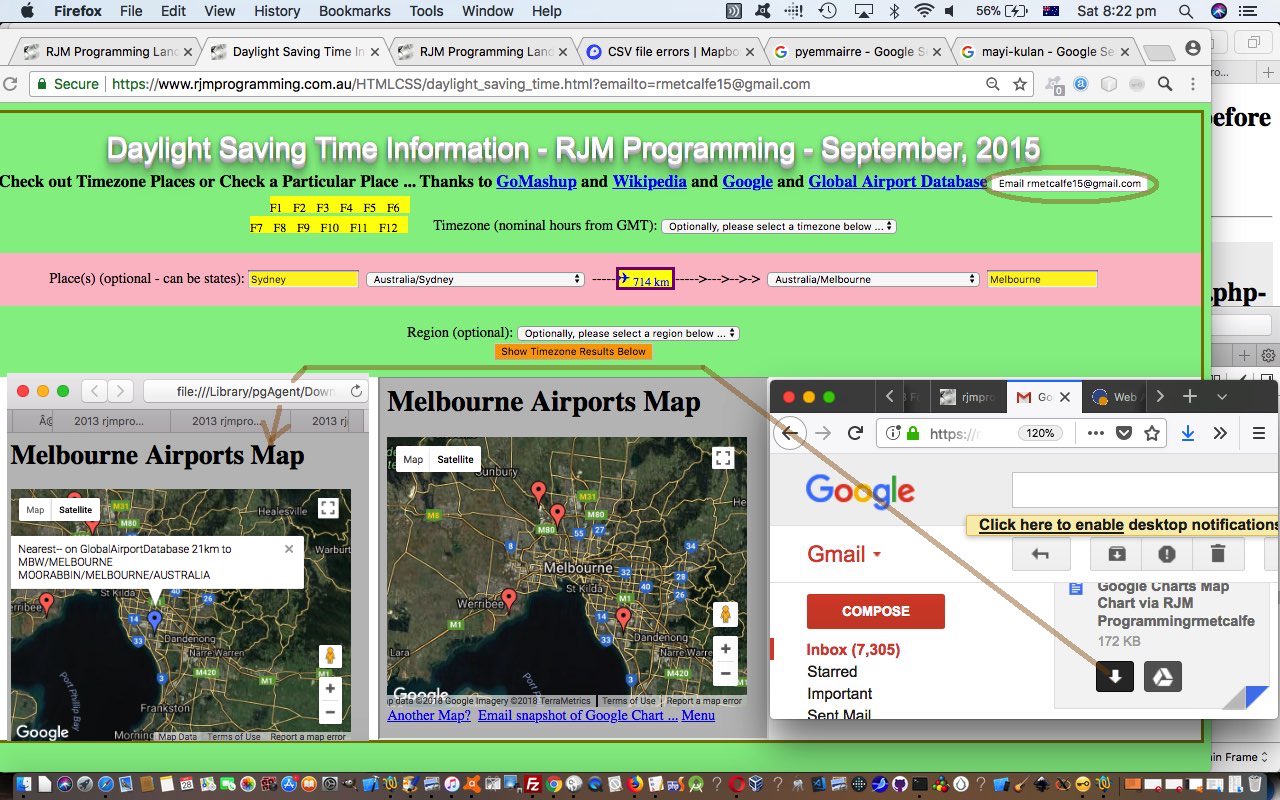

If this was interesting you may be interested in this too.
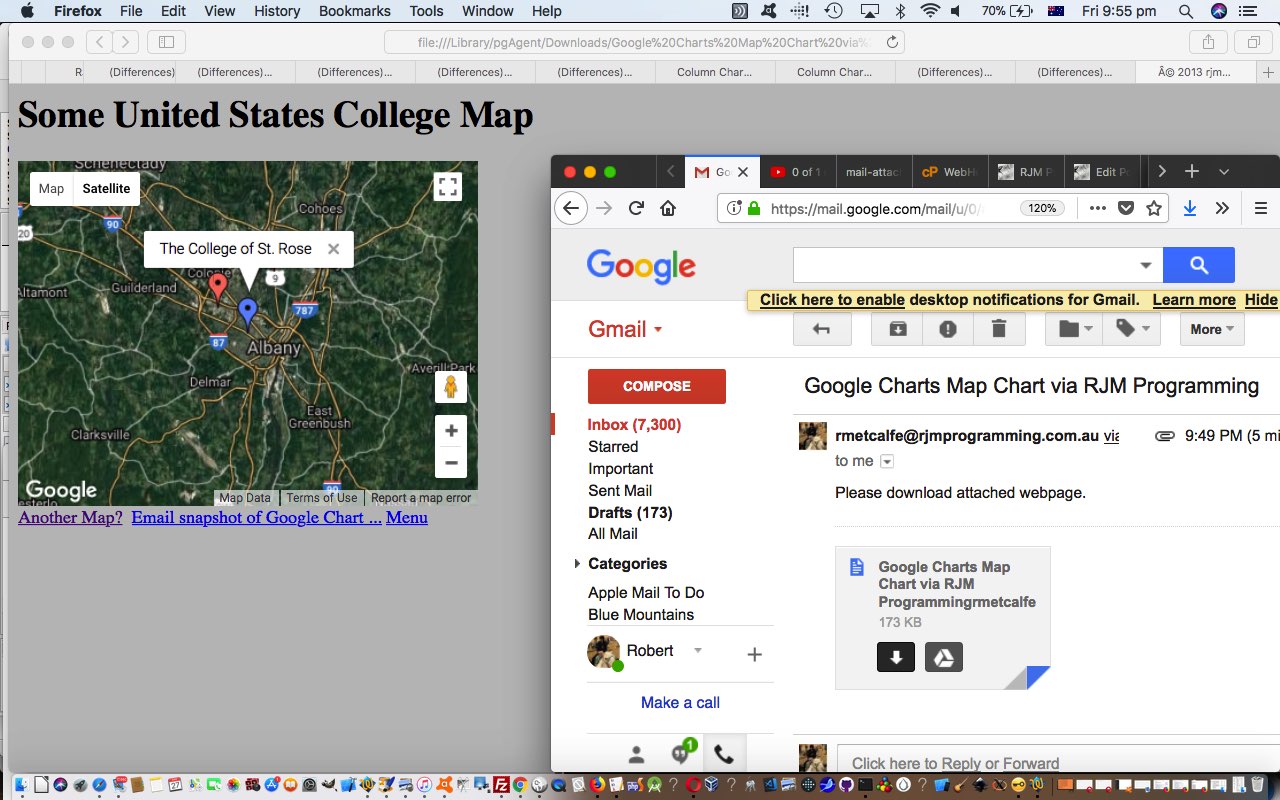

If this was interesting you may be interested in this too.
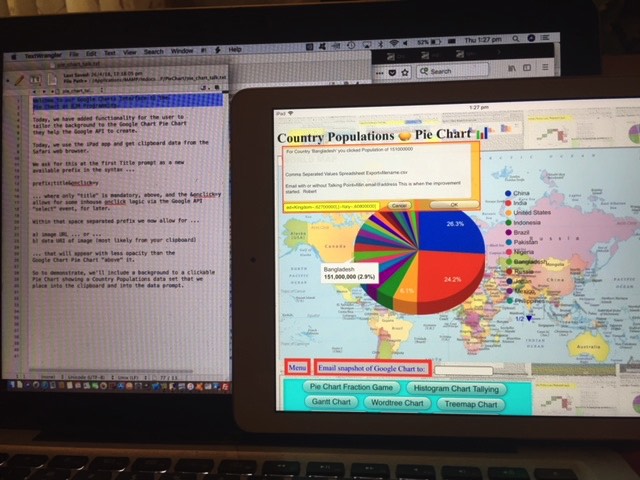

If this was interesting you may be interested in this too.
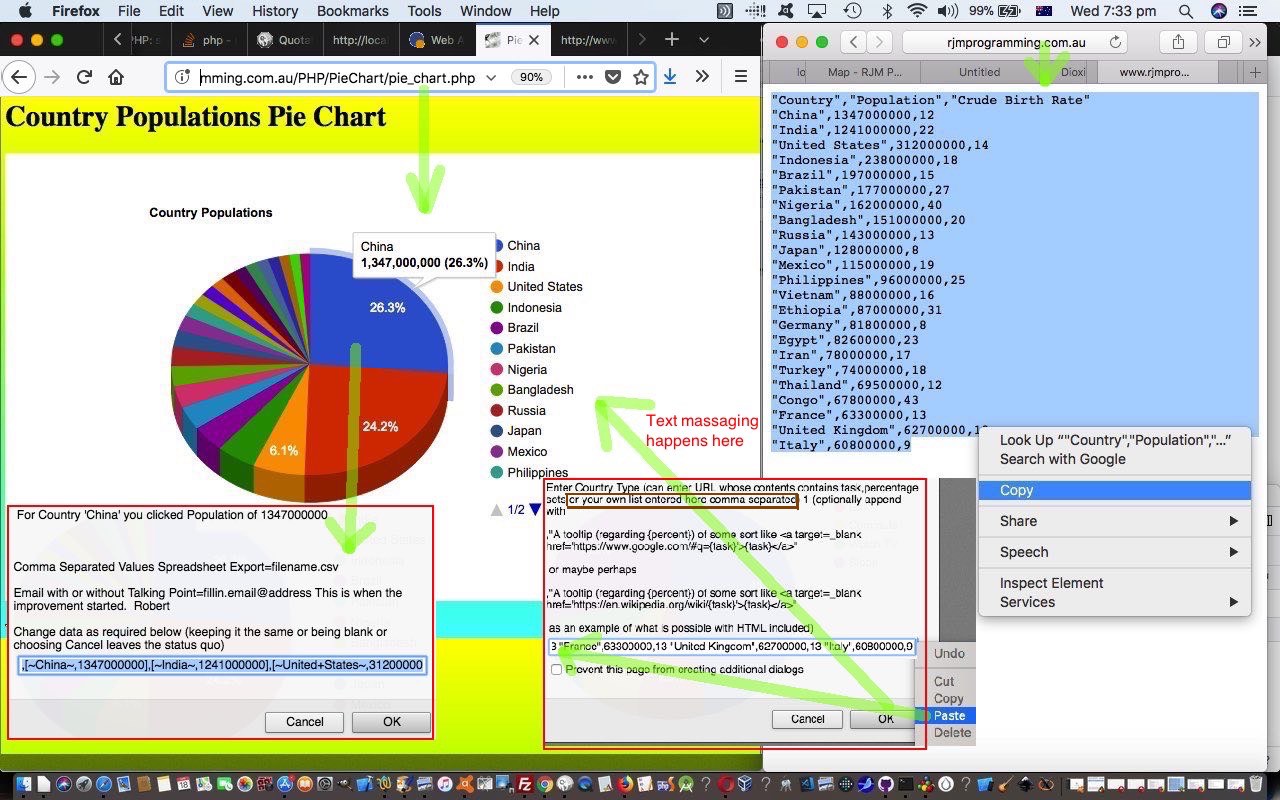

If this was interesting you may be interested in this too.

If this was interesting you may be interested in this too.

If this was interesting you may be interested in this too.

If this was interesting you may be interested in this too.

If this was interesting you may be interested in this too.

If this was interesting you may be interested in this too.
Posted in eLearning, Event-Driven Programming, Games, Tutorials | Tagged , , , , , , , , , , , , , , , , , , , , , , , , , , , , , , , , , , , , , , , , , , , , , , , , , , , , , , , , , , , , , , , , , , , , , , , , , , , , , | Leave a comment

Javascript Lazy Evaluation In the Hour Game Daylight Saving Tutorial

Javascript Lazy Evaluation In the Hour Game Daylight Saving Tutorial

Javascript Lazy Evaluation In the Hour Game Daylight Saving Tutorial

Regarding yesterday’s Javascript Lazy Evaluation Country Game Hints Tutorial progress with the “In the Hour” mode of game play, we thought there would only be the rare annoyance regarding Daylight Saving alterations to the default timezone offsets to GMT time, but there were more than we realized, prompting us to start using codelines like …


var newd = new Date(new Date().toLocaleString("en-US", {timeZone: yourtzlist.split(',' + opts[eval('' + atry)].value + ',')[1].split('>')[1].split('<')[0]}));

… to start working out timezone offsets in the client world (as you may remember us discussing with SVG Network Clock Minimize Tutorial in recent times) checking on those PHP timezone derivations we default to, but might be wrong by an hour, regarding Daylight Saving timezone arrangements in place for certain times of the year in some countries …


var cinthehourspush=(('0' + eval(eval(eval(eval(yourtzlist.split(',' + opts[eval('' + atry)].value + ',')[1].split('"')[0].replace('+','')) + uhour) + 24) % 24)).slice(-2) + ':' + ('0' + umin).slice(-2));
var newd = new Date(new Date().toLocaleString("en-US", {timeZone: yourtzlist.split(',' + opts[eval('' + atry)].value + ',')[1].split('>')[1].split('<')[0]}));
var newh=eval(('' + newd).split(':')[0].split(' ')[eval(-1 + ('' + newd).split(':')[0].split(' ').length)]);
if (cinthehourspush.indexOf('' + ('0' + newh).slice(-2)) != 0) {
var oldh=eval('' + cinthehourspush.split(':')[0]);
if (oldh != newh) {
//alert('uhour=' + uhour + ' and oldh=' + oldh + cinthehourspush.substring(2) + ' goes with ' + yourtzlist.split(',' + opts[eval('' + atry)].value + ',')[1].split('"')[0] + ' and newh=' + newh + cinthehourspush.substring(2));
if (newh < uhour && newh == 0 && uhour == 23) {
sofarhrs+='+' + eval(24 - uhour) + ' ';
} else if (newh > uhour && newh == 23 && uhour == 0) {
sofarhrs+='-' + eval(24 - newh) + ' ';
} else if (oldh > uhour) {
sofarhrs+=yourtzlist.split(',' + opts[eval('' + atry)].value + ',')[1].split('"')[0].replace('' + eval(oldh - uhour), '' + eval(newh - uhour)) + ' ';
} else if (oldh < uhour) {
sofarhrs+=yourtzlist.split(',' + opts[eval('' + atry)].value + ',')[1].split('"')[0].replace('' + eval(uhour - oldh), '' + eval(uhour - newh)) + ' ';
} else if (newh > uhour) {
sofarhrs+='+' + eval(newh - uhour) + ' ';
} else if (newh < uhour) {
sofarhrs+='-' + eval(uhour - newh) + ' ';
}
}
gcinthehourspush='' + ('0' + newh).slice(-2) + cinthehourspush.substring(2);
}

We’ve also added in more linking that adds on to yesterday’s existant …

  • Placename links to Wikipedia … so that now we also have …
  • Country links to Wikipedia … and …
  • TimeZone information links added to the “just after” times shown

Also added, today, is another hint, we’ve called “Regions”, which colour codes Geo Charts (albeit in a subtle way) according to those Regional first words in a TimeZone name like …


Asia/Singapore

… where that “Asia” is differentiated via our new arrays …


var rcolmaps=['Africa','Asia','Europe','GMT','America','Pacific','Arctic','Atlantic','Indian','Australia','Antarctica'];
var rcolmapred=['15','45','55','55','75','85','95','a5','b5','d5','e5'];

We also thought “right now” was a bit of a waste of time, when we could show the user (a phrase like) “on Monday” (ie. on day of the week).

And so, yet again, we hope you try the changed gradual_reveal_country_game.html‘s Country Capital and/or In the Hour Game web application, below too, yourself?!


Previous relevant Javascript Lazy Evaluation Country Game Hints Tutorial is shown below.

Javascript Lazy Evaluation Country Game Hints Tutorial

Javascript Lazy Evaluation Country Game Hints Tutorial

Ideally, yesterday’s Javascript Lazy Evaluation Country In the Hour Game Tutorial suits …

  • geography buffs … all the way through to …
  • geography students

… alike. Or at least we’d like to help this be so, and in that respect we decided to offer two modes of Hints for the Country Game (whether that be Capitals Game or In the Hour Game) play …

  • show country flags (ie. those “combination emojis” for the country flags, derivable from that country’s ISO 2 letter country code) …

    var useflags=location.search.split('flags=')[1] ? true : false;
    useflags=location.search.split('wimgs=')[1] ? true : useflags;

    function checkflags(cbo, cbochecked) {
    if (cbochecked || document.getElementById('wimgs').checked) {
    useflags=true;
    } else {
    useflags=false;
    }
    applyhints('');
    }

    function orflag(thiscc) {
    var ccchar='', ccsuff='';
    var lri='ABCDEFGHIJKLMNOPQRSTUVWXYZ';
    var dri=['127462','127463','127464','127465','127466','127467','127468','127469','127470','127471','127472','127473','127474','127475','127476','127477','127478','127479','127480','127481','127482','127483','127484','127485','127486','127487'];
    for (var iccsuff=0; iccsuff<thiscc.length; iccsuff++) {
    ccchar=thiscc.substring(iccsuff, eval(1 + eval('' + iccsuff))).toUpperCase();
    ccsuff+=String.fromCodePoint(eval('' + dri[eval('' + lri.indexOf(ccchar))])); //'&#' + dri[eval('' + lri.indexOf(ccchar))] + ';';
    }
    return ccsuff;
    }


    function applyhints(towhat) {
    var yt='', nnyt='';
    if (useflags) {
    if (document.getElementById('flags').checked) {
    myflag=orflag(ccodes[eval(-1 + answer)]);
    document.getElementById('source').style.backgroundImage='URL("' + svgtemp.replace('48','96').replace('30%','49%').replace('>1 +', '>' + myflag) + '")';
    document.getElementById('source').style.backgroundPosition='right center';
    document.getElementById('source').style.backgroundRepeat='no-repeat';
    }
    if (document.getElementById('wimgs').checked) {
    if (yourtzlist.indexOf(',' + ccodes[eval(-1 + answer)] + ',') != -1) {
    yt=yourtzlist.split(',' + ccodes[eval(-1 + answer)] + ',')[1].split('>')[1].split('<')[0];
    nnyt=yt.replace(yt.split('/')[0] + '/','');
    //alert(document.getElementById('tzi').src.split('?')[0].split('#')[0] + '?tzexact=' + encodeURIComponent(yt.replace(/\ /g,'_')) + '&tznickname=' + encodeURIComponent( nnyt.replace(/\ /g,'_') ));
    document.getElementById('tzi').src=document.getElementById('tzi').src.split('?')[0].split('#')[0] + '?tzexact=' + encodeURIComponent(yt.replace(/\ /g,'_')) + '&tznickname=' + encodeURIComponent( nnyt.replace(/\ /g,'_') );
    }
    }
    } else {
    document.getElementById('source').style.backgroundImage='';
    document.getElementById('source').style.backgroundRepeat='no-repeat';
    document.getElementById('ourcanvas').style.backgroundImage='';
    document.getElementById('ourcanvas').style.backgroundRepeat='no-repeat';
    }
    return towhat;
    }

    …and/or …
  • Wikipedia images …

    function checkwimgs(cbo, cbochecked) {
    if (cbochecked || document.getElementById('flags').checked) {
    useflags=true;
    } else {
    useflags=false;
    }
    applyhints('');
    }

    function fgcit(iois) {
    var outof=["left top","left center","left bottom","right top","right center","right bottom","center top","center center","center bottom"];
    var startwith='', endwith='', imglist=[];
    if (iois != null) {
    if (iois.src.indexOf('tzexact=') != -1) {
    var aconto = (iois.contentWindow || iois.contentDocument);
    if (aconto != null) {
    if (aconto.document) { aconto = aconto.document; }
    if (aconto.body != null) {
    if (aconto.body.outerHTML.replace(/\"\;/g,"'").indexOf("document.getElementById('ourcanvas').style.background") != -1) {
    //document.getElementById('ourcanvas').style.backgroundRepeat='no-repeat';
    startwith="document.getElementById['ourcanvas'].style.background" + aconto.body.outerHTML.replace(/\&\;/g,"&").replace(/\"\;/g,"'").split("document.getElementById('ourcanvas').style.background")[1].split(';')[0] + ';';
    imglist=startwith.split(',');
    for (var jiu=0; jiu<imglist.length; jiu++) {
    if (jiu == 0) {
    endwith=imglist[jiu].trim().replace(/\)/g, ') ' + outof[0] + ' no-repeat').replace('URL(', 'linear-gradient(rgba(255,255,255,0.7),rgba(255,255,255,0.7)),URL(');
    } else {
    endwith+=',' + imglist[jiu].replace(')', ') ' + outof[eval(jiu % outof.length)] + ' no-repeat')
    }
    }
    eval(endwith.replace("document.getElementById['ourcanvas'].", "document.getElementById('ourcanvas')."));
    }
    }
    }
    }
    }
    }

After all, most of us are not destined to visit or travel or tour all these countries, alas!

And so, again, hope you try the changed gradual_reveal_country_game.html‘s Country Capital and/or In the Hour Game web application, below too, yourself?!


Previous relevant Javascript Lazy Evaluation Country In the Hour Game Tutorial is shown below.

Javascript Lazy Evaluation Country In the Hour Game Tutorial

Javascript Lazy Evaluation Country In the Hour Game Tutorial

The “genericization drive” regarding “country map iframe Geo Chart content” has passed us now, as last discussed in yesterday’s Javascript Lazy Evaluation Country Capital Game Context Tutorial, about our …

  • Country Capital Game … and today we start down the road to other game types that could involve “country map iframe Geo Chart content” and came up with a …
  • Country “In the Hour” Game

… whereby a user matches …

  • a “draggable” source time in some country … with …
  • a “droppable intoabletarget “country map iframe Geo Chart content” table cell

… the correct selection of which scores for the game player. You could think of it as a TimeZone Game, perhaps?!

The PHP TimeZone smarts helped derive the huge Javascript variable we now define in the game, and used


var ud = new Date();
var uhour = ud.getUTCHours();
var umin = ud.getUTCMinutes();
var chours=[], cinthehours=[], sofarhrs=' ';


var yourtzlist="<option value=\"GMT\" data-geo=\"51.4934,0.0098,GMT,GB,+0\">GMT</option><option value=\"Africa/Abidjan\" data-geo=\"5.31666,-4.03334,GMT,CI,+0\">Africa/Abidjan</option><option value=\"Africa/Accra\" data-geo=\"5.55,-0.21667,GMT,GH,+0\">Africa/Accra</option><option value=\"Africa/Addis_Ababa\" data-geo=\"9.03333,38.7,EAT,ET,+3\">Africa/Addis_Ababa</option><option value=\"Africa/Algiers\" data-geo=\"36.78333,3.05,CET,DZ,+1\">Africa/Algiers</option>"; // etcetera etcetera etcetera

function choosejusttheone(thes, thiscc) {
if (!thes) { return false; }
if (eval('' + yourtzlist.split(',' + thiscc + ',').length) != 2) { return true; }
if (yourtzlist.split(',' + thiscc + ',')[1].split('"')[0].indexOf('.') != -1) { return true; }
if (sofarhrs.indexOf(' ' + yourtzlist.split(',' + thiscc + ',')[1].split('"')[0] + ' ') != -1) { return true; }
return false;
}


function getnextcountrycode() {
if (eval('' + ccodes.length) < 9) {
var mycc=document.getElementById('myctable').innerHTML;
var opts=document.getElementsByTagName('option');
var ths=document.getElementsByTagName('th');
var atry=Math.floor(Math.random() * eval('' + opts.length));
while (optfinds.indexOf(' ' + opts[eval('' + atry)].value + ' ') != -1 || opts[eval('' + atry)].value == 'MK' || choosejusttheone(simple, opts[eval('' + atry)].value)) {
atry=Math.floor(Math.random() * eval('' + opts.length));
}
while (mycc.indexOf('>' + opts[eval('' + atry)].innerText + '<') == -1 || opts[eval('' + atry)].value == 'MK' || choosejusttheone(simple, opts[eval('' + atry)].value)) {
atry=Math.floor(Math.random() * eval('' + opts.length));
if (mycc.indexOf('>' + opts[eval('' + atry)].innerText + '<') != -1) {
while (optfinds.indexOf(' ' + opts[eval('' + atry)].value + ' ') != -1 || opts[eval('' + atry)].value == 'MK' || choosejusttheone(simple, opts[eval('' + atry)].value)) {
atry=Math.floor(Math.random() * eval('' + opts.length));
}
}
}
optfinds+=opts[eval('' + atry)].value + ' ';
ccodes.push(opts[eval('' + atry)].value);
cnames.push(opts[eval('' + atry)].innerText);
ccapitals.push(mycc.split("<th>" + opts[eval('' + atry)].innerText + "</th><th>")[1].split("<")[0]);
if (!simple) {
chours.push(-99);
cinthehours.push("");
} else {
sofarhrs+=yourtzlist.split(',' + opts[eval('' + atry)].value + ',')[1].split('"')[0] + ' ';
cinthehours.push(('0' + eval(eval(eval(eval(yourtzlist.split(',' + opts[eval('' + atry)].value + ',')[1].split('"')[0].replace('+','')) + uhour) + 24) % 24)).slice(-2) + ':' + ('0' + umin).slice(-2));
}

}
}

… as required. The user can toggle between the two game modes by clicking that top button.

We, again, hope you try the changed gradual_reveal_country_game.html‘s Country Capital and In the Hour Game web application, below too, yourself?!

Stop Press

We wanted to start involving Wikipedia links and update Geo Charts in either mode of play for the games above, and as a result “function getnextcountrycode” became …


function getnextcountrycode() {
if (eval('' + ccodes.length) < 9) {
var mycc=document.getElementById('myctable').innerHTML;
var opts=document.getElementsByTagName('option'), longis='', latis='';
var ths=document.getElementsByTagName('th');
if (optslength < 0) {
for (iii=0; iii<opts.length; iii++) {
if (('' + opts[iii].value).indexOf(',') != -1 && optslength < 0) { optslength=eval(-1 + iii); }
}
if (optslength < 0) { optslength=eval('' + opts.length); }
}
var atry=Math.floor(Math.random() * eval('' + optslength));
while (optfinds.indexOf(' ' + opts[eval('' + atry)].value + ' ') != -1 || opts[eval('' + atry)].value == 'MK' || choosejusttheone(simple, opts[eval('' + atry)].value)) {
atry=Math.floor(Math.random() * eval('' + opts.length));
}
while (mycc.indexOf('<th>' + opts[eval('' + atry)].innerText + '</th><th>') == -1 || opts[eval('' + atry)].value == 'MK' || choosejusttheone(simple, opts[eval('' + atry)].value)) {
atry=Math.floor(Math.random() * eval('' + optslength));
if (mycc.indexOf('<th>' + opts[eval('' + atry)].innerText + '</th><th>') != -1) {
while (optfinds.indexOf(' ' + opts[eval('' + atry)].value + ' ') != -1 || opts[eval('' + atry)].value == 'MK' || choosejusttheone(simple, opts[eval('' + atry)].value)) {
atry=Math.floor(Math.random() * eval('' + optslength));
}
}
}
optfinds+=opts[eval('' + atry)].value + ' ';
ccodes.push(opts[eval('' + atry)].value);
cnames.push(opts[eval('' + atry)].innerText);
ccapitals.push(mycc.split("<th>" + opts[eval('' + atry)].innerText + "</th><th>")[1].split("<")[0]);
subfroms.push('[-89.0000|-88.0000|~From~,2]');
if (!simple) {
if (document.getElementById(ccapitals[eval(-1 + ccapitals.length)].replace(/\_/g,'%20').replace(/\ /g,'%20'))) {
longis='' + document.getElementById(ccapitals[eval(-1 + ccapitals.length)].replace(/\_/g,'%20').replace(/\ /g,'%20')).value.split(',')[0].split('|')[0];
latis='' + document.getElementById(ccapitals[eval(-1 + ccapitals.length)].replace(/\_/g,'%20').replace(/\ /g,'%20')).value.substring(eval(1 + eval('' + longis.length)));
cplaces.push(latis + '|' + longis);
subtos.push('[' + cplaces[eval(-1 + cplaces.length)] + '|~' + ccapitals[eval(-1 + ccapitals.length)].replace(/\_/g,'%20') + '~,2]');
} else {
cplaces.push('');
subtos.push('[-89.0000|-88.0000|~From~,2]');
}
chours.push(-99);
cinthehours.push("");
} else {
sofarhrs+=yourtzlist.split(',' + opts[eval('' + atry)].value + ',')[1].split('"')[0] + ' ';
cinthehours.push(('0' + eval(eval(eval(eval(yourtzlist.split(',' + opts[eval('' + atry)].value + ',')[1].split('"')[0].replace('+','')) + uhour) + 24) % 24)).slice(-2) + ':' + ('0' + umin).slice(-2));
subtos.push(lastsubtos);
cplaces.push(decodeURIComponent(lastsubtos.split('~')[1]));
}
}
}


Previous relevant Javascript Lazy Evaluation Country Capital Game Context Tutorial is shown below.

Javascript Lazy Evaluation Country Capital Game Context Tutorial

Javascript Lazy Evaluation Country Capital Game Context Tutorial

The improvements, today, onto yesterday’s Javascript Lazy Evaluation Country Capital Game Tutorial‘s “Country Capital Game” web application revolve around “context” …

  • there’s the “context” between land masses and sea … as well as …
  • there’s the “context” between country and world view

… both of which take us further into the realms of Google Chart Geo Chart usage, even “unique usage for us”, as far as the first one above.

Regarding the “context” between land masses and sea, wouldn’t it be good, on the map to colour the land with a greener tinge? Anyone, anyone, is green the go? Yes, 3GPP, or is that CP3O, disguised as R2D2 … anyway … yes, we could …

  • isolate the inherent map contents in its SVG guise … but if we could just censure the content here just that teensy weensy bit, now
  • we could torture that SVG to reveal its fill colourwe could do research and development, via a web browser web inspector, into that SVG’s path element fill colour … spoiler alert … #f5f5f5 (grey) … and …
  • liquidate its assetsgently coerce the map into thinking its SVG path element fill colour should be #c5f5f5 (our greenish tinge)

Thanks, can I call you 3o?


function hashit(iois) {
if (iois != null) {
var aconto = (iois.contentWindow || iois.contentDocument);
if (aconto != null) {
if (aconto.document) { aconto = aconto.document; }
if (aconto.body != null) {
aconto.getElementById('myh').style.display='none'; // aconto.getElementById('chart_div').scrollIntoView();
// Thanks to https://stackoverflow.com/questions/6088409/svg-drop-shadow-using-css3
setTimeout(function(){ aconto.getElementById('chart_div').innerHTML=aconto.getElementById('chart_div').innerHTML.replace('</svg>', '</svg><style> .shadow { -webkit-filter: drop-shadow( 3px 3px 2px rgba(0, 0, 0, .7)); filter: drop-shadow( 3px 3px 2px rgba(0, 0, 0, .7)); } </style>').replace(/\#f5f5f5\;\"/g,'#c5f5f5;" class="shadow"').replace(/\#f5f5f5\"/g,'#c5f5f5" class="shadow"'); }, 4000);
}
}
}
}

Oh, okay then. Sorry. Thanks, 3GPPsubsection III! You do get straight to the point, there!

And then, regarding the “context” between country and world view, we have a two part improvement to matters here, we feel. Firstly, we hope to help contextualize “where in the world” is a country, and secondly, we wanted to “value add” for these popup windows we might open as the user hovers over a “country map” cell (filled with iframe Google Chart Geo Chart content), otherwise such interventions can be annoying, and we hope we’re not making the game too easy by adding to …

  • the existant onmouseover event creating popup window … now …
  • identical #c5f5f5 filled land mass “country map” … our newly added …
  • “world map” view of that same country, highlighted

for context


var wmapurl='<iframe src="//www.rjmprogramming.com.au/PHP/GeoChart/geo_chart.php?title=World%20Map&width=834&height=520&country=Country&popularity=Popularity&data=%20[~IT~,2]"></iframe>';

var subfrom='~IT~';
var subto='~IT~';

function woit(thissrc,thiso) {
if (thissrc.indexOf(hastoinvolve.replace(' src=','//')) != -1 && thissrc.replace('http:','').replace('https:','') != lastwosrc.replace('http:','').replace('https:','') && sowoa.replace(/http\:/g,'').replace(/https\:/g,'').indexOf(' ' + thissrc.replace('http:','').replace('https:','') + ' ') == -1) {
lastwosrc=thissrc;
var therect=thiso.getBoundingClientRect();
if (wo) {
if (!wo.closed) {
wo.close();
}
wo=null;
sowoa+=thissrc + ' ';
subto='~' + thissrc.split('?title=')[1].split(';')[0] + '~';
wo=window.open(thissrc,'_blank','top=' + therect.top + ',left=' + therect.left + ',width=' + eval(2 * thewidth) + ',height=' + eval(2 * theheight));
//wo.focus();
wo.onload = function() {
setTimeout(function(){ wo.document.getElementById('chart_div').innerHTML=wo.document.getElementById('chart_div').innerHTML.replace('</svg>', '</svg><style> .shadow { -webkit-filter: drop-shadow( 3px 3px 2px rgba(0, 0, 0, .7)); filter: drop-shadow( 3px 3px 2px rgba(0, 0, 0, .7)); } </style>').replace(/\#f5f5f5\;\"/g,'#c5f5f5;" class="shadow"').replace(/\#f5f5f5\"/g,'#c5f5f5" class="shadow"'); wo.document.getElementById('chart_div').innerHTML+=wmapurl.replace(subfrom,subto); }, 4000);
};

} else {
sowoa+=thissrc + ' ';
subto='~' + thissrc.split('?title=')[1].split(';')[0] + '~';
wo=window.open(thissrc,'_blank','top=' + therect.top + ',left=' + therect.left + ',width=' + eval(2 * thewidth) + ',height=' + eval(2 * theheight));
//wo.focus();
wo.onload = function() {
setTimeout(function(){ wo.document.getElementById('chart_div').innerHTML=wo.document.getElementById('chart_div').innerHTML.replace('</svg>', '</svg><style> .shadow { -webkit-filter: drop-shadow( 3px 3px 2px rgba(0, 0, 0, .7)); filter: drop-shadow( 3px 3px 2px rgba(0, 0, 0, .7)); } </style>').replace(/\#f5f5f5\;\"/g,'#c5f5f5;" class="shadow"').replace(/\#f5f5f5\"/g,'#c5f5f5" class="shadow"'); wo.document.getElementById('chart_div').innerHTML+=wmapurl.replace(subfrom,subto); }, 4000);
};

}
}
}

… where element chart_div represents all the Google Chart Geo Chart smarts, thanks!

We hope you try the changed gradual_reveal_country_game.html‘s Country Capital Game web application, below too, yourself?!


Previous relevant Javascript Lazy Evaluation Country Capital Game Tutorial is shown below.

Javascript Lazy Evaluation Country Capital Game Tutorial

Javascript Lazy Evaluation Country Capital Game Tutorial

Just like with yesterday’s Javascript Lazy Evaluation Game Involvement Tutorial

… of recent times. But this time, with our gradual_reveal_country_game.html Drag and Drop Country Capital Game we introduce to the target “Drop Zone” table cell content, for the first time, we have …

… to match the associated source “Drag” element available for the user to drag and drop into the correct table cell below, to score in today’s geography game.


Previous relevant Javascript Lazy Evaluation Game Involvement Tutorial is shown below.

Javascript Lazy Evaluation Game Involvement Tutorial

Javascript Lazy Evaluation Game Involvement Tutorial

Yes, we’ve decided to involve the Lazy Evaluation and async and await and Promise and setTimeout Javascript logic of yesterday’s Javascript Lazy Evaluation Promise Tutorial into a Drag and Drop mathematics game for Small Integers from 1 to 9. Can you hear Alice in the middle room?!

Our “mathematical sentences” to solve in this game, where the operators can be + or – or / or * or %, and integer is number from 1 to 9, can be …

  • hard … made up of …
    integer operator integer operator integer operator
    integer operator integer operator
    integer operator
    integer operator integer operator integer

    … or …

  • simple … made up of …
    integer operator integer
    operator integer
    operator
    integer operator integer

… parts to the “mathematical sentence” revealed gradually, using those aforesaid mentioned Javascript techniques, the less revealed as the user answers, the bigger the score, if correct.

The (non-mobile only) cursor and cell background images are formed via data URI svg+xml formats …

Cursor Cell

<style>
* {
cursor: url("data:image/svg+xml;utf8,<svg xmlns='http://www.w3.org/2000/svg' height='48' width='126' viewport='0 0 100 100'><polyline points='40,2 20,15 80,10 60,20 126,30 86,48' style='fill:none;stroke:black;stroke-width:3' /><text y='90%'>\002753</text><ellipse cx='24' cy='20' rx='22' ry='13' style='fill:purple' /><ellipse cx='22' cy='17' rx='19' ry='12' style='fill:lime' /><ellipse cx='21' cy='14' rx='16' ry='12' style='fill:yellow' /><rect x='40' y='20' width='80' height='25' style='fill:blue'><animate attributeType='CSS' attributeName='opacity' from='1' to='0' dur='5s' repeatCount='indefinite' /></rect>Sorry, your browser does not support inline SVG.</svg>") 16 16, crosshair;
}
</style>

var svgtemp="data:image/svg+xml;utf8,<svg xmlns='http://www.w3.org/2000/svg' height='48' width='126' viewport='0 0 100 100'><text x='20%' y='30%' stroke='blue'>1 +</text></svg>";
// ... used later regarding tdsos = document.getElementsByTagName('td'); // ... and nextanswer is ... next answer ...
setTimeout(() => { tdsos[eval(-1 + nextanswer)].style.backgroundImage='URL("' + svgtemp.replace('>1 +', '>' + parts[eval(-1 + nextanswer)].trim()) + '")'; getnextanswer(); }, 200);

… in our gradual_reveal_game.html Small Integer Game you can also try below …


Previous relevant Javascript Lazy Evaluation Promise Tutorial is shown below.

Javascript Lazy Evaluation Promise Tutorial

Javascript Lazy Evaluation Promise Tutorial

Working on yesterday’s Javascript Lazy Evaluation Follow Up Tutorial subject matter further today, we’d like to introduce a glossary of terms for beginners here …

  • async
    function

    The async function declaration creates a binding of a new async function to a given name. The await keyword is permitted within the function body, enabling asynchronous, promise-based behavior to be written in a cleaner style and avoiding the need to explicitly configure promise chains.

  • await
    operator

    The await operator is used to wait for a Promise and get its fulfillment value. It can only be used inside an async function or at the top level of a module.

  • Promise
    object (thenable)

    The Promise object represents the eventual completion (or failure) of an asynchronous operation and its resulting value.

  • Lazy
    syntax (function)

    Lazy evaluation means to delay the evaluation of an expression until it’s needed. Lazy evaluation is sometimes referred to as call-by-need.

    The opposite of lazy evaluation is an eager evaluation. It’s an evaluation strategy used in most programming languages.

    Lazy evaluation makes it possible to:

    define potentially infinite data structures
    increase performance by avoiding needless computations
    customize iteration behavior for data structures that want its elements accessible to the public

  • setTimeout
    function (global)

    The global setTimeout() method sets a timer which executes a function or specified piece of code once the timer expires.

Meanwhile you can (re-)try our Javascript modified lazy_async.htm web application in a new tab or below …


Previous relevant Javascript Lazy Evaluation Follow Up Tutorial is shown below.

Javascript Lazy Evaluation Follow Up Tutorial

Javascript Lazy Evaluation Follow Up Tutorial

Further to yesterday’s Javascript Lazy Evaluation Primer Tutorial‘s subject matter regarding Lazy Evaluations and Javascript async functions, we’ve stumbled upon another great resource, thanks, from which we can base, to develop a web application, we’re hoping.

Within this “proof of concept” code basis you will find setTimeout (timer) references to Lazy Evaluations like …


setTimeout(() => {
aminterested='Just';
resolve("fast");
consolelog("fast promise is done");
aminterested='';
}, 1000);

… as a function that …

  • attempts to start in one second’s time …
  • as needed that function is performed

The possibilities here are multifaceted, and varied, and definitely worth experimenting with, within Javascript client work.

So our starting web application can be tried in a new tab or below …


Previous relevant Javascript Lazy Evaluation Primer Tutorial is shown below.

Javascript Lazy Evaluation Primer Tutorial

Javascript Lazy Evaluation Primer Tutorial

Do you remember, with the presentation of …

  • Promise Object Sleeping and Doing Primer Tutorial we talked about the Javascript Promise object? Well today, in that similar line of thinking, we wanted to touch on …
  • Lazy Evaluation in Javascript …

    Lazy evaluation means to delay the evaluation of an expression until it’s needed. Lazy evaluation is sometimes referred to as call-by-need.

    The opposite of lazy evaluation is an eager evaluation. It’s an evaluation strategy used in most programming languages.

    Lazy evaluation makes it possible to:

    define potentially infinite data structures
    increase performance by avoiding needless computations
    customize iteration behavior for data structures that want its elements accessible to the public

Personally, we’re more your “eager” types, but we’ve had help in the past from brilliant “lazy” types too, especially when we presented Selection API and Clipboard API Tutorial, and so, we honed in on some Javascript “Lazy Evaluation” code, and put together some status information shown regarding timings and calls with respect to Javascript …

  • “Lazy Evaluation” in Javascript … classical syntax goes …

    f = () => expression;

    … and …
  • async function in Javascript … classical syntax example goes …

    function resolveAfter2Seconds() {
    return new Promise((resolve) => {
    setTimeout(() => {
    resolve('resolved');
    }, 2000);
    });
    }

    async function asyncCall() {
    console.log('calling');
    const result = await resolveAfter2Seconds();
    console.log(result);
    // Expected output: "resolved"
    }

… into the changed clipboard_api_test.html Selection and Clipboard API usage web application for you to try yourself with some image or text clipboard usages.


Previous relevant Promise Object Sleeping and Doing Primer Tutorial is shown below.

Promise Object Sleeping and Doing Primer Tutorial

Promise Object Sleeping and Doing Primer Tutorial

We’re here today to fulfil yesterday’s Web Application Controlled Progress Cursor Primer Tutorial‘s pledge …

… which reminded me that we need to learn some more about the promise object

… and were happy to discover the Promise object talents of …

  • sleeping … allowing for …
  • multitasking
  • doing … all using clientside Javascript

… very interesting. The serverside languages such as PHP make it a doddle to multitask (via sleep) but Javascript sleep has not always been a straightforward proposition, until we could promise, that is!

Today’s await.html‘s use of it to sleep and in between show …

  1. analogue clock … and …
  2. Dams of the USA (via dams_usa.html changed this way)

… asynchronously both doing their own thing while the await.html works away in the background too, feeding off “child 2” clicks of “child 1” above to know when to say how long the dams took to load. Yes, the “child 2” “onload” event, alone, cannot help determine this, but more “drilling into” the inner workings of the code behind “child 2″‘s progress element, via …


<html>
<head>
<script type='text/javascript'>
var numsleeps=700000;
var ix=0;
var d=new Date();
var marks=[new Date(), new Date()];
var imark=0;

function sleep(ms) { // thanks to https://stackoverflow.com/questions/951021/what-is-the-javascript-version-of-sleep
return new Promise(resolve => setTimeout(resolve, ms));
}

async function demo() {
console.log(numsleeps + ' Taking a break...' + d);
await sleep(2000);
d=new Date();
console.log(numsleeps + ' Two seconds later, showing sleep in a loop...' + d);

// Sleep in loop
for (let i = 0; i < 5; i++) {
if (i === 3) {
await sleep(2000);
d=new Date();
console.log(numsleeps + ' ' + d);


}
}
numsleeps--;
if (('' + numsleeps) != '0' && ('' + numsleeps).indexOf('-') == -1) { setTimeout(demo, 1); }
}

function betw() {
var seconds = (marks[1].getTime() - marks[0].getTime()) / 1000;
document.getElementById('sh1').innerHTML='It took ' + seconds + ' seconds (from ' + marks[0] + ' to ' + marks[1] + ') to load the dams.';
numsleeps=0;
}

function markit() {
marks[imark]=d;
imark++;
console.log('mark ' + imark + ': ' + d);
if (imark == 2) { setTimeout(betw, 800); imark=0; }
}

demo();
</script>
</head>
<body>
<h1>Sleeping and Doing via Promise Object - RJM Programming - July, 2021 <span id=sh1></span></h1>
<table style=width:100%;height:90%;><tr><td><iframe onclick="markit();" id=lif src=./analogue_clock.htm style=width:100%;height:100%;></iframe></td><td><iframe id=rif src=./dams_usa.html?rand=7564675 style=width:100%;height:100%;></iframe></td></tr>
</body>
</html>


Previous relevant Web Application Controlled Progress Cursor Primer Tutorial is shown below.

Web Application Controlled Progress Cursor Primer Tutorial

Web Application Controlled Progress Cursor Primer Tutorial

We had occasion to revisit the card game (and more) recent web application exploits highlighted in the recent Just Javascript Card Game Cursor Tutorial thread of blog postings and shaped to play Bridge via …


https://www.rjmprogramming.com.au/HTMLCSS/cards_usefocus.html?card_memories=04.1:ara

… and was “personally relatively” happy up to the first Javascript prompt popup window. Huh?! What’s with “personally relatively”? Can I be serious? Well, I’m insulted!

The thing is, I don’t mind, when I’m writing the code (funny about that?!) very complex and convoluted prompt window instructions and options. But …

  • not everybody is willing to read such long diatribes
  • actions can speak louder than words, so we figure between those first two prompt windows in a Bridge or 500 card game, it would be beneficial to show a “progress cursor” (ie. usually associated with the user waiting for a process to finish) between the first and second prompt windows to help show the players there could be waiting and irrelevant players turning away should all four players want to play fairly in their game

It was an interesting Javascript coding exercise …

  1. (sort of) overload the “prompt” function with our inhouse “superprompt” function via …
    • globally replace ” prompt(” with ” superprompt(“
    • globally replace “=prompt(” with “=superprompt(“
  2. add the following Javascript code …

    var aheadoffirst=(('' + document.URL.replace('?', '&').indexOf('&card_') != -1) ? trueize() : 0);

    function dbcpp() {
    if (aheadoffirst == 2) {
    document.body.style.cursor='progress'; // between first and second prompt windows
    setTimeout(dbcpp, 1000);
    } else if (aheadoffirst == 0) {
    document.body.style.cursor='pointer';
    } else {
    document.body.style.cursor='pointer';
    setTimeout(dbcpp, 1000);
    }
    }

    function trueize() { // bit like a promise
    setTimeout(dbcpp, 1000);
    return 1;
    }


    function superprompt(opone, optwo) {
    if (aheadoffirst == 3) {
    document.body.style.cursor='pointer';
    aheadoffirst=0;
    } else if (aheadoffirst != 0) {
    aheadoffirst++;
    if (aheadoffirst == 3) {
    document.body.style.cursor='progress'; // between first and second prompt windows
    }
    }
    return prompt(opone, optwo);
    }

… which reminded me that we need to learn some more about the promise object.

See this in action with the changed cards_usefocus.html code behind the “Just Javascript” Memories Card Game or live run with single window (good for mobile) or default live run (for your platform, and if non-mobile it will try child popup windows).

If this was interesting you may be interested in this too.


If this was interesting you may be interested in this too.

If this was interesting you may be interested in this too.

If this was interesting you may be interested in this too.
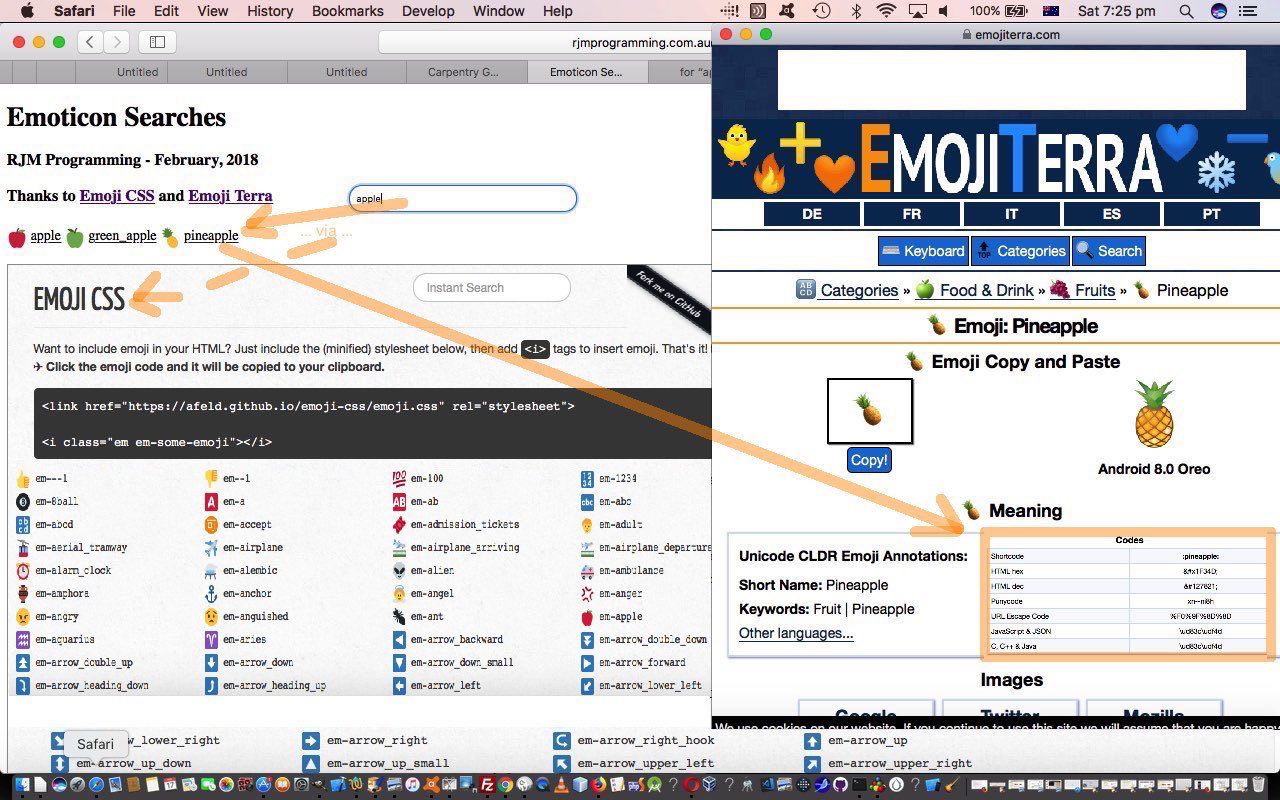

If this was interesting you may be interested in this too.
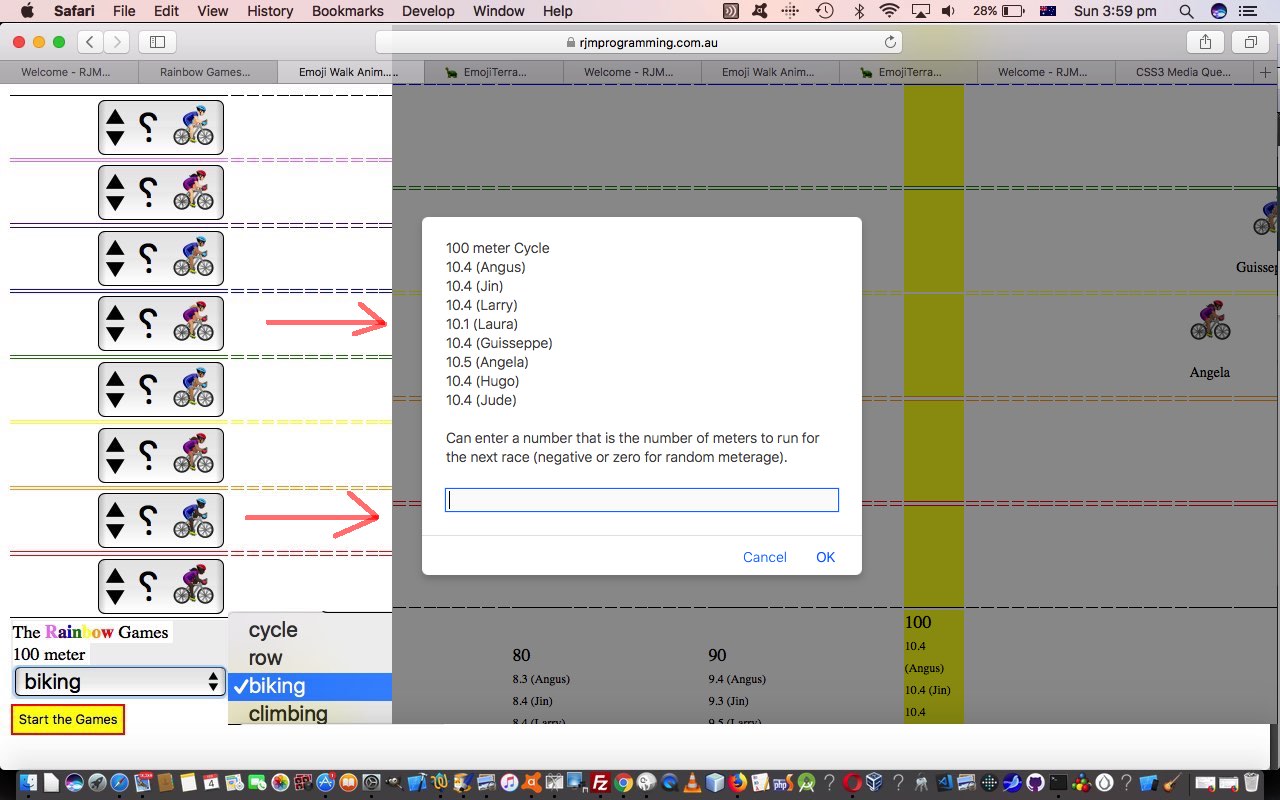

If this was interesting you may be interested in this too.
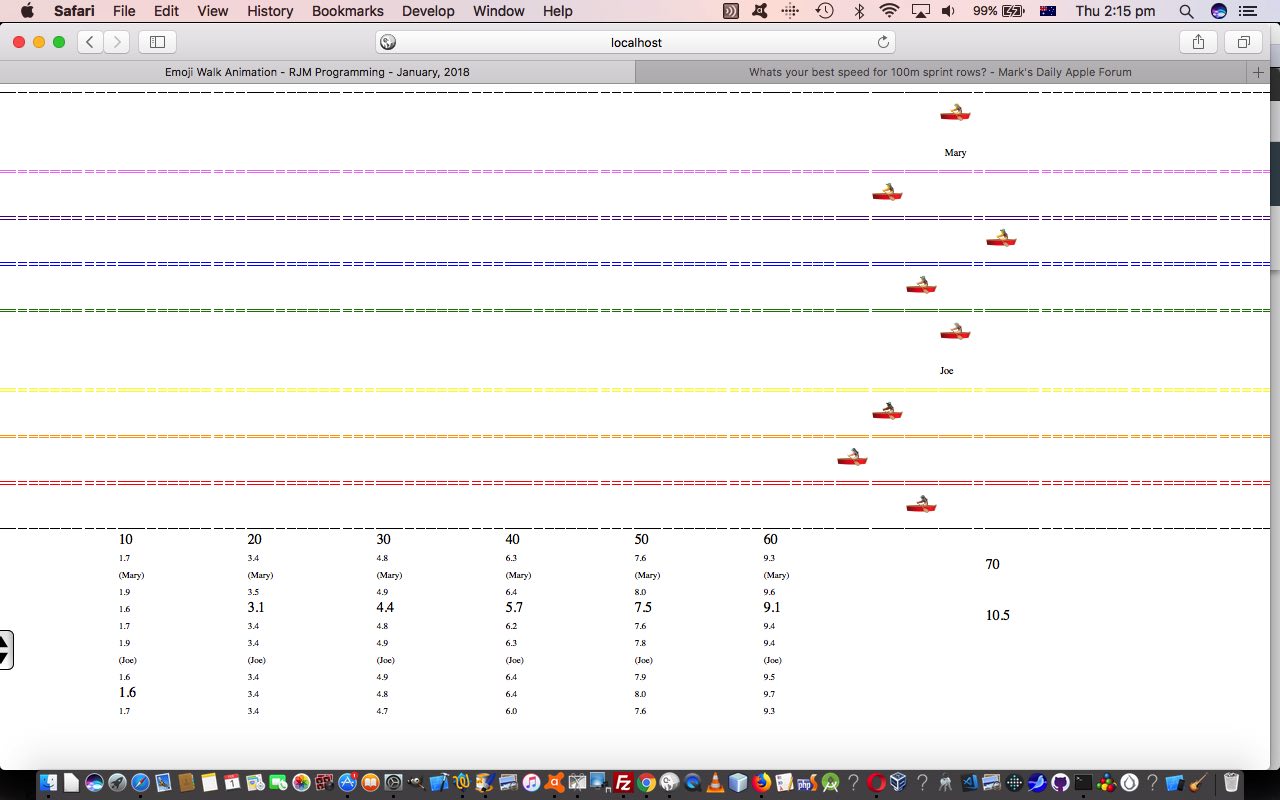

If this was interesting you may be interested in this too.
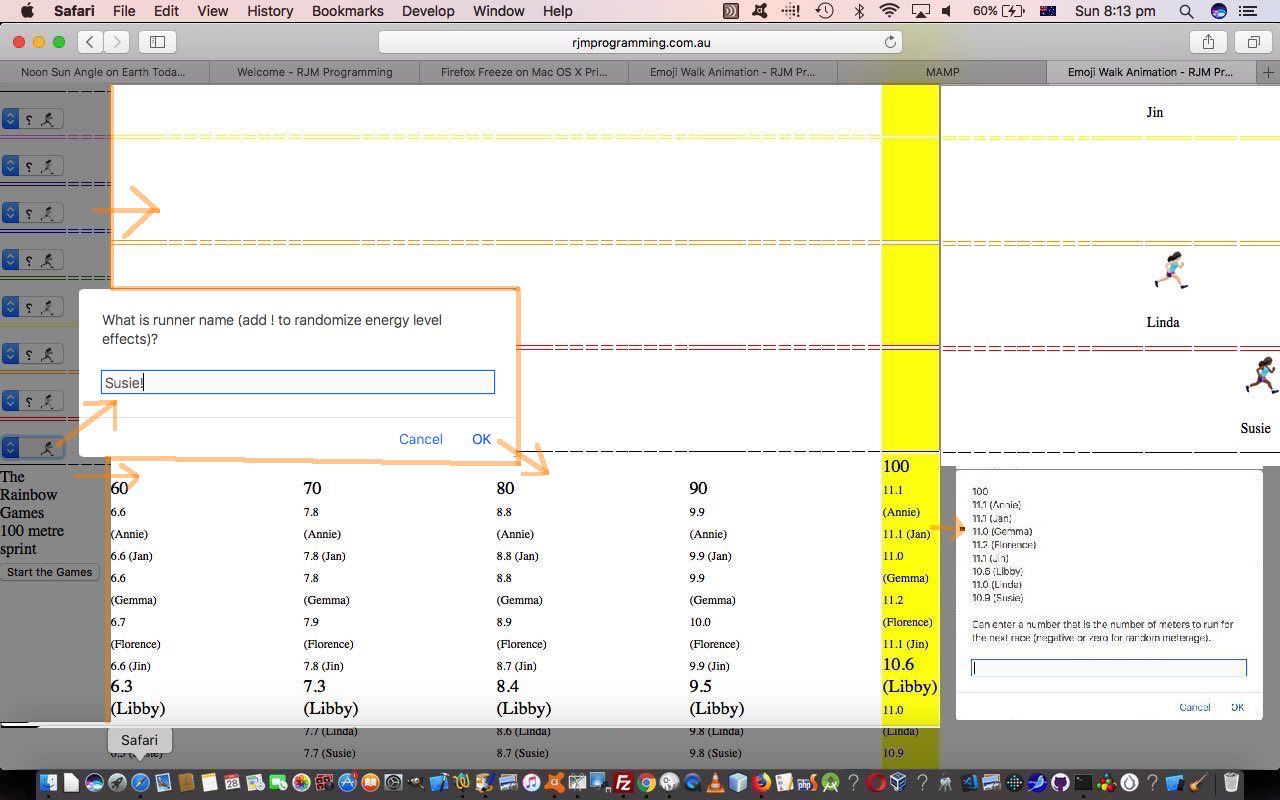

If this was interesting you may be interested in this too.
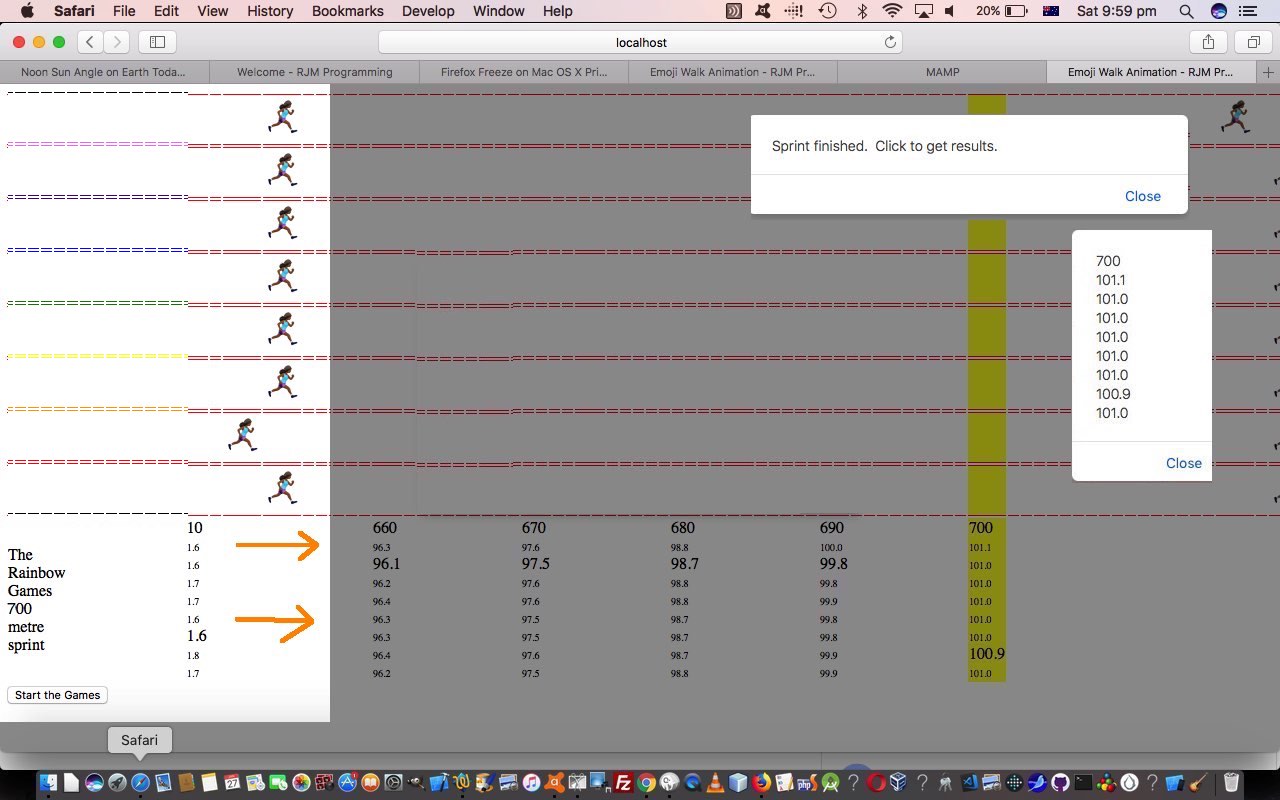

If this was interesting you may be interested in this too.


If this was interesting you may be interested in this too.


If this was interesting you may be interested in this too.

Posted in eLearning, Event-Driven Programming, Games, Tutorials | Tagged , , , , , , , , , , , , , , , , , , , , , , , , , , , , , , , , , , , , , , , , , , , , , , , , , , , , , , , , , , , , , , , , , , , , , , | Leave a comment

Javascript Lazy Evaluation Country Game Hints Tutorial

Javascript Lazy Evaluation Country Game Hints Tutorial

Javascript Lazy Evaluation Country Game Hints Tutorial

Ideally, yesterday’s Javascript Lazy Evaluation Country In the Hour Game Tutorial suits …

  • geography buffs … all the way through to …
  • geography students

… alike. Or at least we’d like to help this be so, and in that respect we decided to offer two modes of Hints for the Country Game (whether that be Capitals Game or In the Hour Game) play …

  • show country flags (ie. those “combination emojis” for the country flags, derivable from that country’s ISO 2 letter country code) …

    var useflags=location.search.split('flags=')[1] ? true : false;
    useflags=location.search.split('wimgs=')[1] ? true : useflags;

    function checkflags(cbo, cbochecked) {
    if (cbochecked || document.getElementById('wimgs').checked) {
    useflags=true;
    } else {
    useflags=false;
    }
    applyhints('');
    }

    function orflag(thiscc) {
    var ccchar='', ccsuff='';
    var lri='ABCDEFGHIJKLMNOPQRSTUVWXYZ';
    var dri=['127462','127463','127464','127465','127466','127467','127468','127469','127470','127471','127472','127473','127474','127475','127476','127477','127478','127479','127480','127481','127482','127483','127484','127485','127486','127487'];
    for (var iccsuff=0; iccsuff<thiscc.length; iccsuff++) {
    ccchar=thiscc.substring(iccsuff, eval(1 + eval('' + iccsuff))).toUpperCase();
    ccsuff+=String.fromCodePoint(eval('' + dri[eval('' + lri.indexOf(ccchar))])); //'&#' + dri[eval('' + lri.indexOf(ccchar))] + ';';
    }
    return ccsuff;
    }


    function applyhints(towhat) {
    var yt='', nnyt='';
    if (useflags) {
    if (document.getElementById('flags').checked) {
    myflag=orflag(ccodes[eval(-1 + answer)]);
    document.getElementById('source').style.backgroundImage='URL("' + svgtemp.replace('48','96').replace('30%','49%').replace('>1 +', '>' + myflag) + '")';
    document.getElementById('source').style.backgroundPosition='right center';
    document.getElementById('source').style.backgroundRepeat='no-repeat';
    }
    if (document.getElementById('wimgs').checked) {
    if (yourtzlist.indexOf(',' + ccodes[eval(-1 + answer)] + ',') != -1) {
    yt=yourtzlist.split(',' + ccodes[eval(-1 + answer)] + ',')[1].split('>')[1].split('<')[0];
    nnyt=yt.replace(yt.split('/')[0] + '/','');
    //alert(document.getElementById('tzi').src.split('?')[0].split('#')[0] + '?tzexact=' + encodeURIComponent(yt.replace(/\ /g,'_')) + '&tznickname=' + encodeURIComponent( nnyt.replace(/\ /g,'_') ));
    document.getElementById('tzi').src=document.getElementById('tzi').src.split('?')[0].split('#')[0] + '?tzexact=' + encodeURIComponent(yt.replace(/\ /g,'_')) + '&tznickname=' + encodeURIComponent( nnyt.replace(/\ /g,'_') );
    }
    }
    } else {
    document.getElementById('source').style.backgroundImage='';
    document.getElementById('source').style.backgroundRepeat='no-repeat';
    document.getElementById('ourcanvas').style.backgroundImage='';
    document.getElementById('ourcanvas').style.backgroundRepeat='no-repeat';
    }
    return towhat;
    }

    …and/or …
  • Wikipedia images …

    function checkwimgs(cbo, cbochecked) {
    if (cbochecked || document.getElementById('flags').checked) {
    useflags=true;
    } else {
    useflags=false;
    }
    applyhints('');
    }

    function fgcit(iois) {
    var outof=["left top","left center","left bottom","right top","right center","right bottom","center top","center center","center bottom"];
    var startwith='', endwith='', imglist=[];
    if (iois != null) {
    if (iois.src.indexOf('tzexact=') != -1) {
    var aconto = (iois.contentWindow || iois.contentDocument);
    if (aconto != null) {
    if (aconto.document) { aconto = aconto.document; }
    if (aconto.body != null) {
    if (aconto.body.outerHTML.replace(/\"\;/g,"'").indexOf("document.getElementById('ourcanvas').style.background") != -1) {
    //document.getElementById('ourcanvas').style.backgroundRepeat='no-repeat';
    startwith="document.getElementById['ourcanvas'].style.background" + aconto.body.outerHTML.replace(/\&\;/g,"&").replace(/\"\;/g,"'").split("document.getElementById('ourcanvas').style.background")[1].split(';')[0] + ';';
    imglist=startwith.split(',');
    for (var jiu=0; jiu<imglist.length; jiu++) {
    if (jiu == 0) {
    endwith=imglist[jiu].trim().replace(/\)/g, ') ' + outof[0] + ' no-repeat').replace('URL(', 'linear-gradient(rgba(255,255,255,0.7),rgba(255,255,255,0.7)),URL(');
    } else {
    endwith+=',' + imglist[jiu].replace(')', ') ' + outof[eval(jiu % outof.length)] + ' no-repeat')
    }
    }
    eval(endwith.replace("document.getElementById['ourcanvas'].", "document.getElementById('ourcanvas')."));
    }
    }
    }
    }
    }
    }

After all, most of us are not destined to visit or travel or tour all these countries, alas!

And so, again, hope you try the changed gradual_reveal_country_game.html‘s Country Capital and/or In the Hour Game web application, below too, yourself?!


Previous relevant Javascript Lazy Evaluation Country In the Hour Game Tutorial is shown below.

Javascript Lazy Evaluation Country In the Hour Game Tutorial

Javascript Lazy Evaluation Country In the Hour Game Tutorial

The “genericization drive” regarding “country map iframe Geo Chart content” has passed us now, as last discussed in yesterday’s Javascript Lazy Evaluation Country Capital Game Context Tutorial, about our …

  • Country Capital Game … and today we start down the road to other game types that could involve “country map iframe Geo Chart content” and came up with a …
  • Country “In the Hour” Game

… whereby a user matches …

  • a “draggable” source time in some country … with …
  • a “droppable intoabletarget “country map iframe Geo Chart content” table cell

… the correct selection of which scores for the game player. You could think of it as a TimeZone Game, perhaps?!

The PHP TimeZone smarts helped derive the huge Javascript variable we now define in the game, and used


var ud = new Date();
var uhour = ud.getUTCHours();
var umin = ud.getUTCMinutes();
var chours=[], cinthehours=[], sofarhrs=' ';


var yourtzlist="<option value=\"GMT\" data-geo=\"51.4934,0.0098,GMT,GB,+0\">GMT</option><option value=\"Africa/Abidjan\" data-geo=\"5.31666,-4.03334,GMT,CI,+0\">Africa/Abidjan</option><option value=\"Africa/Accra\" data-geo=\"5.55,-0.21667,GMT,GH,+0\">Africa/Accra</option><option value=\"Africa/Addis_Ababa\" data-geo=\"9.03333,38.7,EAT,ET,+3\">Africa/Addis_Ababa</option><option value=\"Africa/Algiers\" data-geo=\"36.78333,3.05,CET,DZ,+1\">Africa/Algiers</option>"; // etcetera etcetera etcetera

function choosejusttheone(thes, thiscc) {
if (!thes) { return false; }
if (eval('' + yourtzlist.split(',' + thiscc + ',').length) != 2) { return true; }
if (yourtzlist.split(',' + thiscc + ',')[1].split('"')[0].indexOf('.') != -1) { return true; }
if (sofarhrs.indexOf(' ' + yourtzlist.split(',' + thiscc + ',')[1].split('"')[0] + ' ') != -1) { return true; }
return false;
}


function getnextcountrycode() {
if (eval('' + ccodes.length) < 9) {
var mycc=document.getElementById('myctable').innerHTML;
var opts=document.getElementsByTagName('option');
var ths=document.getElementsByTagName('th');
var atry=Math.floor(Math.random() * eval('' + opts.length));
while (optfinds.indexOf(' ' + opts[eval('' + atry)].value + ' ') != -1 || opts[eval('' + atry)].value == 'MK' || choosejusttheone(simple, opts[eval('' + atry)].value)) {
atry=Math.floor(Math.random() * eval('' + opts.length));
}
while (mycc.indexOf('>' + opts[eval('' + atry)].innerText + '<') == -1 || opts[eval('' + atry)].value == 'MK' || choosejusttheone(simple, opts[eval('' + atry)].value)) {
atry=Math.floor(Math.random() * eval('' + opts.length));
if (mycc.indexOf('>' + opts[eval('' + atry)].innerText + '<') != -1) {
while (optfinds.indexOf(' ' + opts[eval('' + atry)].value + ' ') != -1 || opts[eval('' + atry)].value == 'MK' || choosejusttheone(simple, opts[eval('' + atry)].value)) {
atry=Math.floor(Math.random() * eval('' + opts.length));
}
}
}
optfinds+=opts[eval('' + atry)].value + ' ';
ccodes.push(opts[eval('' + atry)].value);
cnames.push(opts[eval('' + atry)].innerText);
ccapitals.push(mycc.split("<th>" + opts[eval('' + atry)].innerText + "</th><th>")[1].split("<")[0]);
if (!simple) {
chours.push(-99);
cinthehours.push("");
} else {
sofarhrs+=yourtzlist.split(',' + opts[eval('' + atry)].value + ',')[1].split('"')[0] + ' ';
cinthehours.push(('0' + eval(eval(eval(eval(yourtzlist.split(',' + opts[eval('' + atry)].value + ',')[1].split('"')[0].replace('+','')) + uhour) + 24) % 24)).slice(-2) + ':' + ('0' + umin).slice(-2));
}

}
}

… as required. The user can toggle between the two game modes by clicking that top button.

We, again, hope you try the changed gradual_reveal_country_game.html‘s Country Capital and In the Hour Game web application, below too, yourself?!

Stop Press

We wanted to start involving Wikipedia links and update Geo Charts in either mode of play for the games above, and as a result “function getnextcountrycode” became …


function getnextcountrycode() {
if (eval('' + ccodes.length) < 9) {
var mycc=document.getElementById('myctable').innerHTML;
var opts=document.getElementsByTagName('option'), longis='', latis='';
var ths=document.getElementsByTagName('th');
if (optslength < 0) {
for (iii=0; iii<opts.length; iii++) {
if (('' + opts[iii].value).indexOf(',') != -1 && optslength < 0) { optslength=eval(-1 + iii); }
}
if (optslength < 0) { optslength=eval('' + opts.length); }
}
var atry=Math.floor(Math.random() * eval('' + optslength));
while (optfinds.indexOf(' ' + opts[eval('' + atry)].value + ' ') != -1 || opts[eval('' + atry)].value == 'MK' || choosejusttheone(simple, opts[eval('' + atry)].value)) {
atry=Math.floor(Math.random() * eval('' + opts.length));
}
while (mycc.indexOf('<th>' + opts[eval('' + atry)].innerText + '</th><th>') == -1 || opts[eval('' + atry)].value == 'MK' || choosejusttheone(simple, opts[eval('' + atry)].value)) {
atry=Math.floor(Math.random() * eval('' + optslength));
if (mycc.indexOf('<th>' + opts[eval('' + atry)].innerText + '</th><th>') != -1) {
while (optfinds.indexOf(' ' + opts[eval('' + atry)].value + ' ') != -1 || opts[eval('' + atry)].value == 'MK' || choosejusttheone(simple, opts[eval('' + atry)].value)) {
atry=Math.floor(Math.random() * eval('' + optslength));
}
}
}
optfinds+=opts[eval('' + atry)].value + ' ';
ccodes.push(opts[eval('' + atry)].value);
cnames.push(opts[eval('' + atry)].innerText);
ccapitals.push(mycc.split("<th>" + opts[eval('' + atry)].innerText + "</th><th>")[1].split("<")[0]);
subfroms.push('[-89.0000|-88.0000|~From~,2]');
if (!simple) {
if (document.getElementById(ccapitals[eval(-1 + ccapitals.length)].replace(/\_/g,'%20').replace(/\ /g,'%20'))) {
longis='' + document.getElementById(ccapitals[eval(-1 + ccapitals.length)].replace(/\_/g,'%20').replace(/\ /g,'%20')).value.split(',')[0].split('|')[0];
latis='' + document.getElementById(ccapitals[eval(-1 + ccapitals.length)].replace(/\_/g,'%20').replace(/\ /g,'%20')).value.substring(eval(1 + eval('' + longis.length)));
cplaces.push(latis + '|' + longis);
subtos.push('[' + cplaces[eval(-1 + cplaces.length)] + '|~' + ccapitals[eval(-1 + ccapitals.length)].replace(/\_/g,'%20') + '~,2]');
} else {
cplaces.push('');
subtos.push('[-89.0000|-88.0000|~From~,2]');
}
chours.push(-99);
cinthehours.push("");
} else {
sofarhrs+=yourtzlist.split(',' + opts[eval('' + atry)].value + ',')[1].split('"')[0] + ' ';
cinthehours.push(('0' + eval(eval(eval(eval(yourtzlist.split(',' + opts[eval('' + atry)].value + ',')[1].split('"')[0].replace('+','')) + uhour) + 24) % 24)).slice(-2) + ':' + ('0' + umin).slice(-2));
subtos.push(lastsubtos);
cplaces.push(decodeURIComponent(lastsubtos.split('~')[1]));
}
}
}


Previous relevant Javascript Lazy Evaluation Country Capital Game Context Tutorial is shown below.

Javascript Lazy Evaluation Country Capital Game Context Tutorial

Javascript Lazy Evaluation Country Capital Game Context Tutorial

The improvements, today, onto yesterday’s Javascript Lazy Evaluation Country Capital Game Tutorial‘s “Country Capital Game” web application revolve around “context” …

  • there’s the “context” between land masses and sea … as well as …
  • there’s the “context” between country and world view

… both of which take us further into the realms of Google Chart Geo Chart usage, even “unique usage for us”, as far as the first one above.

Regarding the “context” between land masses and sea, wouldn’t it be good, on the map to colour the land with a greener tinge? Anyone, anyone, is green the go? Yes, 3GPP, or is that CP3O, disguised as R2D2 … anyway … yes, we could …

  • isolate the inherent map contents in its SVG guise … but if we could just censure the content here just that teensy weensy bit, now
  • we could torture that SVG to reveal its fill colourwe could do research and development, via a web browser web inspector, into that SVG’s path element fill colour … spoiler alert … #f5f5f5 (grey) … and …
  • liquidate its assetsgently coerce the map into thinking its SVG path element fill colour should be #c5f5f5 (our greenish tinge)

Thanks, can I call you 3o?


function hashit(iois) {
if (iois != null) {
var aconto = (iois.contentWindow || iois.contentDocument);
if (aconto != null) {
if (aconto.document) { aconto = aconto.document; }
if (aconto.body != null) {
aconto.getElementById('myh').style.display='none'; // aconto.getElementById('chart_div').scrollIntoView();
// Thanks to https://stackoverflow.com/questions/6088409/svg-drop-shadow-using-css3
setTimeout(function(){ aconto.getElementById('chart_div').innerHTML=aconto.getElementById('chart_div').innerHTML.replace('</svg>', '</svg><style> .shadow { -webkit-filter: drop-shadow( 3px 3px 2px rgba(0, 0, 0, .7)); filter: drop-shadow( 3px 3px 2px rgba(0, 0, 0, .7)); } </style>').replace(/\#f5f5f5\;\"/g,'#c5f5f5;" class="shadow"').replace(/\#f5f5f5\"/g,'#c5f5f5" class="shadow"'); }, 4000);
}
}
}
}

Oh, okay then. Sorry. Thanks, 3GPPsubsection III! You do get straight to the point, there!

And then, regarding the “context” between country and world view, we have a two part improvement to matters here, we feel. Firstly, we hope to help contextualize “where in the world” is a country, and secondly, we wanted to “value add” for these popup windows we might open as the user hovers over a “country map” cell (filled with iframe Google Chart Geo Chart content), otherwise such interventions can be annoying, and we hope we’re not making the game too easy by adding to …

  • the existant onmouseover event creating popup window … now …
  • identical #c5f5f5 filled land mass “country map” … our newly added …
  • “world map” view of that same country, highlighted

for context


var wmapurl='<iframe src="//www.rjmprogramming.com.au/PHP/GeoChart/geo_chart.php?title=World%20Map&width=834&height=520&country=Country&popularity=Popularity&data=%20[~IT~,2]"></iframe>';

var subfrom='~IT~';
var subto='~IT~';

function woit(thissrc,thiso) {
if (thissrc.indexOf(hastoinvolve.replace(' src=','//')) != -1 && thissrc.replace('http:','').replace('https:','') != lastwosrc.replace('http:','').replace('https:','') && sowoa.replace(/http\:/g,'').replace(/https\:/g,'').indexOf(' ' + thissrc.replace('http:','').replace('https:','') + ' ') == -1) {
lastwosrc=thissrc;
var therect=thiso.getBoundingClientRect();
if (wo) {
if (!wo.closed) {
wo.close();
}
wo=null;
sowoa+=thissrc + ' ';
subto='~' + thissrc.split('?title=')[1].split(';')[0] + '~';
wo=window.open(thissrc,'_blank','top=' + therect.top + ',left=' + therect.left + ',width=' + eval(2 * thewidth) + ',height=' + eval(2 * theheight));
//wo.focus();
wo.onload = function() {
setTimeout(function(){ wo.document.getElementById('chart_div').innerHTML=wo.document.getElementById('chart_div').innerHTML.replace('</svg>', '</svg><style> .shadow { -webkit-filter: drop-shadow( 3px 3px 2px rgba(0, 0, 0, .7)); filter: drop-shadow( 3px 3px 2px rgba(0, 0, 0, .7)); } </style>').replace(/\#f5f5f5\;\"/g,'#c5f5f5;" class="shadow"').replace(/\#f5f5f5\"/g,'#c5f5f5" class="shadow"'); wo.document.getElementById('chart_div').innerHTML+=wmapurl.replace(subfrom,subto); }, 4000);
};

} else {
sowoa+=thissrc + ' ';
subto='~' + thissrc.split('?title=')[1].split(';')[0] + '~';
wo=window.open(thissrc,'_blank','top=' + therect.top + ',left=' + therect.left + ',width=' + eval(2 * thewidth) + ',height=' + eval(2 * theheight));
//wo.focus();
wo.onload = function() {
setTimeout(function(){ wo.document.getElementById('chart_div').innerHTML=wo.document.getElementById('chart_div').innerHTML.replace('</svg>', '</svg><style> .shadow { -webkit-filter: drop-shadow( 3px 3px 2px rgba(0, 0, 0, .7)); filter: drop-shadow( 3px 3px 2px rgba(0, 0, 0, .7)); } </style>').replace(/\#f5f5f5\;\"/g,'#c5f5f5;" class="shadow"').replace(/\#f5f5f5\"/g,'#c5f5f5" class="shadow"'); wo.document.getElementById('chart_div').innerHTML+=wmapurl.replace(subfrom,subto); }, 4000);
};

}
}
}

… where element chart_div represents all the Google Chart Geo Chart smarts, thanks!

We hope you try the changed gradual_reveal_country_game.html‘s Country Capital Game web application, below too, yourself?!


Previous relevant Javascript Lazy Evaluation Country Capital Game Tutorial is shown below.

Javascript Lazy Evaluation Country Capital Game Tutorial

Javascript Lazy Evaluation Country Capital Game Tutorial

Just like with yesterday’s Javascript Lazy Evaluation Game Involvement Tutorial

… of recent times. But this time, with our gradual_reveal_country_game.html Drag and Drop Country Capital Game we introduce to the target “Drop Zone” table cell content, for the first time, we have …

… to match the associated source “Drag” element available for the user to drag and drop into the correct table cell below, to score in today’s geography game.


Previous relevant Javascript Lazy Evaluation Game Involvement Tutorial is shown below.

Javascript Lazy Evaluation Game Involvement Tutorial

Javascript Lazy Evaluation Game Involvement Tutorial

Yes, we’ve decided to involve the Lazy Evaluation and async and await and Promise and setTimeout Javascript logic of yesterday’s Javascript Lazy Evaluation Promise Tutorial into a Drag and Drop mathematics game for Small Integers from 1 to 9. Can you hear Alice in the middle room?!

Our “mathematical sentences” to solve in this game, where the operators can be + or – or / or * or %, and integer is number from 1 to 9, can be …

  • hard … made up of …
    integer operator integer operator integer operator
    integer operator integer operator
    integer operator
    integer operator integer operator integer

    … or …

  • simple … made up of …
    integer operator integer
    operator integer
    operator
    integer operator integer

… parts to the “mathematical sentence” revealed gradually, using those aforesaid mentioned Javascript techniques, the less revealed as the user answers, the bigger the score, if correct.

The (non-mobile only) cursor and cell background images are formed via data URI svg+xml formats …

Cursor Cell

<style>
* {
cursor: url("data:image/svg+xml;utf8,<svg xmlns='http://www.w3.org/2000/svg' height='48' width='126' viewport='0 0 100 100'><polyline points='40,2 20,15 80,10 60,20 126,30 86,48' style='fill:none;stroke:black;stroke-width:3' /><text y='90%'>\002753</text><ellipse cx='24' cy='20' rx='22' ry='13' style='fill:purple' /><ellipse cx='22' cy='17' rx='19' ry='12' style='fill:lime' /><ellipse cx='21' cy='14' rx='16' ry='12' style='fill:yellow' /><rect x='40' y='20' width='80' height='25' style='fill:blue'><animate attributeType='CSS' attributeName='opacity' from='1' to='0' dur='5s' repeatCount='indefinite' /></rect>Sorry, your browser does not support inline SVG.</svg>") 16 16, crosshair;
}
</style>

var svgtemp="data:image/svg+xml;utf8,<svg xmlns='http://www.w3.org/2000/svg' height='48' width='126' viewport='0 0 100 100'><text x='20%' y='30%' stroke='blue'>1 +</text></svg>";
// ... used later regarding tdsos = document.getElementsByTagName('td'); // ... and nextanswer is ... next answer ...
setTimeout(() => { tdsos[eval(-1 + nextanswer)].style.backgroundImage='URL("' + svgtemp.replace('>1 +', '>' + parts[eval(-1 + nextanswer)].trim()) + '")'; getnextanswer(); }, 200);

… in our gradual_reveal_game.html Small Integer Game you can also try below …


Previous relevant Javascript Lazy Evaluation Promise Tutorial is shown below.

Javascript Lazy Evaluation Promise Tutorial

Javascript Lazy Evaluation Promise Tutorial

Working on yesterday’s Javascript Lazy Evaluation Follow Up Tutorial subject matter further today, we’d like to introduce a glossary of terms for beginners here …

  • async
    function

    The async function declaration creates a binding of a new async function to a given name. The await keyword is permitted within the function body, enabling asynchronous, promise-based behavior to be written in a cleaner style and avoiding the need to explicitly configure promise chains.

  • await
    operator

    The await operator is used to wait for a Promise and get its fulfillment value. It can only be used inside an async function or at the top level of a module.

  • Promise
    object (thenable)

    The Promise object represents the eventual completion (or failure) of an asynchronous operation and its resulting value.

  • Lazy
    syntax (function)

    Lazy evaluation means to delay the evaluation of an expression until it’s needed. Lazy evaluation is sometimes referred to as call-by-need.

    The opposite of lazy evaluation is an eager evaluation. It’s an evaluation strategy used in most programming languages.

    Lazy evaluation makes it possible to:

    define potentially infinite data structures
    increase performance by avoiding needless computations
    customize iteration behavior for data structures that want its elements accessible to the public

  • setTimeout
    function (global)

    The global setTimeout() method sets a timer which executes a function or specified piece of code once the timer expires.

Meanwhile you can (re-)try our Javascript modified lazy_async.htm web application in a new tab or below …


Previous relevant Javascript Lazy Evaluation Follow Up Tutorial is shown below.

Javascript Lazy Evaluation Follow Up Tutorial

Javascript Lazy Evaluation Follow Up Tutorial

Further to yesterday’s Javascript Lazy Evaluation Primer Tutorial‘s subject matter regarding Lazy Evaluations and Javascript async functions, we’ve stumbled upon another great resource, thanks, from which we can base, to develop a web application, we’re hoping.

Within this “proof of concept” code basis you will find setTimeout (timer) references to Lazy Evaluations like …


setTimeout(() => {
aminterested='Just';
resolve("fast");
consolelog("fast promise is done");
aminterested='';
}, 1000);

… as a function that …

  • attempts to start in one second’s time …
  • as needed that function is performed

The possibilities here are multifaceted, and varied, and definitely worth experimenting with, within Javascript client work.

So our starting web application can be tried in a new tab or below …


Previous relevant Javascript Lazy Evaluation Primer Tutorial is shown below.

Javascript Lazy Evaluation Primer Tutorial

Javascript Lazy Evaluation Primer Tutorial

Do you remember, with the presentation of …

  • Promise Object Sleeping and Doing Primer Tutorial we talked about the Javascript Promise object? Well today, in that similar line of thinking, we wanted to touch on …
  • Lazy Evaluation in Javascript …

    Lazy evaluation means to delay the evaluation of an expression until it’s needed. Lazy evaluation is sometimes referred to as call-by-need.

    The opposite of lazy evaluation is an eager evaluation. It’s an evaluation strategy used in most programming languages.

    Lazy evaluation makes it possible to:

    define potentially infinite data structures
    increase performance by avoiding needless computations
    customize iteration behavior for data structures that want its elements accessible to the public

Personally, we’re more your “eager” types, but we’ve had help in the past from brilliant “lazy” types too, especially when we presented Selection API and Clipboard API Tutorial, and so, we honed in on some Javascript “Lazy Evaluation” code, and put together some status information shown regarding timings and calls with respect to Javascript …

  • “Lazy Evaluation” in Javascript … classical syntax goes …

    f = () => expression;

    … and …
  • async function in Javascript … classical syntax example goes …

    function resolveAfter2Seconds() {
    return new Promise((resolve) => {
    setTimeout(() => {
    resolve('resolved');
    }, 2000);
    });
    }

    async function asyncCall() {
    console.log('calling');
    const result = await resolveAfter2Seconds();
    console.log(result);
    // Expected output: "resolved"
    }

… into the changed clipboard_api_test.html Selection and Clipboard API usage web application for you to try yourself with some image or text clipboard usages.


Previous relevant Promise Object Sleeping and Doing Primer Tutorial is shown below.

Promise Object Sleeping and Doing Primer Tutorial

Promise Object Sleeping and Doing Primer Tutorial

We’re here today to fulfil yesterday’s Web Application Controlled Progress Cursor Primer Tutorial‘s pledge …

… which reminded me that we need to learn some more about the promise object

… and were happy to discover the Promise object talents of …

  • sleeping … allowing for …
  • multitasking
  • doing … all using clientside Javascript

… very interesting. The serverside languages such as PHP make it a doddle to multitask (via sleep) but Javascript sleep has not always been a straightforward proposition, until we could promise, that is!

Today’s await.html‘s use of it to sleep and in between show …

  1. analogue clock … and …
  2. Dams of the USA (via dams_usa.html changed this way)

… asynchronously both doing their own thing while the await.html works away in the background too, feeding off “child 2” clicks of “child 1” above to know when to say how long the dams took to load. Yes, the “child 2” “onload” event, alone, cannot help determine this, but more “drilling into” the inner workings of the code behind “child 2″‘s progress element, via …


<html>
<head>
<script type='text/javascript'>
var numsleeps=700000;
var ix=0;
var d=new Date();
var marks=[new Date(), new Date()];
var imark=0;

function sleep(ms) { // thanks to https://stackoverflow.com/questions/951021/what-is-the-javascript-version-of-sleep
return new Promise(resolve => setTimeout(resolve, ms));
}

async function demo() {
console.log(numsleeps + ' Taking a break...' + d);
await sleep(2000);
d=new Date();
console.log(numsleeps + ' Two seconds later, showing sleep in a loop...' + d);

// Sleep in loop
for (let i = 0; i < 5; i++) {
if (i === 3) {
await sleep(2000);
d=new Date();
console.log(numsleeps + ' ' + d);


}
}
numsleeps--;
if (('' + numsleeps) != '0' && ('' + numsleeps).indexOf('-') == -1) { setTimeout(demo, 1); }
}

function betw() {
var seconds = (marks[1].getTime() - marks[0].getTime()) / 1000;
document.getElementById('sh1').innerHTML='It took ' + seconds + ' seconds (from ' + marks[0] + ' to ' + marks[1] + ') to load the dams.';
numsleeps=0;
}

function markit() {
marks[imark]=d;
imark++;
console.log('mark ' + imark + ': ' + d);
if (imark == 2) { setTimeout(betw, 800); imark=0; }
}

demo();
</script>
</head>
<body>
<h1>Sleeping and Doing via Promise Object - RJM Programming - July, 2021 <span id=sh1></span></h1>
<table style=width:100%;height:90%;><tr><td><iframe onclick="markit();" id=lif src=./analogue_clock.htm style=width:100%;height:100%;></iframe></td><td><iframe id=rif src=./dams_usa.html?rand=7564675 style=width:100%;height:100%;></iframe></td></tr>
</body>
</html>


Previous relevant Web Application Controlled Progress Cursor Primer Tutorial is shown below.

Web Application Controlled Progress Cursor Primer Tutorial

Web Application Controlled Progress Cursor Primer Tutorial

We had occasion to revisit the card game (and more) recent web application exploits highlighted in the recent Just Javascript Card Game Cursor Tutorial thread of blog postings and shaped to play Bridge via …


https://www.rjmprogramming.com.au/HTMLCSS/cards_usefocus.html?card_memories=04.1:ara

… and was “personally relatively” happy up to the first Javascript prompt popup window. Huh?! What’s with “personally relatively”? Can I be serious? Well, I’m insulted!

The thing is, I don’t mind, when I’m writing the code (funny about that?!) very complex and convoluted prompt window instructions and options. But …

  • not everybody is willing to read such long diatribes
  • actions can speak louder than words, so we figure between those first two prompt windows in a Bridge or 500 card game, it would be beneficial to show a “progress cursor” (ie. usually associated with the user waiting for a process to finish) between the first and second prompt windows to help show the players there could be waiting and irrelevant players turning away should all four players want to play fairly in their game

It was an interesting Javascript coding exercise …

  1. (sort of) overload the “prompt” function with our inhouse “superprompt” function via …
    • globally replace ” prompt(” with ” superprompt(“
    • globally replace “=prompt(” with “=superprompt(“
  2. add the following Javascript code …

    var aheadoffirst=(('' + document.URL.replace('?', '&').indexOf('&card_') != -1) ? trueize() : 0);

    function dbcpp() {
    if (aheadoffirst == 2) {
    document.body.style.cursor='progress'; // between first and second prompt windows
    setTimeout(dbcpp, 1000);
    } else if (aheadoffirst == 0) {
    document.body.style.cursor='pointer';
    } else {
    document.body.style.cursor='pointer';
    setTimeout(dbcpp, 1000);
    }
    }

    function trueize() { // bit like a promise
    setTimeout(dbcpp, 1000);
    return 1;
    }


    function superprompt(opone, optwo) {
    if (aheadoffirst == 3) {
    document.body.style.cursor='pointer';
    aheadoffirst=0;
    } else if (aheadoffirst != 0) {
    aheadoffirst++;
    if (aheadoffirst == 3) {
    document.body.style.cursor='progress'; // between first and second prompt windows
    }
    }
    return prompt(opone, optwo);
    }

… which reminded me that we need to learn some more about the promise object.

See this in action with the changed cards_usefocus.html code behind the “Just Javascript” Memories Card Game or live run with single window (good for mobile) or default live run (for your platform, and if non-mobile it will try child popup windows).

If this was interesting you may be interested in this too.


If this was interesting you may be interested in this too.


If this was interesting you may be interested in this too.


If this was interesting you may be interested in this too.


If this was interesting you may be interested in this too.


If this was interesting you may be interested in this too.


If this was interesting you may be interested in this too.


If this was interesting you may be interested in this too.


If this was interesting you may be interested in this too.


If this was interesting you may be interested in this too.

Posted in eLearning, Event-Driven Programming, Games, Tutorials | Tagged , , , , , , , , , , , , , , , , , , , , , , , , , , , , , , , , , , , , , , , , , , , , , , , , , , , , , , , , , , , , , , , , | Leave a comment

Javascript Lazy Evaluation Country In the Hour Game Tutorial

Javascript Lazy Evaluation Country In the Hour Game Tutorial

Javascript Lazy Evaluation Country In the Hour Game Tutorial

The “genericization drive” regarding “country map iframe Geo Chart content” has passed us now, as last discussed in yesterday’s Javascript Lazy Evaluation Country Capital Game Context Tutorial, about our …

  • Country Capital Game … and today we start down the road to other game types that could involve “country map iframe Geo Chart content” and came up with a …
  • Country “In the Hour” Game

… whereby a user matches …

  • a “draggable” source time in some country … with …
  • a “droppable intoabletarget “country map iframe Geo Chart content” table cell

… the correct selection of which scores for the game player. You could think of it as a TimeZone Game, perhaps?!

The PHP TimeZone smarts helped derive the huge Javascript variable we now define in the game, and used


var ud = new Date();
var uhour = ud.getUTCHours();
var umin = ud.getUTCMinutes();
var chours=[], cinthehours=[], sofarhrs=' ';


var yourtzlist="<option value=\"GMT\" data-geo=\"51.4934,0.0098,GMT,GB,+0\">GMT</option><option value=\"Africa/Abidjan\" data-geo=\"5.31666,-4.03334,GMT,CI,+0\">Africa/Abidjan</option><option value=\"Africa/Accra\" data-geo=\"5.55,-0.21667,GMT,GH,+0\">Africa/Accra</option><option value=\"Africa/Addis_Ababa\" data-geo=\"9.03333,38.7,EAT,ET,+3\">Africa/Addis_Ababa</option><option value=\"Africa/Algiers\" data-geo=\"36.78333,3.05,CET,DZ,+1\">Africa/Algiers</option>"; // etcetera etcetera etcetera

function choosejusttheone(thes, thiscc) {
if (!thes) { return false; }
if (eval('' + yourtzlist.split(',' + thiscc + ',').length) != 2) { return true; }
if (yourtzlist.split(',' + thiscc + ',')[1].split('"')[0].indexOf('.') != -1) { return true; }
if (sofarhrs.indexOf(' ' + yourtzlist.split(',' + thiscc + ',')[1].split('"')[0] + ' ') != -1) { return true; }
return false;
}


function getnextcountrycode() {
if (eval('' + ccodes.length) < 9) {
var mycc=document.getElementById('myctable').innerHTML;
var opts=document.getElementsByTagName('option');
var ths=document.getElementsByTagName('th');
var atry=Math.floor(Math.random() * eval('' + opts.length));
while (optfinds.indexOf(' ' + opts[eval('' + atry)].value + ' ') != -1 || opts[eval('' + atry)].value == 'MK' || choosejusttheone(simple, opts[eval('' + atry)].value)) {
atry=Math.floor(Math.random() * eval('' + opts.length));
}
while (mycc.indexOf('>' + opts[eval('' + atry)].innerText + '<') == -1 || opts[eval('' + atry)].value == 'MK' || choosejusttheone(simple, opts[eval('' + atry)].value)) {
atry=Math.floor(Math.random() * eval('' + opts.length));
if (mycc.indexOf('>' + opts[eval('' + atry)].innerText + '<') != -1) {
while (optfinds.indexOf(' ' + opts[eval('' + atry)].value + ' ') != -1 || opts[eval('' + atry)].value == 'MK' || choosejusttheone(simple, opts[eval('' + atry)].value)) {
atry=Math.floor(Math.random() * eval('' + opts.length));
}
}
}
optfinds+=opts[eval('' + atry)].value + ' ';
ccodes.push(opts[eval('' + atry)].value);
cnames.push(opts[eval('' + atry)].innerText);
ccapitals.push(mycc.split("<th>" + opts[eval('' + atry)].innerText + "</th><th>")[1].split("<")[0]);
if (!simple) {
chours.push(-99);
cinthehours.push("");
} else {
sofarhrs+=yourtzlist.split(',' + opts[eval('' + atry)].value + ',')[1].split('"')[0] + ' ';
cinthehours.push(('0' + eval(eval(eval(eval(yourtzlist.split(',' + opts[eval('' + atry)].value + ',')[1].split('"')[0].replace('+','')) + uhour) + 24) % 24)).slice(-2) + ':' + ('0' + umin).slice(-2));
}

}
}

… as required. The user can toggle between the two game modes by clicking that top button.

We, again, hope you try the changed gradual_reveal_country_game.html‘s Country Capital and In the Hour Game web application, below too, yourself?!

Stop Press

We wanted to start involving Wikipedia links and update Geo Charts in either mode of play for the games above, and as a result “function getnextcountrycode” became …


function getnextcountrycode() {
if (eval('' + ccodes.length) < 9) {
var mycc=document.getElementById('myctable').innerHTML;
var opts=document.getElementsByTagName('option'), longis='', latis='';
var ths=document.getElementsByTagName('th');
if (optslength < 0) {
for (iii=0; iii<opts.length; iii++) {
if (('' + opts[iii].value).indexOf(',') != -1 && optslength < 0) { optslength=eval(-1 + iii); }
}
if (optslength < 0) { optslength=eval('' + opts.length); }
}
var atry=Math.floor(Math.random() * eval('' + optslength));
while (optfinds.indexOf(' ' + opts[eval('' + atry)].value + ' ') != -1 || opts[eval('' + atry)].value == 'MK' || choosejusttheone(simple, opts[eval('' + atry)].value)) {
atry=Math.floor(Math.random() * eval('' + opts.length));
}
while (mycc.indexOf('<th>' + opts[eval('' + atry)].innerText + '</th><th>') == -1 || opts[eval('' + atry)].value == 'MK' || choosejusttheone(simple, opts[eval('' + atry)].value)) {
atry=Math.floor(Math.random() * eval('' + optslength));
if (mycc.indexOf('<th>' + opts[eval('' + atry)].innerText + '</th><th>') != -1) {
while (optfinds.indexOf(' ' + opts[eval('' + atry)].value + ' ') != -1 || opts[eval('' + atry)].value == 'MK' || choosejusttheone(simple, opts[eval('' + atry)].value)) {
atry=Math.floor(Math.random() * eval('' + optslength));
}
}
}
optfinds+=opts[eval('' + atry)].value + ' ';
ccodes.push(opts[eval('' + atry)].value);
cnames.push(opts[eval('' + atry)].innerText);
ccapitals.push(mycc.split("<th>" + opts[eval('' + atry)].innerText + "</th><th>")[1].split("<")[0]);
subfroms.push('[-89.0000|-88.0000|~From~,2]');
if (!simple) {
if (document.getElementById(ccapitals[eval(-1 + ccapitals.length)].replace(/\_/g,'%20').replace(/\ /g,'%20'))) {
longis='' + document.getElementById(ccapitals[eval(-1 + ccapitals.length)].replace(/\_/g,'%20').replace(/\ /g,'%20')).value.split(',')[0].split('|')[0];
latis='' + document.getElementById(ccapitals[eval(-1 + ccapitals.length)].replace(/\_/g,'%20').replace(/\ /g,'%20')).value.substring(eval(1 + eval('' + longis.length)));
cplaces.push(latis + '|' + longis);
subtos.push('[' + cplaces[eval(-1 + cplaces.length)] + '|~' + ccapitals[eval(-1 + ccapitals.length)].replace(/\_/g,'%20') + '~,2]');
} else {
cplaces.push('');
subtos.push('[-89.0000|-88.0000|~From~,2]');
}
chours.push(-99);
cinthehours.push("");
} else {
sofarhrs+=yourtzlist.split(',' + opts[eval('' + atry)].value + ',')[1].split('"')[0] + ' ';
cinthehours.push(('0' + eval(eval(eval(eval(yourtzlist.split(',' + opts[eval('' + atry)].value + ',')[1].split('"')[0].replace('+','')) + uhour) + 24) % 24)).slice(-2) + ':' + ('0' + umin).slice(-2));
subtos.push(lastsubtos);
cplaces.push(decodeURIComponent(lastsubtos.split('~')[1]));
}
}
}


Previous relevant Javascript Lazy Evaluation Country Capital Game Context Tutorial is shown below.

Javascript Lazy Evaluation Country Capital Game Context Tutorial

Javascript Lazy Evaluation Country Capital Game Context Tutorial

The improvements, today, onto yesterday’s Javascript Lazy Evaluation Country Capital Game Tutorial‘s “Country Capital Game” web application revolve around “context” …

  • there’s the “context” between land masses and sea … as well as …
  • there’s the “context” between country and world view

… both of which take us further into the realms of Google Chart Geo Chart usage, even “unique usage for us”, as far as the first one above.

Regarding the “context” between land masses and sea, wouldn’t it be good, on the map to colour the land with a greener tinge? Anyone, anyone, is green the go? Yes, 3GPP, or is that CP3O, disguised as R2D2 … anyway … yes, we could …

  • isolate the inherent map contents in its SVG guise … but if we could just censure the content here just that teensy weensy bit, now
  • we could torture that SVG to reveal its fill colourwe could do research and development, via a web browser web inspector, into that SVG’s path element fill colour … spoiler alert … #f5f5f5 (grey) … and …
  • liquidate its assetsgently coerce the map into thinking its SVG path element fill colour should be #c5f5f5 (our greenish tinge)

Thanks, can I call you 3o?


function hashit(iois) {
if (iois != null) {
var aconto = (iois.contentWindow || iois.contentDocument);
if (aconto != null) {
if (aconto.document) { aconto = aconto.document; }
if (aconto.body != null) {
aconto.getElementById('myh').style.display='none'; // aconto.getElementById('chart_div').scrollIntoView();
// Thanks to https://stackoverflow.com/questions/6088409/svg-drop-shadow-using-css3
setTimeout(function(){ aconto.getElementById('chart_div').innerHTML=aconto.getElementById('chart_div').innerHTML.replace('</svg>', '</svg><style> .shadow { -webkit-filter: drop-shadow( 3px 3px 2px rgba(0, 0, 0, .7)); filter: drop-shadow( 3px 3px 2px rgba(0, 0, 0, .7)); } </style>').replace(/\#f5f5f5\;\"/g,'#c5f5f5;" class="shadow"').replace(/\#f5f5f5\"/g,'#c5f5f5" class="shadow"'); }, 4000);
}
}
}
}

Oh, okay then. Sorry. Thanks, 3GPPsubsection III! You do get straight to the point, there!

And then, regarding the “context” between country and world view, we have a two part improvement to matters here, we feel. Firstly, we hope to help contextualize “where in the world” is a country, and secondly, we wanted to “value add” for these popup windows we might open as the user hovers over a “country map” cell (filled with iframe Google Chart Geo Chart content), otherwise such interventions can be annoying, and we hope we’re not making the game too easy by adding to …

  • the existant onmouseover event creating popup window … now …
  • identical #c5f5f5 filled land mass “country map” … our newly added …
  • “world map” view of that same country, highlighted

for context


var wmapurl='<iframe src="//www.rjmprogramming.com.au/PHP/GeoChart/geo_chart.php?title=World%20Map&width=834&height=520&country=Country&popularity=Popularity&data=%20[~IT~,2]"></iframe>';

var subfrom='~IT~';
var subto='~IT~';

function woit(thissrc,thiso) {
if (thissrc.indexOf(hastoinvolve.replace(' src=','//')) != -1 && thissrc.replace('http:','').replace('https:','') != lastwosrc.replace('http:','').replace('https:','') && sowoa.replace(/http\:/g,'').replace(/https\:/g,'').indexOf(' ' + thissrc.replace('http:','').replace('https:','') + ' ') == -1) {
lastwosrc=thissrc;
var therect=thiso.getBoundingClientRect();
if (wo) {
if (!wo.closed) {
wo.close();
}
wo=null;
sowoa+=thissrc + ' ';
subto='~' + thissrc.split('?title=')[1].split(';')[0] + '~';
wo=window.open(thissrc,'_blank','top=' + therect.top + ',left=' + therect.left + ',width=' + eval(2 * thewidth) + ',height=' + eval(2 * theheight));
//wo.focus();
wo.onload = function() {
setTimeout(function(){ wo.document.getElementById('chart_div').innerHTML=wo.document.getElementById('chart_div').innerHTML.replace('</svg>', '</svg><style> .shadow { -webkit-filter: drop-shadow( 3px 3px 2px rgba(0, 0, 0, .7)); filter: drop-shadow( 3px 3px 2px rgba(0, 0, 0, .7)); } </style>').replace(/\#f5f5f5\;\"/g,'#c5f5f5;" class="shadow"').replace(/\#f5f5f5\"/g,'#c5f5f5" class="shadow"'); wo.document.getElementById('chart_div').innerHTML+=wmapurl.replace(subfrom,subto); }, 4000);
};

} else {
sowoa+=thissrc + ' ';
subto='~' + thissrc.split('?title=')[1].split(';')[0] + '~';
wo=window.open(thissrc,'_blank','top=' + therect.top + ',left=' + therect.left + ',width=' + eval(2 * thewidth) + ',height=' + eval(2 * theheight));
//wo.focus();
wo.onload = function() {
setTimeout(function(){ wo.document.getElementById('chart_div').innerHTML=wo.document.getElementById('chart_div').innerHTML.replace('</svg>', '</svg><style> .shadow { -webkit-filter: drop-shadow( 3px 3px 2px rgba(0, 0, 0, .7)); filter: drop-shadow( 3px 3px 2px rgba(0, 0, 0, .7)); } </style>').replace(/\#f5f5f5\;\"/g,'#c5f5f5;" class="shadow"').replace(/\#f5f5f5\"/g,'#c5f5f5" class="shadow"'); wo.document.getElementById('chart_div').innerHTML+=wmapurl.replace(subfrom,subto); }, 4000);
};

}
}
}

… where element chart_div represents all the Google Chart Geo Chart smarts, thanks!

We hope you try the changed gradual_reveal_country_game.html‘s Country Capital Game web application, below too, yourself?!


Previous relevant Javascript Lazy Evaluation Country Capital Game Tutorial is shown below.

Javascript Lazy Evaluation Country Capital Game Tutorial

Javascript Lazy Evaluation Country Capital Game Tutorial

Just like with yesterday’s Javascript Lazy Evaluation Game Involvement Tutorial

… of recent times. But this time, with our gradual_reveal_country_game.html Drag and Drop Country Capital Game we introduce to the target “Drop Zone” table cell content, for the first time, we have …

… to match the associated source “Drag” element available for the user to drag and drop into the correct table cell below, to score in today’s geography game.


Previous relevant Javascript Lazy Evaluation Game Involvement Tutorial is shown below.

Javascript Lazy Evaluation Game Involvement Tutorial

Javascript Lazy Evaluation Game Involvement Tutorial

Yes, we’ve decided to involve the Lazy Evaluation and async and await and Promise and setTimeout Javascript logic of yesterday’s Javascript Lazy Evaluation Promise Tutorial into a Drag and Drop mathematics game for Small Integers from 1 to 9. Can you hear Alice in the middle room?!

Our “mathematical sentences” to solve in this game, where the operators can be + or – or / or * or %, and integer is number from 1 to 9, can be …

  • hard … made up of …
    integer operator integer operator integer operator
    integer operator integer operator
    integer operator
    integer operator integer operator integer

    … or …

  • simple … made up of …
    integer operator integer
    operator integer
    operator
    integer operator integer

… parts to the “mathematical sentence” revealed gradually, using those aforesaid mentioned Javascript techniques, the less revealed as the user answers, the bigger the score, if correct.

The (non-mobile only) cursor and cell background images are formed via data URI svg+xml formats …

Cursor Cell

<style>
* {
cursor: url("data:image/svg+xml;utf8,<svg xmlns='http://www.w3.org/2000/svg' height='48' width='126' viewport='0 0 100 100'><polyline points='40,2 20,15 80,10 60,20 126,30 86,48' style='fill:none;stroke:black;stroke-width:3' /><text y='90%'>\002753</text><ellipse cx='24' cy='20' rx='22' ry='13' style='fill:purple' /><ellipse cx='22' cy='17' rx='19' ry='12' style='fill:lime' /><ellipse cx='21' cy='14' rx='16' ry='12' style='fill:yellow' /><rect x='40' y='20' width='80' height='25' style='fill:blue'><animate attributeType='CSS' attributeName='opacity' from='1' to='0' dur='5s' repeatCount='indefinite' /></rect>Sorry, your browser does not support inline SVG.</svg>") 16 16, crosshair;
}
</style>

var svgtemp="data:image/svg+xml;utf8,<svg xmlns='http://www.w3.org/2000/svg' height='48' width='126' viewport='0 0 100 100'><text x='20%' y='30%' stroke='blue'>1 +</text></svg>";
// ... used later regarding tdsos = document.getElementsByTagName('td'); // ... and nextanswer is ... next answer ...
setTimeout(() => { tdsos[eval(-1 + nextanswer)].style.backgroundImage='URL("' + svgtemp.replace('>1 +', '>' + parts[eval(-1 + nextanswer)].trim()) + '")'; getnextanswer(); }, 200);

… in our gradual_reveal_game.html Small Integer Game you can also try below …


Previous relevant Javascript Lazy Evaluation Promise Tutorial is shown below.

Javascript Lazy Evaluation Promise Tutorial

Javascript Lazy Evaluation Promise Tutorial

Working on yesterday’s Javascript Lazy Evaluation Follow Up Tutorial subject matter further today, we’d like to introduce a glossary of terms for beginners here …

  • async
    function

    The async function declaration creates a binding of a new async function to a given name. The await keyword is permitted within the function body, enabling asynchronous, promise-based behavior to be written in a cleaner style and avoiding the need to explicitly configure promise chains.

  • await
    operator

    The await operator is used to wait for a Promise and get its fulfillment value. It can only be used inside an async function or at the top level of a module.

  • Promise
    object (thenable)

    The Promise object represents the eventual completion (or failure) of an asynchronous operation and its resulting value.

  • Lazy
    syntax (function)

    Lazy evaluation means to delay the evaluation of an expression until it’s needed. Lazy evaluation is sometimes referred to as call-by-need.

    The opposite of lazy evaluation is an eager evaluation. It’s an evaluation strategy used in most programming languages.

    Lazy evaluation makes it possible to:

    define potentially infinite data structures
    increase performance by avoiding needless computations
    customize iteration behavior for data structures that want its elements accessible to the public

  • setTimeout
    function (global)

    The global setTimeout() method sets a timer which executes a function or specified piece of code once the timer expires.

Meanwhile you can (re-)try our Javascript modified lazy_async.htm web application in a new tab or below …


Previous relevant Javascript Lazy Evaluation Follow Up Tutorial is shown below.

Javascript Lazy Evaluation Follow Up Tutorial

Javascript Lazy Evaluation Follow Up Tutorial

Further to yesterday’s Javascript Lazy Evaluation Primer Tutorial‘s subject matter regarding Lazy Evaluations and Javascript async functions, we’ve stumbled upon another great resource, thanks, from which we can base, to develop a web application, we’re hoping.

Within this “proof of concept” code basis you will find setTimeout (timer) references to Lazy Evaluations like …


setTimeout(() => {
aminterested='Just';
resolve("fast");
consolelog("fast promise is done");
aminterested='';
}, 1000);

… as a function that …

  • attempts to start in one second’s time …
  • as needed that function is performed

The possibilities here are multifaceted, and varied, and definitely worth experimenting with, within Javascript client work.

So our starting web application can be tried in a new tab or below …


Previous relevant Javascript Lazy Evaluation Primer Tutorial is shown below.

Javascript Lazy Evaluation Primer Tutorial

Javascript Lazy Evaluation Primer Tutorial

Do you remember, with the presentation of …

  • Promise Object Sleeping and Doing Primer Tutorial we talked about the Javascript Promise object? Well today, in that similar line of thinking, we wanted to touch on …
  • Lazy Evaluation in Javascript …

    Lazy evaluation means to delay the evaluation of an expression until it’s needed. Lazy evaluation is sometimes referred to as call-by-need.

    The opposite of lazy evaluation is an eager evaluation. It’s an evaluation strategy used in most programming languages.

    Lazy evaluation makes it possible to:

    define potentially infinite data structures
    increase performance by avoiding needless computations
    customize iteration behavior for data structures that want its elements accessible to the public

Personally, we’re more your “eager” types, but we’ve had help in the past from brilliant “lazy” types too, especially when we presented Selection API and Clipboard API Tutorial, and so, we honed in on some Javascript “Lazy Evaluation” code, and put together some status information shown regarding timings and calls with respect to Javascript …

  • “Lazy Evaluation” in Javascript … classical syntax goes …

    f = () => expression;

    … and …
  • async function in Javascript … classical syntax example goes …

    function resolveAfter2Seconds() {
    return new Promise((resolve) => {
    setTimeout(() => {
    resolve('resolved');
    }, 2000);
    });
    }

    async function asyncCall() {
    console.log('calling');
    const result = await resolveAfter2Seconds();
    console.log(result);
    // Expected output: "resolved"
    }

… into the changed clipboard_api_test.html Selection and Clipboard API usage web application for you to try yourself with some image or text clipboard usages.


Previous relevant Promise Object Sleeping and Doing Primer Tutorial is shown below.

Promise Object Sleeping and Doing Primer Tutorial

Promise Object Sleeping and Doing Primer Tutorial

We’re here today to fulfil yesterday’s Web Application Controlled Progress Cursor Primer Tutorial‘s pledge …

… which reminded me that we need to learn some more about the promise object

… and were happy to discover the Promise object talents of …

  • sleeping … allowing for …
  • multitasking
  • doing … all using clientside Javascript

… very interesting. The serverside languages such as PHP make it a doddle to multitask (via sleep) but Javascript sleep has not always been a straightforward proposition, until we could promise, that is!

Today’s await.html‘s use of it to sleep and in between show …

  1. analogue clock … and …
  2. Dams of the USA (via dams_usa.html changed this way)

… asynchronously both doing their own thing while the await.html works away in the background too, feeding off “child 2” clicks of “child 1” above to know when to say how long the dams took to load. Yes, the “child 2” “onload” event, alone, cannot help determine this, but more “drilling into” the inner workings of the code behind “child 2″‘s progress element, via …


<html>
<head>
<script type='text/javascript'>
var numsleeps=700000;
var ix=0;
var d=new Date();
var marks=[new Date(), new Date()];
var imark=0;

function sleep(ms) { // thanks to https://stackoverflow.com/questions/951021/what-is-the-javascript-version-of-sleep
return new Promise(resolve => setTimeout(resolve, ms));
}

async function demo() {
console.log(numsleeps + ' Taking a break...' + d);
await sleep(2000);
d=new Date();
console.log(numsleeps + ' Two seconds later, showing sleep in a loop...' + d);

// Sleep in loop
for (let i = 0; i < 5; i++) {
if (i === 3) {
await sleep(2000);
d=new Date();
console.log(numsleeps + ' ' + d);


}
}
numsleeps--;
if (('' + numsleeps) != '0' && ('' + numsleeps).indexOf('-') == -1) { setTimeout(demo, 1); }
}

function betw() {
var seconds = (marks[1].getTime() - marks[0].getTime()) / 1000;
document.getElementById('sh1').innerHTML='It took ' + seconds + ' seconds (from ' + marks[0] + ' to ' + marks[1] + ') to load the dams.';
numsleeps=0;
}

function markit() {
marks[imark]=d;
imark++;
console.log('mark ' + imark + ': ' + d);
if (imark == 2) { setTimeout(betw, 800); imark=0; }
}

demo();
</script>
</head>
<body>
<h1>Sleeping and Doing via Promise Object - RJM Programming - July, 2021 <span id=sh1></span></h1>
<table style=width:100%;height:90%;><tr><td><iframe onclick="markit();" id=lif src=./analogue_clock.htm style=width:100%;height:100%;></iframe></td><td><iframe id=rif src=./dams_usa.html?rand=7564675 style=width:100%;height:100%;></iframe></td></tr>
</body>
</html>


Previous relevant Web Application Controlled Progress Cursor Primer Tutorial is shown below.

Web Application Controlled Progress Cursor Primer Tutorial

Web Application Controlled Progress Cursor Primer Tutorial

We had occasion to revisit the card game (and more) recent web application exploits highlighted in the recent Just Javascript Card Game Cursor Tutorial thread of blog postings and shaped to play Bridge via …


https://www.rjmprogramming.com.au/HTMLCSS/cards_usefocus.html?card_memories=04.1:ara

… and was “personally relatively” happy up to the first Javascript prompt popup window. Huh?! What’s with “personally relatively”? Can I be serious? Well, I’m insulted!

The thing is, I don’t mind, when I’m writing the code (funny about that?!) very complex and convoluted prompt window instructions and options. But …

  • not everybody is willing to read such long diatribes
  • actions can speak louder than words, so we figure between those first two prompt windows in a Bridge or 500 card game, it would be beneficial to show a “progress cursor” (ie. usually associated with the user waiting for a process to finish) between the first and second prompt windows to help show the players there could be waiting and irrelevant players turning away should all four players want to play fairly in their game

It was an interesting Javascript coding exercise …

  1. (sort of) overload the “prompt” function with our inhouse “superprompt” function via …
    • globally replace ” prompt(” with ” superprompt(“
    • globally replace “=prompt(” with “=superprompt(“
  2. add the following Javascript code …

    var aheadoffirst=(('' + document.URL.replace('?', '&').indexOf('&card_') != -1) ? trueize() : 0);

    function dbcpp() {
    if (aheadoffirst == 2) {
    document.body.style.cursor='progress'; // between first and second prompt windows
    setTimeout(dbcpp, 1000);
    } else if (aheadoffirst == 0) {
    document.body.style.cursor='pointer';
    } else {
    document.body.style.cursor='pointer';
    setTimeout(dbcpp, 1000);
    }
    }

    function trueize() { // bit like a promise
    setTimeout(dbcpp, 1000);
    return 1;
    }


    function superprompt(opone, optwo) {
    if (aheadoffirst == 3) {
    document.body.style.cursor='pointer';
    aheadoffirst=0;
    } else if (aheadoffirst != 0) {
    aheadoffirst++;
    if (aheadoffirst == 3) {
    document.body.style.cursor='progress'; // between first and second prompt windows
    }
    }
    return prompt(opone, optwo);
    }

… which reminded me that we need to learn some more about the promise object.

See this in action with the changed cards_usefocus.html code behind the “Just Javascript” Memories Card Game or live run with single window (good for mobile) or default live run (for your platform, and if non-mobile it will try child popup windows).

If this was interesting you may be interested in this too.


If this was interesting you may be interested in this too.


If this was interesting you may be interested in this too.


If this was interesting you may be interested in this too.


If this was interesting you may be interested in this too.


If this was interesting you may be interested in this too.


If this was interesting you may be interested in this too.


If this was interesting you may be interested in this too.


If this was interesting you may be interested in this too.

Posted in eLearning, Tutorials | Tagged , , , , , , , , , , , , , , , , , , , , , , , , , , , , , , , , , , , , , , , , , , , , , , , , , , , , , , , | Leave a comment

Javascript Lazy Evaluation Country Capital Game Context Tutorial

Javascript Lazy Evaluation Country Capital Game Context Tutorial

Javascript Lazy Evaluation Country Capital Game Context Tutorial

The improvements, today, onto yesterday’s Javascript Lazy Evaluation Country Capital Game Tutorial‘s “Country Capital Game” web application revolve around “context” …

  • there’s the “context” between land masses and sea … as well as …
  • there’s the “context” between country and world view

… both of which take us further into the realms of Google Chart Geo Chart usage, even “unique usage for us”, as far as the first one above.

Regarding the “context” between land masses and sea, wouldn’t it be good, on the map to colour the land with a greener tinge? Anyone, anyone, is green the go? Yes, 3GPP, or is that CP3O, disguised as R2D2 … anyway … yes, we could …

  • isolate the inherent map contents in its SVG guise … but if we could just censure the content here just that teensy weensy bit, now
  • we could torture that SVG to reveal its fill colourwe could do research and development, via a web browser web inspector, into that SVG’s path element fill colour … spoiler alert … #f5f5f5 (grey) … and …
  • liquidate its assetsgently coerce the map into thinking its SVG path element fill colour should be #c5f5f5 (our greenish tinge)

Thanks, can I call you 3o?


function hashit(iois) {
if (iois != null) {
var aconto = (iois.contentWindow || iois.contentDocument);
if (aconto != null) {
if (aconto.document) { aconto = aconto.document; }
if (aconto.body != null) {
aconto.getElementById('myh').style.display='none'; // aconto.getElementById('chart_div').scrollIntoView();
// Thanks to https://stackoverflow.com/questions/6088409/svg-drop-shadow-using-css3
setTimeout(function(){ aconto.getElementById('chart_div').innerHTML=aconto.getElementById('chart_div').innerHTML.replace('</svg>', '</svg><style> .shadow { -webkit-filter: drop-shadow( 3px 3px 2px rgba(0, 0, 0, .7)); filter: drop-shadow( 3px 3px 2px rgba(0, 0, 0, .7)); } </style>').replace(/\#f5f5f5\;\"/g,'#c5f5f5;" class="shadow"').replace(/\#f5f5f5\"/g,'#c5f5f5" class="shadow"'); }, 4000);
}
}
}
}

Oh, okay then. Sorry. Thanks, 3GPPsubsection III! You do get straight to the point, there!

And then, regarding the “context” between country and world view, we have a two part improvement to matters here, we feel. Firstly, we hope to help contextualize “where in the world” is a country, and secondly, we wanted to “value add” for these popup windows we might open as the user hovers over a “country map” cell (filled with iframe Google Chart Geo Chart content), otherwise such interventions can be annoying, and we hope we’re not making the game too easy by adding to …

  • the existant onmouseover event creating popup window … now …
  • identical #c5f5f5 filled land mass “country map” … our newly added …
  • “world map” view of that same country, highlighted

for context


var wmapurl='<iframe src="//www.rjmprogramming.com.au/PHP/GeoChart/geo_chart.php?title=World%20Map&width=834&height=520&country=Country&popularity=Popularity&data=%20[~IT~,2]"></iframe>';

var subfrom='~IT~';
var subto='~IT~';

function woit(thissrc,thiso) {
if (thissrc.indexOf(hastoinvolve.replace(' src=','//')) != -1 && thissrc.replace('http:','').replace('https:','') != lastwosrc.replace('http:','').replace('https:','') && sowoa.replace(/http\:/g,'').replace(/https\:/g,'').indexOf(' ' + thissrc.replace('http:','').replace('https:','') + ' ') == -1) {
lastwosrc=thissrc;
var therect=thiso.getBoundingClientRect();
if (wo) {
if (!wo.closed) {
wo.close();
}
wo=null;
sowoa+=thissrc + ' ';
subto='~' + thissrc.split('?title=')[1].split(';')[0] + '~';
wo=window.open(thissrc,'_blank','top=' + therect.top + ',left=' + therect.left + ',width=' + eval(2 * thewidth) + ',height=' + eval(2 * theheight));
//wo.focus();
wo.onload = function() {
setTimeout(function(){ wo.document.getElementById('chart_div').innerHTML=wo.document.getElementById('chart_div').innerHTML.replace('</svg>', '</svg><style> .shadow { -webkit-filter: drop-shadow( 3px 3px 2px rgba(0, 0, 0, .7)); filter: drop-shadow( 3px 3px 2px rgba(0, 0, 0, .7)); } </style>').replace(/\#f5f5f5\;\"/g,'#c5f5f5;" class="shadow"').replace(/\#f5f5f5\"/g,'#c5f5f5" class="shadow"'); wo.document.getElementById('chart_div').innerHTML+=wmapurl.replace(subfrom,subto); }, 4000);
};

} else {
sowoa+=thissrc + ' ';
subto='~' + thissrc.split('?title=')[1].split(';')[0] + '~';
wo=window.open(thissrc,'_blank','top=' + therect.top + ',left=' + therect.left + ',width=' + eval(2 * thewidth) + ',height=' + eval(2 * theheight));
//wo.focus();
wo.onload = function() {
setTimeout(function(){ wo.document.getElementById('chart_div').innerHTML=wo.document.getElementById('chart_div').innerHTML.replace('</svg>', '</svg><style> .shadow { -webkit-filter: drop-shadow( 3px 3px 2px rgba(0, 0, 0, .7)); filter: drop-shadow( 3px 3px 2px rgba(0, 0, 0, .7)); } </style>').replace(/\#f5f5f5\;\"/g,'#c5f5f5;" class="shadow"').replace(/\#f5f5f5\"/g,'#c5f5f5" class="shadow"'); wo.document.getElementById('chart_div').innerHTML+=wmapurl.replace(subfrom,subto); }, 4000);
};

}
}
}

… where element chart_div represents all the Google Chart Geo Chart smarts, thanks!

We hope you try the changed gradual_reveal_country_game.html‘s Country Capital Game web application, below too, yourself?!


Previous relevant Javascript Lazy Evaluation Country Capital Game Tutorial is shown below.

Javascript Lazy Evaluation Country Capital Game Tutorial

Javascript Lazy Evaluation Country Capital Game Tutorial

Just like with yesterday’s Javascript Lazy Evaluation Game Involvement Tutorial

… of recent times. But this time, with our gradual_reveal_country_game.html Drag and Drop Country Capital Game we introduce to the target “Drop Zone” table cell content, for the first time, we have …

… to match the associated source “Drag” element available for the user to drag and drop into the correct table cell below, to score in today’s geography game.


Previous relevant Javascript Lazy Evaluation Game Involvement Tutorial is shown below.

Javascript Lazy Evaluation Game Involvement Tutorial

Javascript Lazy Evaluation Game Involvement Tutorial

Yes, we’ve decided to involve the Lazy Evaluation and async and await and Promise and setTimeout Javascript logic of yesterday’s Javascript Lazy Evaluation Promise Tutorial into a Drag and Drop mathematics game for Small Integers from 1 to 9. Can you hear Alice in the middle room?!

Our “mathematical sentences” to solve in this game, where the operators can be + or – or / or * or %, and integer is number from 1 to 9, can be …

  • hard … made up of …
    integer operator integer operator integer operator
    integer operator integer operator
    integer operator
    integer operator integer operator integer

    … or …

  • simple … made up of …
    integer operator integer
    operator integer
    operator
    integer operator integer

… parts to the “mathematical sentence” revealed gradually, using those aforesaid mentioned Javascript techniques, the less revealed as the user answers, the bigger the score, if correct.

The (non-mobile only) cursor and cell background images are formed via data URI svg+xml formats …

Cursor Cell

<style>
* {
cursor: url("data:image/svg+xml;utf8,<svg xmlns='http://www.w3.org/2000/svg' height='48' width='126' viewport='0 0 100 100'><polyline points='40,2 20,15 80,10 60,20 126,30 86,48' style='fill:none;stroke:black;stroke-width:3' /><text y='90%'>\002753</text><ellipse cx='24' cy='20' rx='22' ry='13' style='fill:purple' /><ellipse cx='22' cy='17' rx='19' ry='12' style='fill:lime' /><ellipse cx='21' cy='14' rx='16' ry='12' style='fill:yellow' /><rect x='40' y='20' width='80' height='25' style='fill:blue'><animate attributeType='CSS' attributeName='opacity' from='1' to='0' dur='5s' repeatCount='indefinite' /></rect>Sorry, your browser does not support inline SVG.</svg>") 16 16, crosshair;
}
</style>

var svgtemp="data:image/svg+xml;utf8,<svg xmlns='http://www.w3.org/2000/svg' height='48' width='126' viewport='0 0 100 100'><text x='20%' y='30%' stroke='blue'>1 +</text></svg>";
// ... used later regarding tdsos = document.getElementsByTagName('td'); // ... and nextanswer is ... next answer ...
setTimeout(() => { tdsos[eval(-1 + nextanswer)].style.backgroundImage='URL("' + svgtemp.replace('>1 +', '>' + parts[eval(-1 + nextanswer)].trim()) + '")'; getnextanswer(); }, 200);

… in our gradual_reveal_game.html Small Integer Game you can also try below …


Previous relevant Javascript Lazy Evaluation Promise Tutorial is shown below.

Javascript Lazy Evaluation Promise Tutorial

Javascript Lazy Evaluation Promise Tutorial

Working on yesterday’s Javascript Lazy Evaluation Follow Up Tutorial subject matter further today, we’d like to introduce a glossary of terms for beginners here …

  • async
    function

    The async function declaration creates a binding of a new async function to a given name. The await keyword is permitted within the function body, enabling asynchronous, promise-based behavior to be written in a cleaner style and avoiding the need to explicitly configure promise chains.

  • await
    operator

    The await operator is used to wait for a Promise and get its fulfillment value. It can only be used inside an async function or at the top level of a module.

  • Promise
    object (thenable)

    The Promise object represents the eventual completion (or failure) of an asynchronous operation and its resulting value.

  • Lazy
    syntax (function)

    Lazy evaluation means to delay the evaluation of an expression until it’s needed. Lazy evaluation is sometimes referred to as call-by-need.

    The opposite of lazy evaluation is an eager evaluation. It’s an evaluation strategy used in most programming languages.

    Lazy evaluation makes it possible to:

    define potentially infinite data structures
    increase performance by avoiding needless computations
    customize iteration behavior for data structures that want its elements accessible to the public

  • setTimeout
    function (global)

    The global setTimeout() method sets a timer which executes a function or specified piece of code once the timer expires.

Meanwhile you can (re-)try our Javascript modified lazy_async.htm web application in a new tab or below …


Previous relevant Javascript Lazy Evaluation Follow Up Tutorial is shown below.

Javascript Lazy Evaluation Follow Up Tutorial

Javascript Lazy Evaluation Follow Up Tutorial

Further to yesterday’s Javascript Lazy Evaluation Primer Tutorial‘s subject matter regarding Lazy Evaluations and Javascript async functions, we’ve stumbled upon another great resource, thanks, from which we can base, to develop a web application, we’re hoping.

Within this “proof of concept” code basis you will find setTimeout (timer) references to Lazy Evaluations like …


setTimeout(() => {
aminterested='Just';
resolve("fast");
consolelog("fast promise is done");
aminterested='';
}, 1000);

… as a function that …

  • attempts to start in one second’s time …
  • as needed that function is performed

The possibilities here are multifaceted, and varied, and definitely worth experimenting with, within Javascript client work.

So our starting web application can be tried in a new tab or below …


Previous relevant Javascript Lazy Evaluation Primer Tutorial is shown below.

Javascript Lazy Evaluation Primer Tutorial

Javascript Lazy Evaluation Primer Tutorial

Do you remember, with the presentation of …

  • Promise Object Sleeping and Doing Primer Tutorial we talked about the Javascript Promise object? Well today, in that similar line of thinking, we wanted to touch on …
  • Lazy Evaluation in Javascript …

    Lazy evaluation means to delay the evaluation of an expression until it’s needed. Lazy evaluation is sometimes referred to as call-by-need.

    The opposite of lazy evaluation is an eager evaluation. It’s an evaluation strategy used in most programming languages.

    Lazy evaluation makes it possible to:

    define potentially infinite data structures
    increase performance by avoiding needless computations
    customize iteration behavior for data structures that want its elements accessible to the public

Personally, we’re more your “eager” types, but we’ve had help in the past from brilliant “lazy” types too, especially when we presented Selection API and Clipboard API Tutorial, and so, we honed in on some Javascript “Lazy Evaluation” code, and put together some status information shown regarding timings and calls with respect to Javascript …

  • “Lazy Evaluation” in Javascript … classical syntax goes …

    f = () => expression;

    … and …
  • async function in Javascript … classical syntax example goes …

    function resolveAfter2Seconds() {
    return new Promise((resolve) => {
    setTimeout(() => {
    resolve('resolved');
    }, 2000);
    });
    }

    async function asyncCall() {
    console.log('calling');
    const result = await resolveAfter2Seconds();
    console.log(result);
    // Expected output: "resolved"
    }

… into the changed clipboard_api_test.html Selection and Clipboard API usage web application for you to try yourself with some image or text clipboard usages.


Previous relevant Promise Object Sleeping and Doing Primer Tutorial is shown below.

Promise Object Sleeping and Doing Primer Tutorial

Promise Object Sleeping and Doing Primer Tutorial

We’re here today to fulfil yesterday’s Web Application Controlled Progress Cursor Primer Tutorial‘s pledge …

… which reminded me that we need to learn some more about the promise object

… and were happy to discover the Promise object talents of …

  • sleeping … allowing for …
  • multitasking
  • doing … all using clientside Javascript

… very interesting. The serverside languages such as PHP make it a doddle to multitask (via sleep) but Javascript sleep has not always been a straightforward proposition, until we could promise, that is!

Today’s await.html‘s use of it to sleep and in between show …

  1. analogue clock … and …
  2. Dams of the USA (via dams_usa.html changed this way)

… asynchronously both doing their own thing while the await.html works away in the background too, feeding off “child 2” clicks of “child 1” above to know when to say how long the dams took to load. Yes, the “child 2” “onload” event, alone, cannot help determine this, but more “drilling into” the inner workings of the code behind “child 2″‘s progress element, via …


<html>
<head>
<script type='text/javascript'>
var numsleeps=700000;
var ix=0;
var d=new Date();
var marks=[new Date(), new Date()];
var imark=0;

function sleep(ms) { // thanks to https://stackoverflow.com/questions/951021/what-is-the-javascript-version-of-sleep
return new Promise(resolve => setTimeout(resolve, ms));
}

async function demo() {
console.log(numsleeps + ' Taking a break...' + d);
await sleep(2000);
d=new Date();
console.log(numsleeps + ' Two seconds later, showing sleep in a loop...' + d);

// Sleep in loop
for (let i = 0; i < 5; i++) {
if (i === 3) {
await sleep(2000);
d=new Date();
console.log(numsleeps + ' ' + d);


}
}
numsleeps--;
if (('' + numsleeps) != '0' && ('' + numsleeps).indexOf('-') == -1) { setTimeout(demo, 1); }
}

function betw() {
var seconds = (marks[1].getTime() - marks[0].getTime()) / 1000;
document.getElementById('sh1').innerHTML='It took ' + seconds + ' seconds (from ' + marks[0] + ' to ' + marks[1] + ') to load the dams.';
numsleeps=0;
}

function markit() {
marks[imark]=d;
imark++;
console.log('mark ' + imark + ': ' + d);
if (imark == 2) { setTimeout(betw, 800); imark=0; }
}

demo();
</script>
</head>
<body>
<h1>Sleeping and Doing via Promise Object - RJM Programming - July, 2021 <span id=sh1></span></h1>
<table style=width:100%;height:90%;><tr><td><iframe onclick="markit();" id=lif src=./analogue_clock.htm style=width:100%;height:100%;></iframe></td><td><iframe id=rif src=./dams_usa.html?rand=7564675 style=width:100%;height:100%;></iframe></td></tr>
</body>
</html>


Previous relevant Web Application Controlled Progress Cursor Primer Tutorial is shown below.

Web Application Controlled Progress Cursor Primer Tutorial

Web Application Controlled Progress Cursor Primer Tutorial

We had occasion to revisit the card game (and more) recent web application exploits highlighted in the recent Just Javascript Card Game Cursor Tutorial thread of blog postings and shaped to play Bridge via …


https://www.rjmprogramming.com.au/HTMLCSS/cards_usefocus.html?card_memories=04.1:ara

… and was “personally relatively” happy up to the first Javascript prompt popup window. Huh?! What’s with “personally relatively”? Can I be serious? Well, I’m insulted!

The thing is, I don’t mind, when I’m writing the code (funny about that?!) very complex and convoluted prompt window instructions and options. But …

  • not everybody is willing to read such long diatribes
  • actions can speak louder than words, so we figure between those first two prompt windows in a Bridge or 500 card game, it would be beneficial to show a “progress cursor” (ie. usually associated with the user waiting for a process to finish) between the first and second prompt windows to help show the players there could be waiting and irrelevant players turning away should all four players want to play fairly in their game

It was an interesting Javascript coding exercise …

  1. (sort of) overload the “prompt” function with our inhouse “superprompt” function via …
    • globally replace ” prompt(” with ” superprompt(“
    • globally replace “=prompt(” with “=superprompt(“
  2. add the following Javascript code …

    var aheadoffirst=(('' + document.URL.replace('?', '&').indexOf('&card_') != -1) ? trueize() : 0);

    function dbcpp() {
    if (aheadoffirst == 2) {
    document.body.style.cursor='progress'; // between first and second prompt windows
    setTimeout(dbcpp, 1000);
    } else if (aheadoffirst == 0) {
    document.body.style.cursor='pointer';
    } else {
    document.body.style.cursor='pointer';
    setTimeout(dbcpp, 1000);
    }
    }

    function trueize() { // bit like a promise
    setTimeout(dbcpp, 1000);
    return 1;
    }


    function superprompt(opone, optwo) {
    if (aheadoffirst == 3) {
    document.body.style.cursor='pointer';
    aheadoffirst=0;
    } else if (aheadoffirst != 0) {
    aheadoffirst++;
    if (aheadoffirst == 3) {
    document.body.style.cursor='progress'; // between first and second prompt windows
    }
    }
    return prompt(opone, optwo);
    }

… which reminded me that we need to learn some more about the promise object.

See this in action with the changed cards_usefocus.html code behind the “Just Javascript” Memories Card Game or live run with single window (good for mobile) or default live run (for your platform, and if non-mobile it will try child popup windows).

If this was interesting you may be interested in this too.


If this was interesting you may be interested in this too.


If this was interesting you may be interested in this too.


If this was interesting you may be interested in this too.


If this was interesting you may be interested in this too.


If this was interesting you may be interested in this too.


If this was interesting you may be interested in this too.


If this was interesting you may be interested in this too.

Posted in eLearning, Event-Driven Programming, Tutorials | Tagged , , , , , , , , , , , , , , , , , , , , , , , , , , , , , , , , , , , , , , , , , , , , , , | Leave a comment

Javascript Lazy Evaluation Country Capital Game Tutorial

Javascript Lazy Evaluation Country Capital Game Tutorial

Javascript Lazy Evaluation Country Capital Game Tutorial

Just like with yesterday’s Javascript Lazy Evaluation Game Involvement Tutorial

… of recent times. But this time, with our gradual_reveal_country_game.html Drag and Drop Country Capital Game we introduce to the target “Drop Zone” table cell content, for the first time, we have …

… to match the associated source “Drag” element available for the user to drag and drop into the correct table cell below, to score in today’s geography game.


Previous relevant Javascript Lazy Evaluation Game Involvement Tutorial is shown below.

Javascript Lazy Evaluation Game Involvement Tutorial

Javascript Lazy Evaluation Game Involvement Tutorial

Yes, we’ve decided to involve the Lazy Evaluation and async and await and Promise and setTimeout Javascript logic of yesterday’s Javascript Lazy Evaluation Promise Tutorial into a Drag and Drop mathematics game for Small Integers from 1 to 9. Can you hear Alice in the middle room?!

Our “mathematical sentences” to solve in this game, where the operators can be + or – or / or * or %, and integer is number from 1 to 9, can be …

  • hard … made up of …
    integer operator integer operator integer operator
    integer operator integer operator
    integer operator
    integer operator integer operator integer

    … or …

  • simple … made up of …
    integer operator integer
    operator integer
    operator
    integer operator integer

… parts to the “mathematical sentence” revealed gradually, using those aforesaid mentioned Javascript techniques, the less revealed as the user answers, the bigger the score, if correct.

The (non-mobile only) cursor and cell background images are formed via data URI svg+xml formats …

Cursor Cell

<style>
* {
cursor: url("data:image/svg+xml;utf8,<svg xmlns='http://www.w3.org/2000/svg' height='48' width='126' viewport='0 0 100 100'><polyline points='40,2 20,15 80,10 60,20 126,30 86,48' style='fill:none;stroke:black;stroke-width:3' /><text y='90%'>\002753</text><ellipse cx='24' cy='20' rx='22' ry='13' style='fill:purple' /><ellipse cx='22' cy='17' rx='19' ry='12' style='fill:lime' /><ellipse cx='21' cy='14' rx='16' ry='12' style='fill:yellow' /><rect x='40' y='20' width='80' height='25' style='fill:blue'><animate attributeType='CSS' attributeName='opacity' from='1' to='0' dur='5s' repeatCount='indefinite' /></rect>Sorry, your browser does not support inline SVG.</svg>") 16 16, crosshair;
}
</style>

var svgtemp="data:image/svg+xml;utf8,<svg xmlns='http://www.w3.org/2000/svg' height='48' width='126' viewport='0 0 100 100'><text x='20%' y='30%' stroke='blue'>1 +</text></svg>";
// ... used later regarding tdsos = document.getElementsByTagName('td'); // ... and nextanswer is ... next answer ...
setTimeout(() => { tdsos[eval(-1 + nextanswer)].style.backgroundImage='URL("' + svgtemp.replace('>1 +', '>' + parts[eval(-1 + nextanswer)].trim()) + '")'; getnextanswer(); }, 200);

… in our gradual_reveal_game.html Small Integer Game you can also try below …


Previous relevant Javascript Lazy Evaluation Promise Tutorial is shown below.

Javascript Lazy Evaluation Promise Tutorial

Javascript Lazy Evaluation Promise Tutorial

Working on yesterday’s Javascript Lazy Evaluation Follow Up Tutorial subject matter further today, we’d like to introduce a glossary of terms for beginners here …

  • async
    function

    The async function declaration creates a binding of a new async function to a given name. The await keyword is permitted within the function body, enabling asynchronous, promise-based behavior to be written in a cleaner style and avoiding the need to explicitly configure promise chains.

  • await
    operator

    The await operator is used to wait for a Promise and get its fulfillment value. It can only be used inside an async function or at the top level of a module.

  • Promise
    object (thenable)

    The Promise object represents the eventual completion (or failure) of an asynchronous operation and its resulting value.

  • Lazy
    syntax (function)

    Lazy evaluation means to delay the evaluation of an expression until it’s needed. Lazy evaluation is sometimes referred to as call-by-need.

    The opposite of lazy evaluation is an eager evaluation. It’s an evaluation strategy used in most programming languages.

    Lazy evaluation makes it possible to:

    define potentially infinite data structures
    increase performance by avoiding needless computations
    customize iteration behavior for data structures that want its elements accessible to the public

  • setTimeout
    function (global)

    The global setTimeout() method sets a timer which executes a function or specified piece of code once the timer expires.

Meanwhile you can (re-)try our Javascript modified lazy_async.htm web application in a new tab or below …


Previous relevant Javascript Lazy Evaluation Follow Up Tutorial is shown below.

Javascript Lazy Evaluation Follow Up Tutorial

Javascript Lazy Evaluation Follow Up Tutorial

Further to yesterday’s Javascript Lazy Evaluation Primer Tutorial‘s subject matter regarding Lazy Evaluations and Javascript async functions, we’ve stumbled upon another great resource, thanks, from which we can base, to develop a web application, we’re hoping.

Within this “proof of concept” code basis you will find setTimeout (timer) references to Lazy Evaluations like …


setTimeout(() => {
aminterested='Just';
resolve("fast");
consolelog("fast promise is done");
aminterested='';
}, 1000);

… as a function that …

  • attempts to start in one second’s time …
  • as needed that function is performed

The possibilities here are multifaceted, and varied, and definitely worth experimenting with, within Javascript client work.

So our starting web application can be tried in a new tab or below …


Previous relevant Javascript Lazy Evaluation Primer Tutorial is shown below.

Javascript Lazy Evaluation Primer Tutorial

Javascript Lazy Evaluation Primer Tutorial

Do you remember, with the presentation of …

  • Promise Object Sleeping and Doing Primer Tutorial we talked about the Javascript Promise object? Well today, in that similar line of thinking, we wanted to touch on …
  • Lazy Evaluation in Javascript …

    Lazy evaluation means to delay the evaluation of an expression until it’s needed. Lazy evaluation is sometimes referred to as call-by-need.

    The opposite of lazy evaluation is an eager evaluation. It’s an evaluation strategy used in most programming languages.

    Lazy evaluation makes it possible to:

    define potentially infinite data structures
    increase performance by avoiding needless computations
    customize iteration behavior for data structures that want its elements accessible to the public

Personally, we’re more your “eager” types, but we’ve had help in the past from brilliant “lazy” types too, especially when we presented Selection API and Clipboard API Tutorial, and so, we honed in on some Javascript “Lazy Evaluation” code, and put together some status information shown regarding timings and calls with respect to Javascript …

  • “Lazy Evaluation” in Javascript … classical syntax goes …

    f = () => expression;

    … and …
  • async function in Javascript … classical syntax example goes …

    function resolveAfter2Seconds() {
    return new Promise((resolve) => {
    setTimeout(() => {
    resolve('resolved');
    }, 2000);
    });
    }

    async function asyncCall() {
    console.log('calling');
    const result = await resolveAfter2Seconds();
    console.log(result);
    // Expected output: "resolved"
    }

… into the changed clipboard_api_test.html Selection and Clipboard API usage web application for you to try yourself with some image or text clipboard usages.


Previous relevant Promise Object Sleeping and Doing Primer Tutorial is shown below.

Promise Object Sleeping and Doing Primer Tutorial

Promise Object Sleeping and Doing Primer Tutorial

We’re here today to fulfil yesterday’s Web Application Controlled Progress Cursor Primer Tutorial‘s pledge …

… which reminded me that we need to learn some more about the promise object

… and were happy to discover the Promise object talents of …

  • sleeping … allowing for …
  • multitasking
  • doing … all using clientside Javascript

… very interesting. The serverside languages such as PHP make it a doddle to multitask (via sleep) but Javascript sleep has not always been a straightforward proposition, until we could promise, that is!

Today’s await.html‘s use of it to sleep and in between show …

  1. analogue clock … and …
  2. Dams of the USA (via dams_usa.html changed this way)

… asynchronously both doing their own thing while the await.html works away in the background too, feeding off “child 2” clicks of “child 1” above to know when to say how long the dams took to load. Yes, the “child 2” “onload” event, alone, cannot help determine this, but more “drilling into” the inner workings of the code behind “child 2″‘s progress element, via …


<html>
<head>
<script type='text/javascript'>
var numsleeps=700000;
var ix=0;
var d=new Date();
var marks=[new Date(), new Date()];
var imark=0;

function sleep(ms) { // thanks to https://stackoverflow.com/questions/951021/what-is-the-javascript-version-of-sleep
return new Promise(resolve => setTimeout(resolve, ms));
}

async function demo() {
console.log(numsleeps + ' Taking a break...' + d);
await sleep(2000);
d=new Date();
console.log(numsleeps + ' Two seconds later, showing sleep in a loop...' + d);

// Sleep in loop
for (let i = 0; i < 5; i++) {
if (i === 3) {
await sleep(2000);
d=new Date();
console.log(numsleeps + ' ' + d);


}
}
numsleeps--;
if (('' + numsleeps) != '0' && ('' + numsleeps).indexOf('-') == -1) { setTimeout(demo, 1); }
}

function betw() {
var seconds = (marks[1].getTime() - marks[0].getTime()) / 1000;
document.getElementById('sh1').innerHTML='It took ' + seconds + ' seconds (from ' + marks[0] + ' to ' + marks[1] + ') to load the dams.';
numsleeps=0;
}

function markit() {
marks[imark]=d;
imark++;
console.log('mark ' + imark + ': ' + d);
if (imark == 2) { setTimeout(betw, 800); imark=0; }
}

demo();
</script>
</head>
<body>
<h1>Sleeping and Doing via Promise Object - RJM Programming - July, 2021 <span id=sh1></span></h1>
<table style=width:100%;height:90%;><tr><td><iframe onclick="markit();" id=lif src=./analogue_clock.htm style=width:100%;height:100%;></iframe></td><td><iframe id=rif src=./dams_usa.html?rand=7564675 style=width:100%;height:100%;></iframe></td></tr>
</body>
</html>


Previous relevant Web Application Controlled Progress Cursor Primer Tutorial is shown below.

Web Application Controlled Progress Cursor Primer Tutorial

Web Application Controlled Progress Cursor Primer Tutorial

We had occasion to revisit the card game (and more) recent web application exploits highlighted in the recent Just Javascript Card Game Cursor Tutorial thread of blog postings and shaped to play Bridge via …


https://www.rjmprogramming.com.au/HTMLCSS/cards_usefocus.html?card_memories=04.1:ara

… and was “personally relatively” happy up to the first Javascript prompt popup window. Huh?! What’s with “personally relatively”? Can I be serious? Well, I’m insulted!

The thing is, I don’t mind, when I’m writing the code (funny about that?!) very complex and convoluted prompt window instructions and options. But …

  • not everybody is willing to read such long diatribes
  • actions can speak louder than words, so we figure between those first two prompt windows in a Bridge or 500 card game, it would be beneficial to show a “progress cursor” (ie. usually associated with the user waiting for a process to finish) between the first and second prompt windows to help show the players there could be waiting and irrelevant players turning away should all four players want to play fairly in their game

It was an interesting Javascript coding exercise …

  1. (sort of) overload the “prompt” function with our inhouse “superprompt” function via …
    • globally replace ” prompt(” with ” superprompt(“
    • globally replace “=prompt(” with “=superprompt(“
  2. add the following Javascript code …

    var aheadoffirst=(('' + document.URL.replace('?', '&').indexOf('&card_') != -1) ? trueize() : 0);

    function dbcpp() {
    if (aheadoffirst == 2) {
    document.body.style.cursor='progress'; // between first and second prompt windows
    setTimeout(dbcpp, 1000);
    } else if (aheadoffirst == 0) {
    document.body.style.cursor='pointer';
    } else {
    document.body.style.cursor='pointer';
    setTimeout(dbcpp, 1000);
    }
    }

    function trueize() { // bit like a promise
    setTimeout(dbcpp, 1000);
    return 1;
    }


    function superprompt(opone, optwo) {
    if (aheadoffirst == 3) {
    document.body.style.cursor='pointer';
    aheadoffirst=0;
    } else if (aheadoffirst != 0) {
    aheadoffirst++;
    if (aheadoffirst == 3) {
    document.body.style.cursor='progress'; // between first and second prompt windows
    }
    }
    return prompt(opone, optwo);
    }

… which reminded me that we need to learn some more about the promise object.

See this in action with the changed cards_usefocus.html code behind the “Just Javascript” Memories Card Game or live run with single window (good for mobile) or default live run (for your platform, and if non-mobile it will try child popup windows).

If this was interesting you may be interested in this too.


If this was interesting you may be interested in this too.


If this was interesting you may be interested in this too.


If this was interesting you may be interested in this too.


If this was interesting you may be interested in this too.


If this was interesting you may be interested in this too.


If this was interesting you may be interested in this too.

Posted in eLearning, Event-Driven Programming, Tutorials | Tagged , , , , , , , , , , , , , , , , , , , , , , , , , , , , , , , , , , , | Leave a comment