
Experimental Drag and Drop Game Suite Tutorial
We started on Drag and Drop games here with Experimental Drag and Drop Game Tutorial and it came a long way with “variations on a theme” all with that Drag and Drop commonality (thanks to https://developer.mozilla.org/en-US/docs/Web/API/DataTransfer/setData here).
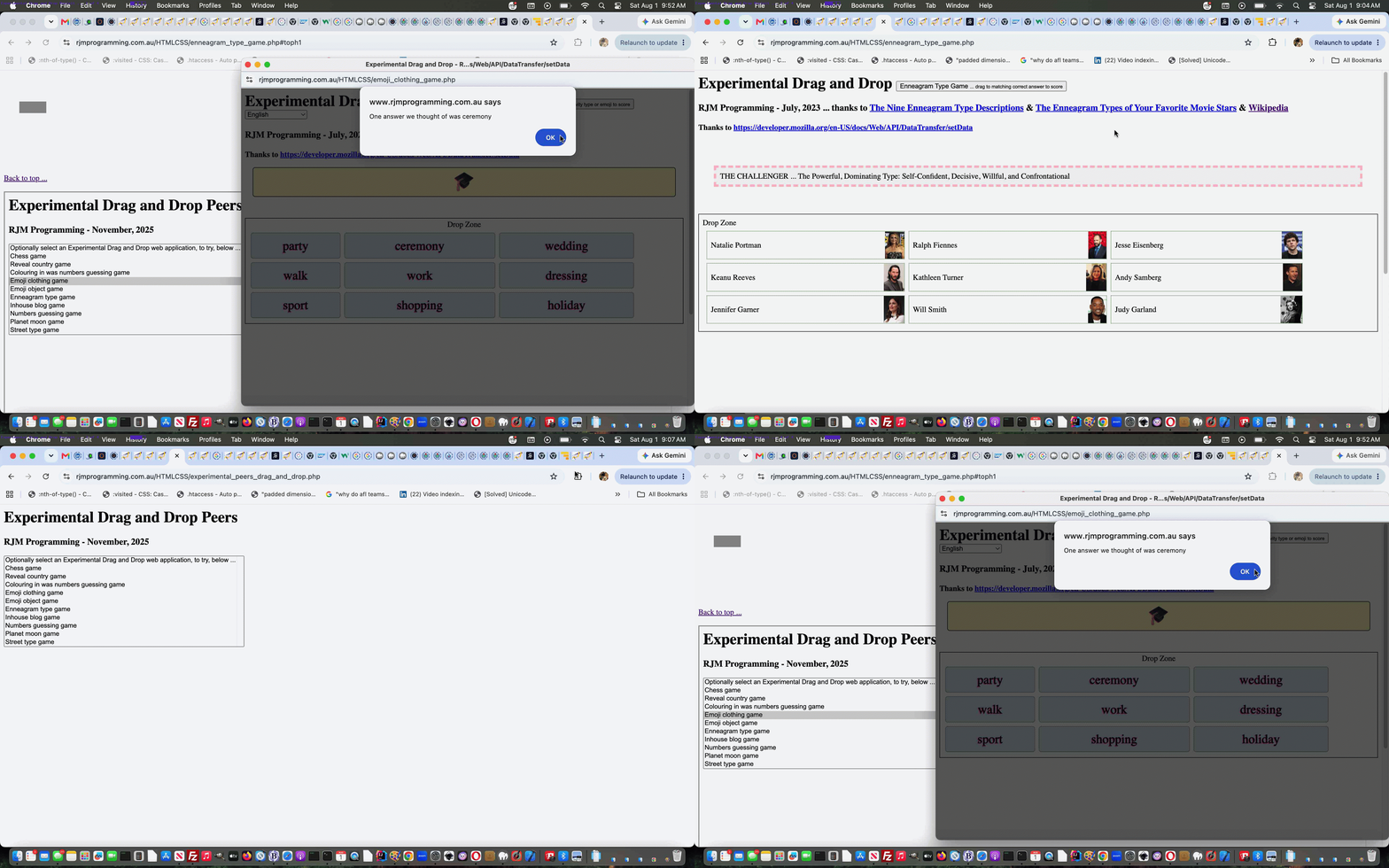
We even wrote a PHP web application to look for these Drag and Drop web application variations and place them in a dropdown to reach other suite peers. But we never made that obvious back at each peer in the suite, and that is today’s (primarily) PHP work to do.
All we are after is for a link near the top of the webpage be able to show that PHP menu web application in an iframe revealed and navigated to (and navigatable back from) at the bottom of the webpage. There were little quirks here and there doing this but basically the change was …
<?php
echo str_replace("<h1>", "<h1 id=toph1>",str_replace("1>Experimental Drag and Drop", "1>Experimental Drag <span title=\"More Drag and Drop web applications\" style=cursor:pointer;text-decoration:underline; onclick=\"document.getElementById('preifmenu').style.display='block'; document.getElementById('ifmenu').style.display='block'; location.href='#preifmenu';\">and</span> Drop", str_replace('</body>', '<br><a id=preifmenu style=cursor:pointer;text-decoration:underline; href=#toph1 onclick=window.scrollTo(0,0);>Back to top ...</a><br><iframe src="./experimental_peers_drag_and_drop.php" style=display:none;width:98%;height:800px; id=ifmenu></iframe></body>', $templategame)));
?>
… to make this happen in each peer …
- the changed latest draft Chess game web application
- the changed latest draft Reveal country game web application
- the changed latest draft Colouring in was numbers guessing game web application
- the changed latest draft Emoji clothing game web application
- the changed latest draft Emoji object game web application
- the changed latest draft Enneagram type game web application
- the changed latest draft Inhouse blog game web application
- the changed latest draft Numbers guessing game web application
- the changed latest draft Planet moon game web application
- the changed latest draft Street type game web application
Previous relevant Experimental Drag and Drop Game Tutorial is shown below.
Experimental Drag and Drop Game Tutorial
It can be interesting turning a “concept” (or even a “proof of concept” web application) into an, on the side, “game” web application, and that way, learn what’s possible via user action. This is how we felt about yesterday’s Experimental Drag and Drop Primer Tutorial and that teamed with the wonder about how we could add some useful complexity to our “Experimental Drag and Drop” web application’s …
Drop Zone
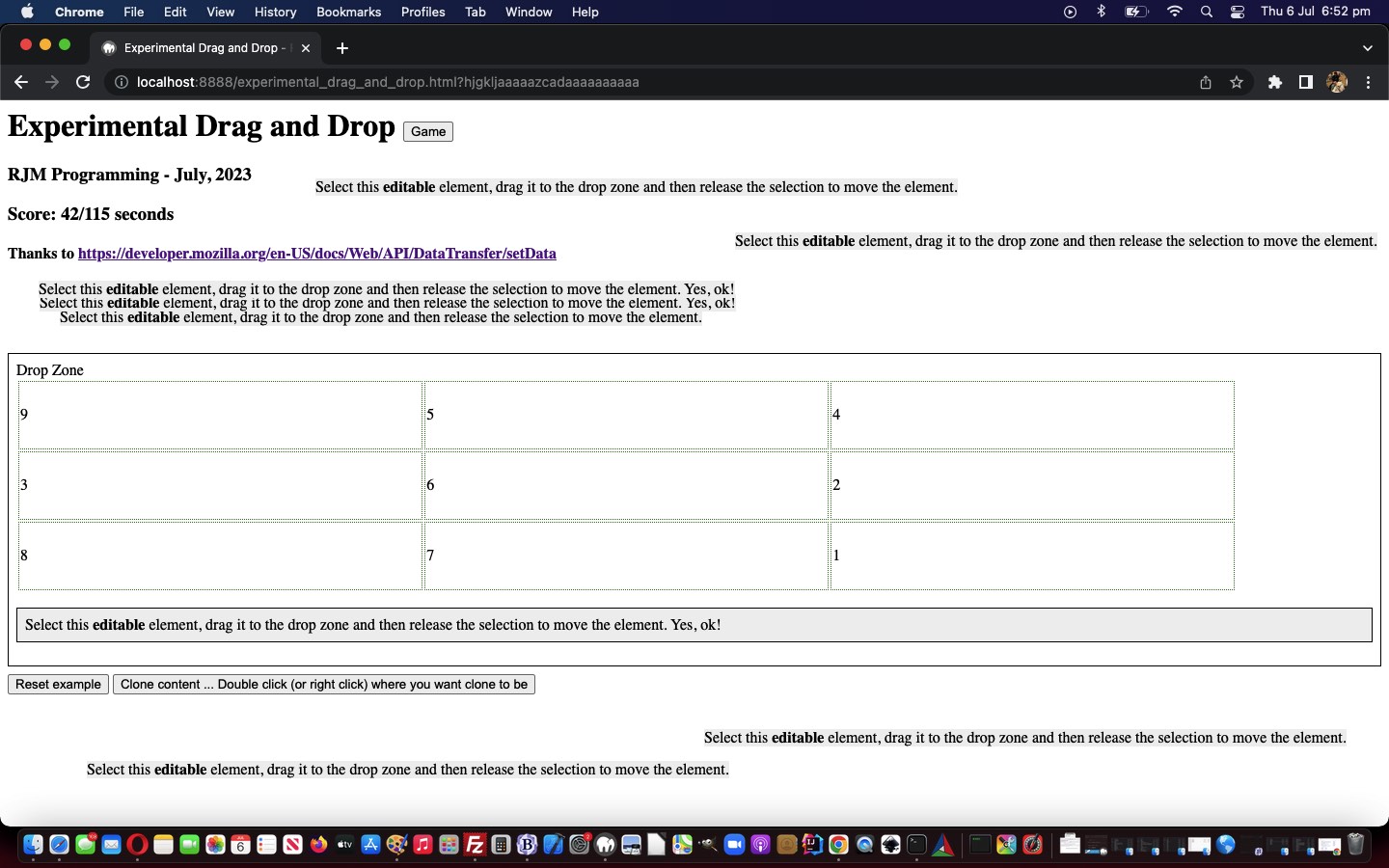
Can “inheritance” be harnessed to make it work for some complexity of nested HTML elements inside that “Drop Zone” element when the document.body’s onload event happens? We wondered whether a Brady Bunch style 3×3 table could be the go? And whether the nine cells could have a “score” associated with them, and that set of scores be changing over time to make the game more challenging and interesting? Well …
Yes
… is the answer regarding making a game out of a proof of concept with our experimental_drag_and_drop.html HTML and Javascript and CSS game web application (also shown below) using these techniques, about which we think some of you readers will be interested?!
Previous relevant Experimental Drag and Drop Primer Tutorial is shown below.
Experimental Drag and Drop Primer Tutorial
We’ve added the word experimental into today’s blog posting title, mainly because our first of two inspirational webpage sources (last modified on 23/02/2023) regarding somewhat alternative “Drag and Drop” functionalities told us, regarding the DataTransfer object informational “DataTransfer” webpage …
Experimental: This is an experimental technology
Check the Browser compatibility table carefully before using this in production.
… but our testing of the methodologies on various platforms hasn’t totally failed yet on any of the several desktop and mobile platform scenarios we’ve tried. On mobile, we just held on for a sustained touch (down) to make it possible. So maybe the industry has caught up with the ideas? We’re hoping so, because “drag and drop” is a kind of natural thing online users think of to do, and people associate it with “getting things done” we reckon.
Anyway, we relied on the great source code of the second of two inspirational webpages DataTransfer: setData() method, thanks …
The DataTransfer.setData() method sets the drag operation’s drag data to the specified data and type. If data for the given type does not exist, it is added at the end of the drag data store, such that the last item in the types list will be the new type. If data for the given type already exists, the existing data is replaced in the same position. That is, the order of the types list is not changed when replacing data of the same type.
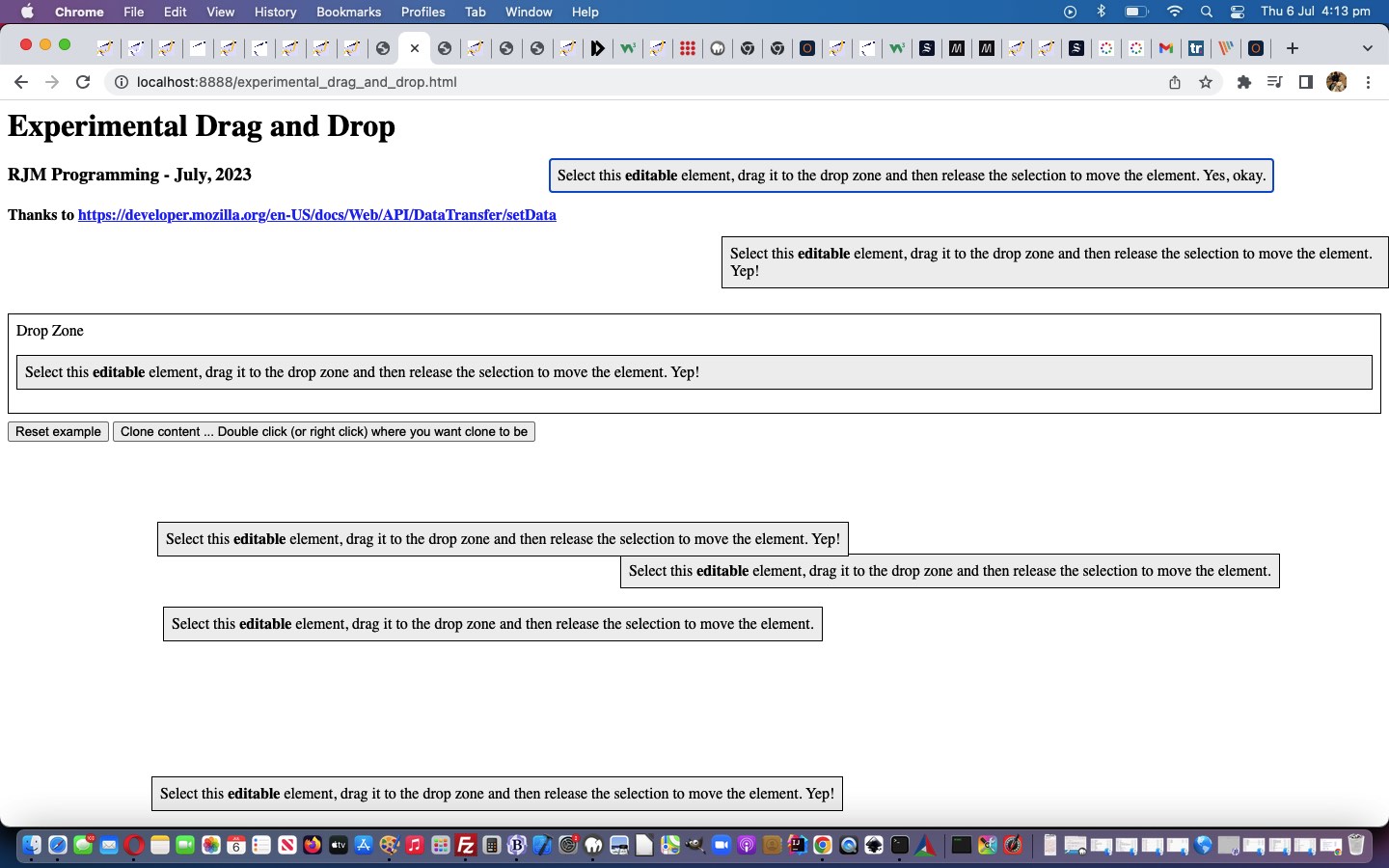
… to get us going with our “proof of concept” web application (also shown below) using these techniques, about which we think some of you readers will be interested?!
If this was interesting you may be interested in this too.
If this was interesting you may be interested in this too.
If this was interesting you may be interested in this too.




I like the single-row radio-play approach for keeping the controls compact while still making each selection clear. When I’m checking a calculation alongside a tutorial, I use StepStat to see the intermediate steps; how do you handle the layout when the playlist gets much longer?