
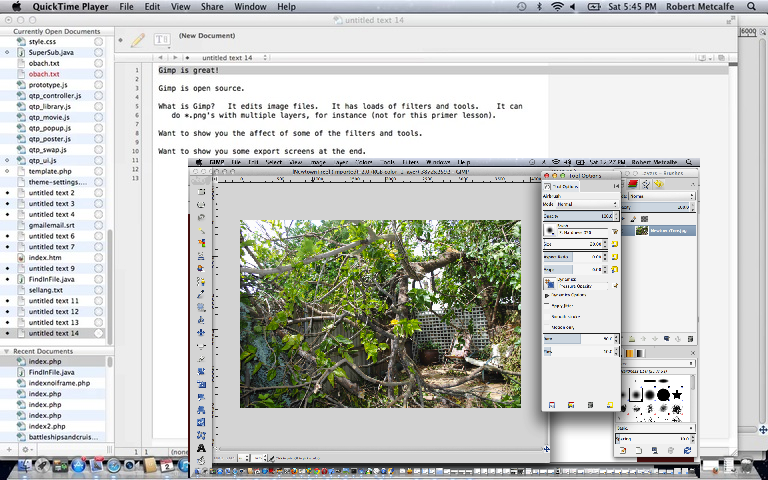
Gimp Primer Tutorial - Gimp download from www.gimp.org
Tutorial …
Transcript:
Gimp is great!
Gimp is open source.
What is Gimp? It edits image files. It has loads of filters and tools. It can
do *.png’s with multiple layers, for instance (not for this primer lesson).
Want to show you the affect of some of the filters and tools.
Want to show you some export screens at the end.
Okay … let’s start Gimp …
If this was interesting you may be interested in this too.




I like the single-row radio-play approach for keeping the controls compact while still making each selection clear. When I’m checking a calculation alongside a tutorial, I use StepStat to see the intermediate steps; how do you handle the layout when the playlist gets much longer?