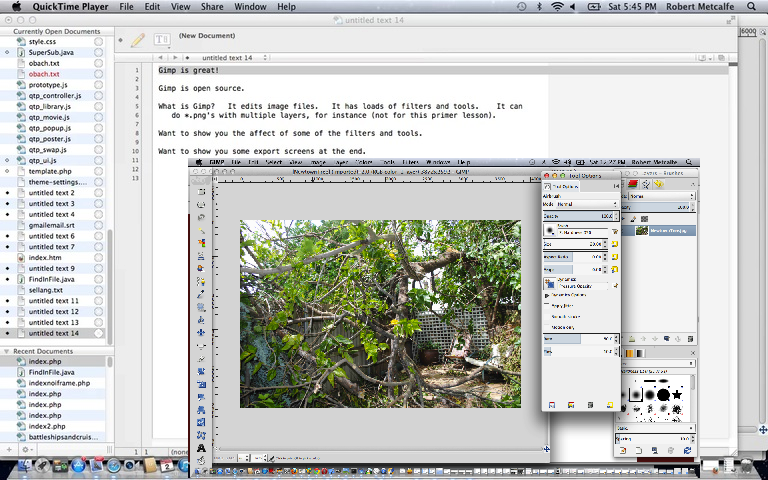
Gimp Primer Tutorial - Gimp download from www.gimp.org
Tutorial …
Transcript:
Gimp is great!
Gimp is open source.
What is Gimp? It edits image files. It has loads of filters and tools. It can
do *.png’s with multiple layers, for instance (not for this primer lesson).
Want to show you the affect of some of the filters and tools.
Want to show you some export screens at the end.
Okay … let’s start Gimp …
If this was interesting you may be interested in this too.




A fascinating technical exploration of video commentary timing and SubRip subtitle synchronization. In modern video pipelines, harmonizing visual frame duration with voiceover cadence is often where most editing effort goes. Seeing the programmatic breakdown of timestamped collaboration adds wonderful depth to media preparation tutorials. Excellent technical insight.