
Microsoft Defender Virus Protection Tutorial
The personal computer world has been fed the line for years that Apple Mac OS X (or macOS) is more secure than Microsoft Windows, but is this true? Have a read of this interesting article for more in this regard.
Whether the sentiment is true or not, must say the simple Avast Security virus protection arrangement I have for this MacBook Pro does not fill me with the anxiety the virus protection on Windows, so front and centre does. But maybe that is just delusion on my part. Anyhow, with Windows, though all this remains very front and centre stil lwith Windows 10, it is far less disorganized feeling, where years ago third party software was the only place to go. You can still …
- use third party software to manage virus control (as we show with the previous Windows Virus Protection Primer Tutorial) … but Microsoft’s Microsoft Defender application will tell you so and work with that … whereas you can …
- use Microsoft’s Microsoft Defender application on its own to manage virus protection
… meaning that there is a “one stop shop” for finding out about the security controls in place for a Windows 10 personal computer or laptop. Much less “wild west” feeling.
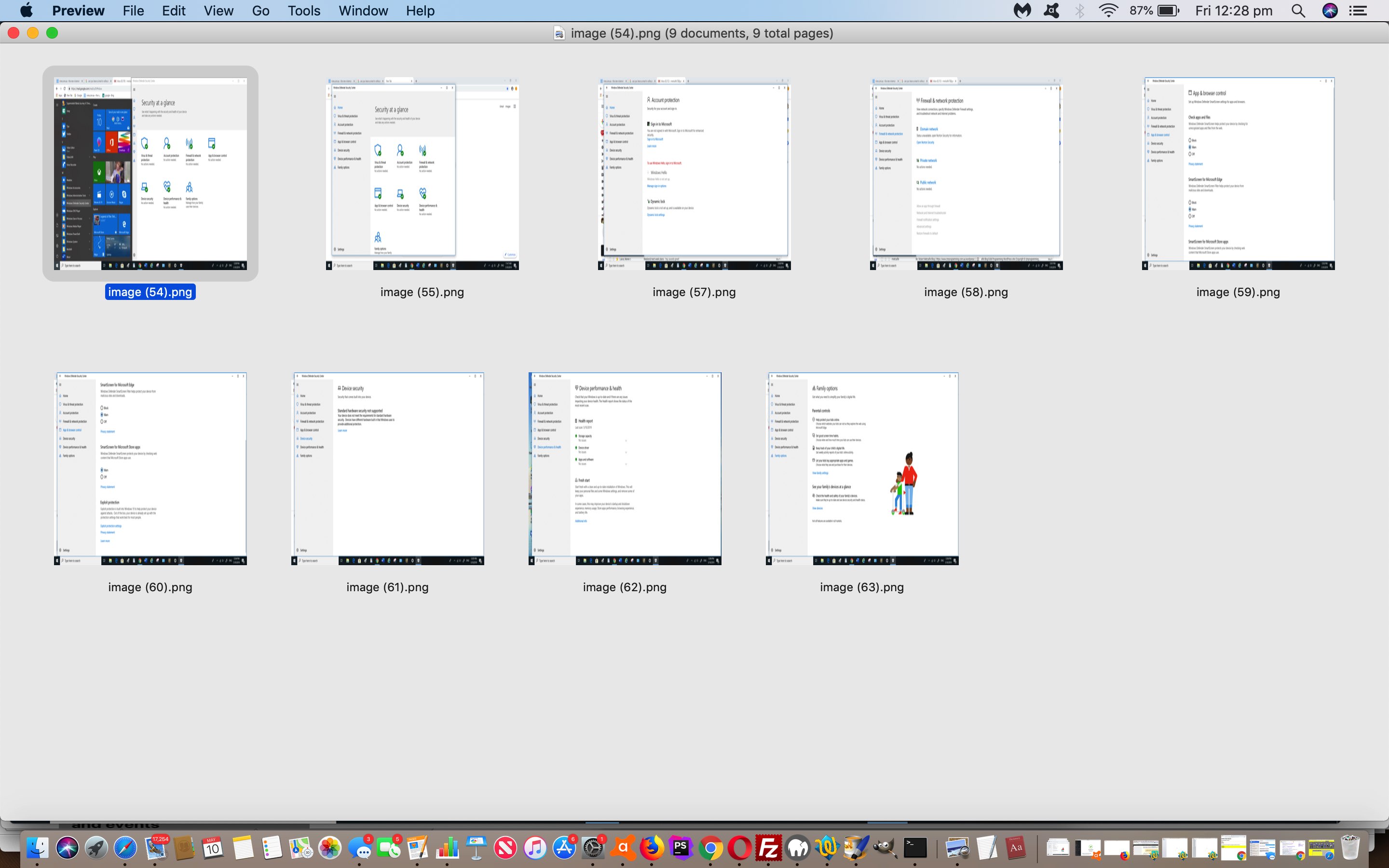
As such, today, we take a stream of consciousness tour of Microsoft Defender to show you today, screenshotted on a Windows 10 personal computer.
Hope you can see that “all in one place” can have its benefits.
Previous relevant Windows Virus Protection Primer Tutorial is shown below.
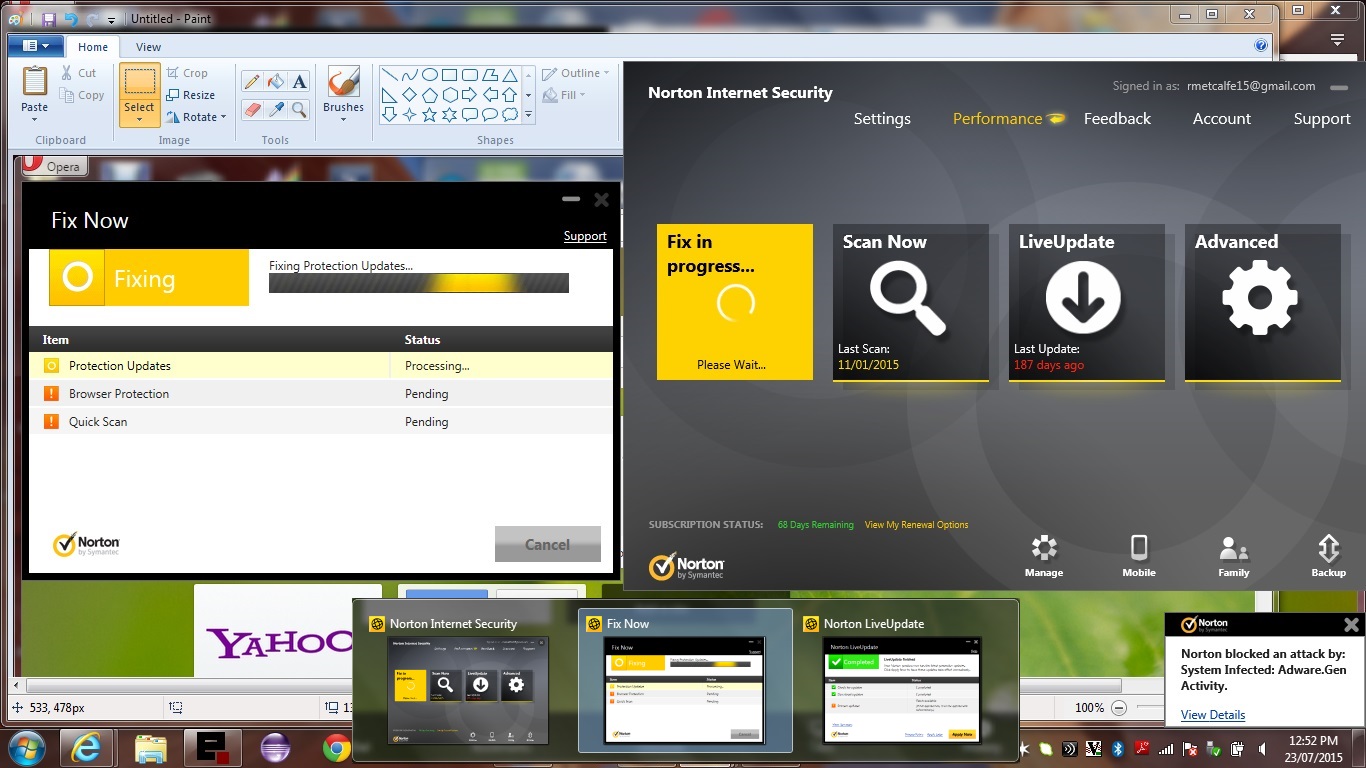
Windows Virus Protection Primer Tutorial
Windows users will almost always have considered the issue of Virus protection. The term “Virus Protection” encompasses, for many of us, so much more these days. Terminology that springs to mind with regards to that general concept of “protecting your computer from harmful software” could be …
… and other concepts that swirl around this issue include …
- firewall
- signatures
- live update
- scan
- threat
- quarantine
- intrusion prevention
- safe surfing
- identify safe
- download intelligence
- backup
- computer/network/web/insight/email/browser/intrusion/SONAR protection
Of the software available we like …
… and there is always Windows Defender … as supplied with Windows.
Here is the list tested by PC and Tech Authority (magazine, March 2016) with detailed tabular findings …
- Avast Free AntiVirus 2016 🔗
- AVG AntiVirus Free 🔗
- Bullguard Internet Security 🔗
- Eset Smart Security 🔗
- Kaspersky Total Security Multi-Device 🔗
- McAfee Internet Security 🔗
- Microsoft Security Essentials 🔗
- Norton Internet Security Premium 🔗
- Trend Micro Maximum Security 10 🔗
One way or the other these Windows “defenders” are very important in today’s personal computing space.
If this was interesting you may be interested in this too.
If this was interesting you may be interested in this too.


2 Responses to Microsoft Defender Virus Protection Tutorial