
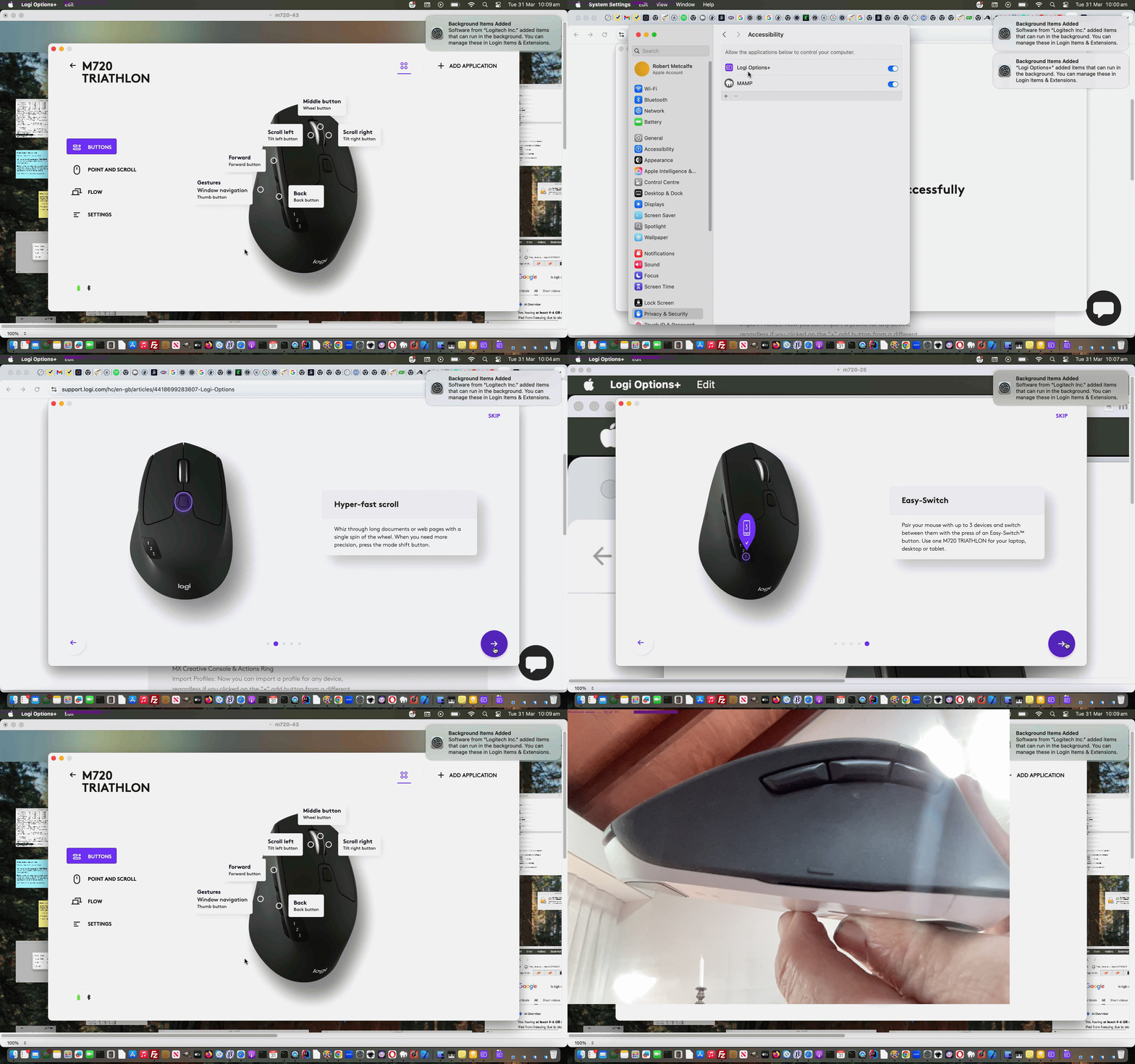
Bluetooth Mouse Show Desktop Primer Tutorial
We find Information Technology work is full of …
- you stumble onto a feature, software or hardware …
- startling …
- initially unexpected and annoying … but …
- in another scenario … yes … very useful, and even time saving … but …
-
How did I just do that?
Have no idea what I just did.
Currently in terms of work on this macOS MacBook Air here we’re using two bluetooth components (as well as Bluetooth speakers for music) …
- Logitech Keyboard K480
- Logitech Mouse M720 Triathlon
… and with that mouse we’ve often stumbled onto, accidentally, as mentioned above, a position where the mouse action has gotten us back to a view of the desktop overlayed with icons representing the apps open (or being used). Offputting at the time, but we’d love to know what we do to make this happen, deliberately, on occasions. So, today, we’re going to research it.
We typed into the web browser address bar Logitech Mouse M720 Triathlon desktop view gesture and got back …
To trigger the desktop view (Task View/Mission Control) on a Logitech M720 Triathlon, hold down the small button located on the rubber thumb grip while moving the mouse up, down, left, or right. This requires installing the Logi Options+ software to customize and enable these specific gesture actions.
… leading us to Customize M720 wireless mouse gestures with Logitech Options as a good resource here.
… and reading through this … Eureka!
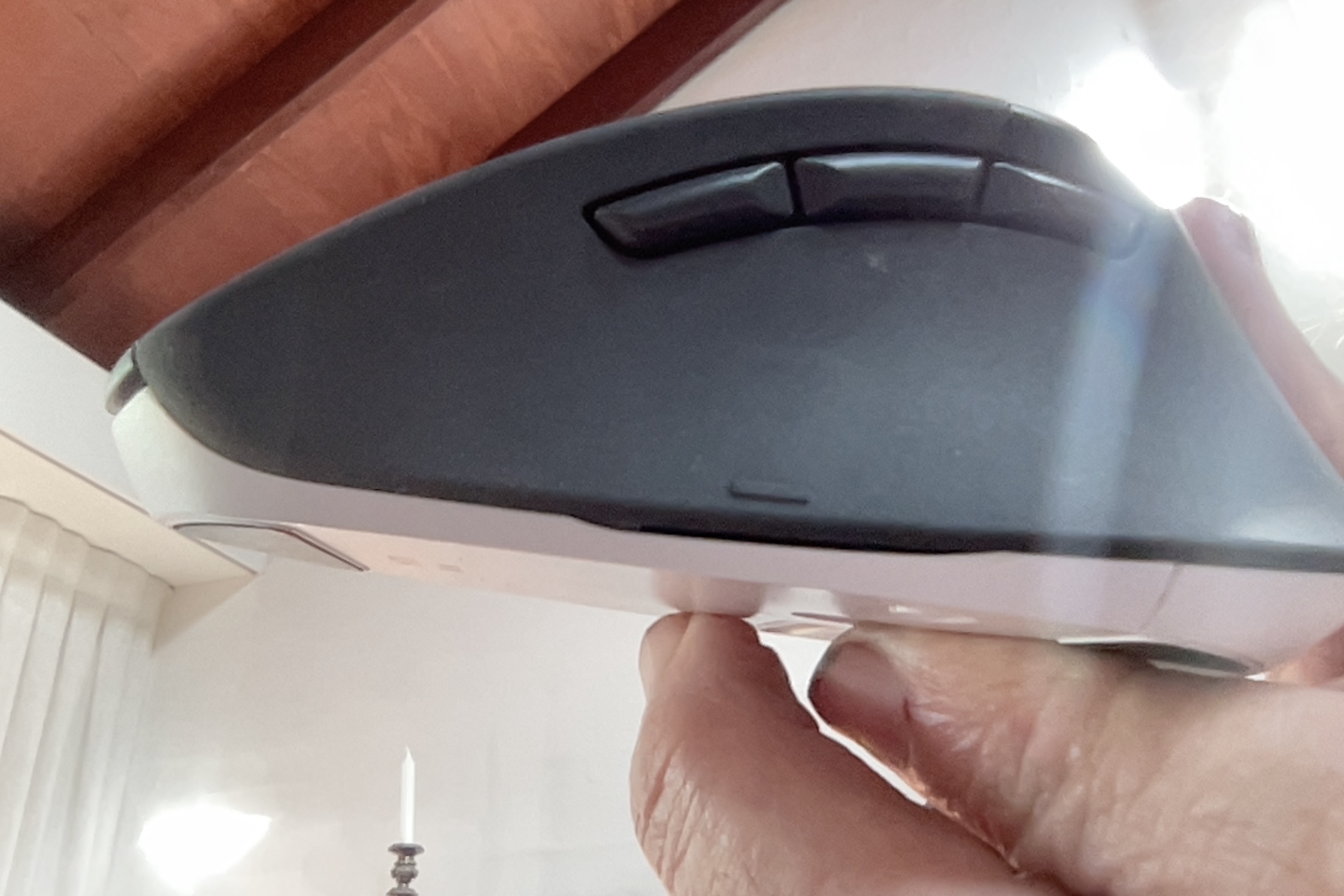
There’s this tiny button on the Logitech Mouse M720 Triathlon we’d never noticed, but the right thumb of ours had accidentally been triggering that toggles between …
- a view of the desktop overlayed with icons representing the apps open … and …
- back to what was going on before “a view of the desktop overlayed with icons representing the apps open”
… but, option wise, you can program other (bigger) buttons to configure many more gestures than just this! We’ll see?! Because, we think, when it comes to learning (and “Doh!” moments like this) …
Ignorance is not bliss.
If this was interesting you may be interested in this too.

