
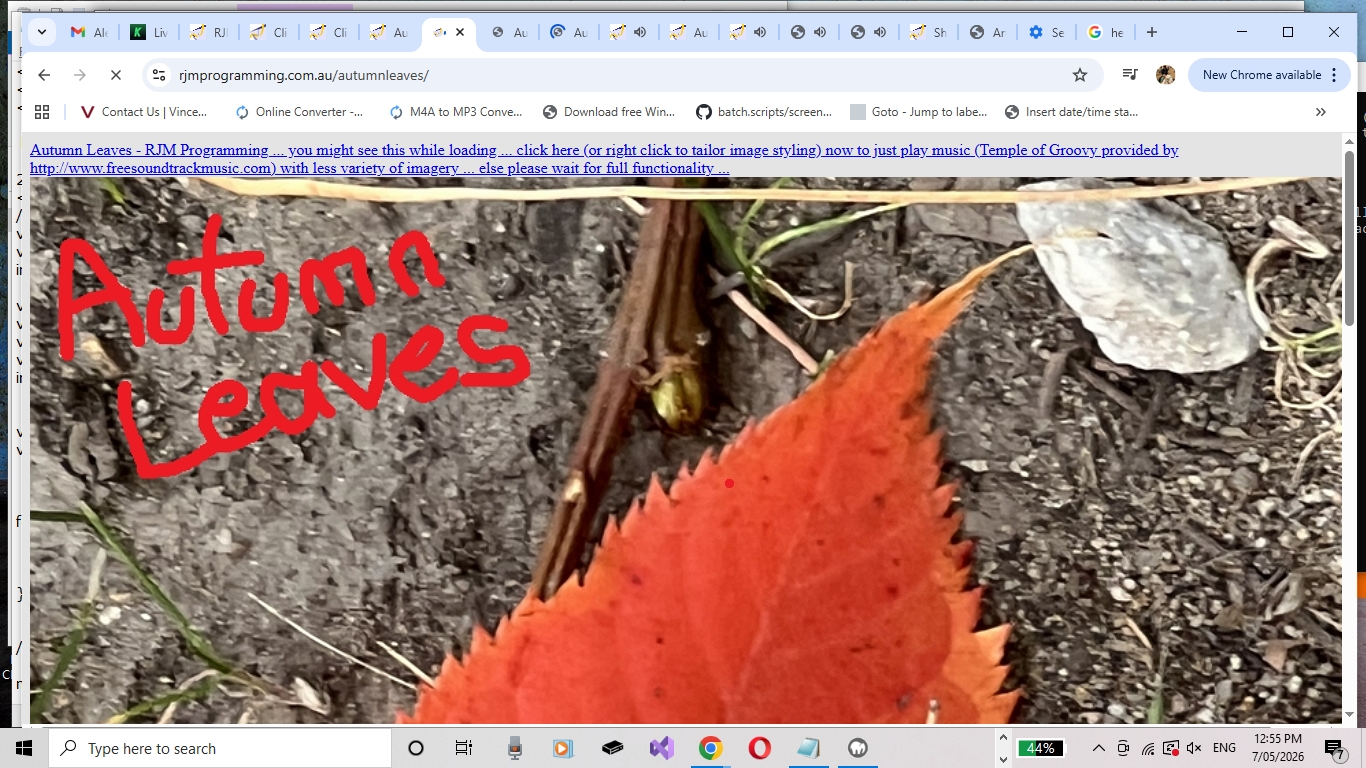
Autumn Leaves One Image Webpage Tutorial
It’s been quite a while since we’ve created a new One Image Webpage website of recent times. Yesterday, we created a new one called …
… because, that is very much the go around here in the Blue Mountains in those coniferous and associated maple deciduous tree type areas. The colours are very vibrant!
What have we noticed changing? Well, the iPhone outputs IMG_[0-9]*.HEIC images these days for full sized images, rather than DSC_[0-9]*.JPEG, like the way it used to be for the same full sized images back when we last tried to create a One Image Webpage website. We decided to convert HEIC to JPEG and found both Ffmpeg or ImageMagick, on a Windows command line, could attempt it, but Ffmpeg had an issue, and so, the Windows (ImageMagick) command …
for %i in (*.HEIC) do magick "%i" "%~ni.jpg"
… ended up suiting our purposes.
And what was the transferring from iPhone to macOS MacBook Air (for this part of the work) methodology?
- iPhone Camera app takes photo …
- each stored in iPhone Photos app …
- use iPhone Photos app Sharing link … to …
- tap AirDrop option (which, in Apple woooorrrrllllddd is the best go for these “too large for Mail attachments” amounts of data) …
- tap MacBook Air as the recipient (which, even out and about, and only lassooing MacBook Air to iPhone’s Hot Spot as a connection, worked (and was very fast)) … which …
- copies images (as is in *.HEIC format) from iPhone to MacBook Air
… retiring the iPhone, optionally, from any further involvement creating Autumn Leaves One Image Webpage website.
If this was interesting you may be interested in this too.


One Response to Autumn Leaves One Image Webpage Tutorial