
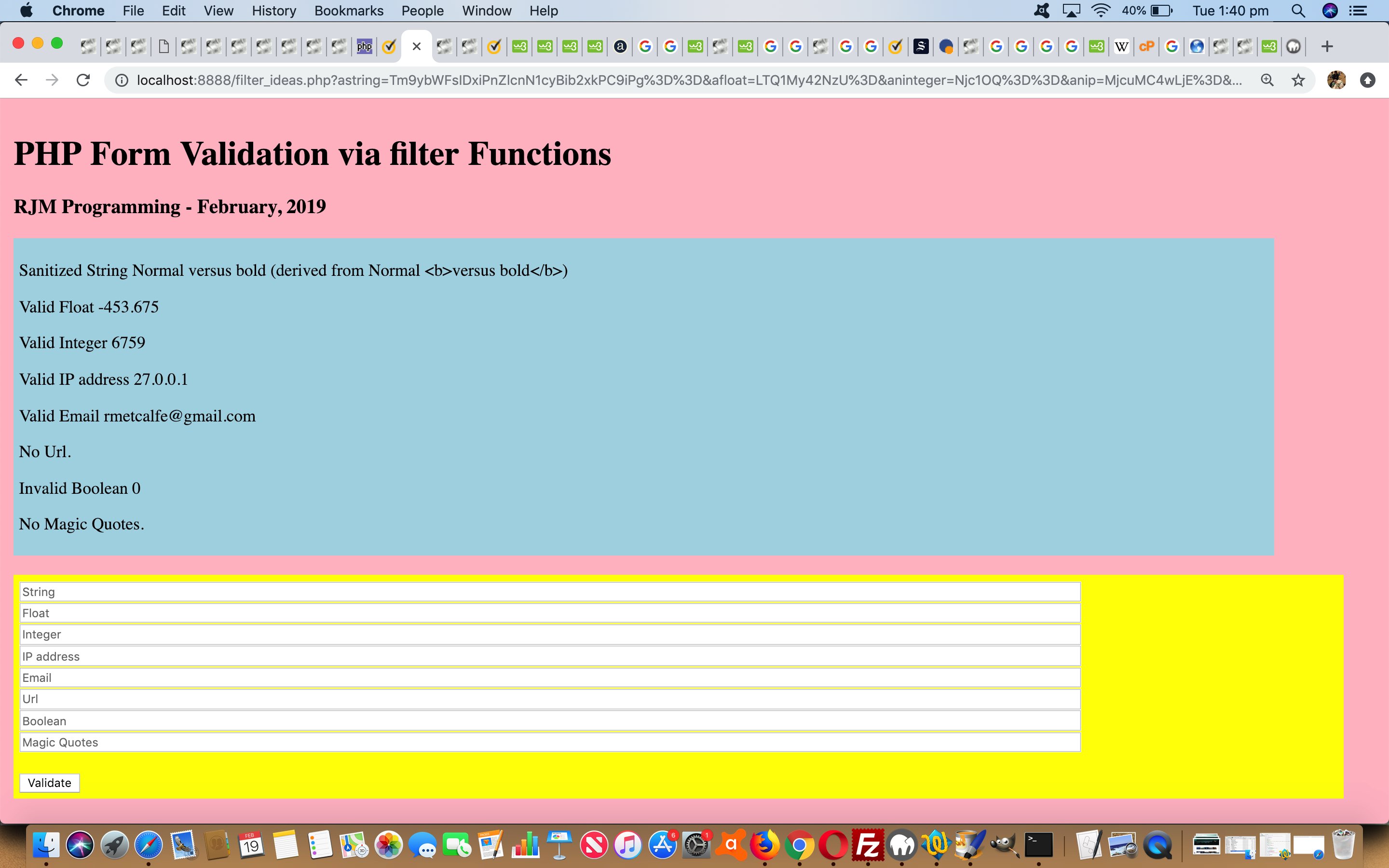
PHP Form Validation via Filter Extension Tutorial
Our recent Javascript and PHP Base64 Primer Tutorial with its Base64 thoughts, the …
echo "<textarea id=tb64 cols=100 rows=10>" . base64_decode(urldecode($_POST['base64'])) . "</textarea><br>";
… of which we adopt for today’s PHP code, set our minds towards HTML form thoughts and HTML form validation thoughts. The most immediate validation thought on an HTML form is probably …
- onsubmit event Javascript client logic … but today we go exploring …
- callback PHP serverside logic via the PHP Filter extension functionalities in the pattern …
$var=filter_var($prevar, );
You will see on examination of our proof of concept PHP filter_ideas.php code how these PHP Filter Extensions can be used for validation purposes (with a more extensive list here), and you could try it out for yourself at this live run link.
If form validation interests you, perhaps a read of HTML5 Form API Validation Primer Tutorial below is in order.
Previous relevant HTML5 Form API Validation Primer Tutorial is shown below.
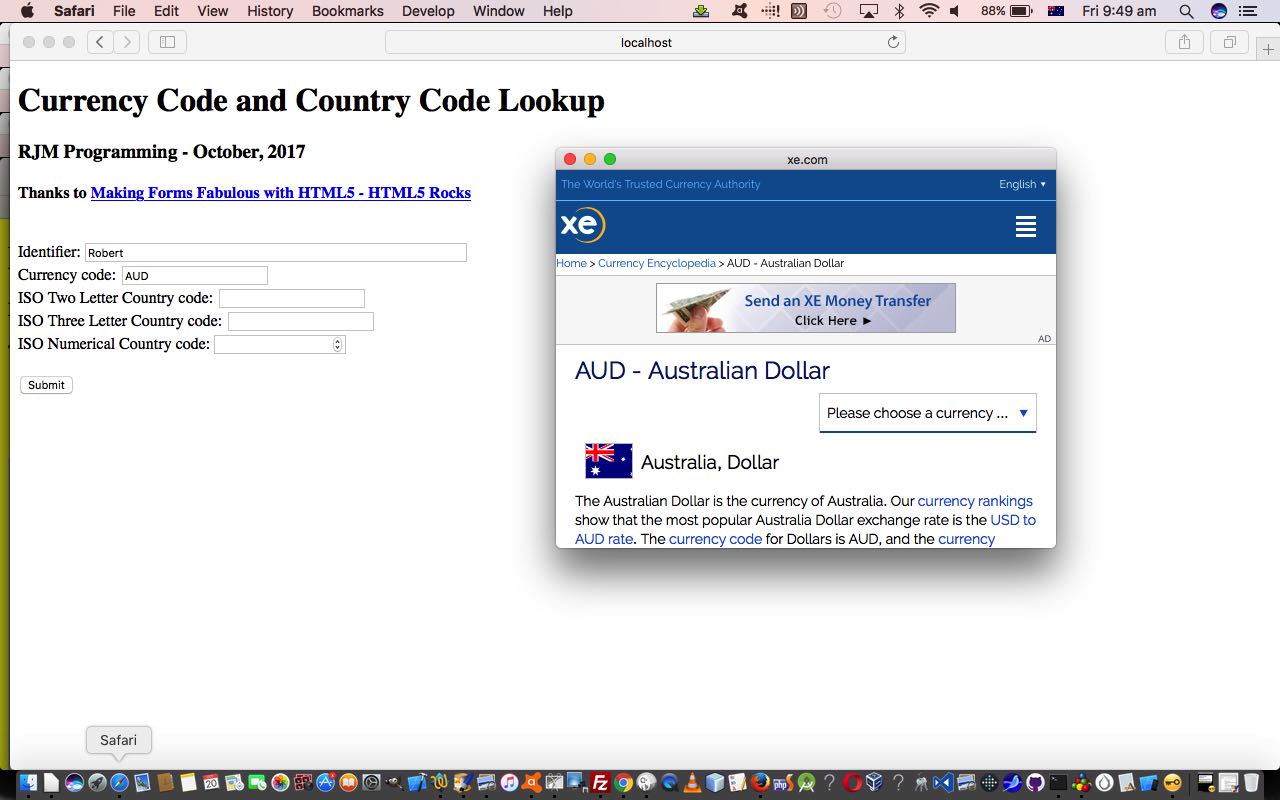
HTML5 Form API Validation Primer Tutorial
HTML5 is more than just the “5” tagged on. Take a look at this list of API related parts to the HTML5 specification.
As you may have gleaned from our recent HTML Input Element Types Randomized History Tutorial a lot of new HTML input elements were added with the view to improving the capabilities of HTML form elements for collecting information from users interactively. Along with that, as you might expect, validation methodologies were improved, as any programmer would tell you, can be one of the most challenging “practical element” of web design to do well to not involve user error, or “user giving up”.
The HTML5 form API has great “Constraint Validation”, not all new to HTML, but vastly improved and extended, as you can read a lot about at this really great webpage, thanks.
The HTML input attribute we find of great practical benefit with all this is the pattern attribute to define a constraint, in the same sort of vein as a RegEx expressions helps you perform pattern-matching and “search and replace” functions on text. This would be great use for organizations that work with “codes” or “Part Numbers” or SKU (stock keeping units) that follow a consistent pattern.
You can try some simple Constraint Validation at today’s live run link with its underlying serverside PHP code you could call html5_form_constraint_validation.html as you wish.
If this was interesting you may be interested in this too.
If this was interesting you may be interested in this too.




The distinction between course-driven and immersion-driven learning is useful. A small extension to the australia.htm exercise would be a set of named map markers and a text filter: first update the visible markers on an input event, then add a collected/uncollected toggle, and finally persist only that toggle state in localStorage. That gives beginners a concrete reason to learn arrays, DOM updates and browser storage without needing PHP or MySQL first. It is also worth testing empty searches, a page reload and disabled storage separately; those are different failure cases. Disclosure: we maintain the GTA 6 interactive map. I am suggesting it as an example of a map-and-progress interface, not claiming that we used the tutorial code. Would you introduce persistence after the first working interaction, or keep the initial exercise entirely stateless?