
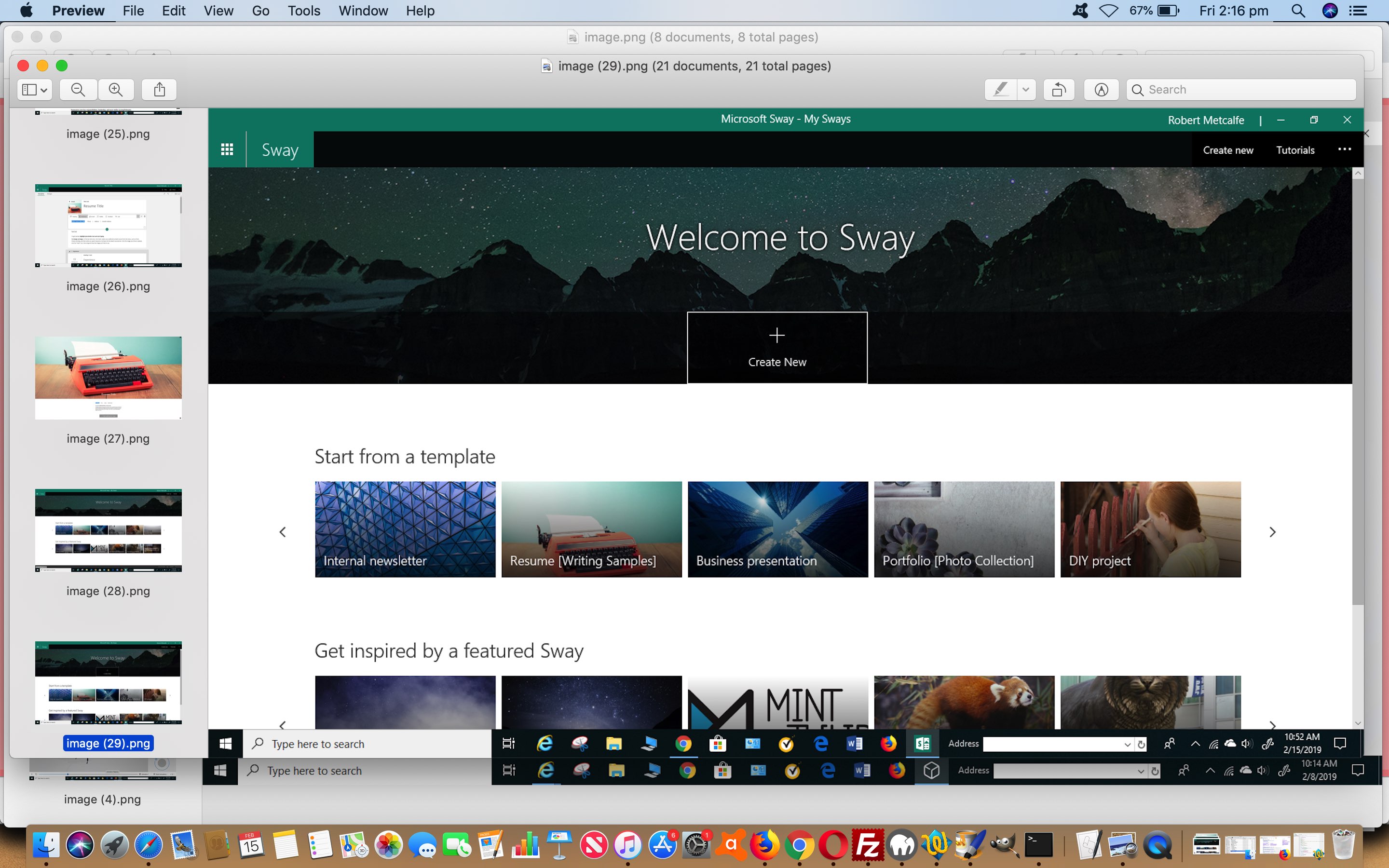
Windows 10 Sway Primer Tutorial
Microsoft Sway complements Microsoft Office to aid with business and personal desktop application functionality suitable to …
… create and share anything with Sway’s colorful and interactive canvas …
… and on a first viewing, for me, on Windows 10 with a desktop computer, it has a lineup of …
- Internal newsletter
- Résumé
- Business presentation
- Portfolio
- DIY project
… which felt like great ideas to become creative with presentations and reports and personal documents alike.
What these modern desktop applications do well as well, is facilitate collaboration and sharing of your work, which can’t be half bad!
Today we’ve pieced together a stream of consciousness view of using the great Microsoft Sway for Windows 10 that you can view via this PDF slideshow link.
If this was interesting you may be interested in this too.




I like the single-row radio-play approach for keeping the controls compact while still making each selection clear. When I’m checking a calculation alongside a tutorial, I use StepStat to see the intermediate steps; how do you handle the layout when the playlist gets much longer?