Using Document Writeln Onpaste Tutorial
Regarding yesterday’s Using Document Writeln Primer Tutorial you might wonder …
Why involve either/both textarea and div (contenteditable=true) elements as “containers” of content?
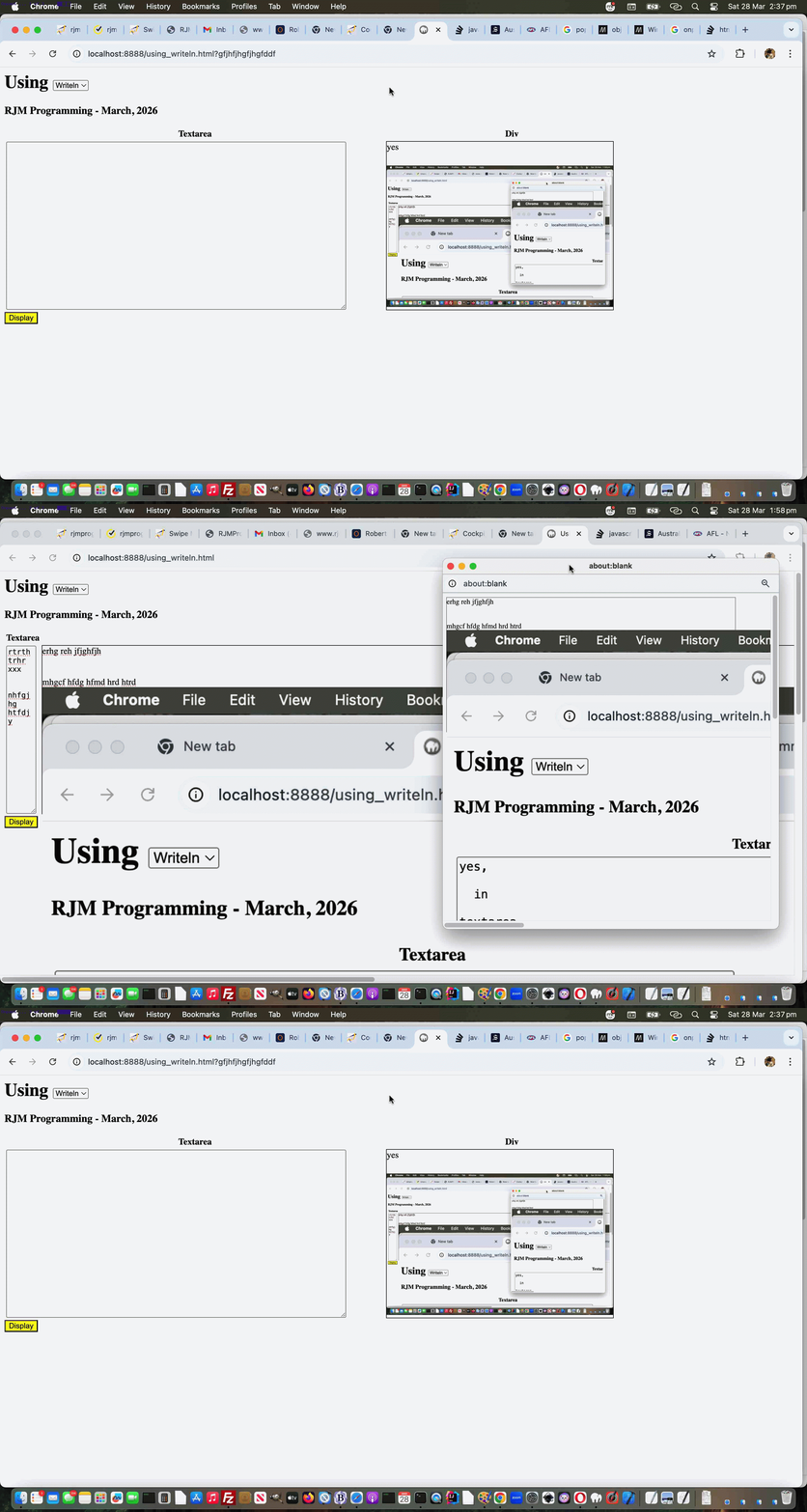
Well, with yesterday’s starting onblur (just) event gambit, it’s a very pertinent question, but, today, we introduce onpaste event work, and involving this event with the div element can have it distinguishing itself, able to accept graphical (eg. image) content. For example, the user can have their cursor placed into the div element and have been in an image editor having Edit->Select Alled and Edit->Copyed graphical content, then that can be Edit->Pasted into the div as graphical content.
As you might imagine, this opens a Pandora’s Box of possibilities regarding image sizing, but we apply inline CSS styling …
style='object-fit:contain;width:100%;height:100%;'
… to the img data URIed element within the div element that happens when graphical content is pasted into it, so that the graphical data is unlikely to spill too far outside the div bounds, assuming only one image is pasted, that is.
So feel free to try a changed using_writeln.html first draft Using (Document) Writeln web application for you to try yourself.
Previous relevant Using Document Writeln Primer Tutorial is shown below.
Using Document Writeln Primer Tutorial
The other day we stumbled on some advice leading us to use …
document.writeln([html-content]);
… rather than our usual “go to” …
document.write([html-content]);
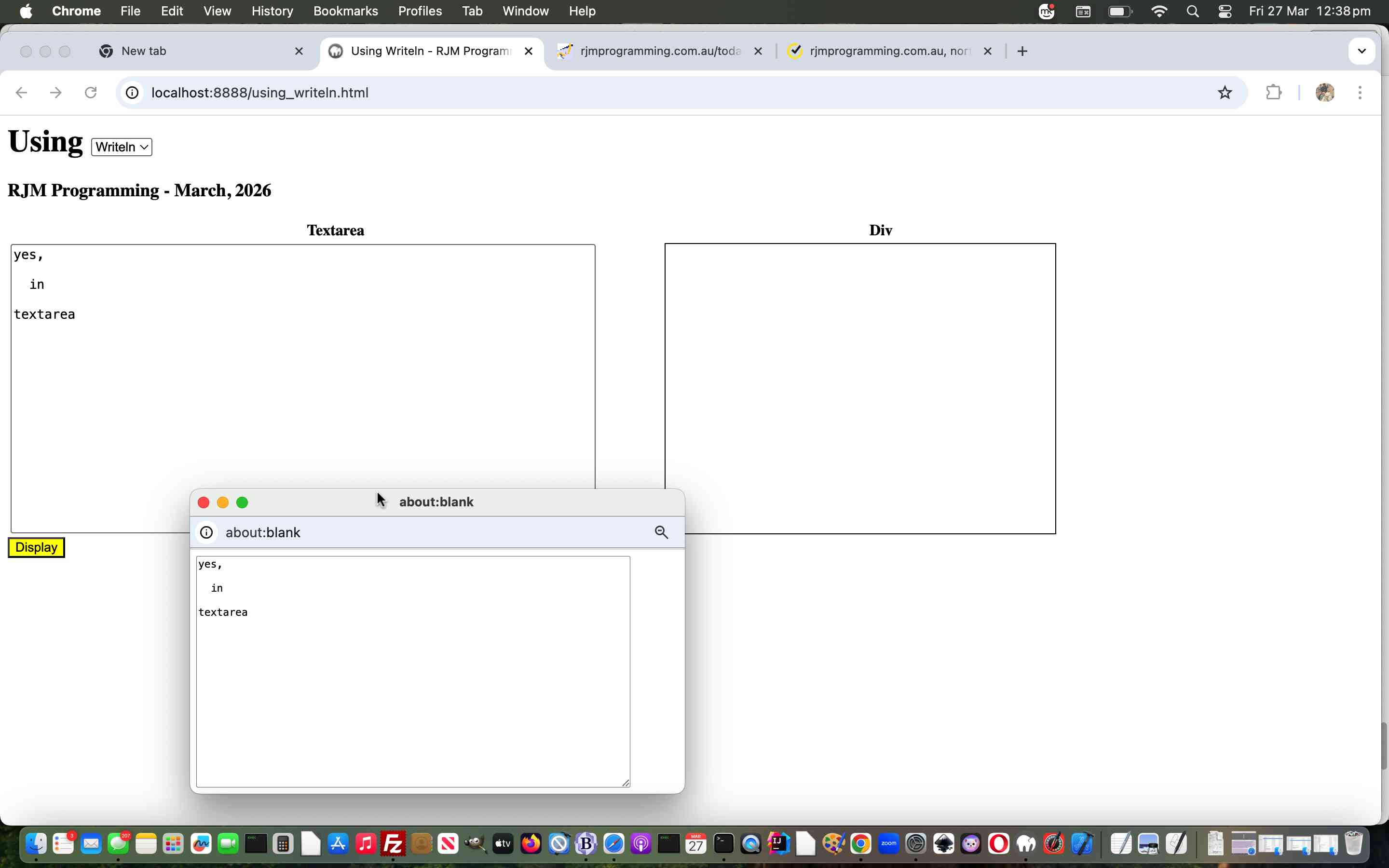
And so we wrote a “proof of concept” using_writeln.html first draft Using (Document) Writeln web application for you to try yourself.
If this was interesting you may be interested in this too.
If this was interesting you may be interested in this too.

