

Freezing iPad Issue Tutorial
As of yesterday, with some similar aspects to the work of the recent Upgrade to iOS Diskspace Issue Tutorial …
- on our iPad we experienced freezing in apps across the board …
- and the number of apps and type of app open were not extraordinary on that iPad …
- and we noticed …
- 5.6 gB of available storage via Settings -> General -> iPad Storage …
- power off and on could temporarily help …
- holding an action button longer than usual could break “the freeze” but still slow and really unwieldy even doing that
… where Apple recommends 4-6 gB of free space
Though we researched the implication of Offloading Apps and/or Deleting apps what best worked was to work through …
Settings -> General -> iPad Storage -> ?Download? (blurb will mention how much diskspace might be freed)
… as existent (in that iPad Storage report), it resulting in 2 download videos deleted, getting to over 6gB free, and a better iPad working scenario.
Aaaaaahhhh!
Previous relevant Upgrade to iOS Diskspace Issue Tutorial is shown below.
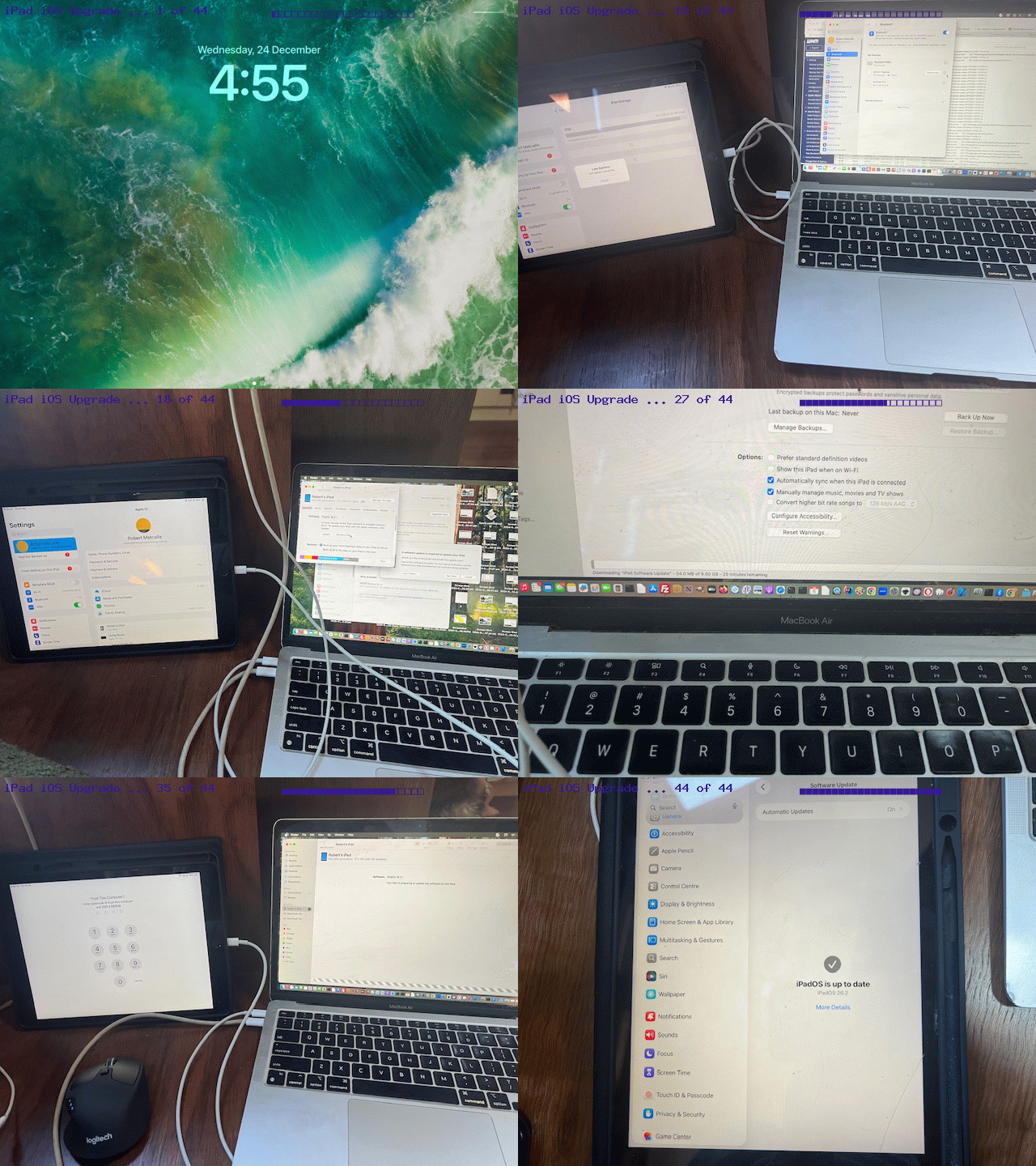
Upgrade to iOS Diskspace Issue Tutorial
For those of us Apple iOS users not so keen on iCloud to store data, when it comes to iOS upgrades on your iPhone or iPad, it could be that you run into the issue (like us, twice now, on two different iOS devices), that no matter how many files you cull you cannot come in over the requirement for free disk space that the default iOS Upgrade workflow asks for.
End of story …
So sad
… unless …
If you have access to an Apple MacBook Air or MacBook Pro with some diskspace on it, and you have the necessary Apple white leadages, and you have a good power supply, and you are allowed to wrestle the Apple MacBook Air or MacBook Pro away from it’s gatekeeper/user/lord/lady/mná/fir (and please, if you are a male foreigner at a hurling match needing the loo, do not head for the ablution block labelled “mná” … that being said … if you are a female foreigner at a hurling match needing the loo, do not head for the ablution block labelled “fir”).
We will give you this useful link from Apple for formal guidance here, and/or you could view our experience with today’s tutorial animated GIF “stream of consciousness” iPad iOS Upgrade presentation.
If this was interesting you may be interested in this too.
If this was interesting you may be interested in this too.

