Sepia Video via ffmpeg Primer Tutorial
As far as media creation goes, are you like me and think in terms of videos being much harder to edit than images, and maybe even audio media files? But have you considered global video editing via great command line products like ffmpeg?
We normally end up at the excellent StackOverflow to find methodologies to use, but today the most succinct and working advice on this topic came from “The FFMPEG guy” in the form …
| Input House.m4v video … |
|---|
| macOS Terminal command line ffmpeg command to make “sepia” … |
| $ ffmpeg -i House.m4v -filter_complex colorchannelmixer=.393:.769:.189:0:.349:.686:.168:0:.272:.534:.131 -pix_fmt yuv420p HouseSepia.mp4 |
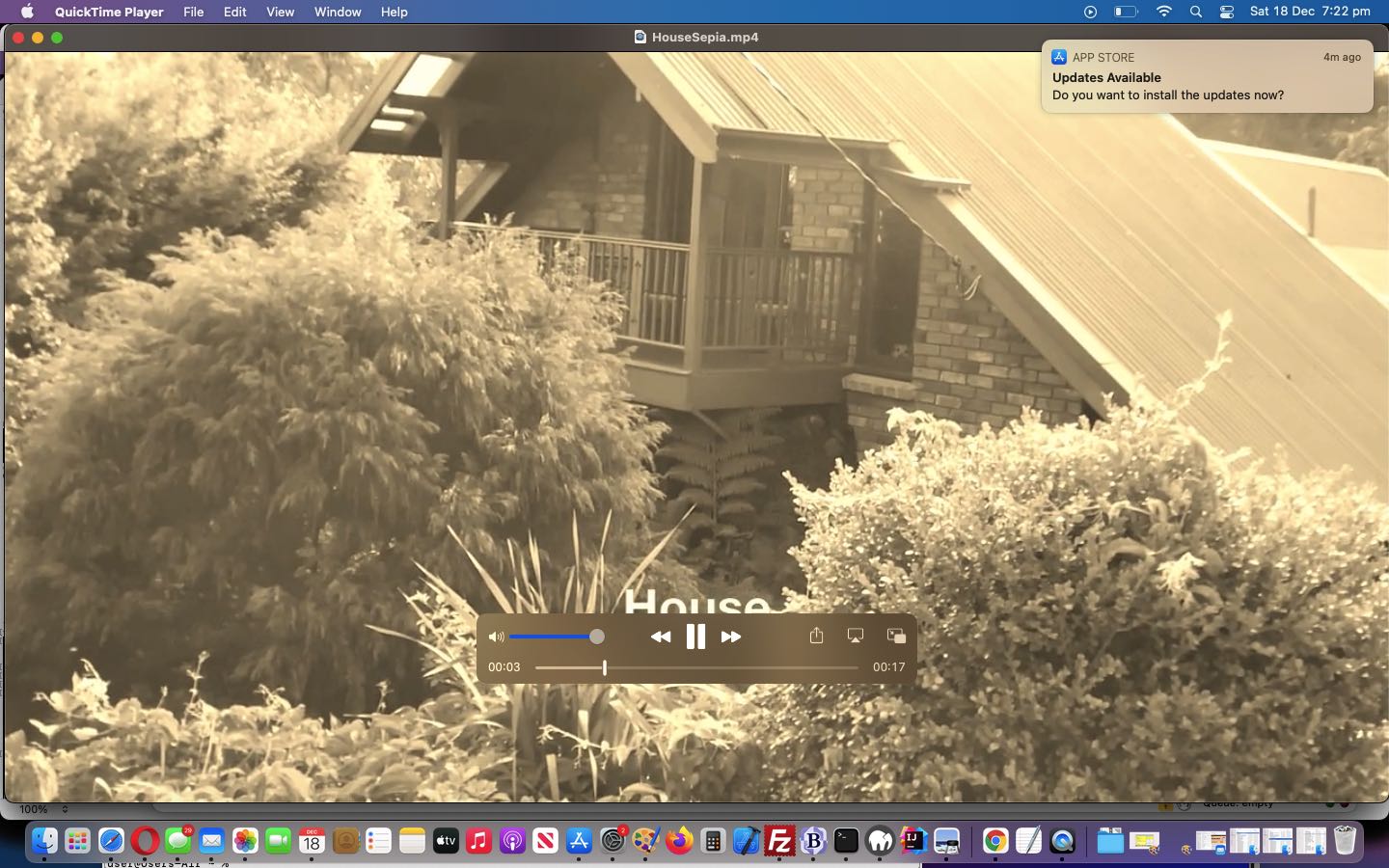
| Output HouseSepia.mp4 “sepia” video … |
Cute, huh?!
If this was interesting you may be interested in this too.




The Hello World starting point makes it easier to separate project setup from asset problems. A useful follow-up would be importing a small sprite sheet and checking frame dimensions, ordering and padding before adding animation logic. Previewing the individual frames first can help identify whether a problem comes from the artwork or from the engine configuration.