
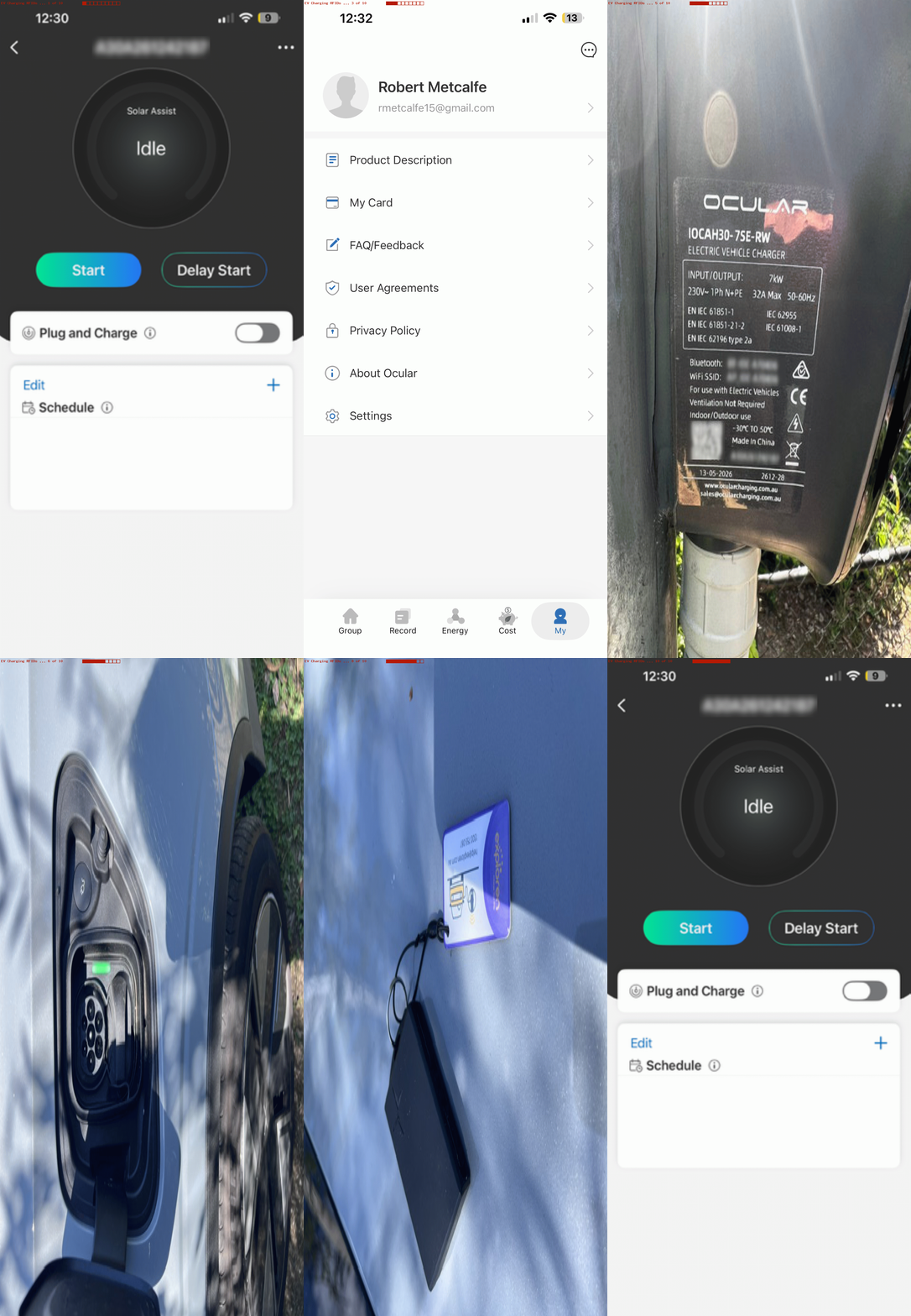
Ocular EV Charging App RFIDs Primer Tutorial
We recently got helped hugely acclimatizing to a new EV (electric vehicle) via a …
- Solar Panel and Battery install to house … solar battery specialists …
- EV Charging via Private Pole to house and grid … electrician …
- EV Car … car sales specialist
… flurry of advice recently, leaving us with mobile apps for …
- the house solar panels and battery
- the car
- the EV charger … it being today’s focus, and called the Ocular App, helping with AC (the top “trickle feed” slower (top car plug, and as you buy the EV Charger you get supplied the
unsuitable lead) charging approach, as distinct from Evie App charging (oh, that makes four) at public charging stations where, hopefully available, is faster DC charging (the bottom car plug) many Australians will be getting a handle on this coming school holidays) …
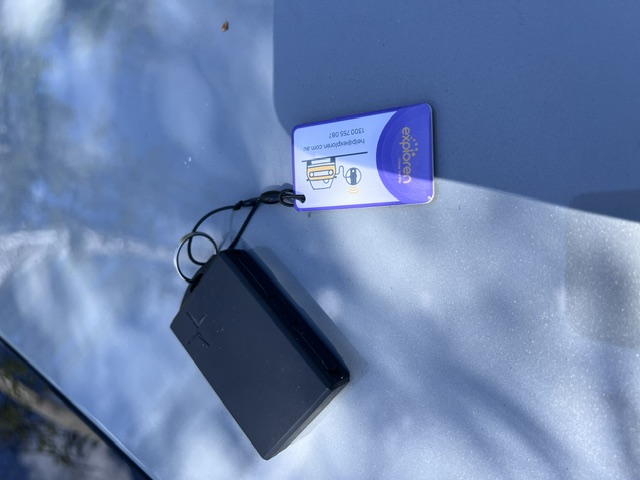
Since then, the car people upgraded our car software in an indescribable set of steps … was this firmware?! Anyway, an ongoing matter of interest (it took us a month to address but read on) was the electrician leaving us with two RFIDs … these quite small rigid but smaller and fatter credit card …
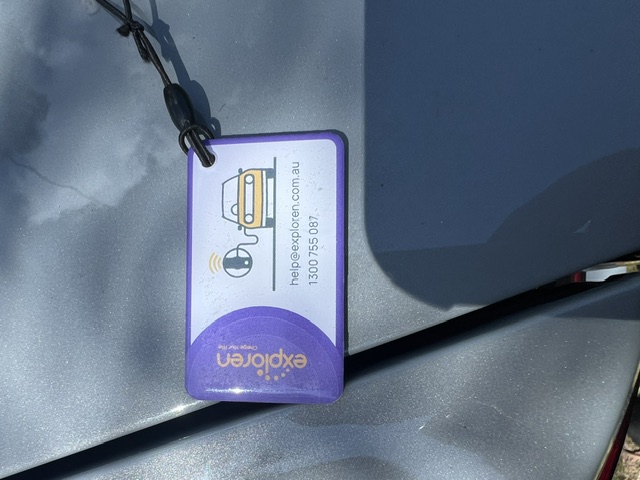
… feeling do-dahs EV charging Plug and Charge precursor arrangements … in what you might categorize as a “security thaing”.
You’re probably getting the gist here …
Stick to the day job … software!
But luckily, yours truly gets inspiration in these “onboard hardware matters” from the gumption and fearlessness of my partner! Yayyy! So we found ourselves …
- at the iPhone open with the Ocular App with the RFIDs and the EV Charger while it was not charging, but near The Car when …
the butler did it… no … at the Ocular App “My” tab …
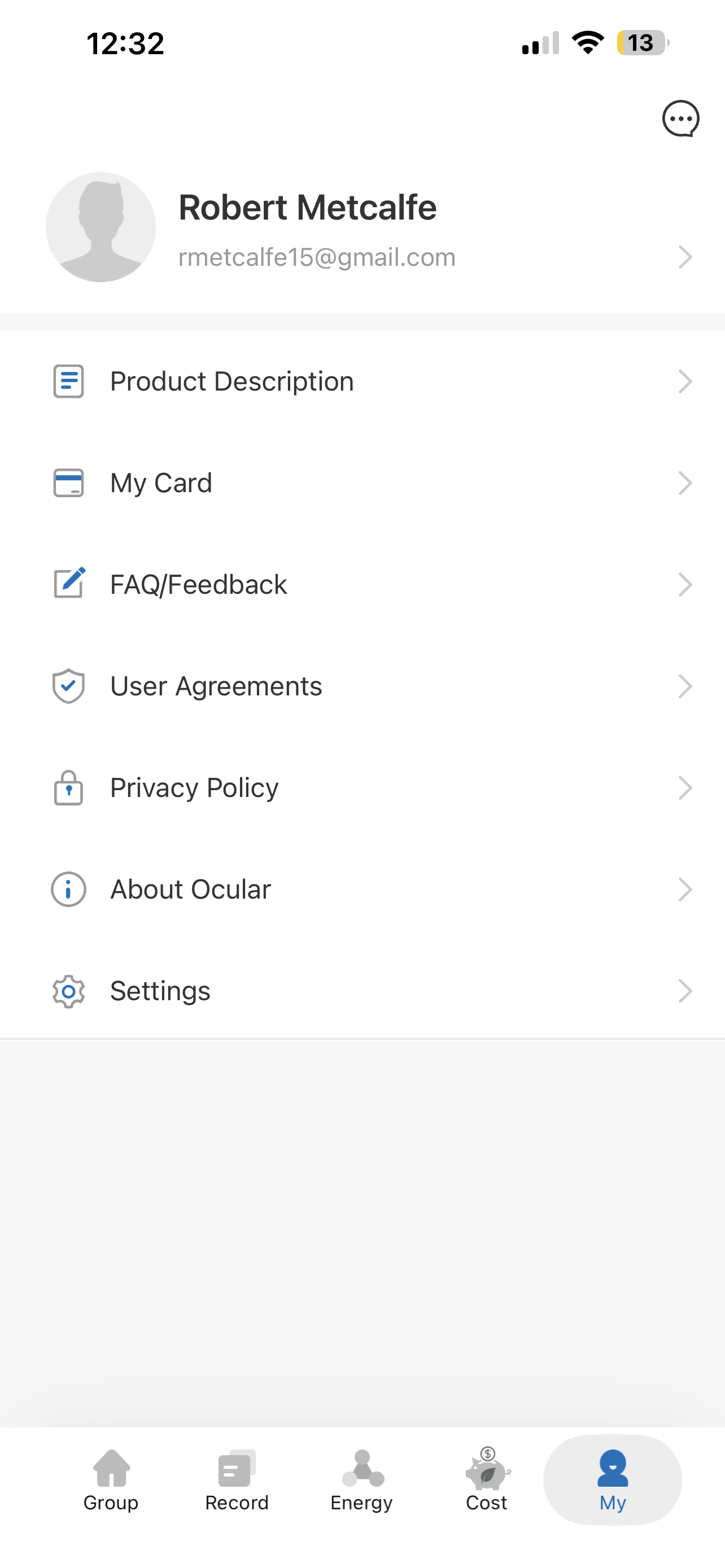
… tapped “My Card” option …- tapped “Bind New Card” option
- filled in a new Card Name
- checked the Serial Number of the EV Charger serial number that appeared
- tapped “Bind” option …
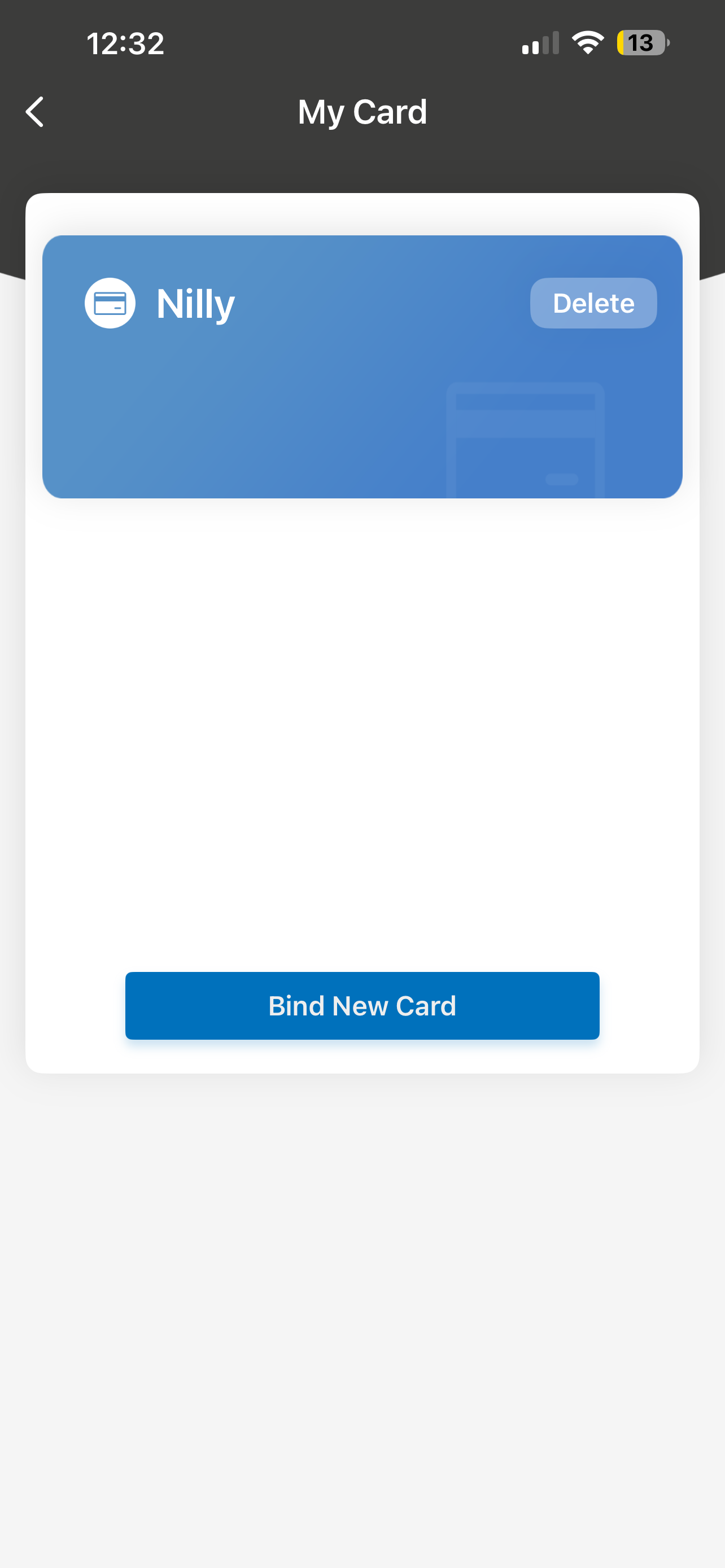
- waved RFID card in front of front scanner (see image two down) … and the EV Charger beeped … and the app displayed “Success” … who’d have thought?!
- and this is where security might happen if … back at “Group” tab “EV Charger of interest” tap screen unchecked Plug and Charge
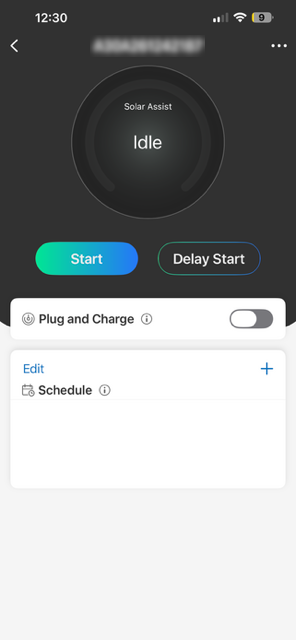
… … meaning to charge you need to wave RFID card in front of front sensor …
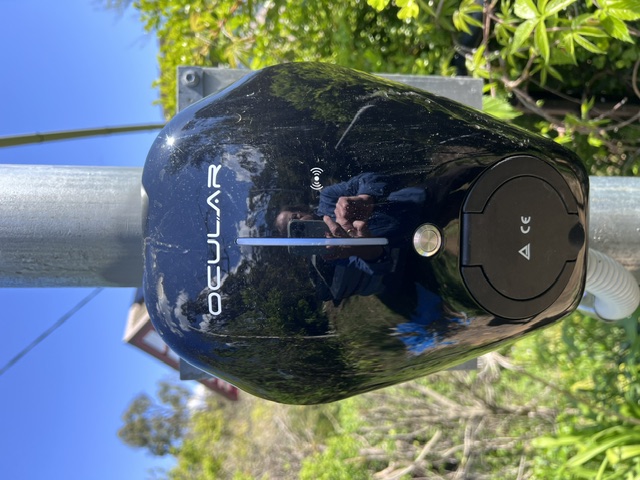
… of EV charger
… and so it made sense to associate car fob with the RFID card as per …
If this was interesting you may be interested in this too.

