
Document Root Relative Folder Listing Links Before and On Click Tutorial
Today’s work has an Ajax feel to it, despite the fact we use no Ajax type Javascript code, onto yesterday’s Document Root Relative Folder Listing Links Tutorial onclick event logics, we guess, because …
- coding for the non-mobile onmouseover event, with display change logic, has a very Ajaxy feel to it … and …
- on mobile we code for ontouchmove (feeding into user click actions)
… calling via …
<?php echo ”
tv=tv.replace(tlls[itv].split(' /')[0] + ' ' + ihis, tlls[itv].split(' /')[0] + '	<a target="_blank" onmouseover=showit(this); onmouseout=hideit(this); ontouchmove=showit(this); ontouchend=hideitlater(this); href=\"' + ihis.split('%20-')[0].split(' -')[0] + '\">' + ihis.split('%20-')[0].split(' -')[0] + '</a>');
“; ?>
… calling on …
<?php echo ”
  function showit(ioi) {

     document.getElementById('mymediatr').innerHTML=mytrih;

     if (ioi.outerHTML.indexOf('<span') != -1) {

     outwo(ioi.getAttribute('data-href'));

     } else {

     outwo(ioi.href);

     }

  }


  function hideit(ioi) {

     document.getElementById('mymediatr').innerHTML=mytrih;

  }


  function hideitlater(ioi) {

     if (2 == 5) {

     setTimeout(function(){

     document.getElementById('mymediatr').innerHTML=mytrih;

     }, 15000);

     }

  }
“; ?>
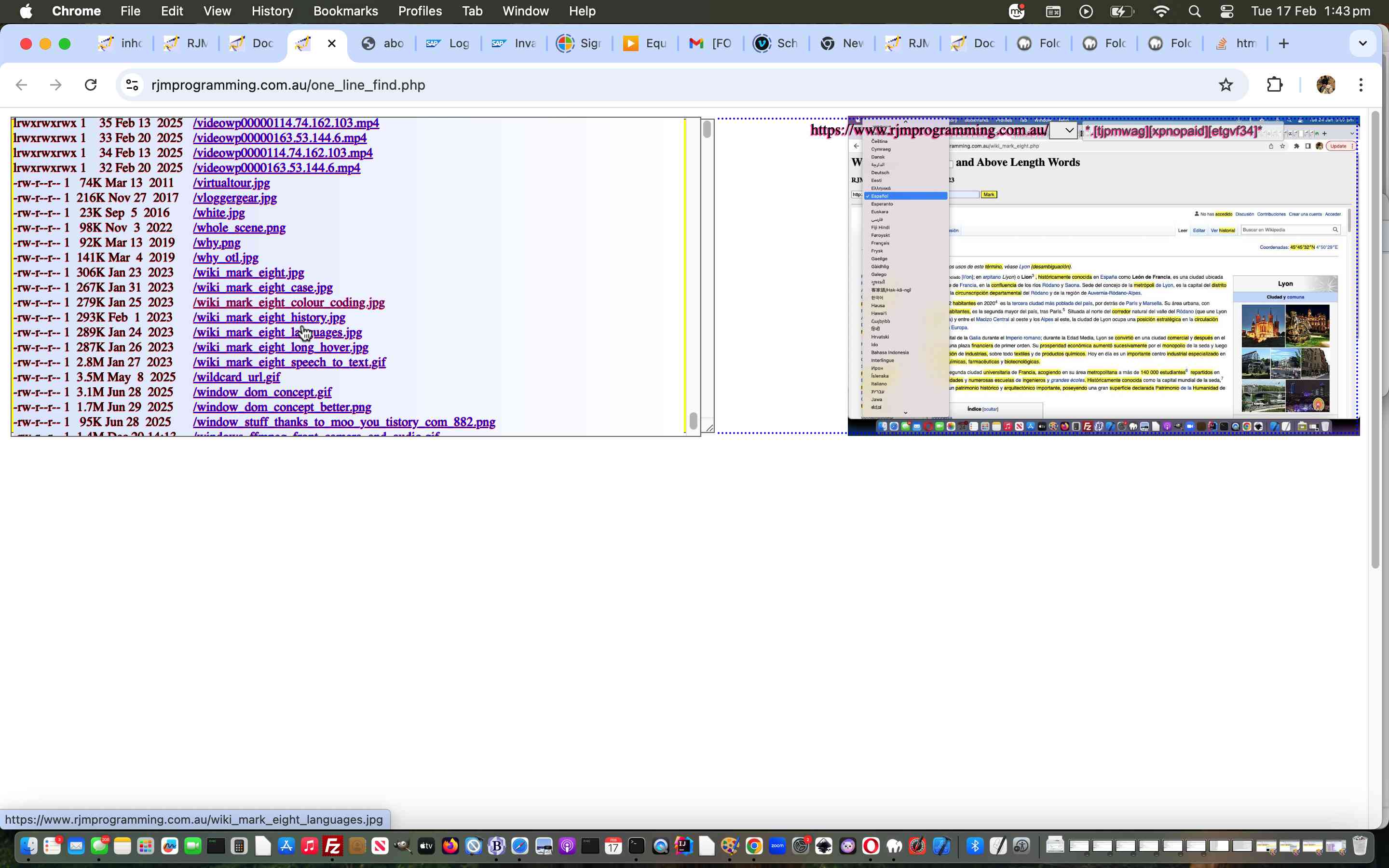
Along the way we decided, in very Ajaxy thinking, on mobile, to be less disruptive with navigations after a click, so as to stay on the original webpage more often, in the “third draft” one_line_find.php Document Root Relative Folder Listing web application you can “crank up” below, yet again, if you like.
Previous relevant Document Root Relative Folder Listing Links Tutorial is shown below.
Document Root Relative Folder Listing Links Tutorial
Regular readers will “know the drill” with today’s work, on top of yesterday’s Document Root Relative Folder Listing Tutorial.
The new word in the posting title is …
Links
… and those regular readers would know …
- yesterday’s Document Root Relative Folder Listing output was placed into a textarea element … clue 1
- that textarea element we all admire for it’s textual data line feed talents and it’s talents for resizing capabilities … clue 2
- that textarea element textual data is unembellishable (if that is a word) … clue 3
- whereas your meek and mild div element, say, could overlay that textarea element, except for the right hand resizer, that is … clue 4
- and the div element could latch onto that textarea basis of content and enhance filenames into filename links too (but am not sure about the Singing Glasses idea in the “talent quest section” … that seems a bridge too far) … clue 5
… leaving us clueless as to what else to say … chortle, chortle?!
Also helpful would be, to our minds …
- still restrict the file specification to a “buttoned down” setting (because of security concerns) … but …
- add complexity to the extension part …
<?php
$extbit='*.[tjpmwag][xpnopaid][etgvf34]*';
?>
…to allow relatively innocent media files and PDFs reach the file listing (tweaked a bit too) now …
<?php
$resis=str_replace($_SERVER['DOCUMENT_ROOT'],'',shell_exec('ls -lhgo ' . $_SERVER['DOCUMENT_ROOT'] . DIRECTORY_SEPARATOR . $offdr . $extbit));
?>
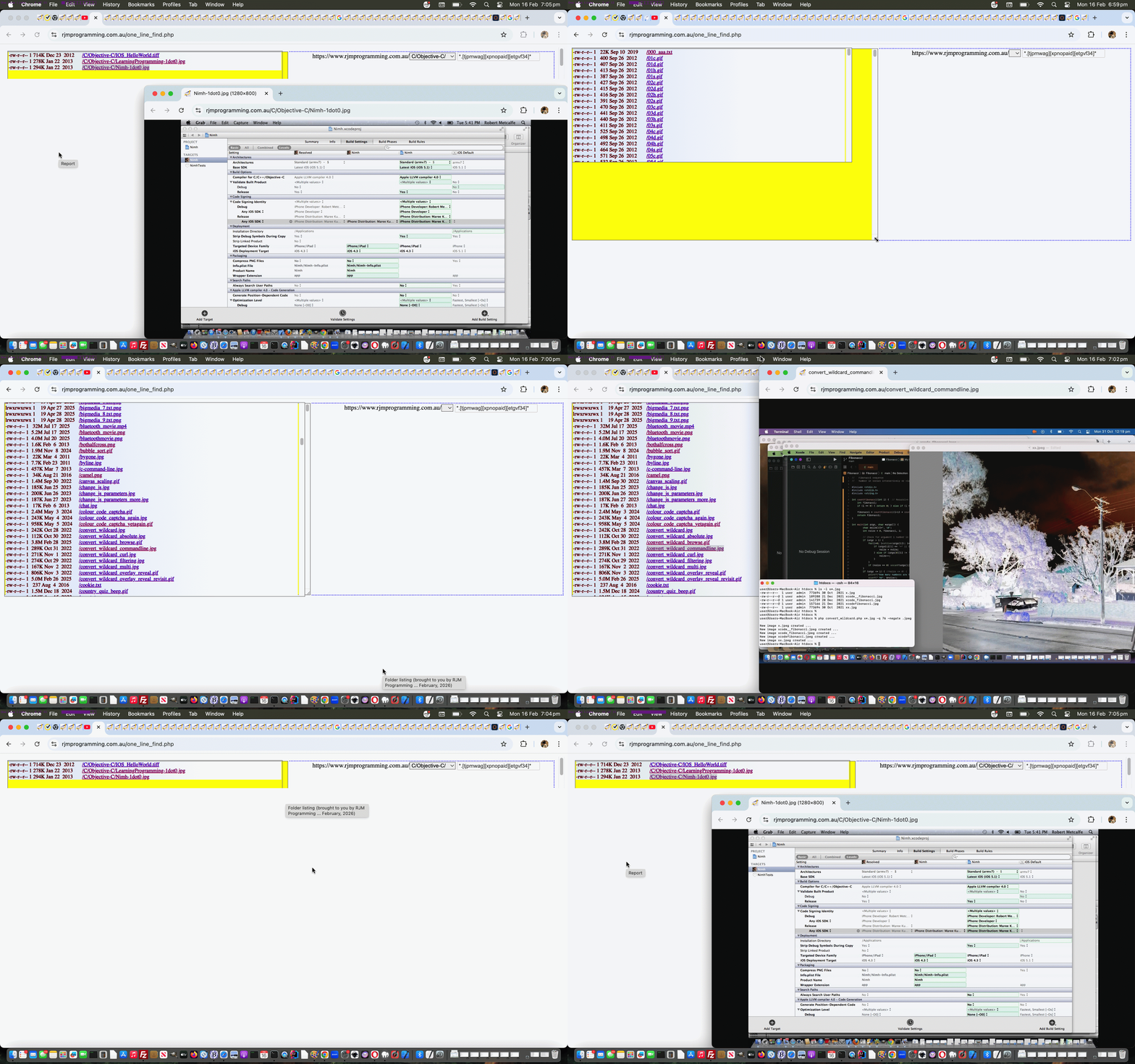
… in the “second draft” one_line_find.php Document Root Relative Folder Listing web application you can “crank up” below, again, if you like.
Previous relevant Document Root Relative Folder Listing Tutorial is shown below.
Document Root Relative Folder Listing Tutorial
The Apache web server has, for it’s PHP environment, if that is it’s server language, the concept of …
… so that, for the website of the webpage you are reading from now, a URL such as our RJM Programming’s Landing Page’s URL …
https://www.rjmprogramming.com.au/
… scours that Document Root folder to find the index.php webpage code to display that Landing Page.
You can “abstract”, and we do also with our Difference Reporting, what that Document Root is as a folder path … bit forlorn we know, as we’ve shown what it is, probably, in many tutorial images … but the thing here is that a URL such as …
… is understood and gets you to our Landing Page as well, because to the public, Document Root is the limit of where they are allowed to surf … if you like Document Root is the left hand beach flag at Surfers Paradise (or perhaps the right hand beach flag in the Todd River … when it gets water, that is?!).
Okay, that’s one theme of today’s new PHP web application. The other we wrote out to ourself was …
One line ls -clt https://www.rjmprogramming.com.au/*.txt via find $_SERVER[‘DOCUMENT_ROOT’] -type d -name ‘*’
… as a presentation idea whereby just the one table row of data is used to present …
- https://www.rjmprogramming.com.au/
- dropdown of list of folders off Document Root (“abstracting” Document Root itself … ie. relative referencing)
- a file specification (minus the path) of interest … we are, for now, locking in as …
*.txt
… as the input data, to the output data that is … - output folder listing (as for Linux and macOS)
The concept of “one table row” for a multiple file listing is a mute point, but in our defence …
- the textarea it is presented in (via rows=1) is user resizable
- the textarea it is presented in is given a title with line feeds for the whole report so that non-mobile users can see this on hovering over the textarea
This was a PHP project definitely needing the mildly better outcomes of PHP shell_exec (where multiple line outputs are possible) as distinct from exec where only the last output line is returned, but is the usual method we use around here.
Keeping the report to one row also asks for …
- use of elements that have CSS styling display:inline; as a default (eg. span element) … or …
- user supplying CSS display:inline; or display:inline-block; as applicable … and …
- table cell text-align:right; came in handy … as well as …
- select element “dynamic shrinker” …
function resizeSelect(sel) { // thanks to https://www.google.com/search?q=make+select+element+width+in+sympathy+with+length+of+its+value&rlz=1C5OZZY_en&oq=make+select+element+width+in+sympathy+with+length+of+its+value&gs_lcrp=EgZjaHJvbWUyBggAEEUYOdIBCTI3MzEzajBqNKgCALACAQ&sourceid=chrome&ie=UTF-8

  // 1. Create a temporary span to measure text width

  var tempSpan = document.createElement('span');

  tempSpan.style.visibility = 'hidden';

  tempSpan.style.position = 'absolute';

  tempSpan.style.whiteSpace = 'pre';

  // 2. Set font styles to match the select box

  tempSpan.style.font = window.getComputedStyle(sel).font;

  // 3. Set content to selected text

  tempSpan.innerText = sel.options[sel.selectedIndex].text;

  document.body.appendChild(tempSpan);


  // 4. Update width (with extra space for the dropdown arrow)

  sel.style.width = (tempSpan.offsetWidth + 30) + 'px';

  document.body.removeChild(tempSpan);

}
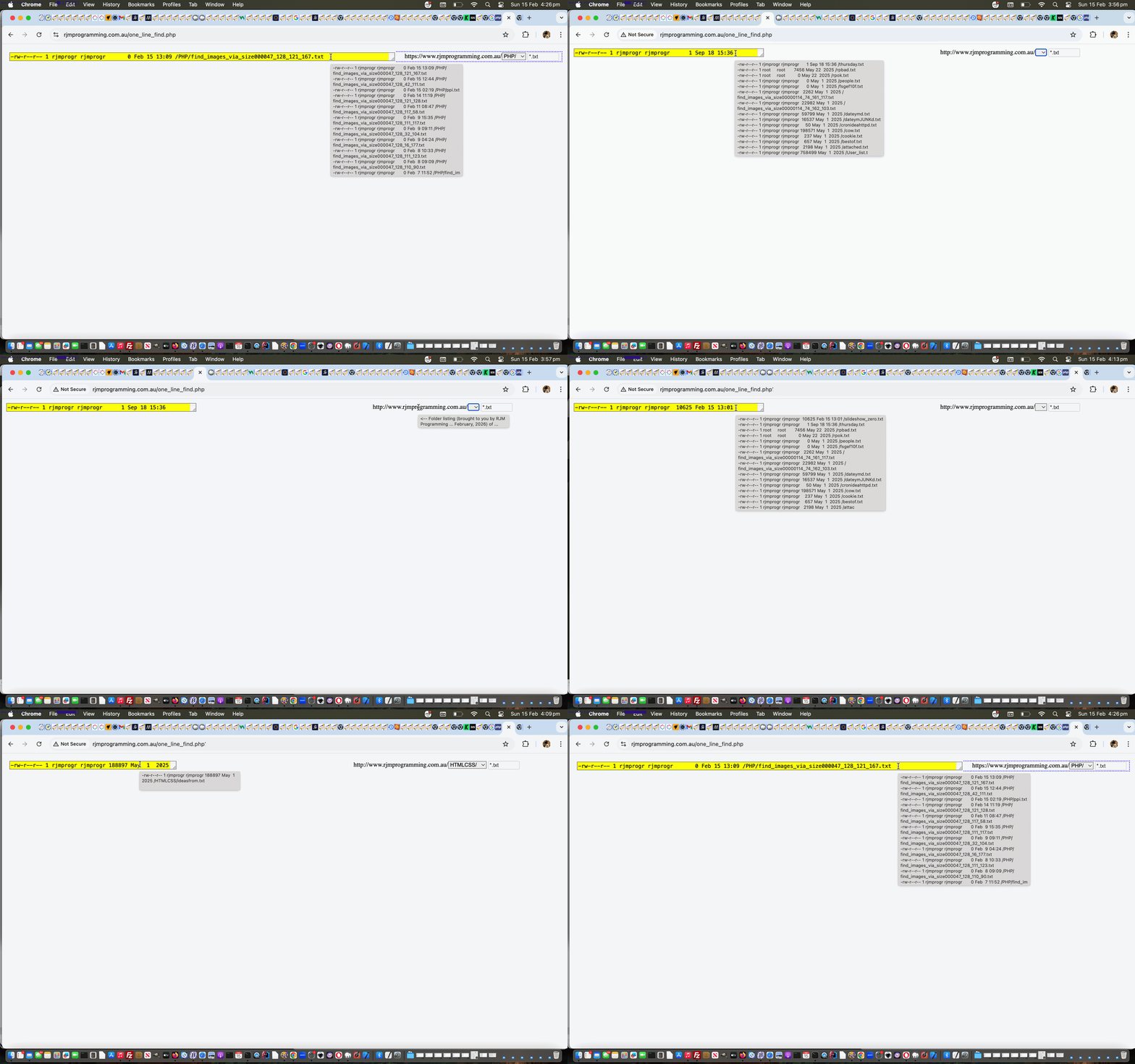
… in the “proof of concept” one_line_find.php first draft Document Root Relative Folder Listing web application you can “crank up” below if you like …
If this was interesting you may be interested in this too.
If this was interesting you may be interested in this too.
If this was interesting you may be interested in this too.

