
List to Grid Layout CSS Media Query Tutorial
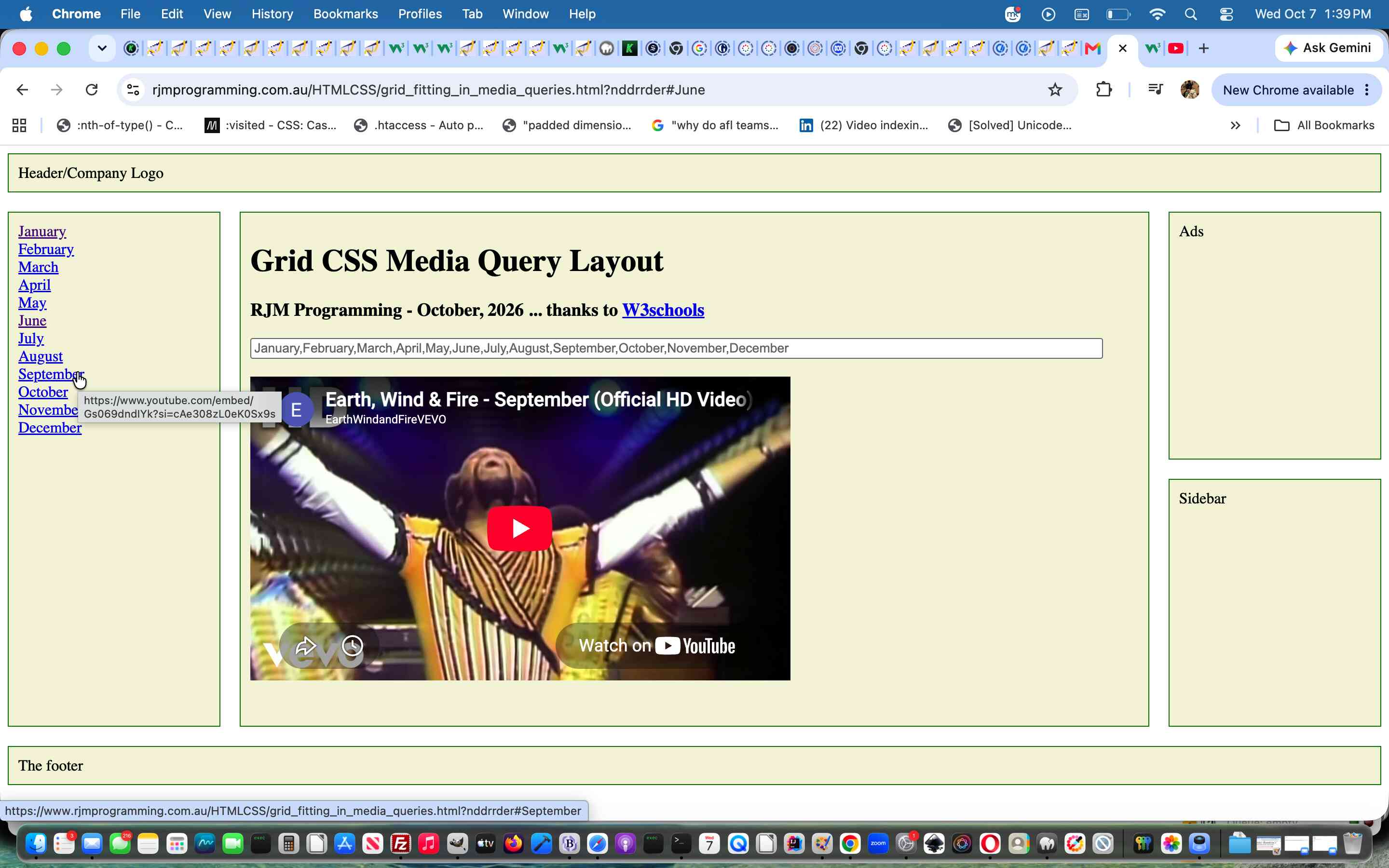
Onto yesterday’s List to Grid Layout Primer Tutorial another W3schools webpage helped us, enormously, go a bit further with this “Grid Layout” theme, and add into the mix …
- CSS Media Query design
- “a” link navigation … occasionally to …
- YouTube Embedded iframe based content … or to popup window URLs … perhaps via …
- hashtagged details within a user’s CSV entered list
… in a grid_fitting_in_media_queries.html‘s Months Grid with CSS Media Query Layout web application you can also try below …
Previous relevant List to Grid Layout Primer Tutorial is shown below.
List to Grid Layout Primer Tutorial
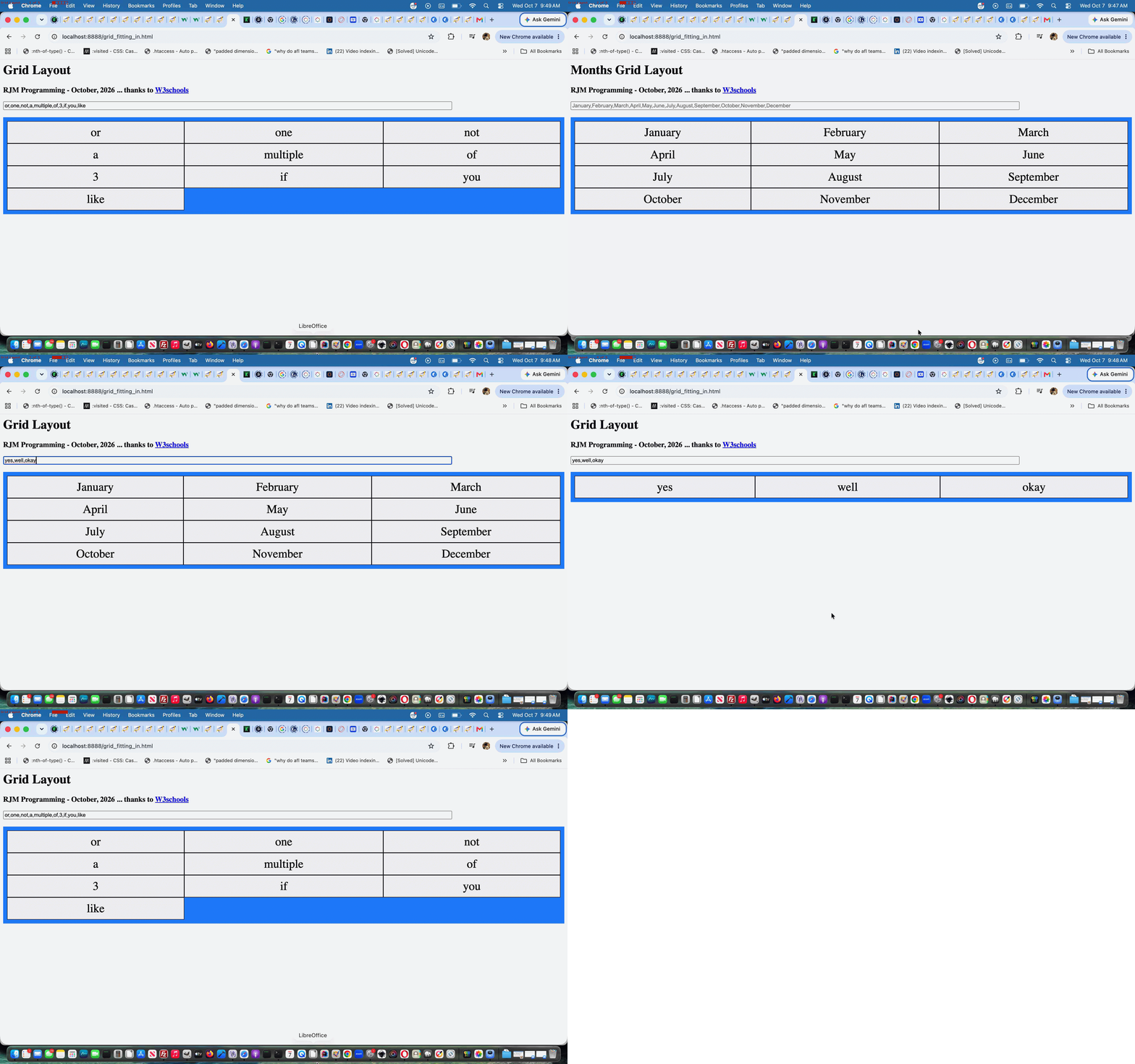
Thanks to this useful W3schools link‘s inspiration we’re embarking on a project where …
- any concept (as is often referred to as CSV data or, perhaps, spreadsheet data) of a list … can be presented …
- in a grid (or what many people think of as a tabular layout)
… is the focus.
But unlike using the HTML table element thinking, though, accounting for where a row of a table begins and ends, with a grid layout thinking, to our minds, the (list) data reigns supreme, and the grid layout makes it fit in the way you’ve coded the grid CSS to work.
This, undoubtedly, will appeal to HTML coders just wanting to neatly present a list in an interesting way. As such, with our tweaks to the W3schools CSS brilliance, thanks, is to allow the user to change the (list) data from our default list of month names to whatever they want, in a proof of concept Months Grid Layout web application you can also try below …
If this was interesting you may be interested in this too.
If this was interesting you may be interested in this too.

