
Multiple addEventListener Logics for HTML Elements Primer Tutorial
The dynamic creation of event logic associated with webpage HTML elements is a powerful tool for making your webpages dynamic.
In the case of the great [element].addEventListener means by which you can make this happen, there is a great feature that goes …
If you can swing it that the second “function” parameter to [element].addEventListener is unique and just a straight simple function object reference you can pile on multiple same-type event logics onto the one HTML element
We wanted to combine that premise with a dynamic user entered “data item” into that mix, in our “proof of concept” ael_multi.html‘s cell multiple background colour controller web application for you, today. This means creating a discrete “not existing beforehand” Javascript function on the fly. Yes, we can do that via …
   var thirty=1;

   var bcols=['#ffffff'];

   var icols=[''];


   function moreevs() {

     var tag=null;

     for (var i=2; i<=30; i++) {
      tag = document.createElement('script');

      tag.type='text/javascript';

      tag.innerHTML=' function ev' + i + '() { document.getElementById(icols[' + i + ']).style.backgroundColor=bcols[' + i + '];  setTimeout(ev' + i + ', 3000);  } ';

      document.head.appendChild(tag);

     }

     thirty=30;

   }


   function ev1() {

      document.getElementById(icols[1]).style.backgroundColor=bcols[1];

      setTimeout(ev1, 3000);

   }
… but how do we get the proper [element].addEventListener call into the mix? This was a “first time” usage for us as per the eval inspired …
   var fnum=0;


   function ael_more(iois) {

     var tag=null;

     var eok=true;

     fnum++;

     if (fnum > thirty) {

      tag = document.createElement('script');

      tag.type='text/javascript';

      tag.innerHTML=' function ev' + fnum + '() { document.getElementById(icols[' + fnum + ']).style.backgroundColor=bcols[' + fnum + '];  setTimeout(ev' + fnum + ', 3000);  } ';

      document.head.appendChild(tag);

      thirty=fnum;

      eok=false;

     }

     bcols.push(iois.value);

     icols.push(iois.id.replace('i','td'));

     if (eok) {

     document.getElementById(iois.id.replace('i','td')).addEventListener("click", eval("ev" + fnum + '()'));

     } else {

     document.getElementById(iois.id.replace('i','td')).addEventListener("click", window["ev" + fnum + '']);

     }

     document.getElementById(iois.id.replace('i','td')).click();

   }
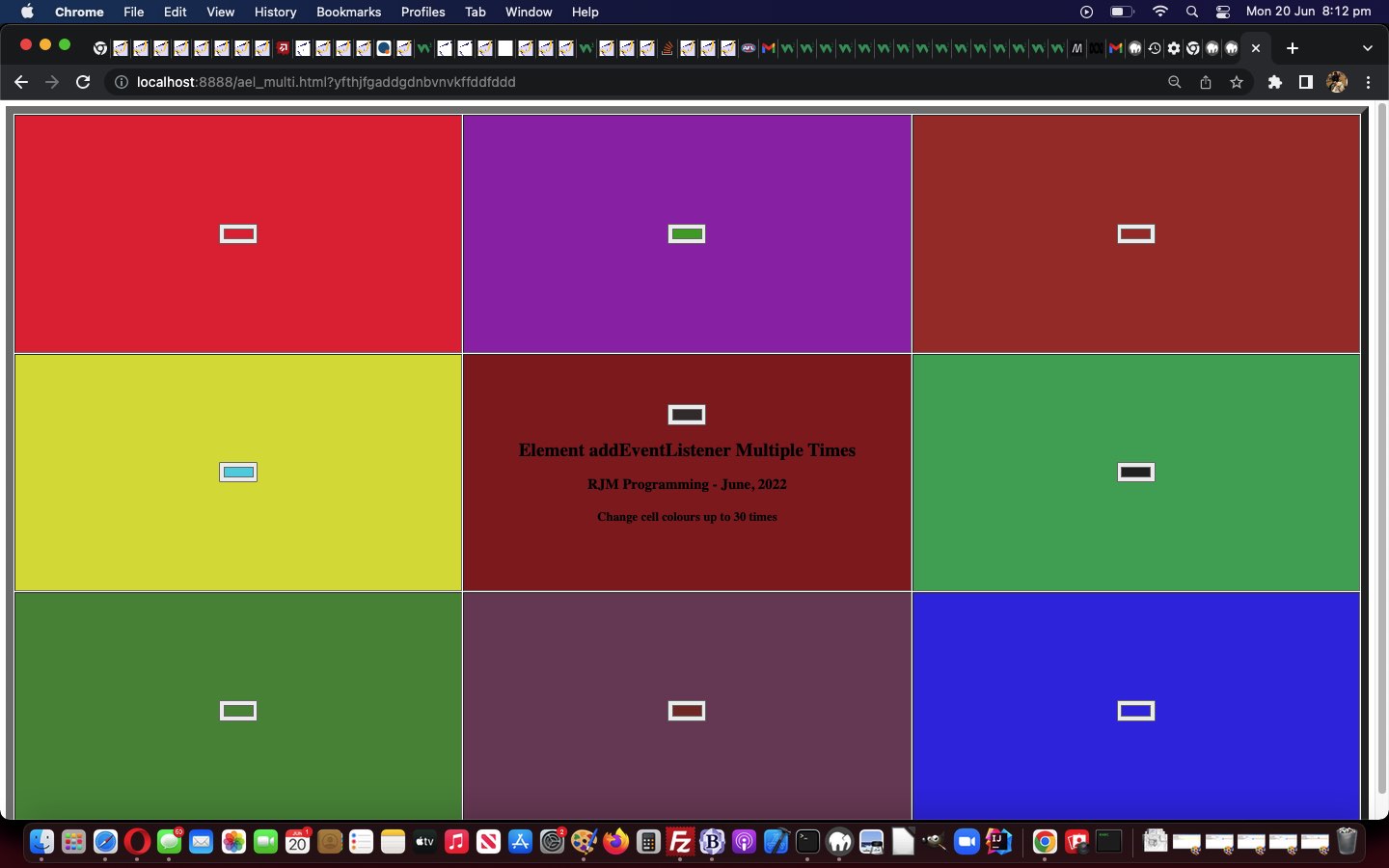
… you can see in (perhaps animated) action below, where the user chooses background colours from the colour picker elements shown …
If this was interesting you may be interested in this too.




The idea of mapping a video's key scenes, mood, pacing, and audio before production resonates with me — it's a lot like working out an anagrampuzzle, where the same pieces only make sense once you rearrange them into the right order. Do you usually sketch the mind map before or after the script is locked?