
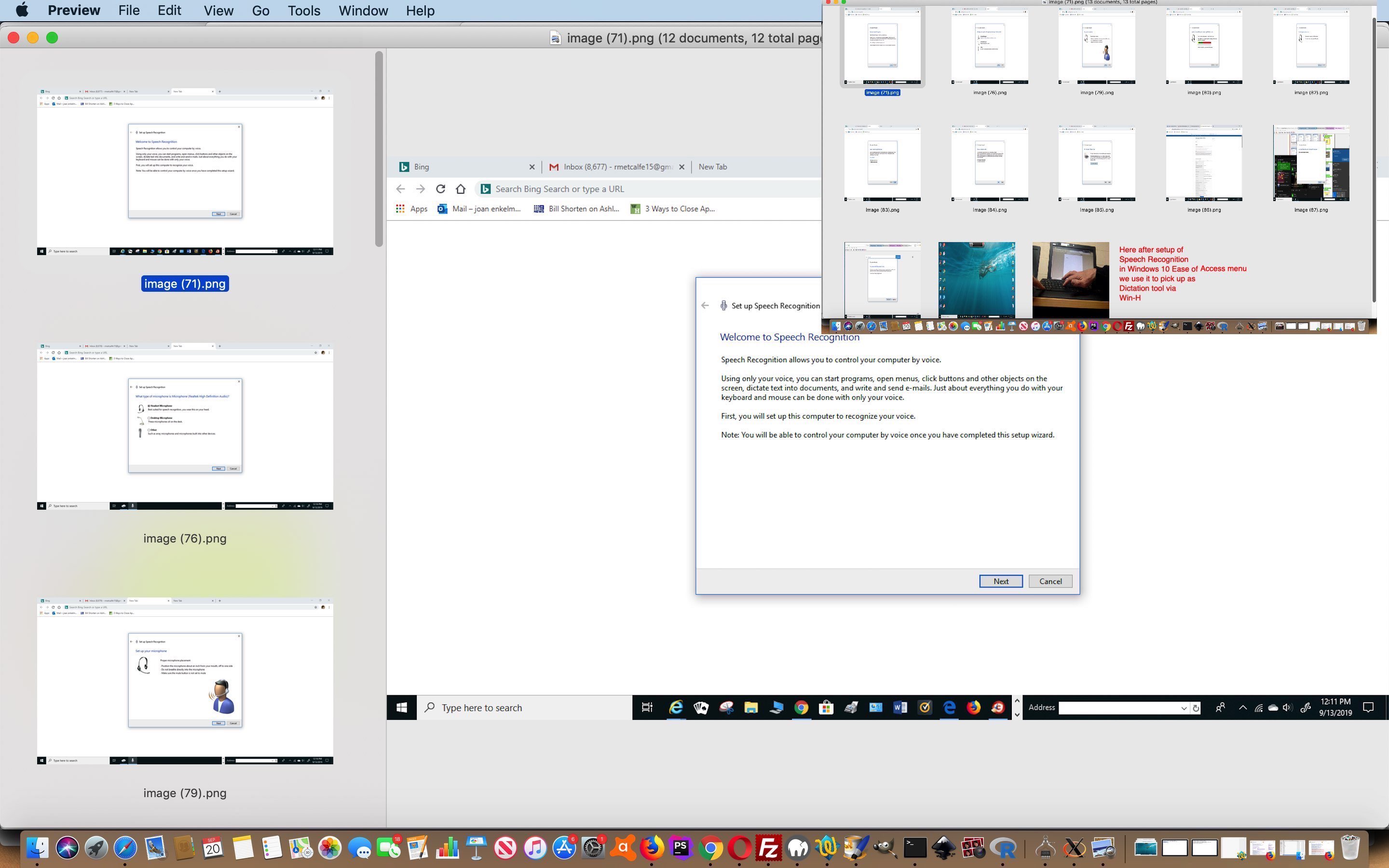
Windows 10 Speech Recognition Primer Tutorial
Type into a search engine like Google “speech recognition ai technology” and there is a lot of interest out there for this “Artificial Intelligence” (ie. “ai”) topic. This interest can be related to automation (of job related tasks) and helping out the visually impaired, just thinking of two off the top of my head.
We decided to try setting up the Windows 10 Ease of Access menu’s Speech Recognition functionality (as you can see with today’s PDF slideshow), but we recommend you use headphones rather than rely on the desktop microphone, when doing this. Nonetheless, we find this technology of interest, in that we find “dictation” a hands free tool with a computer that might be of benefit sometimes. Set up Speech Recognition, perhaps Reboot, open Word (or some other document processor), press Win-H (windows icon and H together) and make sure the Speech Recognition microphone up the top of the screen is listening, and your cursor is positioned in your document, then away you go with dictation possibilities.
In this same realm of thinking Microsoft also have Cortana, and IBM have Watson, and Apple have Siri, and Amazon have Alexa and Google have “Google Voice Typing” on Android, for your further research here. Of course, there is more than the big players interested here, so start “surfing the net” or join in with like minded groups to find out more!
If this was interesting you may be interested in this too.




I like the single-row radio-play approach for keeping the controls compact while still making each selection clear. When I’m checking a calculation alongside a tutorial, I use StepStat to see the intermediate steps; how do you handle the layout when the playlist gets much longer?