
Spinning Around Primer Tutorial
That Kylie Minogue song “I’m spinning around …” spinssprings to mind with today’s tutorial.
Have you ever wanted to made a video to try to make yourself, or someone else, dizzy? Well, we thought about this, and decided we’d …
- use an iPhone …
- start up its Camera app
- get it ready for (normal) Video mode
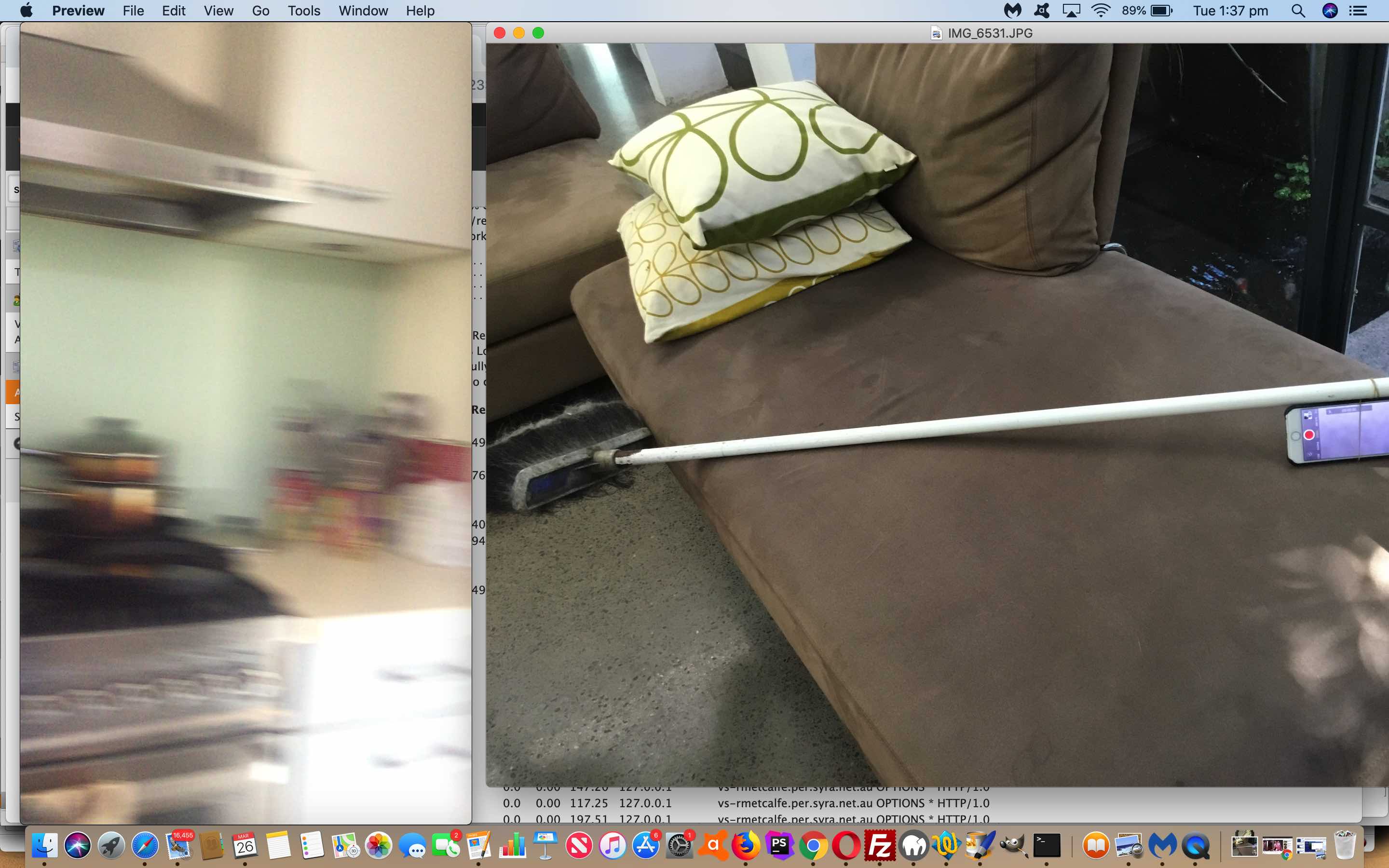
- grab a broom
- grab a rubber band, the thicker the safer for your iPhone … please be careful …
- bind the iPhone onto the broom handle via the rubber band, as tightly as you can
- tap the red button awaiting you starting the Video recording, on the iPhone … doh! …
- spin the broom handle for a while … we did about 10 seconds
- tap the red button to stop recording
- share the dizzifying Video, as we do here and below
Are you dizzy yet?
If this was interesting you may be interested in this too.




The Hello World starting point makes it easier to separate project setup from asset problems. A useful follow-up would be importing a small sprite sheet and checking frame dimensions, ordering and padding before adding animation logic. Previewing the individual frames first can help identify whether a problem comes from the artwork or from the engine configuration.