Windows Command Prompt Clip Primer Tutorial
Do you use Windows, and are still fans of the Command Prompt (access to DOS) desktop application? There’s a command there that I’ve never used, until reading the August, 2017 edition of “PC & Tech Authority” magazine, with its really useful “The 19 Best Command Prompt Commands” article by Darien Graham-Smith, thanks. The particular (DOS) command I refer to is …
CLIP
… which copies the associated piped (|) or redirected (> or <) Command Prompt command’s results to the Windows clipboard.
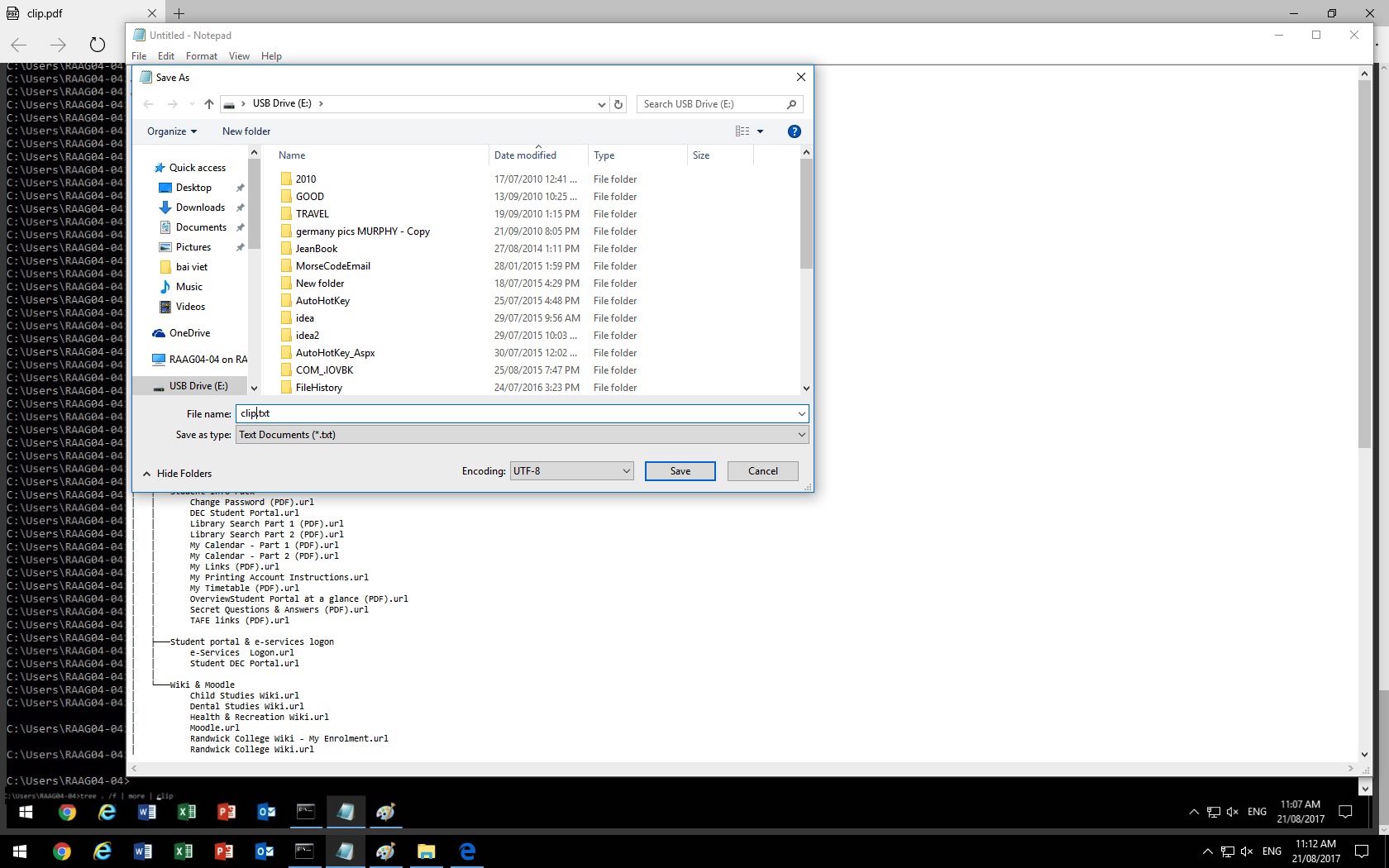
To illustrate this we’ve created a PDF slideshow featuring the use of the CLIP command as per …
TREE . /f | CLIP
… to copy the “TREE current directory and beyond, including files” results into the Windows clipboard. We then open the Windows Accessories Notepad text editor and use its Edit -> Paste option to paste the results from the Windows clipboard into a document that we save in UTF-8 format (because the TREE command contains characters outside the normal ascii range) for reporting purposes.
If this was interesting you may be interested in this too.




A fascinating technical exploration of video commentary timing and SubRip subtitle synchronization. In modern video pipelines, harmonizing visual frame duration with voiceover cadence is often where most editing effort goes. Seeing the programmatic breakdown of timestamped collaboration adds wonderful depth to media preparation tutorials. Excellent technical insight.