
VB.Net Online Template Notepad Clone Tutorial
VB.Net using Visual Studio is a great language to learn. If you like VB.Net you may eventually like C#, and vice versa. It has sophisticated data structures, can be Object Oriented and makes great Windows desktop applications or can be the code behind an ASP.Net website or web application.
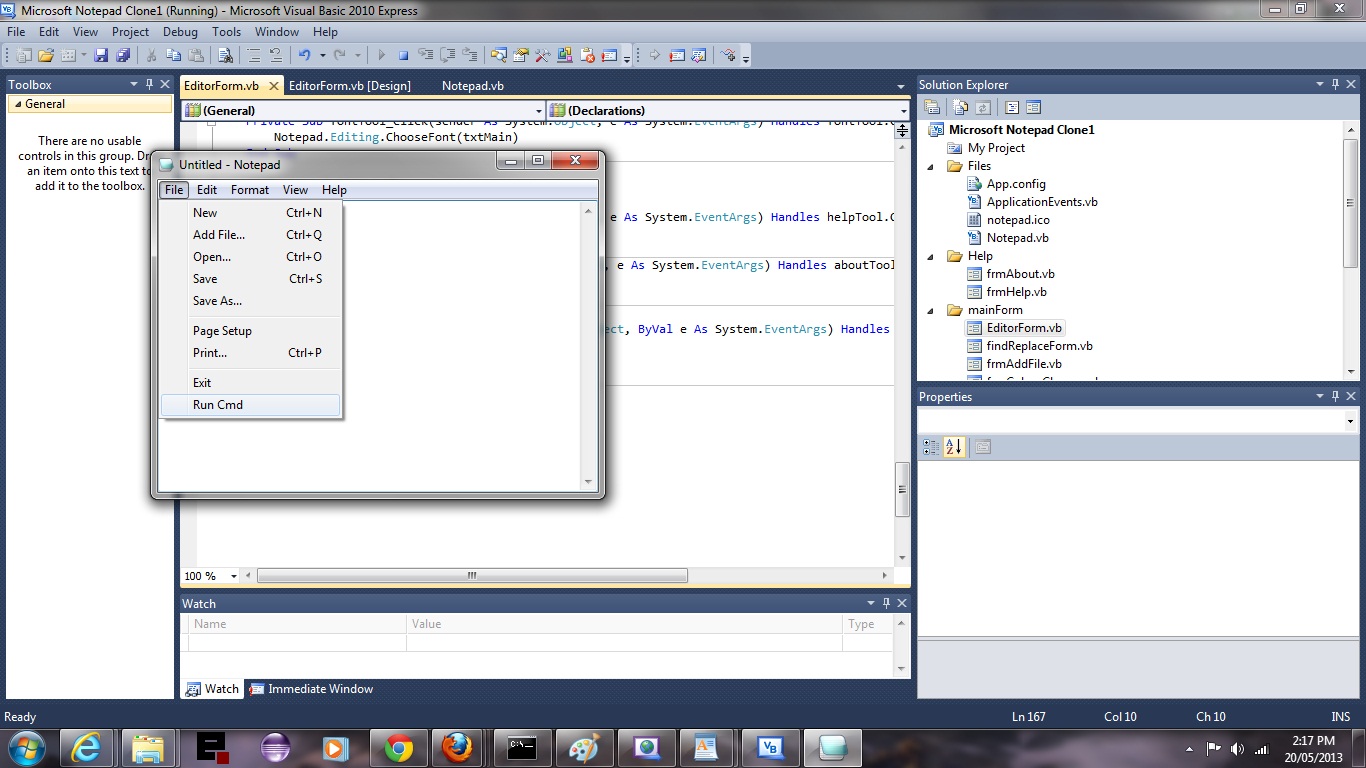
VB.Net and C# have great support from the Online Community via the Third-Party Online Templates available. In this tutorial we do a cloning of the wonderful Notepad text editor and do small tailorings.
Hope you enjoy the tutorial.
There are so many other online templates available when you drop down the Online Templates options within the New Project window of any Visual Studio product (ie. VB.Net, C#, C++, ASP.Net).
Have a read of some issues and thoughts here and more officially, here.
If this was interesting you may be interested in this too.




I like the single-row radio-play approach for keeping the controls compact while still making each selection clear. When I’m checking a calculation alongside a tutorial, I use StepStat to see the intermediate steps; how do you handle the layout when the playlist gets much longer?