
SSL Friendly Web Application URLs Primer Tutorial
Within your web applications you are called upon for many many situations to construct URLs to navigate to places on the net or access webpages, or image files or media files stored on web servers on the net.
You have the choice with these URLs to use …
- relative URLs that reference the current location you are at, and work off that to derive another URL “relative” to that … so these relative URLs usually sit on that same domain as the webpage you are on … versus …
- absolute URLs referencing the “base” of the world wide web address system
… and these absolute URLs mentioned above begin explicitly or implicitly with some protocols (we’ve left out ones like file:// and ftp:// that are less common to use within a web application) as exemplified by …
- HTTP:// explicitly prefixed URL such as HTTP://www.rjmprogramming.com.au … to utilise http protocol … or …
- https:// explicitly prefixed URL such as https://www.rjmprogramming.com.au … to utilise http protocol with SSL security … versus …
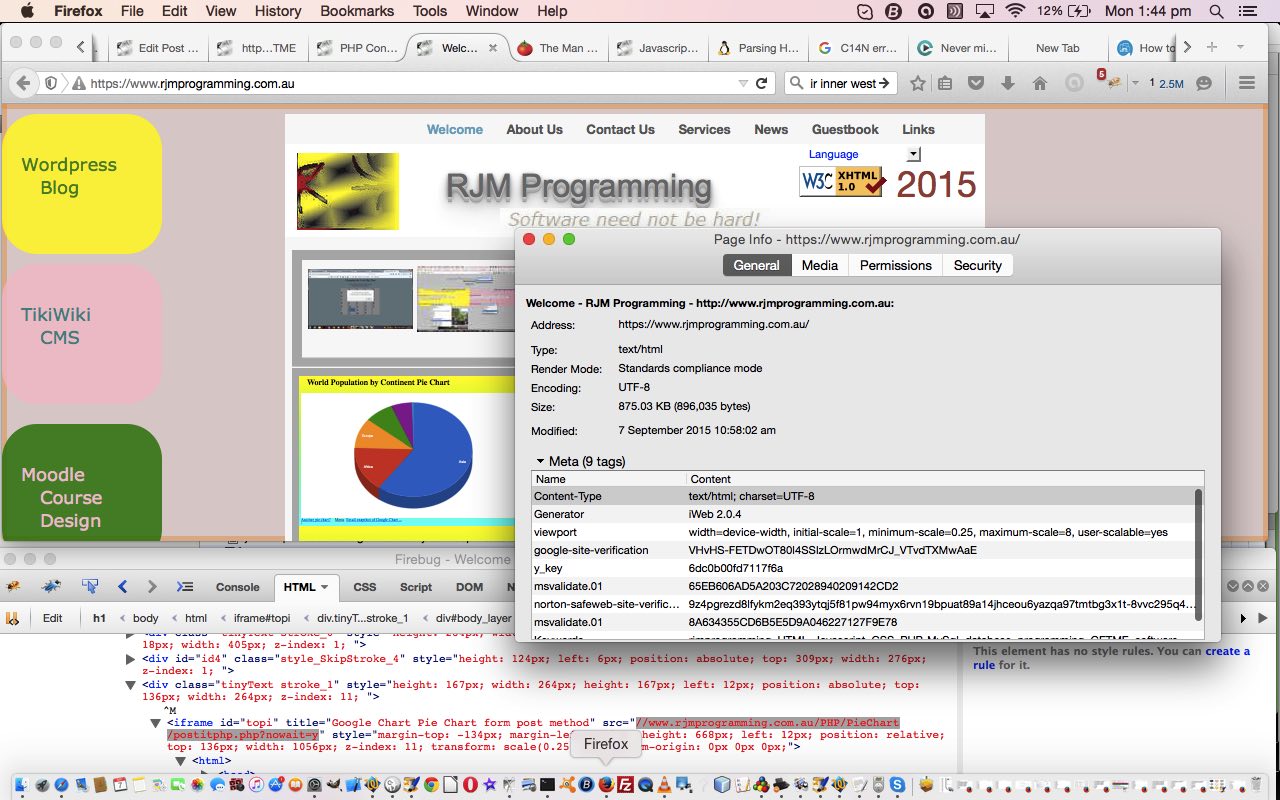
- // implicitly prefixed URL such as //www.rjmprogramming.com.au … to utilise same protocol as is currently being used
… and we are here today to recommend the use of the latter usage, so that if SSL is phased in at a later date, to do with the domain of interest, then the web application logic will not have to change to accomodate that.
If this was interesting you may be interested in this too.




This is a helpful introduction to mind mapping, especially the explanation of how an unfamiliar .mm file can lead to discovering a practical visual-thinking tool. Mind maps are also useful for planning creative projects: I often map out a video’s key scenes, mood, pacing, and audio needs before production. Once that structure is clear, tools such as Flow Music can create AI background music for videos from a prompt, making it easier to match the soundtrack to each part of the visual plan. Thanks for sharing this accessible primer.