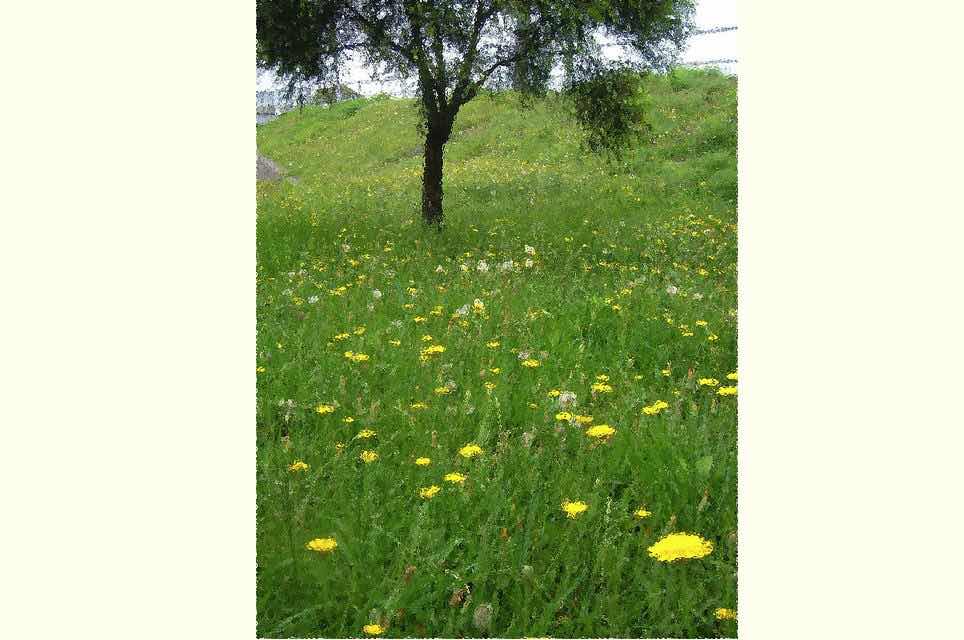

Polarr Photo Editor Primer Tutorial
We tried the great Polarr Photo Editor the other day, and wanted to show you some of its features with our PDF presentation today.
Our favourite feature we hadn’t seen so clearly presented in an image editor before? We really enjoyed the …
Retouch -> Liquify -> Warp

Retouch -> Liquify -> Pinch

Retouch -> Liquify -> Bulge
… helping get to …

… from …
… on top of great …
- Filters
- Overlays
- Text and Shapes
- Crop
… photograph editing options. If all this sounds good, the other good news is a lot of it is free!
If this was interesting you may be interested in this too.




I like the single-row radio-play approach for keeping the controls compact while still making each selection clear. When I’m checking a calculation alongside a tutorial, I use StepStat to see the intermediate steps; how do you handle the layout when the playlist gets much longer?