
Mac Mavericks Maps Primer Tutorial
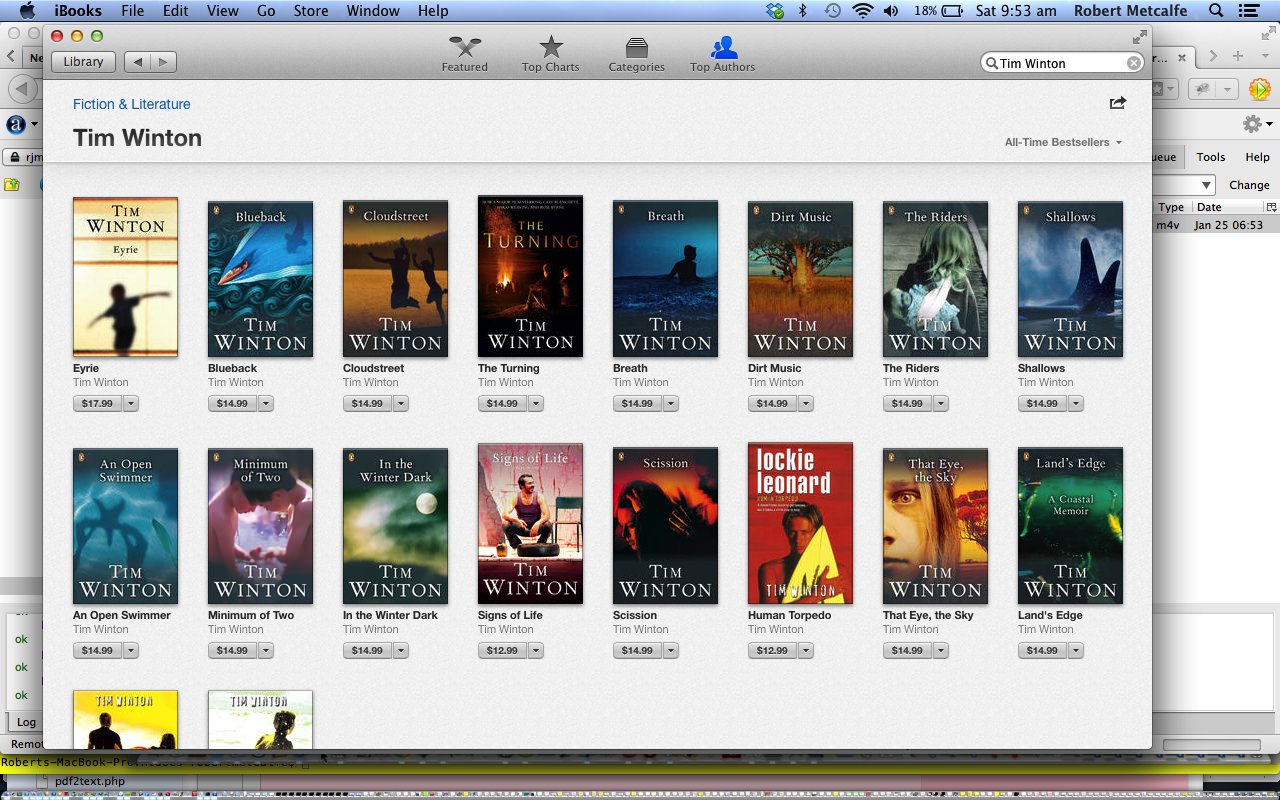
The iBooks application on Mac OS X Mavericks (10.9.1) is great for shopping for Books online. Please don’t get me wrong because there are loads of other big and good online (and offline “books and mortar”) bookshops out there, but iBooks is new with Mac OS X 10.9 Mavericks and is a major new application, and that can be of interest when considering whether you want to upgrade.
“Upgrade” is a huge subject. Should you always “upgrade” when asked to? Call me a troglodyte, but, personally, I prefer to leave things as they are if they work, and only “choose” to upgrade when the upgrade is the only way to progress further with anything (and the upgrade is needed) or if there is an ironclad guarantee that an improvement will result (for me, need, sometimes, independent proof via an install on an independent test system is needed for me to proceed). Sometimes a rule of thumb for the seriousness with which your decision should be “couched” is when the upgrade instructions recommend a backup of anything before they would be started. Another major overriding consideration, of course, is respect for the Operating System. An upgrade of any Operating System is a serious matter. So far so good with Mavericks Mac OS X 10.9 (from 10.7.5). My motivation was to get Xcode 5, so it fitted in with the philosophy above, but the other side of the coin was that 10.7.5 was great, and it worked, and I hung onto it a long time, avoiding any offers of upgrades, until we “hit the wall” with developing mobile apps for iOS 7.
What a rave?! Anyway, back to iBooks … have a cruise through the tutorial.
Troglodytes often have a better time than others when they (finally) upgrade, and for me, one of the eye-openers was that QuickTime Player can create *.m4v (probably could, already, back at 10.7.5 … not sure?) … but what the point is, is that change is good, if practically useful, but the idea of being “left behind” by being a troglodyte should not be the cause for any sheepishness in my view.
Link to Mac Mavericks iBooks information here from Apple.
If this was interesting you may be interested in this too.




This is a helpful introduction to mind mapping, especially the explanation of how an unfamiliar .mm file can lead to discovering a practical visual-thinking tool. Mind maps are also useful for planning creative projects: I often map out a video’s key scenes, mood, pacing, and audio needs before production. Once that structure is clear, tools such as Flow Music can create AI background music for videos from a prompt, making it easier to match the soundtrack to each part of the visual plan. Thanks for sharing this accessible primer.