
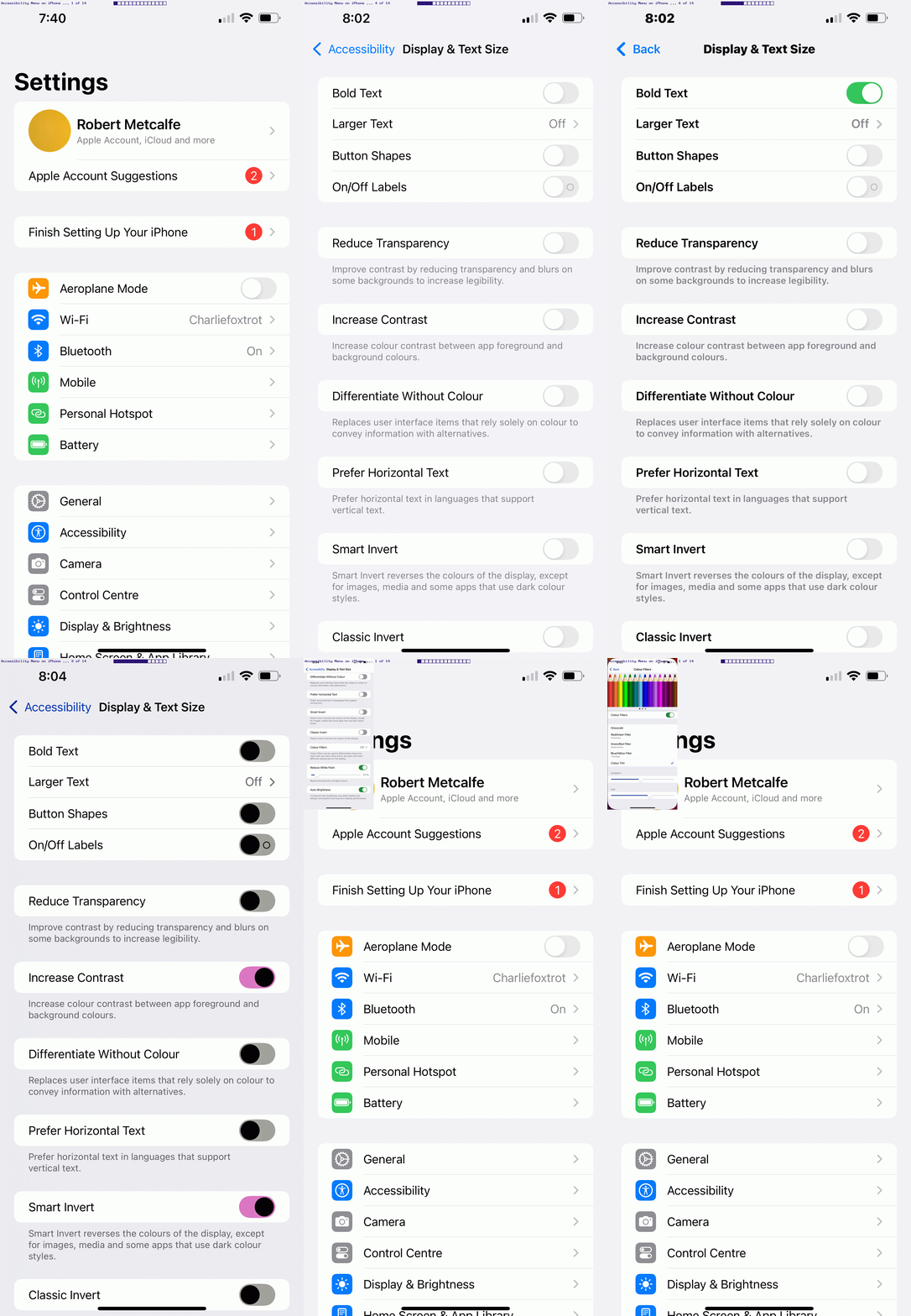
Accessibility Menu on iOS Primer Tutorial
If there are issues with your use of an iOS device, such as an iPhone or iPad, there is the Accessibility menu …
Customize iPhone in ways that work best for you with features for vision, hearing, mobility, speech, and cognitive accessibility—whether you need them temporarily or on an ongoing basis.
You can turn on accessibility features when you set up your iPhone for the first time, or at any time in Settings > Accessibility.
… you might find useful, to turn to. We took a tour of an iPhone’s Settings > Accessibility menu with today’s animated GIF presentation, designed to give you a feel for what might be possible!
More than you thought?!
If this was interesting you may be interested in this too.




This is a helpful introduction to mind mapping, especially the explanation of how an unfamiliar .mm file can lead to discovering a practical visual-thinking tool. Mind maps are also useful for planning creative projects: I often map out a video’s key scenes, mood, pacing, and audio needs before production. Once that structure is clear, tools such as Flow Music can create AI background music for videos from a prompt, making it easier to match the soundtrack to each part of the visual plan. Thanks for sharing this accessible primer.