
Mac Messages Primer Tutorial
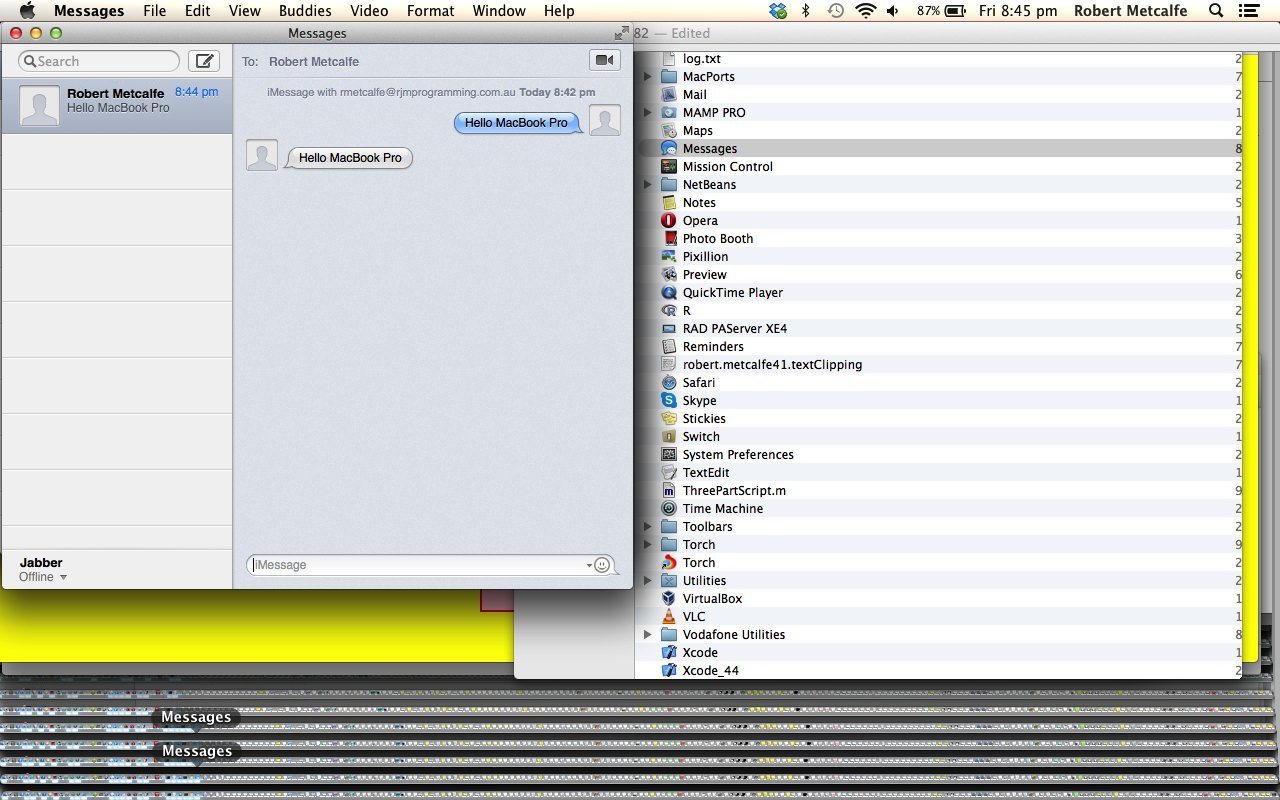
The Messages application on Mac OS X (seen here on Mavericks (10.9.1)) is great for responding to notifications on a Mac without necessarily leaving the application you are in. Today an iPad sends a message (via the iMessage messenger service) to a MacBook Pro via the Messages application at both ends. The Messages application can be classed in the suite of applications you could categorize as notifications.
Mac OS X has really excellent communications software and this is especially the case for communications between Mac and iOS devices via the use of an Apple ID, as for the tutorial’s scenario presented here with a Mac OS X MacBook Pro being messaged by iOS 7 iPad. In this same line of thinking you may want to try Facetime.
So please enjoy our tutorial here.
Link to Mac Messages information (as part of the notifications suite) here from Apple.
If this was interesting you may be interested in this too.




I like the single-row radio-play approach for keeping the controls compact while still making each selection clear. When I’m checking a calculation alongside a tutorial, I use StepStat to see the intermediate steps; how do you handle the layout when the playlist gets much longer?