
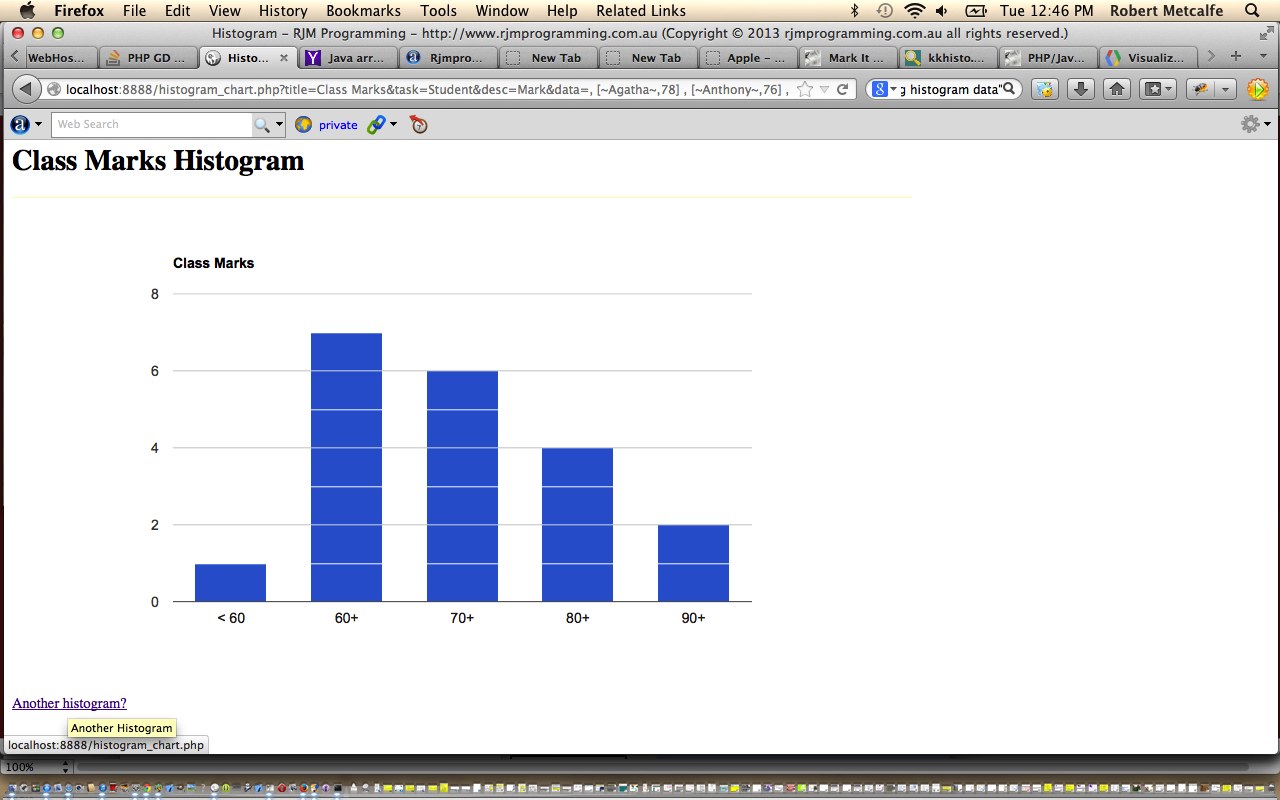
PHP/Javascript/HTML Google Chart Histogram Tutorial
Here is a tutorial that introduces you to Google Graphs API, or Google Chart Tools, and its Histogram functionality.
Google Chart Tools provide a perfect way to visualize data on your website. From simple line charts to complex hierarchical tree maps, the chart galley provides a large number of well-designed chart types. Populating your data is easy using the provided client- and server-side tools.
Let’s see some PHP code in live action for this tutorial where you define your histogram characteristics and data.
Link to Google Chart Tools “spiritual home” … via Google.
Link to Google Chart Tools Histogram information … via Google.
Link to some downloadable PHP programming code … rename to histogram_chart.php.
If this was interesting you may be interested in this too.




I like the single-row radio-play approach for keeping the controls compact while still making each selection clear. When I’m checking a calculation alongside a tutorial, I use StepStat to see the intermediate steps; how do you handle the layout when the playlist gets much longer?