
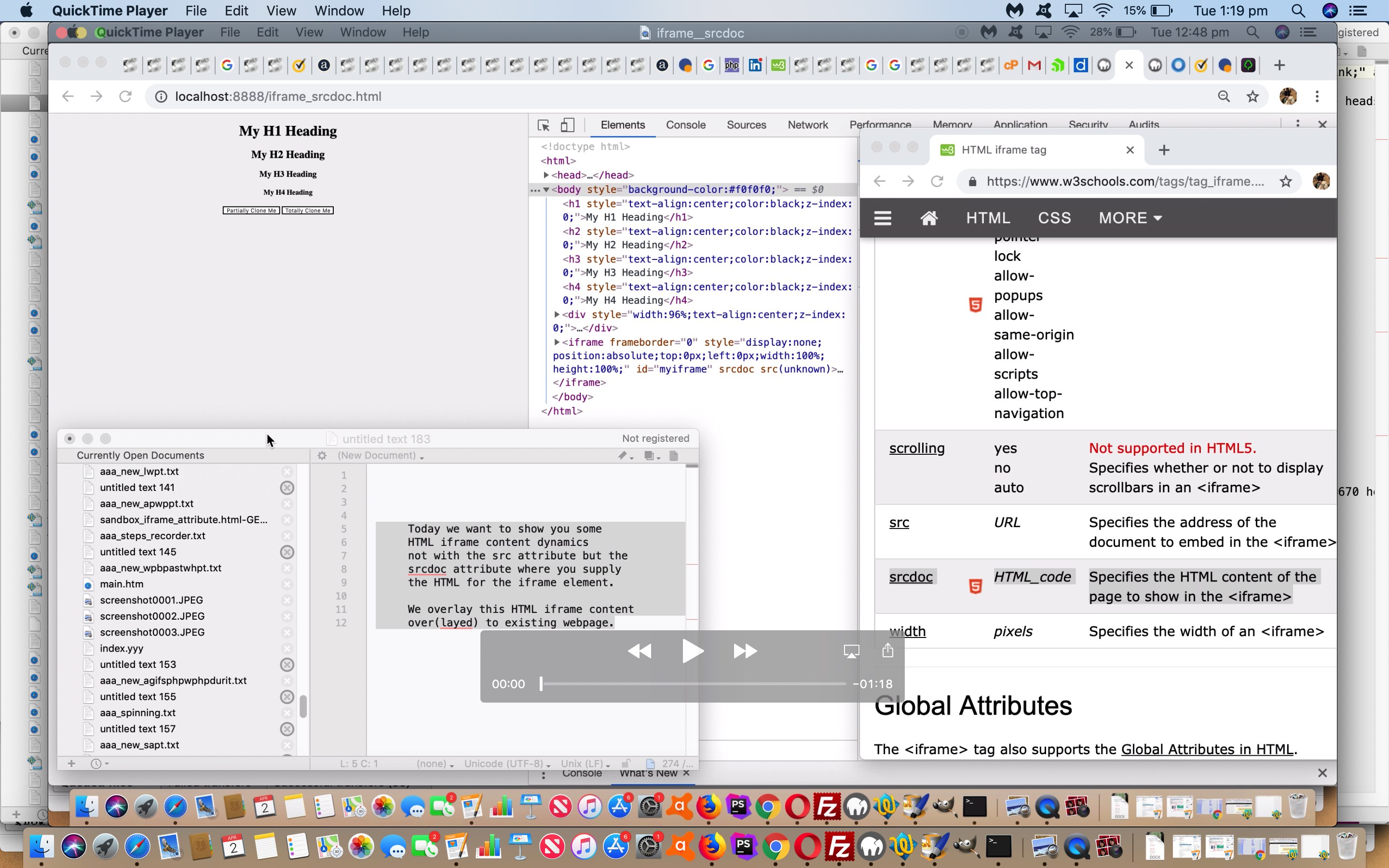
HTML Iframe Srcdoc Attribute Primer Tutorial
The HTML iframe element is a great element allowing inline new webpage content. This is controlled, traditionally, via the attribute (and thanks to W3Schools for the heads up here) …
| Attribute | Value | Description |
|---|---|---|
| src | URL | Specifies the address of the document to embed in the <iframe> |
… but, as of HTML5, a new HTML iframe attribute was introduced as below …
| Attribute | Value | Description |
|---|---|---|
| srcdoc | HTML code | Specifies the HTML content of the page to show in the <iframe> |
… featuring functionality I’ve often wanted over a long period of time.
Today we create a “proof of concept” web application which puts this HTML iframe “srcdoc” attribute through its paces by overlaying, using our (2 out of 3, minus “opacity”) usual “overlay suspects” …
- position:absolute property
- z-index
… to “slap” entire HTML iframe element contents over the top of existent content, specifying that HTML content via this “srcdoc” attribute.
You can try this for yourself in a new window with this, or see iframe_srcdoc.html in action, in a blog posting HTML iframe, below …
… or, perhaps, see what we mean in terms of seeing it “play out” with the Google Chrome web browser and its Developer Tools “Web Inspector” tool, below.
If this was interesting you may be interested in this too.




The Hello World starting point makes it easier to separate project setup from asset problems. A useful follow-up would be importing a small sprite sheet and checking frame dimensions, ordering and padding before adding animation logic. Previewing the individual frames first can help identify whether a problem comes from the artwork or from the engine configuration.