
Command Line History By Date Tutorial
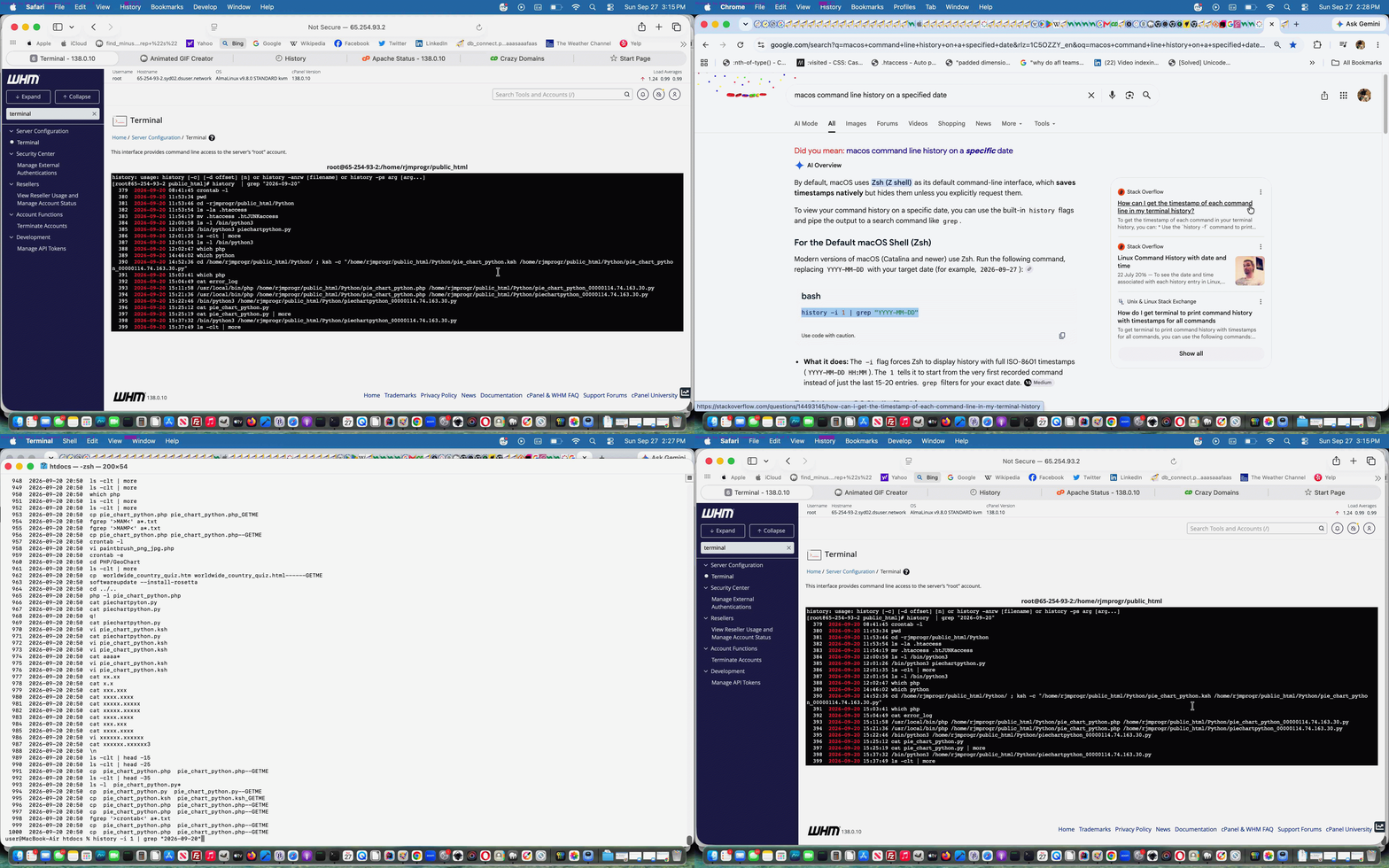
Linux and macOS both have a useful command line command history to go back through recent commands you have used. There could be the scenario where you want to list for a particular date on which you did something, as we’re picking 2026-09-20 for examples below …
| macOS | Linux |
|---|---|
| history -i 1 | grep “2026-09-20” | history | grep “2026-09-20” |
… excerpts, as a case in point, for us, gleaning how we, on 2026-09-27 were wondering, back to when, on macOS, on 2026-09-20, we installed Rosetta, regarding how we did it, for example.
Interactively, on such command lines, a lot will allow you to immediately use arrow keys to go back and/or forwards through historical commands to do with their chronological order. Thanks to this link for great advice on this topic.
If this was interesting you may be interested in this too.

