
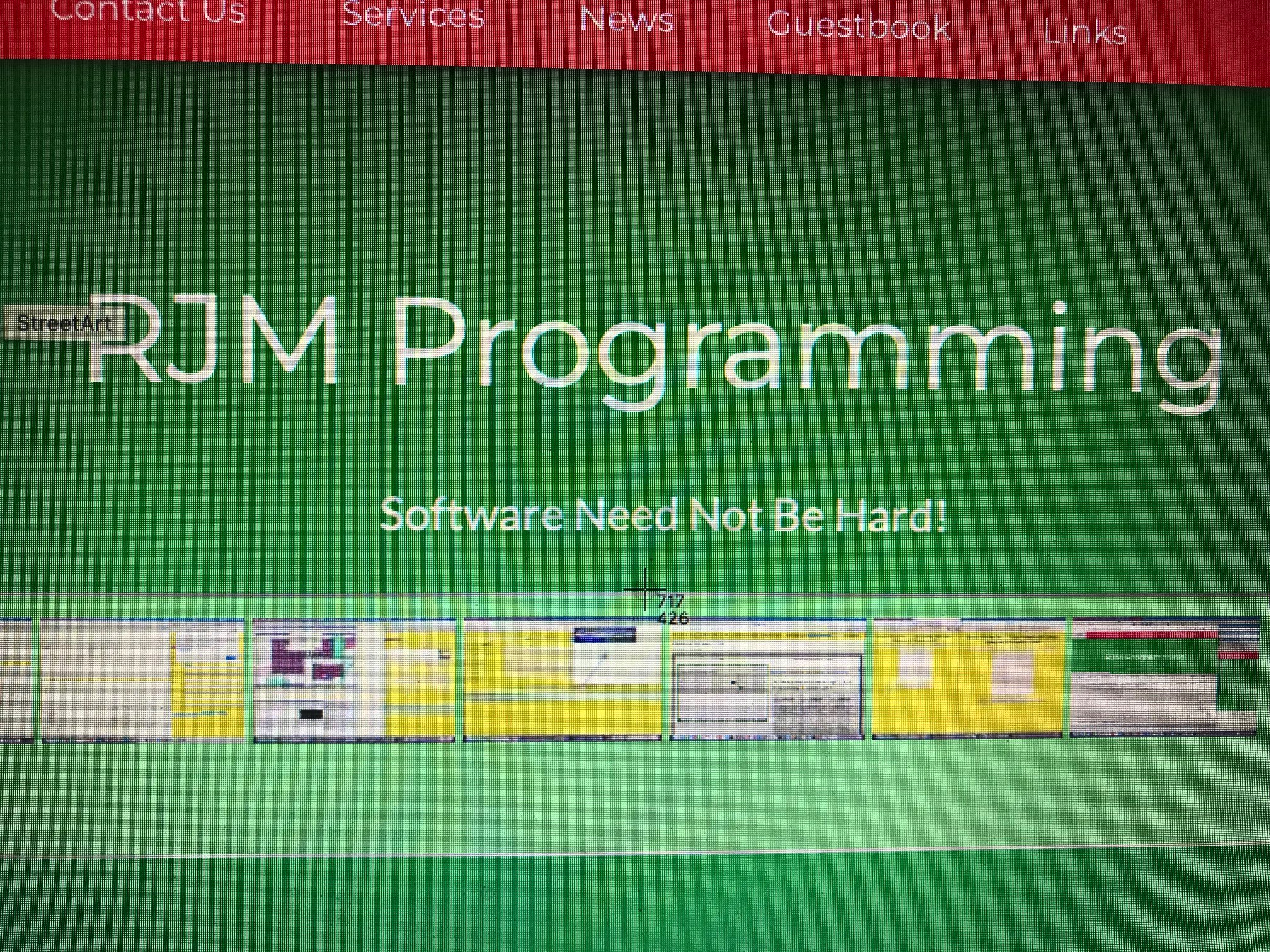
Screen Co-ordinates Helper Primer Tutorial
There’s a really good macOS keyboard shortcut we’d like to discuss today. It’s …
To take a screenshot of part of the screen, press Shift-Command-4 and then drag the cursor to outline the area you want to capture. If you want to capture a specific window, press Shift-Command-4. Hit the spacebar.
But it’s the “half-way” point with this we particularly noticed using web browsers. In the past when we’ve constructed HTML image maps we’ve often relied on Mobilefish.Com and its excellent Image Map Creation software to help us out, but this shift-command-4 keyboard shortcut’s way of displaying screen pixel co-ordinates could be another option here. Or it could be used in overlay position:absolute; left:[X]px; top:[Y]px; positioning scenarios, to good effect, we can envisage.
Mind you, other environments have their equivalents, too!
The woooooorrrrrllllllddd’s your better X and Y positioned oyyyyyyyster!
If this was interesting you may be interested in this too.




The idea of mapping a video's key scenes, mood, pacing, and audio before production resonates with me — it's a lot like working out an anagrampuzzle, where the same pieces only make sense once you rearrange them into the right order. Do you usually sketch the mind map before or after the script is locked?