
Javascript Replace RegExp Multiline Primer Tutorial
Lately we have had a couple of web application projects using HTML textarea elements extensively. When you involve this particular HTML element type ascii code 10 (line feed) comes into play, and we, as programmers, may need to contend with …
multiline data
… in this scenario. It’s easy enough to use Javascript replace function combined with regular expressions (RegExp) to simulate for a variable x what x.trim() does for a single line of string data (with no ascii code 10 nor 13), as per …
var outstr = x.replace(/^\s+|\s+$/g,'');
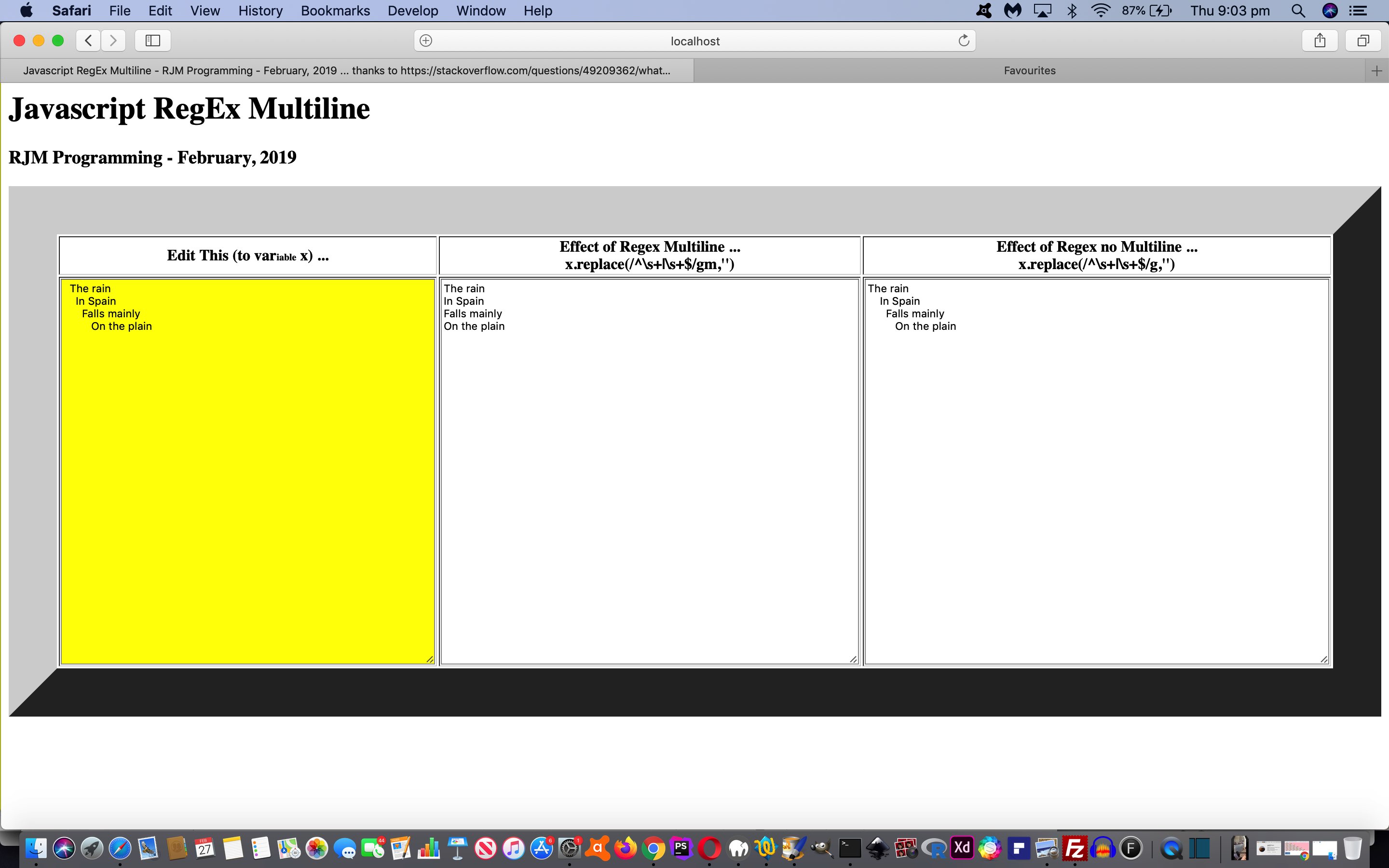
… but I’d never used, nor thought to use, the Javascript replace function combined with regular expressions to trim a whole paragraph of string data, as you might find resulting from the use of an HTML textarea element. We’d like to thank this great link, for the heads up, in this regard, used in this Javascript function (suitable for multiline string data) …
 function myTrim(x) {

  return x.replace(/^\s+|\s+$/gm,'');

 }
… used in today’s HTML and Javascript javascript_regex_multiline.html‘s proof of concept web application below can show you this in action …
If this was interesting you may be interested in this too.




I like the single-row radio-play approach for keeping the controls compact while still making each selection clear. When I’m checking a calculation alongside a tutorial, I use StepStat to see the intermediate steps; how do you handle the layout when the playlist gets much longer?